

SPHERA Frequently Asked Questions
SPHERA Frequently Asked Questions
Everything you need to know about Pioneer’s newest premium multimedia platform.
With the launch of SPHERA, we've received a lot of great questions from dealers, installers, and enthusiasts looking to understand what makes this new platform different. To help get everyone up to speed, we've compiled the ten most common questions we've been hearing since launch.
1. What is SPHERA?
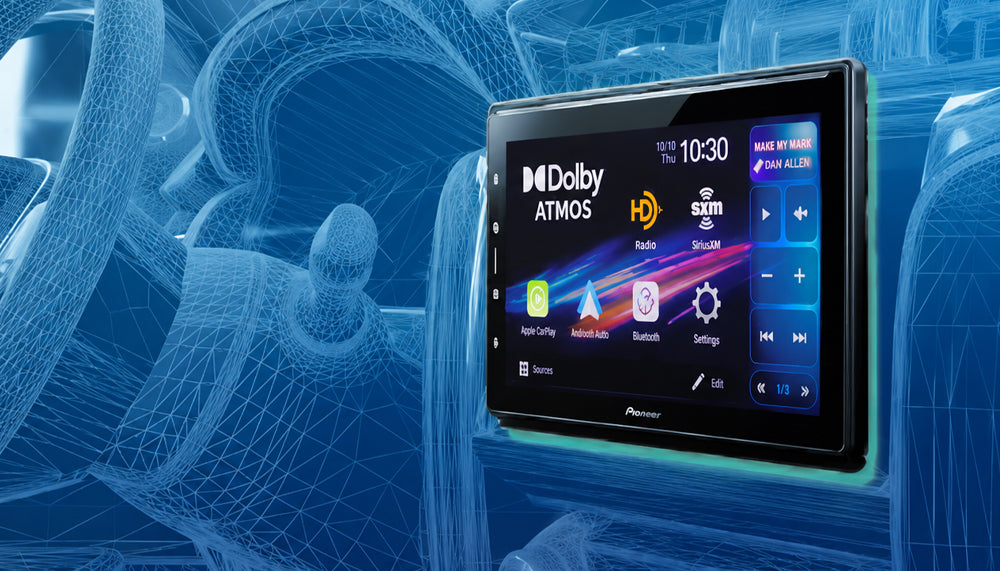
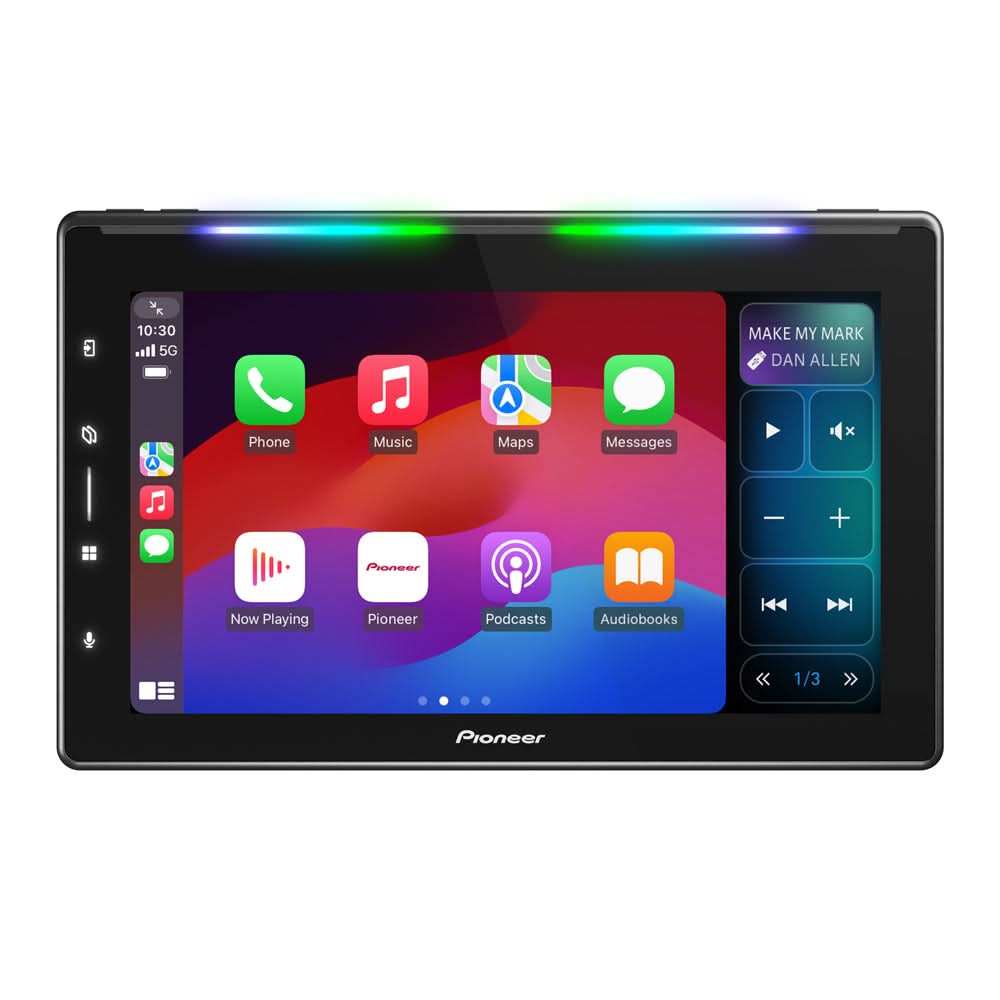
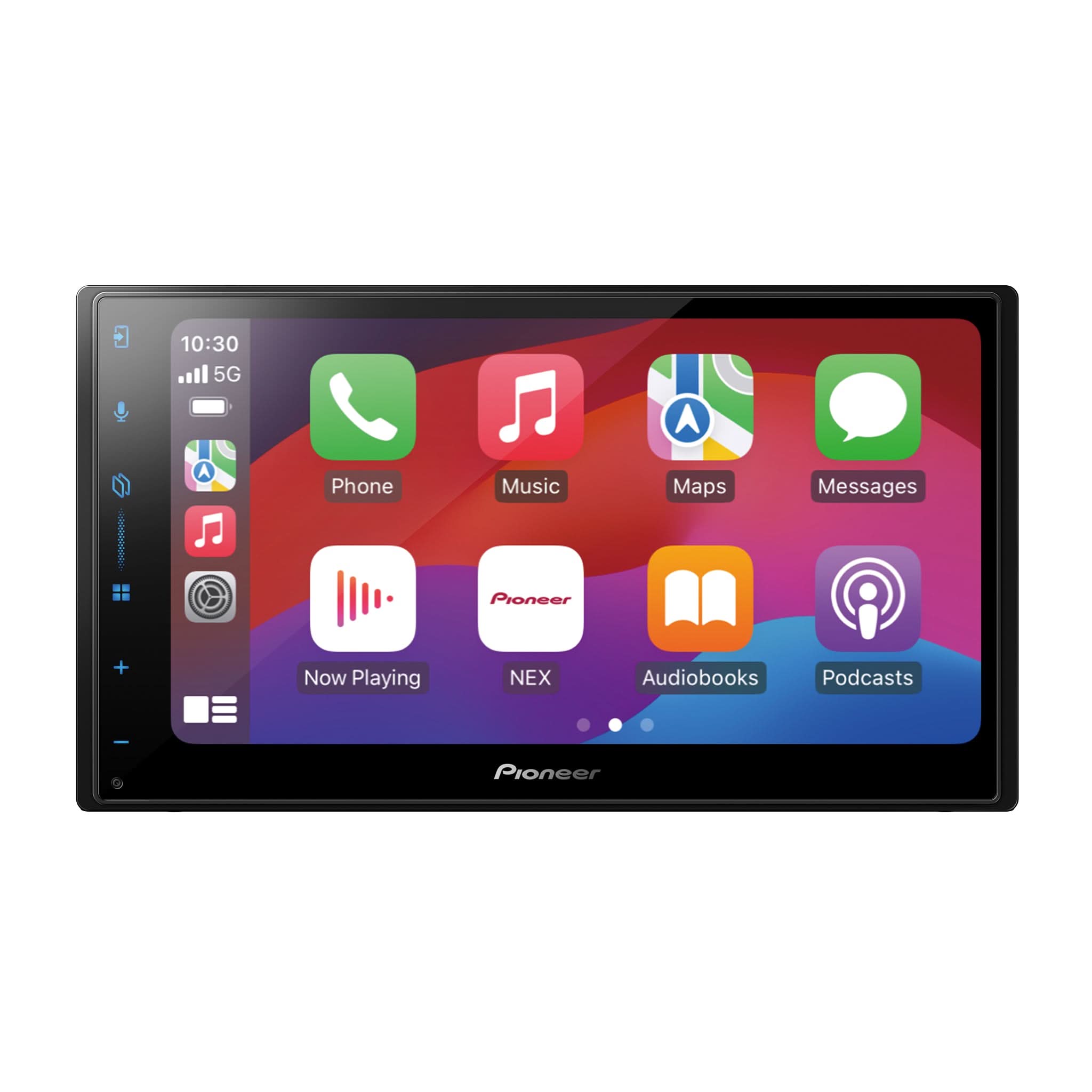
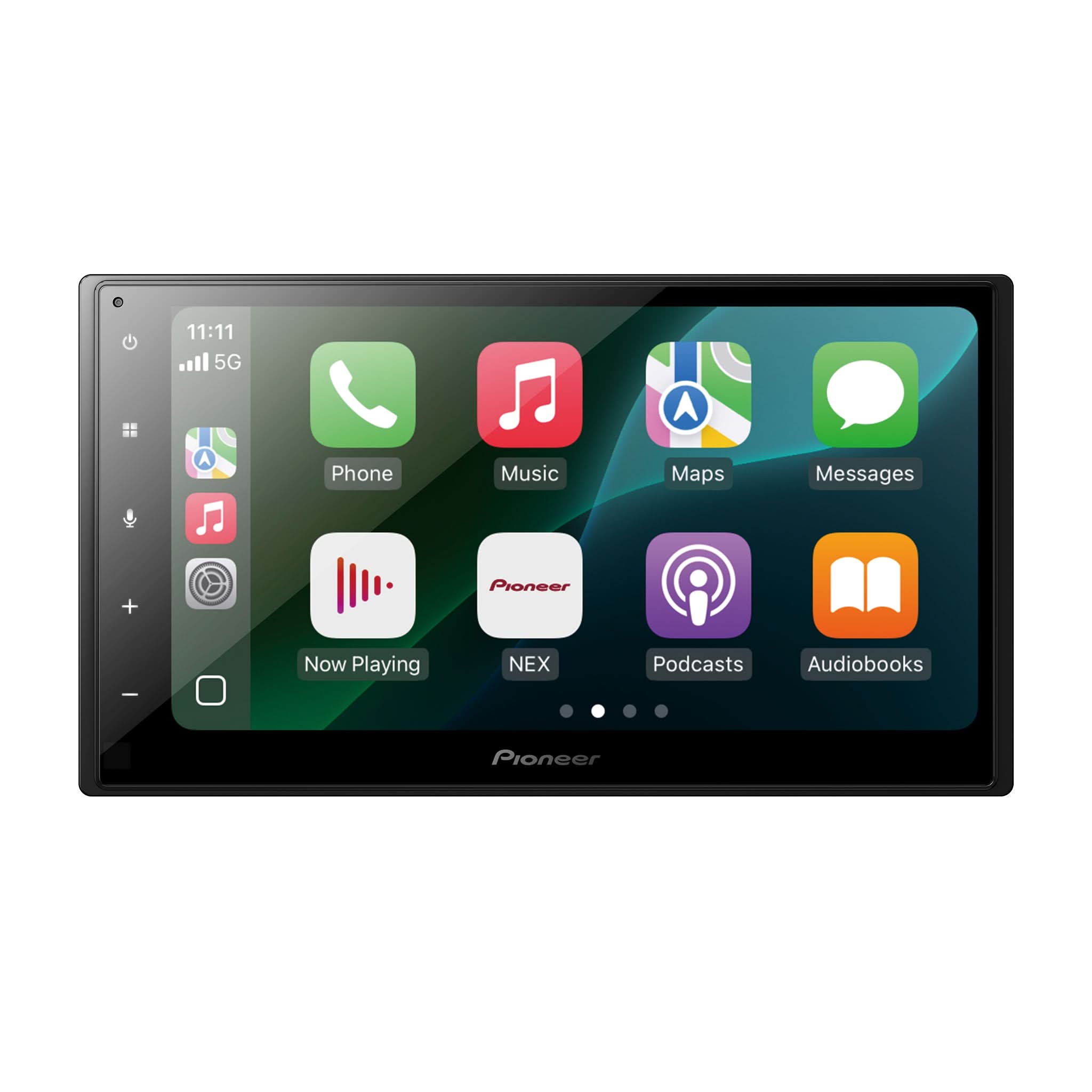
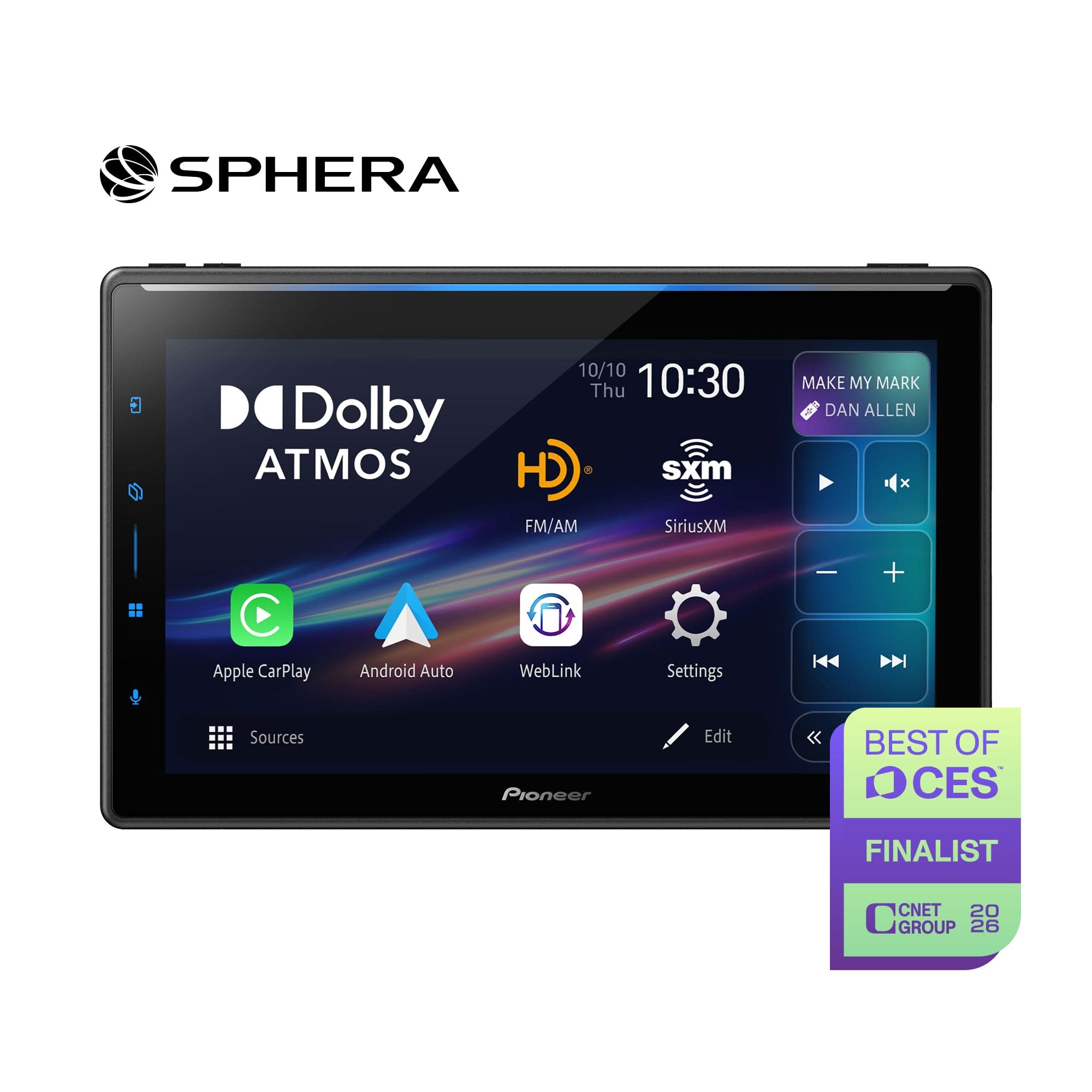
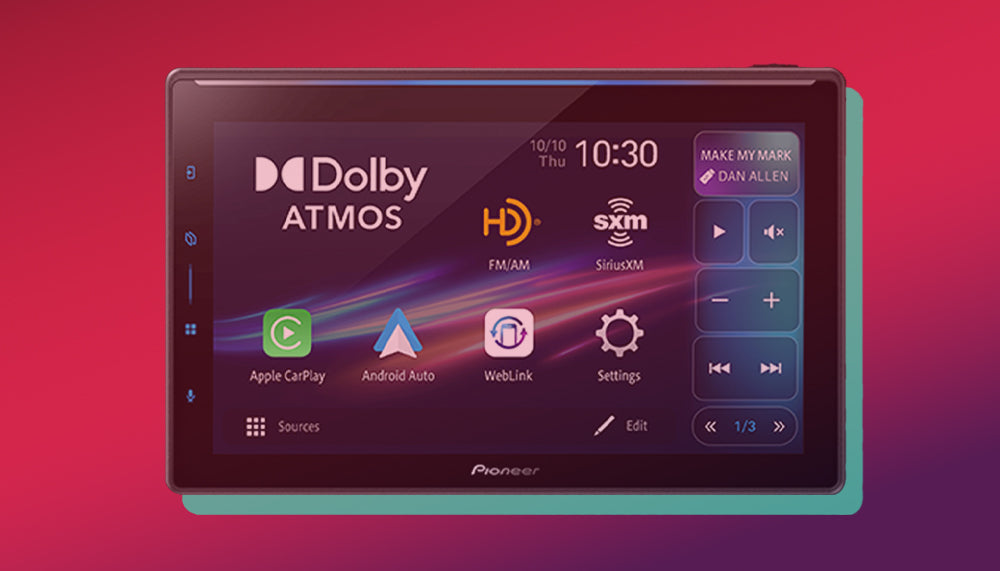
SPHERA is Pioneer’s newest premium multimedia receiver platform, designed to deliver the next generation of in-vehicle entertainment, connectivity, and audio performance.
While previous flagship receivers focused primarily on smartphone integration and system expansion, SPHERA adds an entirely new dimension with support for immersive audio technologies such as Dolby Atmos Music and enhanced processing capabilities.
2. How is SPHERA Different from NEX?
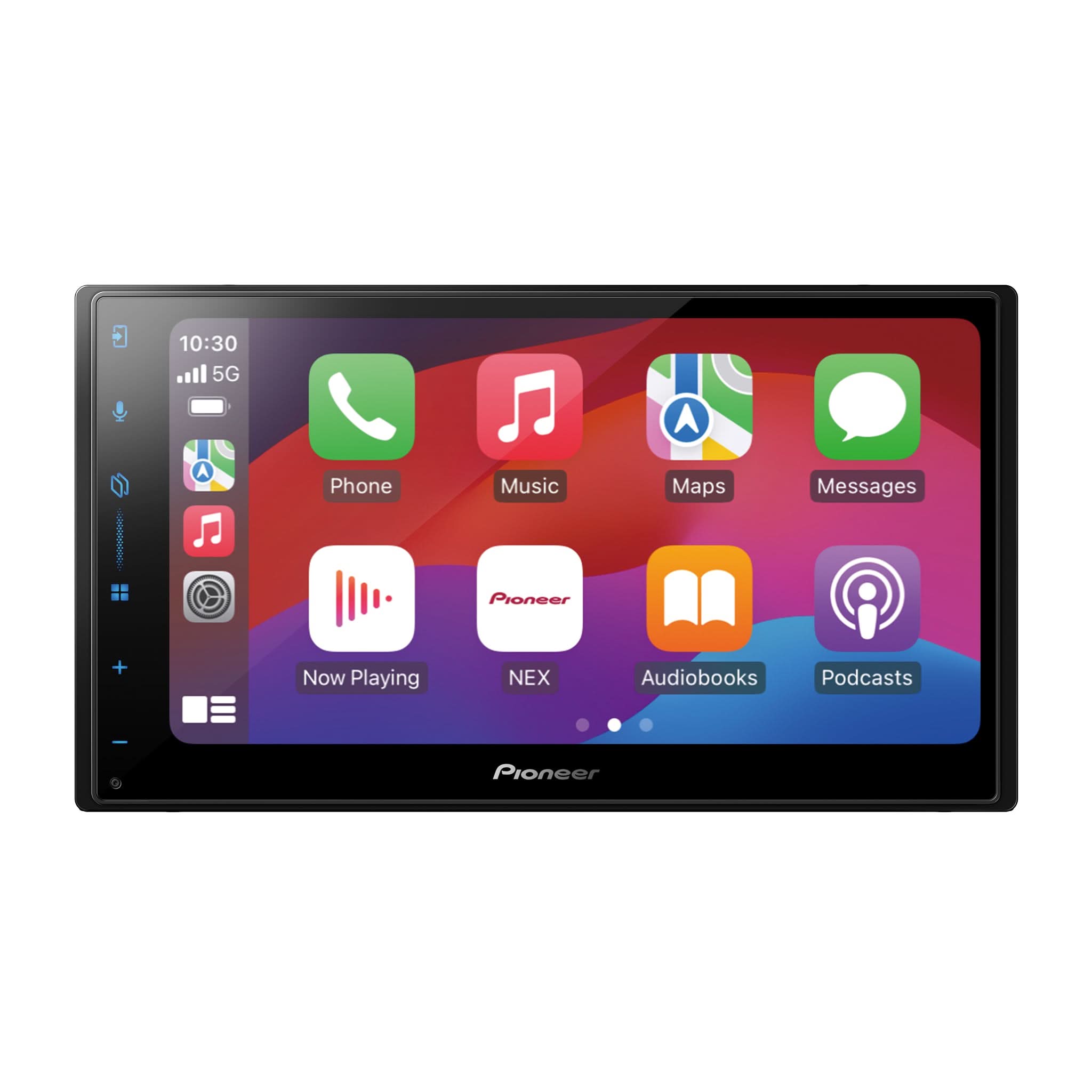
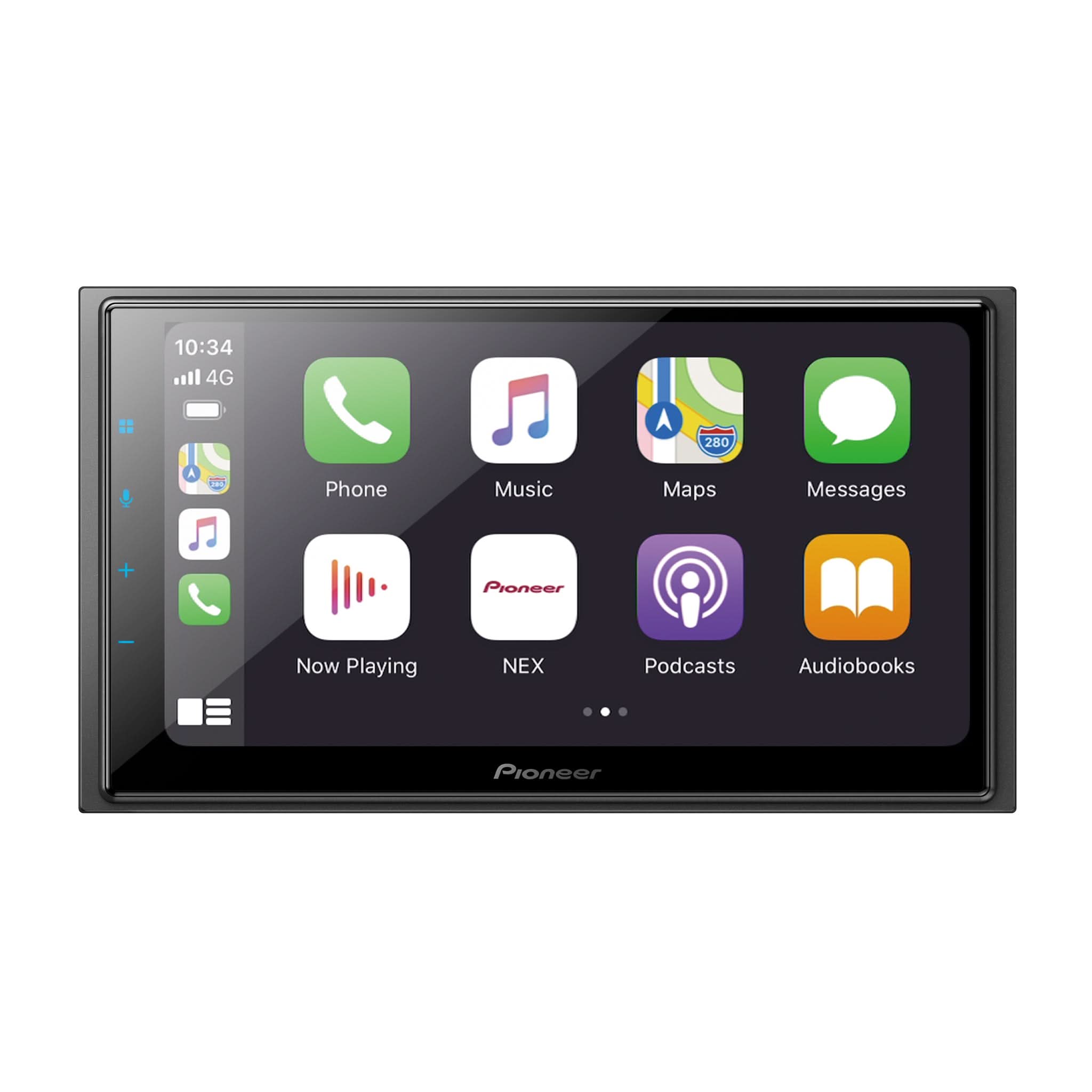
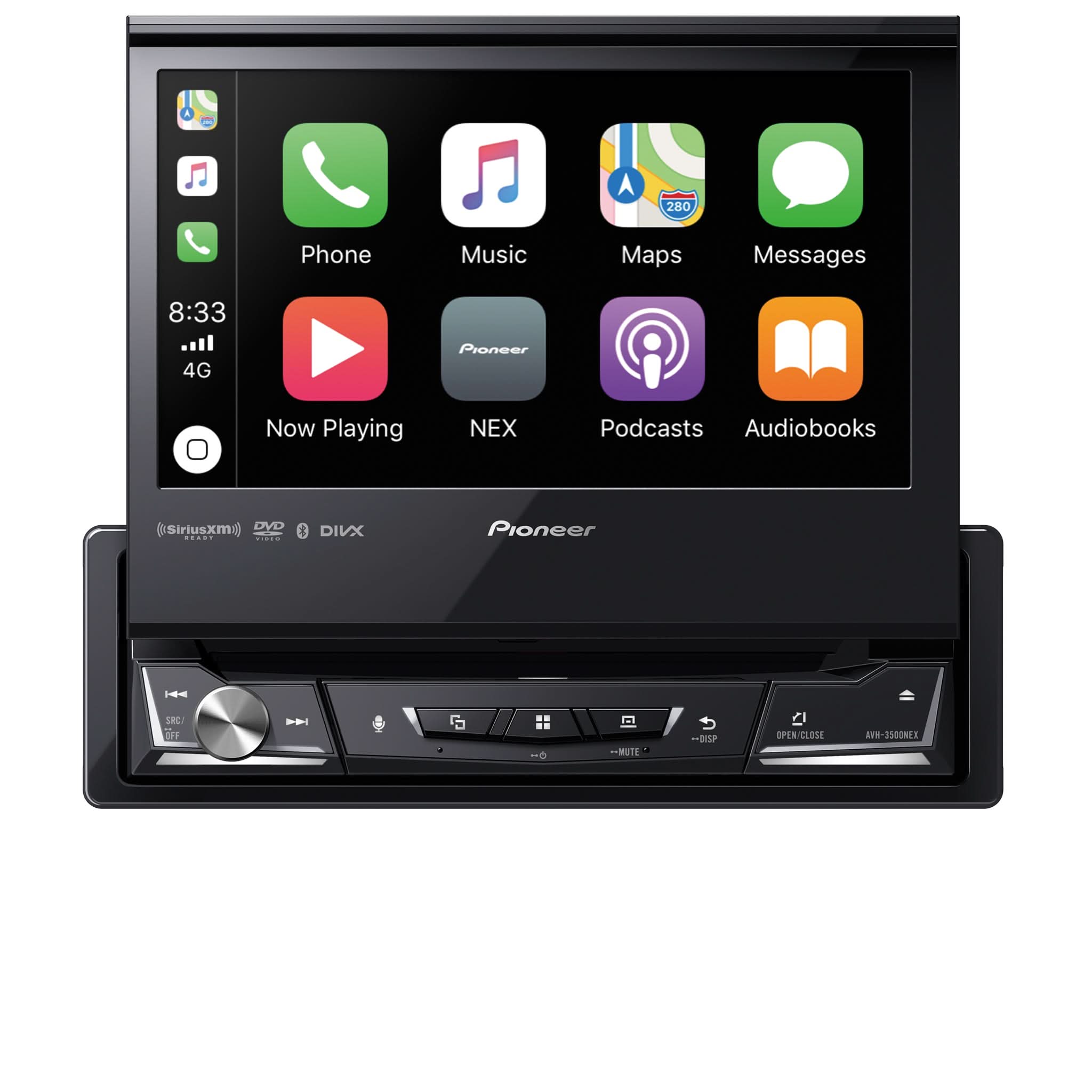
NEX helped establish Pioneer as a leader in smartphone integration and multimedia receivers. SPHERA builds upon that foundation while introducing new capabilities designed for today's listening habits.
Some of the key enhancements include:
- Dolby Atmos Music support
- Enhanced processing capabilities
Think of SPHERA as the evolution of everything customers already love about NEX, with a new way to experience music.
3. What is Dolby Atmos Music?
Dolby Atmos Music is an immersive audio format that allows music to be placed around the listener in a three-dimensional sound field.
Instead of music being limited to traditional left and right channels, individual instruments and vocals can be positioned throughout the listening space, creating a more realistic and engaging experience.
If you'd like to learn more, be sure to watch our interview with industry legend Ray Kimber, where we discuss the truth about Dolby Atmos and why it represents a major step forward in music playback.
Watch the Ray Kimber Dolby Atmos Video Here:
The Truth About Dolby Atmos
4. Do I Need Special Speakers to Use Dolby Atmos?
No.
SPHERA can play Dolby Atmos Music using conventional car audio speakers.
While a high-quality audio system can help reveal more detail and improve the overall listening experience, special Atmos-specific speakers are not required to enjoy Dolby Atmos Music in your vehicle.
5. Which Music Services Support Dolby Atmos?
Support continues to grow, but the current apps supporting Dolby Atmos with SPHERA are:
- Apple Music
- Apple Music Classical
- Wondry
Content availability may vary by service and subscription level.
6. Does SPHERA Support iDatalink Maestro?
Yes.
SPHERA maintains compatibility with iDatalink Maestro integration, allowing users to retain vehicle information, factory features, gauges, climate controls, and more when supported by the vehicle and installation accessories.
This makes SPHERA an excellent choice for both new and late-model vehicle upgrades.
7. Does SPHERA Support Network Mode?
Absolutely.
SPHERA supports both:
- Standard Mode
- Network Mode
Network Mode allows installers to build advanced active audio systems using dedicated outputs for tweeters, midrange speakers, and subwoofers while utilizing Pioneer’s built-in crossover controls and signal processing.
For installers building premium sound systems, Network Mode remains a powerful tool for system optimization, but for the complete Dolby Atmos experience you must use Standard Mode
8. Does SPHERA work in Factory Amplified Systems?
Yes.... BUT there are some important things to understand if you want to experience Dolby Atmos Music as it was intended.
One of the biggest advantages of Dolby Atmos is its ability to place sounds around the listener, including behind you. To achieve this, the DMH-WT8000NEX outputs dedicated audio information through both the front and rear channels.
Think of it like watching a movie at home and unplugging your surround speakers. If a helicopter flies behind you in the movie, that sound is supposed to come from behind. Without the rear speakers connected, that part of the experience simply disappears.
The same concept applies to Dolby Atmos Music.
Many Atmos tracks contain audio elements specifically mixed into the rear channels. If your installation only utilizes the front outputs, you won't hear the full Atmos experience because some of that content will never reach the speakers.
For the best results:
- Use both the front and rear RCA outputs from the DMH-WT8000NEX
- Ensure the vehicle's factory amplifier or aftermarket system supports front and rear speaker playback
- Verify that all speaker locations are functioning properly during installation
While SPHERA can still be installed in many factory amplified vehicles, achieving the full immersive Atmos experience requires a system capable of reproducing both front and rear channel information.
Dealer Tip: When discussing Dolby Atmos with customers, think beyond "better sound quality." Atmos is about creating a more immersive listening experience by placing sounds around the listener. Demonstrating the system with functioning front and rear speakers is one of the easiest ways to showcase the difference.
9. Can I Still Use PxLink and Custom Wallpapers?
Yes.
SPHERA continues to support the popular PxLink app, making it easier than ever to:
- Perform firmware updates
- Configure receiver settings
- Upload custom wallpapers
- Customize various receiver functions
Custom wallpapers remain a great way for dealers to personalize showroom displays and demo vehicles.
10. Who is SPHERA Designed For?
SPHERA is designed for customers who want the best Pioneer has to offer.
Whether they are:
- Technology enthusiasts
- Daily commuters
- Audio enthusiasts
- Custom vehicle builders
- Customers looking for a premium CarPlay and Android Auto experience
SPHERA delivers a platform that combines advanced connectivity, immersive audio, premium design, and future-focused technology.
Final Thoughts
SPHERA represents an exciting new chapter for Pioneer. By combining our proven multimedia expertise with emerging technologies like Dolby Atmos Music, we're helping redefine what customers can expect from an in-vehicle entertainment experience.
If you haven't already, be sure to check out both of our launch videos:
The Truth About Dolby Atmos with Ray Kimber
Stay tuned for additional SPHERA training content, installation tips, and feature deep dives in future Tech Tips.