The SPHERA AUX Input: More Important Than You Think
- 〡
- 〡 by Tim Dingman
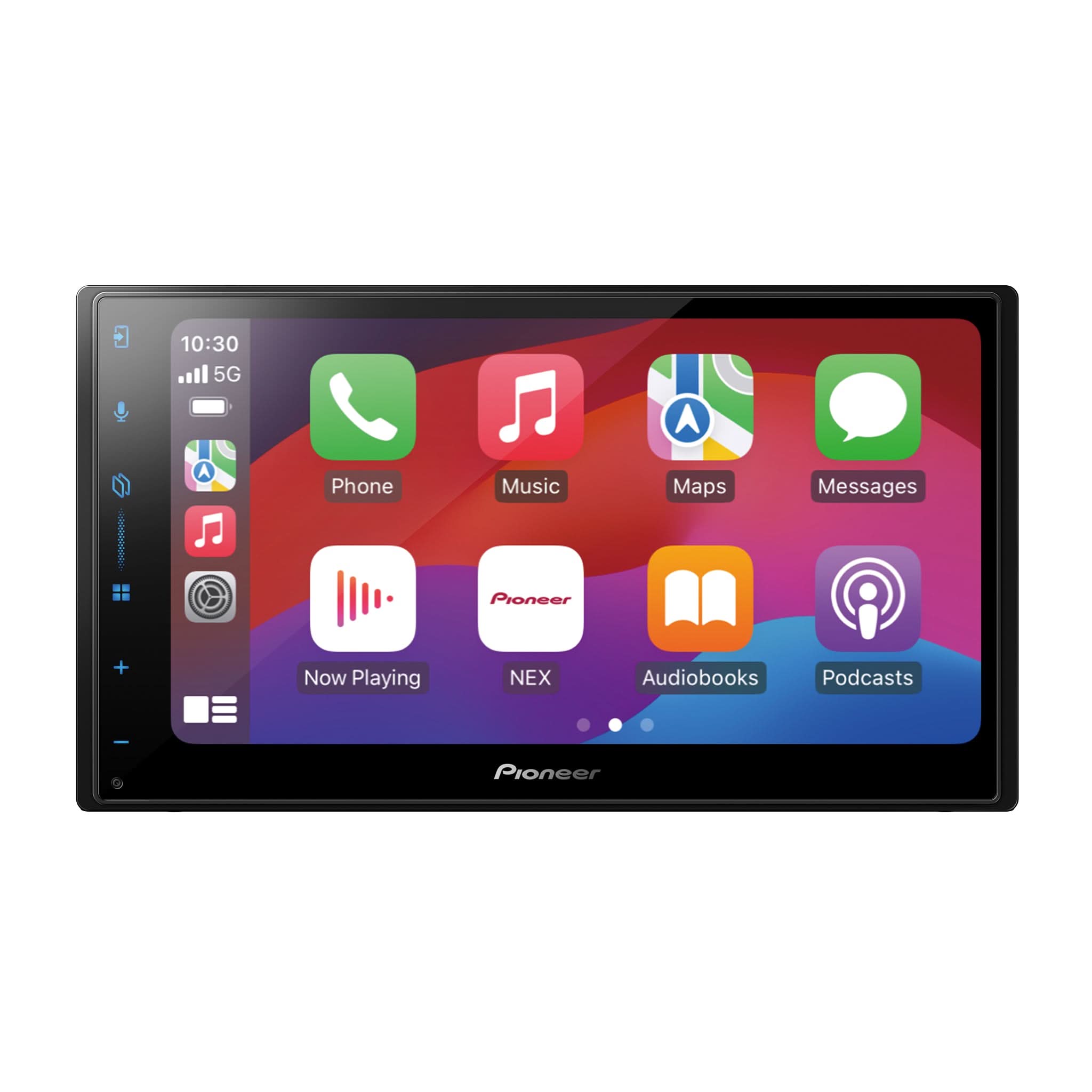
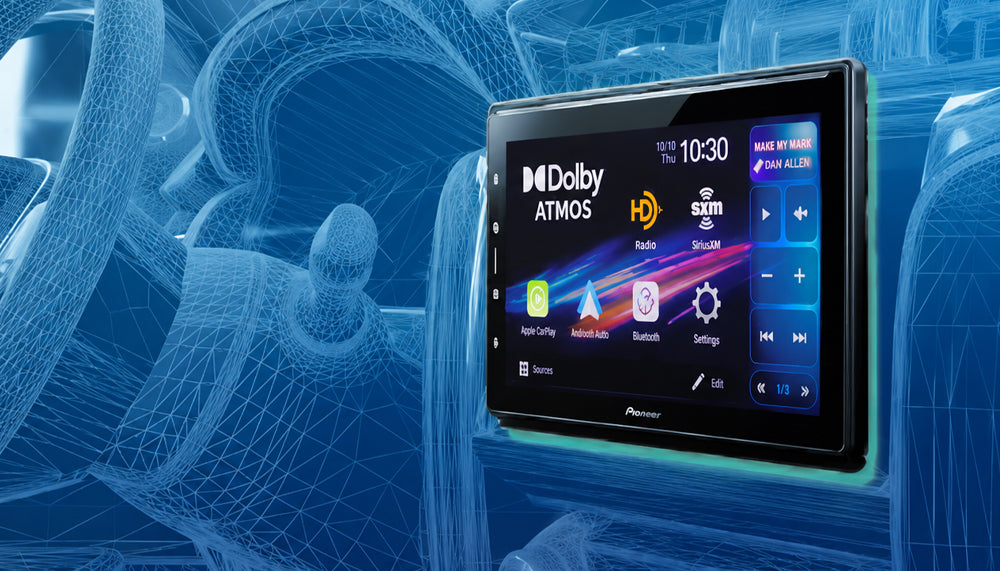
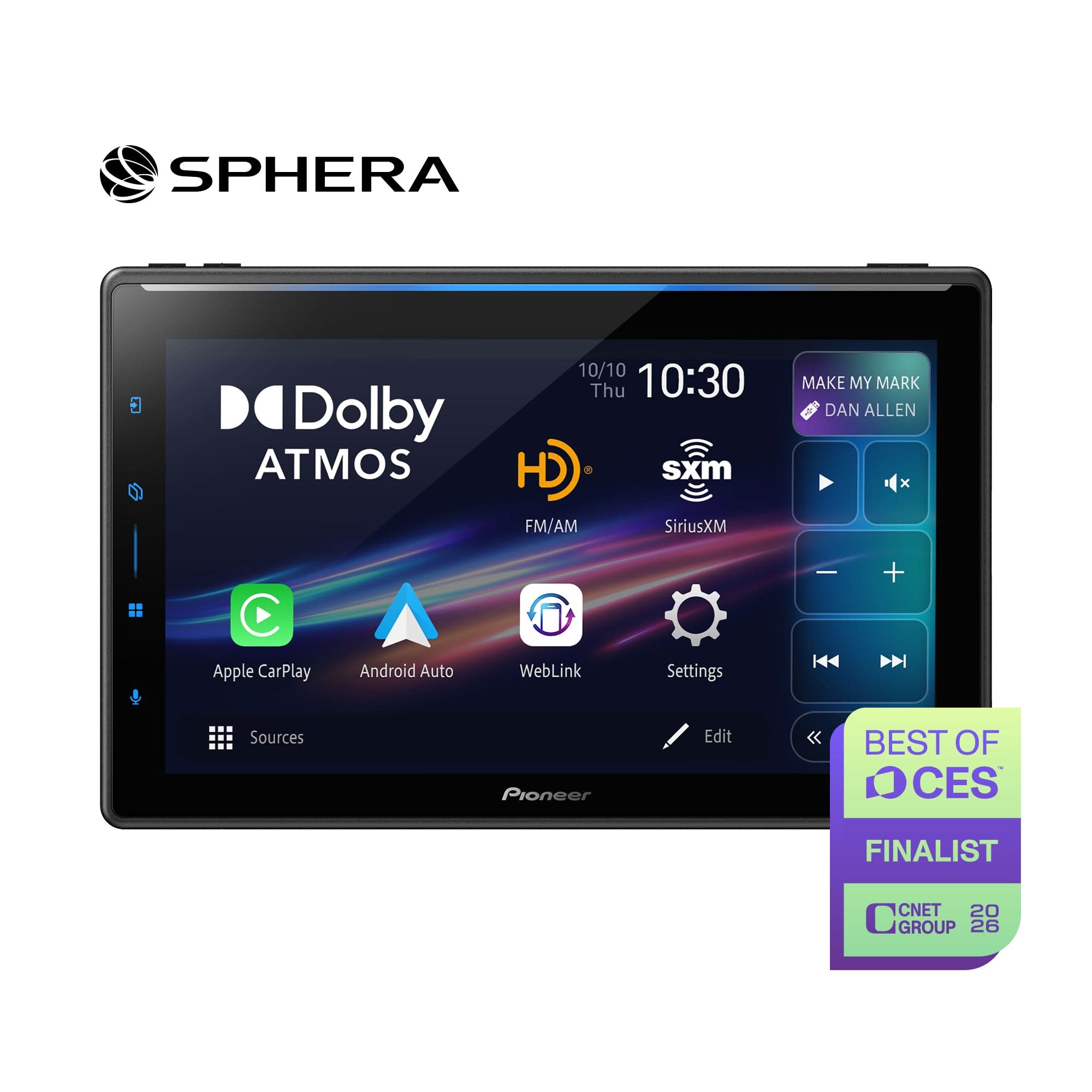
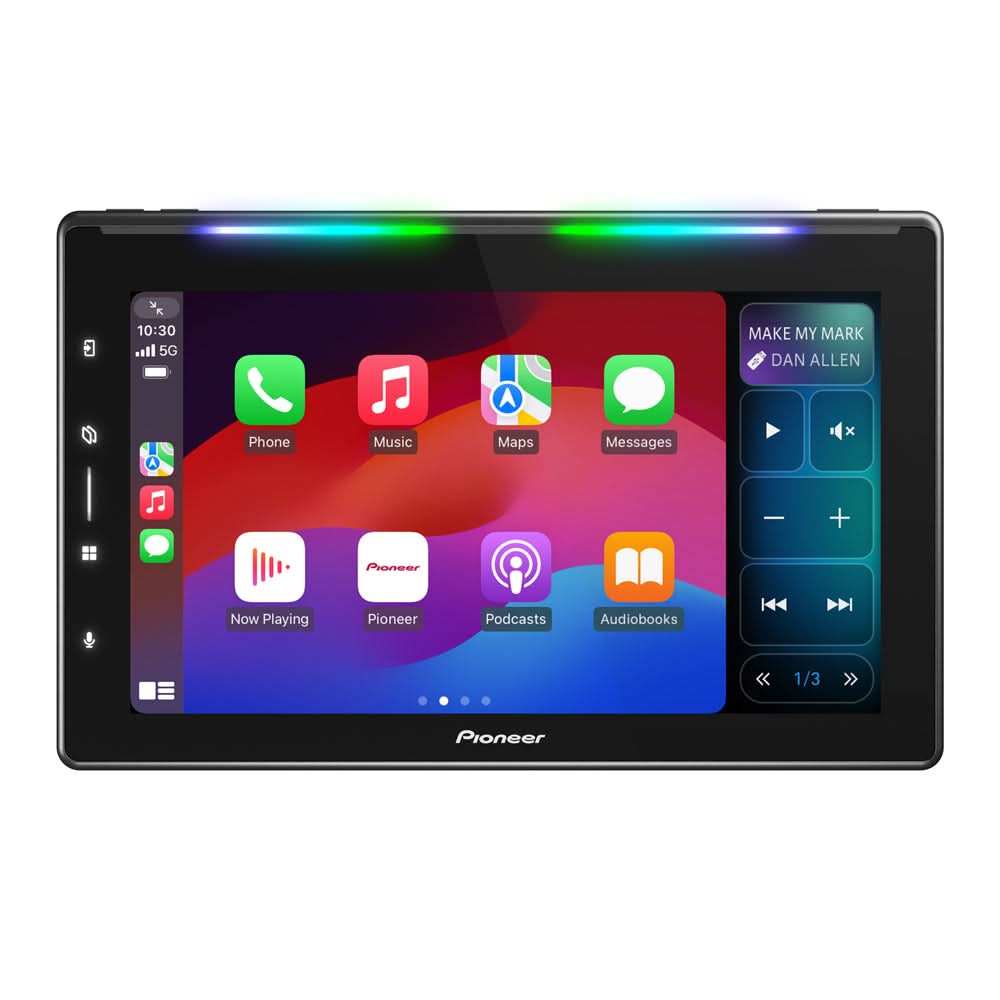
Pioneer SPHERA DMH-WT8000NEX
When most people hear the term "AUX Input," they think of simply plugging in an external audio source.
On the Pioneer SPHERA DMH-WT8000NEX, however, the AUX Input serves a much more important purpose.
In addition to supporting auxiliary audio and video sources, the AUX Input is used to connect the microphone when performing Pioneer Auto Tuning (A-TA&EQ). SPHERA uses its Auto Tuning A-TA&EQ function and the included microphone to automatically measure the acoustic characteristics of the vehicle cabin interior and adjust the sound based on that data.
Since any changes to the vehicle interior or upgrades to the audio system, such as changing or replacing amplifiers, speakers, or subwoofers, will necessitate running Pioneer Auto Tuning again, retaining access to the AUX Input connection for future use is an important part of getting the most from SPHERA.

Why Pioneer Auto Tuning A-TA&EQ Matters
Every vehicle presents unique acoustic challenges. Speaker locations, seating position, cabin materials, and interior dimensions all influence how sound reaches the listener.
In approximately 6–10 minutes, SPHERA can automatically measure the distance from each speaker to the listening position, correct audio arrival times, and adjust the position and overall balance of the sound image.
For the best Dolby Atmos® immersive audio experience, Pioneer recommends completing Auto Tuning A-TA&EQ after installation and any time changes are made to the vehicle interior or audio system.

Don't Forget the AUX Input Extension Cable
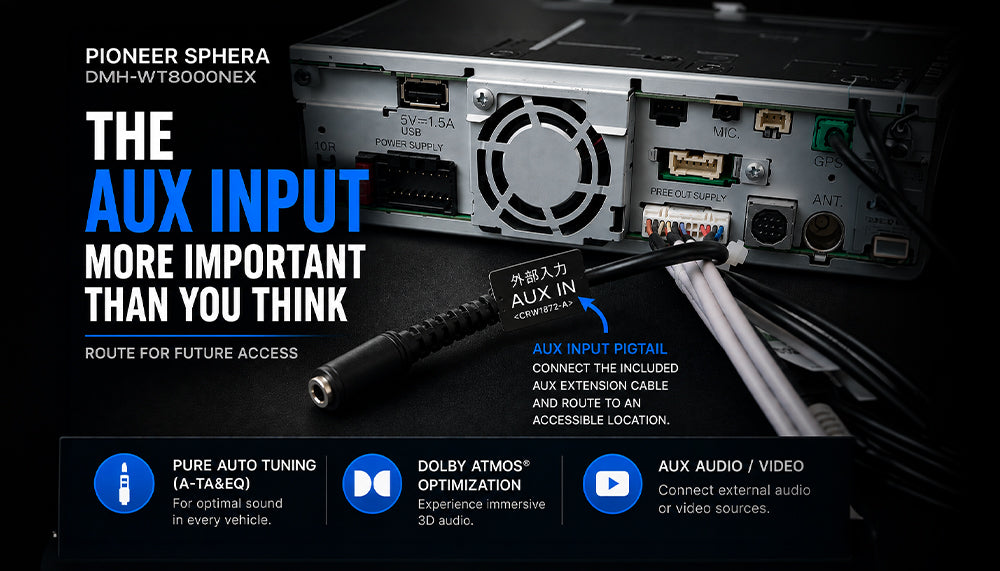
One of the easiest details to overlook when installing the DMH-WT8000NEX is connecting the included 3.5 mm male-to-female AUX Input extension cable.
Unlike many in-dash receivers, the AUX Input connection on several of Pioneer’s multimedia digital media receivers, such as the SPHERA DMH-WT8000NEX, is not located on the front panel due to the large touchscreen design. Instead, it is a pigtail located on the rear panel of the receiver chassis.
Pioneer includes the AUX Input extension cable so that it may be routed to an accessible location during installation to make reconnecting to the Pioneer Auto Tuning A-TA&EQ microphone much easier in the future.
After installation and before reassembling the vehicle, verify the AUX Input extension cable has been connected and routed for access.
Suggested Locations
- Glove box
- Center console storage compartment
- Under-dash storage pocket
- Factory media storage compartment
Taking a few extra minutes during installation can save significant time and labor in the future.
The Included Microphone Matters
The Pioneer Auto Tuning A-TA&EQ process is proprietary and requires using the included calibrated microphone and AUX Input extension cable. Using other microphones or cables may cause A-TA&EQ to fail.
The Auto Tuning A-TA&EQ function typically takes 6–10 minutes and is best performed in a quiet environment.
For Best Results
- Turn off the engine and climate controls
- Close all doors and windows
- Remove smartphones and electronic devices from the vehicle
- Exit the vehicle during measurement
- Use only the supplied Pioneer calibration microphone
See pages 23–27 of the SPHERA DMH-WT8000NEX Owner’s Manual for detailed instructions.


If Pioneer Auto Tuning A-TA&EQ Fails
If Pioneer Auto Tuning A-TA&EQ encounters a problem during measurement, the receiver may display an error message.
Common Causes May Include
- Excessive background noise
- Open doors or windows
- Speaker wiring issues
- Microphone connection issues
- AUX cable connection concerns
If A-TA&EQ fails, verify the microphone connection, AUX extension cable, speaker wiring, and noise level of the measurement environment before re-attempting calibration.

Be Careful When Replacing or Using Third-Party AUX Components
Aftermarket or third-party manufactured flush-mount auxiliary input receptacles, often combining a 3.5 mm auxiliary input and USB port into a single convenient panel, have become very popular.
While these products may function properly for basic audio playback, be aware that not all 3.5 mm connectors or cables are the same.
Most commonly, the 3.5 mm jack and port are what’s called a TRS (Tip-Ring-Sleeve) connector, which provides three separate conductors. However, TS (Tip-Sleeve) and TRRS (Tip-Ring-Ring-Sleeve) connectors can also be found.
To add even more complexity, it’s possible to find different assignments of the conductors themselves, such as signal ground on either one of the rings or the sleeve.
The Pioneer SPHERA input and extension cable are TRRS 4-conductor type and are manufactured specifically to Pioneer specifications.
Replacing the supplied Pioneer AUX extension cable with a third-party solution is not recommended and may result in one or more of the following incompatibilities:
- Pioneer Auto Tuning A-TA&EQ calibration failure caused by microphone communication problems
- AUX Input video compatibility issues
- Audio/video signal routing concerns
AUX Input for Audio / Video Functions
When the Pioneer Auto Tuning A-TA&EQ calibrated microphone is not connected, the AUX Input can also be used for:
- Stereo audio playback (AUX Source)
- Analog video + stereo audio playback (AUX Source)
See page 15 of the SPHERA DMH-WT8000NEX Quick Start Guide for approved AV Input wiring information.
For safety reasons, video playback requires the parking brake to be applied. Even with the parking brake applied, if the vehicle speed exceeds approximately 6 mph, video playback is automatically disabled while audio playback continues normally.

Experience Dolby Atmos — No Smartphone Required
After Pioneer Auto Tuning A-TA&EQ using the calibrated microphone and AUX Input has been completed, Dolby Atmos playback is enabled via Pioneer SPHERA.
Don't forget, you can immediately test and experience Dolby Atmos using the built-in Dolby Atmos demonstration, which is stored and played directly through the SPHERA Settings menu.
No iPhone required.
No streaming service required.
No internet connection required.
For retailers, dealers, and installers, this also provides a valuable and powerful demonstration tool.
For end-user customers, it offers a quick and easy way to experience Dolby Atmos after purchase and installation.

Key Takeaway
The AUX Input of the Pioneer SPHERA DMH-WT8000NEX is so much more than a conventional 3.5 mm audio input.
It is a critical component of Pioneer SPHERA, Pioneer Auto Tuning, and more. It should remain accessible after installation to make reconnection much easier in the future.
Remember: If the AUX Input extension cable is not routed to an accessible location during installation, future access to all the features described above may require removal of the receiver or partial dashboard disassembly.