





Sensor Error – GPS/Learning Initialization Failure


"Sensor Error" – GPS/Learning Initialization Failure
Applicable Models:
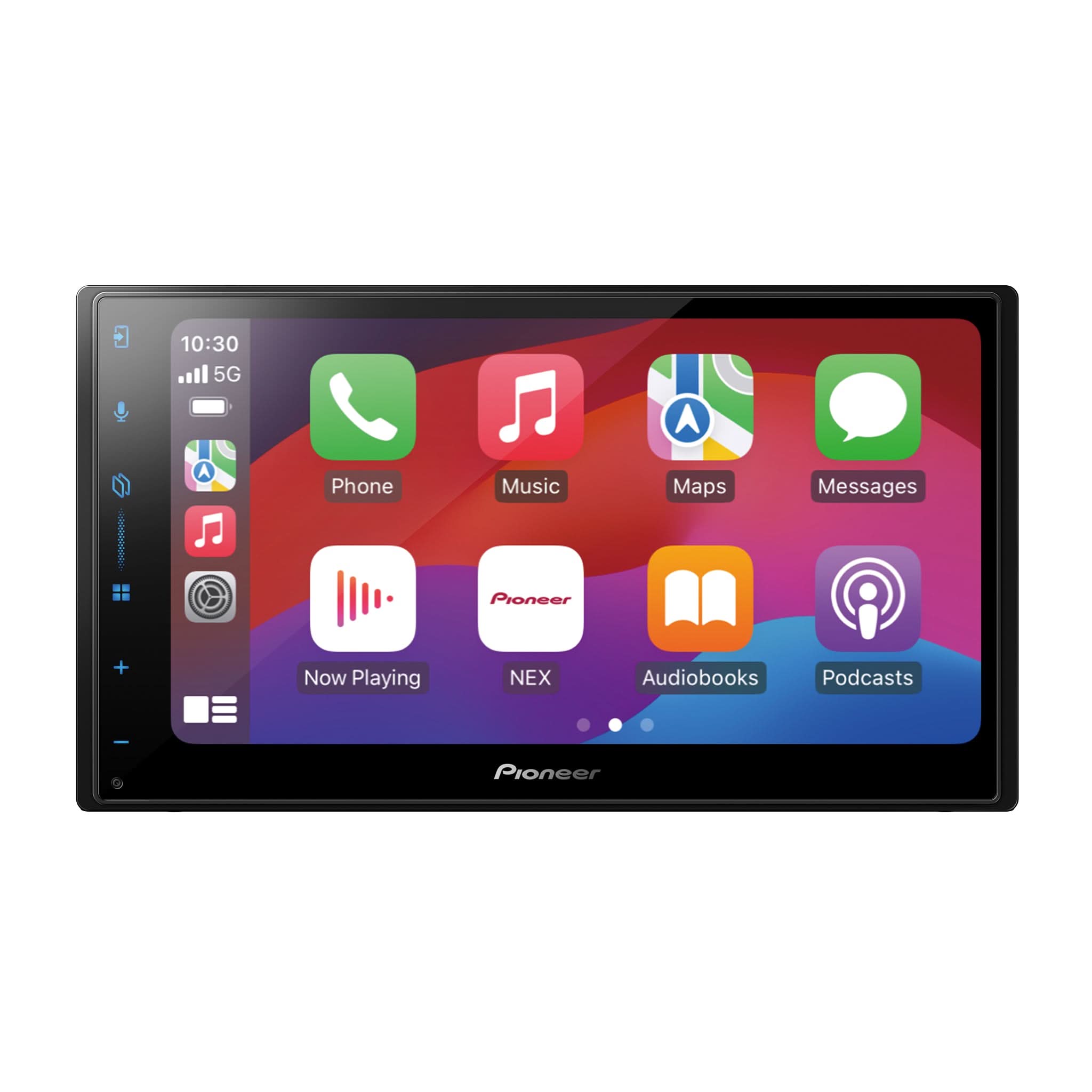
DMH-WC6600NEX / DMH-WC5700NEX / DMH-C5500NEX / DMH-C2550NEX / DMH-C2500NEX
Symptoms
If the touchscreen displays:
"Sensor error. Please contact your dealer or Pioneer Service Center."
This indicates a failure in the unit’s internal self-learning systems, specifically:
- 3D Gyro Sensor
- Azimuth Sensor
- Distance Sensor

Root Cause
This issue occurs when the modular Hideaway unit is mounted incorrectly, preventing proper sensor calibration.
Common mistake:
- Relocating the modular hideaway unit using the RGB Extension Cable Kit (RD-RGB150A) and mounting it at an incorrect angle, upside-down, or sideways.
Installation Guidelines – Proper Mounting Angle
Mounting Surface Angle
- Install as flat/horizontal as possible.
- DMH-WC Models: Vertical tilt tolerance = 0° to 40°

- DMH-C Models: Vertical tilt tolerance = 0° to 30°

Side-to-Side Tilt
- Must remain within ±5° to prevent sensor drift.
Incorrect Mounting
- Do NOT install vertically, on its side, or upside-down.
- Incorrect positioning will trigger a "Sensor Error" message.
Sensor Recalibration Steps
- On the Receiver:
- Touch Home > Settings (Gear Icon) > System (Tools Icon)
- Scroll down to System Information > 3D Calibration Status
- In the 3D Calibration Status Menu:
- Tap Reset All under Learning Status
- Confirm Yes to reset Distance
- Confirm Yes to reset Speed Pulse
- Check Calibration Metrics after restoring:
- Distance Learning Level
- Azimuth Learning (Right / Left)
- 3D Learning Level
- Drive to Recalibrate:
- Drive at least 15 minutes (1-Mile or more) to allow the system to relearn sensor positions with a mix of left/right turns and straight driving.

Final Notes
Once the modular Hideaway unit is correctly positioned and recalibrated:
- "Sensor Error" will be cleared after driving.
- Learning Status will change from "Sensor Initializing" to either:
- 3D Hybrid Mode – Meaning the Pink VSS wire is connected and in use
- Simple Hybrid Mode – Meaning the Pink VSS wire is disconnected and not in use
Recommendation:
- For best performance during Wireless CarPlay, connect the pink VSS wire and ensure strong GPS antenna reception for accurate dead reckoning map tracking.
Failure to follow these guidelines may result in:
- Persistent Sensor Errors
- Navigation drift
- Unreliable map positioning while using wireless Apple CarPlay / Android Auto