

Pioneer Receivers Supporting Custom Splash Screen Images

How the Custom Splash Screen Works
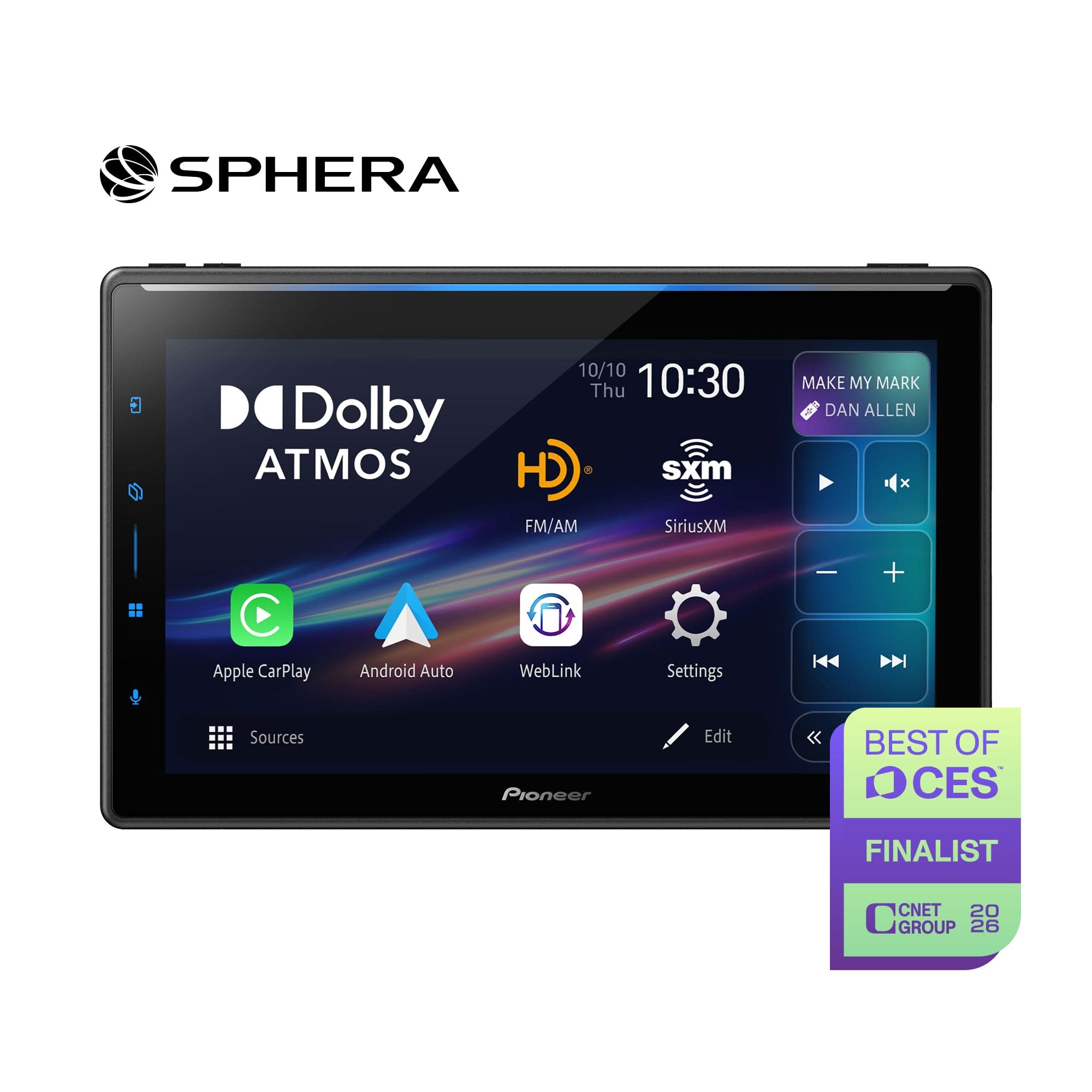
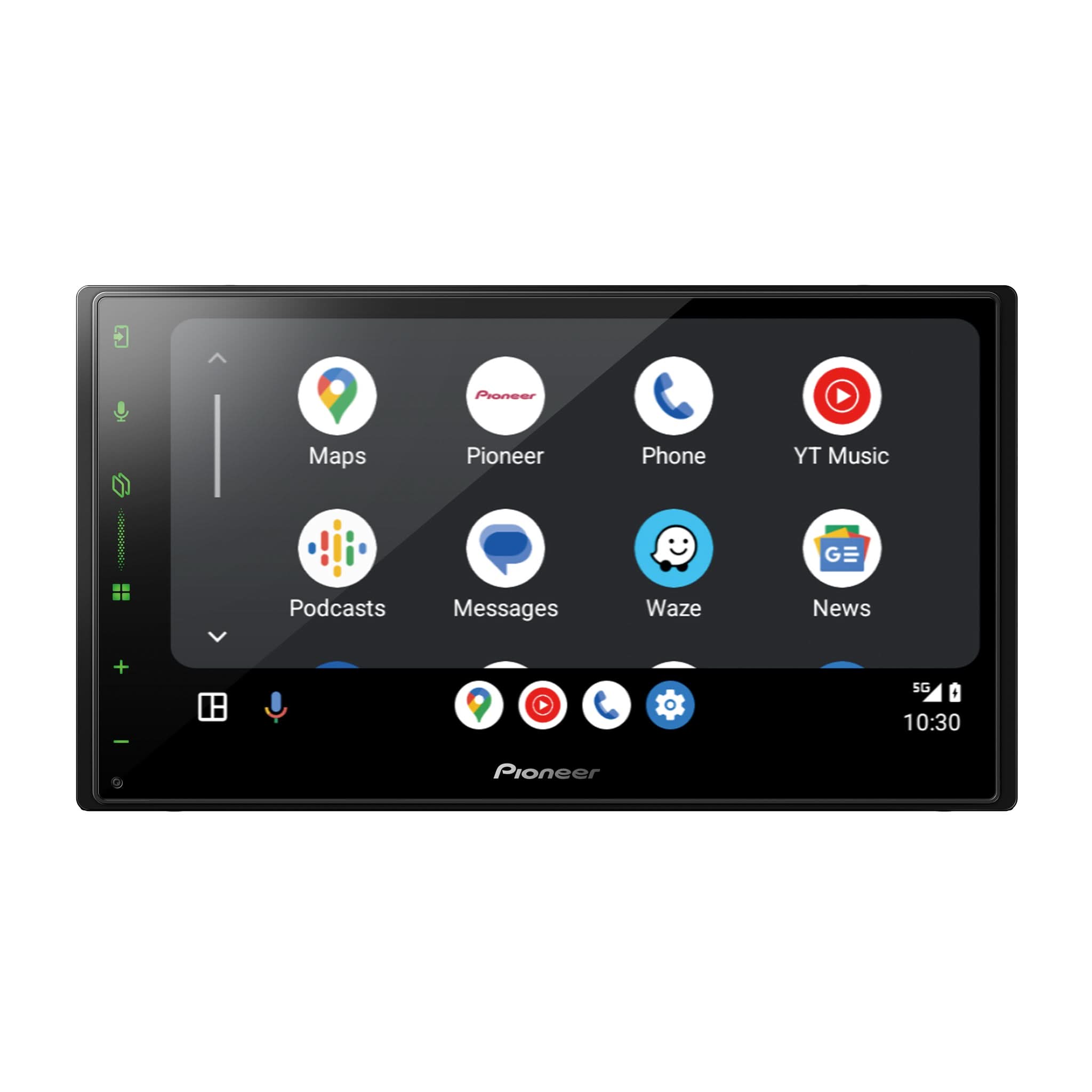
The custom splash screen replaces the factory Pioneer NEX startup image displayed when the receiver powers on.

Once imported, the JPEG image is stored in the receiver’s internal memory (not the USB drive) and loads instantly at startup.
Only one image can be stored at a time — importing a new one overwrites the existing splash image.
Key Requirements
-
Image Format: JPEG (.jpg); select DMH models also support BMP (.bmp)
-
Resolution:
-
Standard: 800×480 px
-
High-definition: 1280×720 px (DMH-WT6000NEX)
-
-
File Size: ≤10 MB (recommended)
-
File Name: Use a simple name such as splash.jpg
-
Media: USB flash drive or SD card (see chart below)
-
Safety: The vehicle must be parked and parking brake applied
Before You Begin
-
Park the vehicle in a well-ventilated area and apply the parking brake.
-
Turn the ignition to ACC or ON.
-
Verify your USB or SD contains a single JPEG/BMP file in the root directory (no folders).
-
Maintain stable power — do not remove the drive or power off during import.
Importing a Custom Splash Screen
-
Insert the USB or SD card into the receiver.
-
From the Home Screen, go to:
Settings → Theme → Splash Screen
 Select Import

-
When prompted:
“The USB memory contains a splash screen file. Would you like to change the splash screen?”
→ Select Yes

-
Wait for confirmation:
“The splash screen file was successfully imported and applied.”

-
Remove media only after confirmation.
-
Cycle ignition OFF → ON to view the new splash image.

Pioneer Models Supporting Splash-Screen Images
(U.S. Models)
DMH Digital Media Receivers
DMH-W3050NEX
• Media: USB • Format: JPEG / BMP • Resolution: 800×480 px • SD Slot: No
• Notes: Supports splash import via USB
DMH-W3000NEX
• Media: USB • Format: JPEG / BMP • Resolution: 800×480 px • SD Slot: No
• Notes: Supports splash import via USB
DMH-2000NEX
• Media: USB • Format: JPEG / BMP • Resolution: 800×480 px • SD Slot: No
• Notes: Supports splash import via USB
DMH-WT6000NEX
• Media: USB • Format: JPEG • Resolution: 1280 X 720 px • SD Slot: No
• Notes: PxLink app controls wallpaper only (not splash); supports splash import via USB
DMH-WT5000NEX
• Media: USB • Format: JPEG • Resolution: 1024×600 px • SD Slot: No
• Notes: PxLink manages wallpaper only (not splash); supports splash import via USB
DMH-WT3800NEX
• Media: USB • Format: JPEG / BMP • Resolution: 1024×600 px • SD Slot: No
• Notes: CarAVAssist manages wallpaper only (not splash); supports splash import via USB
AVH DVD / Multimedia NEX Models
AVH-W4500NEX
• Media: USB1 / USB2 / SD • Format: JPEG • Resolution: 800×480 px • SD Slot: Yes
• Notes: Splash import via USB1, USB2, or SD
AVH-W4400NEX
• Media: USB1 / USB2 / SD • Format: JPEG • Resolution: 800×480 px • SD Slot: Yes
• Notes: Splash import via USB1, USB2, or SD
AVH-4200NEX / AVH-4100NEX / AVH-4000NEX
• Media: USB1 / USB2 / SD • Format: JPEG • Resolution: 800×480 px • SD Slot: Yes
• Notes: Splash import via USB1, USB2, or SD
AVIC Navigation Models
AVIC-W8600NEX / W8500NEX
• Media: USB1 / USB2 / SD • Format: JPEG • Resolution: 800×480 px • SD Slot: Yes
• Notes: Splash import via USB1, USB2, or SD
AVIC-W8400NEX
• Media: USB1 / USB2 / SD • Format: JPEG • Resolution: 800×480 px • SD Slot: Yes
• Notes: Splash import via USB1, USB2, or SD
AVIC-W6600NEX / W6500NEX / W6400NEX
• Media: USB1 / USB2 • Format: JPEG • Resolution: 800×480 px • SD Slot: No
• Notes: USB1 / USB2 only; no SD slot
AVIC-8200NEX / 8100NEX / 8000NEX
• Media: USB1 / USB2 / SD • Format: JPEG • Resolution: 800×480 px • SD Slot: Yes
• Notes: Splash import via USB1, USB2, or SD
AVIC-7200NEX / 7100NEX / 7000NEX
• Media: USB1 / USB2 / SD • Format: JPEG • Resolution: 800×480 px • SD Slot: Yes
• Notes: Splash import via USB1, USB2, or SD
AVIC-6200NEX / 6201NEX / 6100NEX
• Media: USB1 / USB2 • Format: JPEG • Resolution: 800×480 px • SD Slot: No
• Notes: USB1 / USB2 only; no SD slot
AVIC-6000NEX / 5200NEX / 5201NEX / 5100NEX / 5000NEX
• Media: USB1 / USB2 / SD (where applicable) • Format: JPEG • Resolution: 800×480 px
• SD Slot: Yes (except 5200 / 5201 / 5100)
• Notes: Splash import via USB1, USB2, or SD (as supported)
Trademark Notice
Pioneer and Pioneer NEX are registered trademarks of Pioneer Corporation..
All other product names, logos, and brands are property of their respective owners.
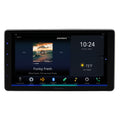
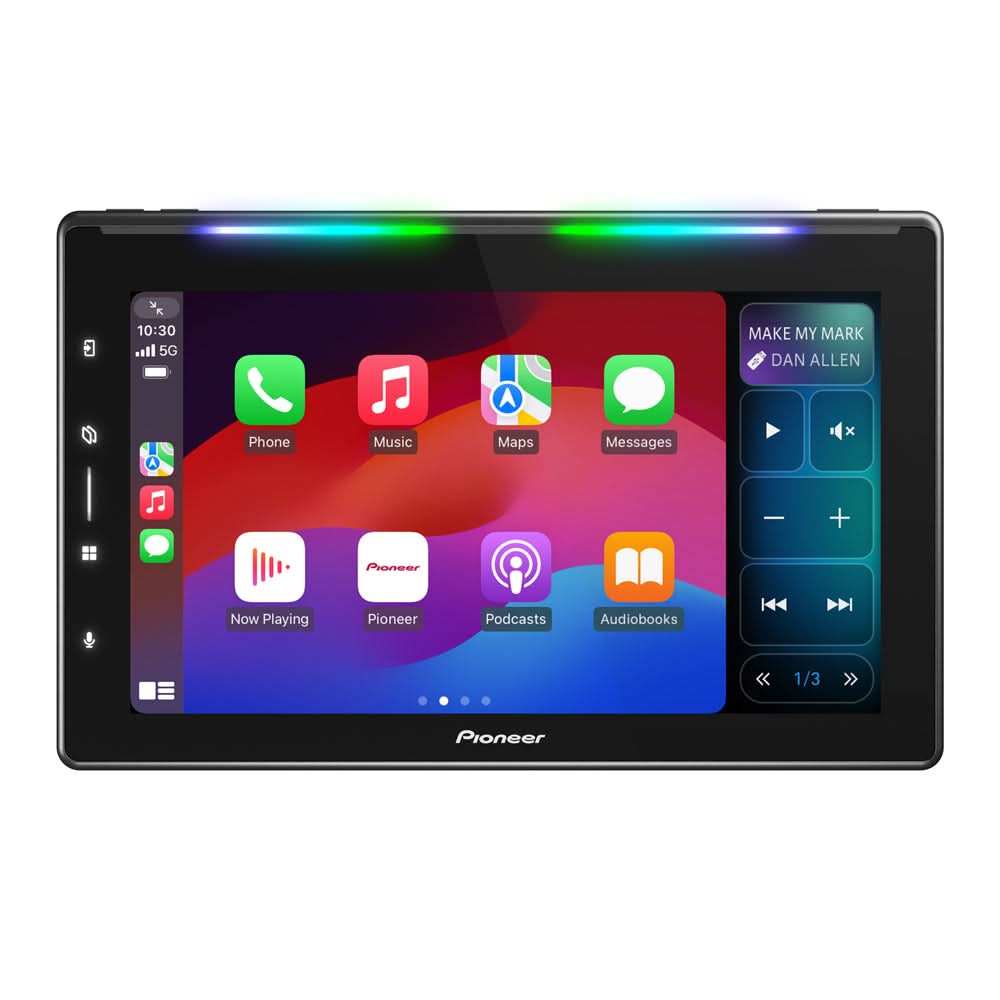
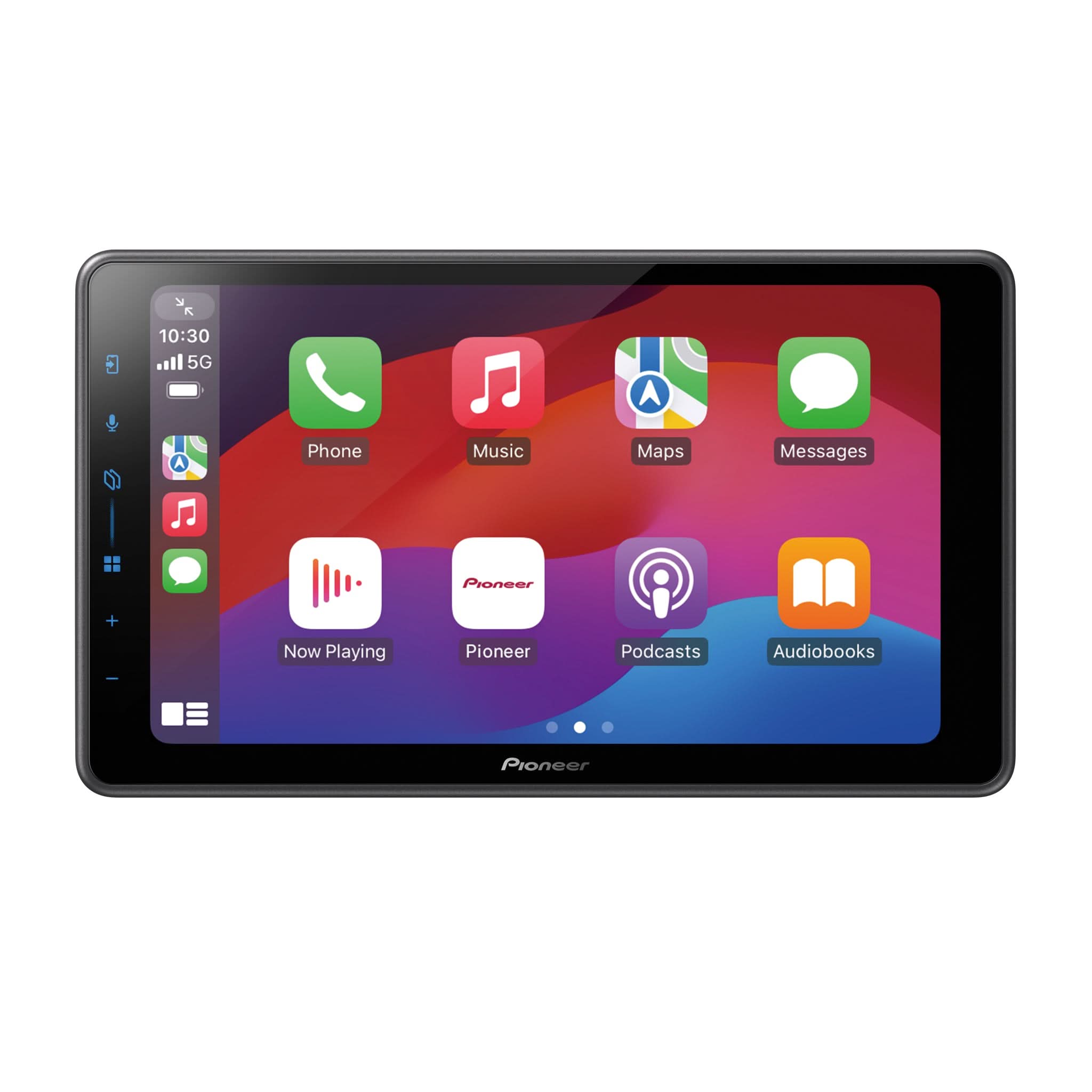
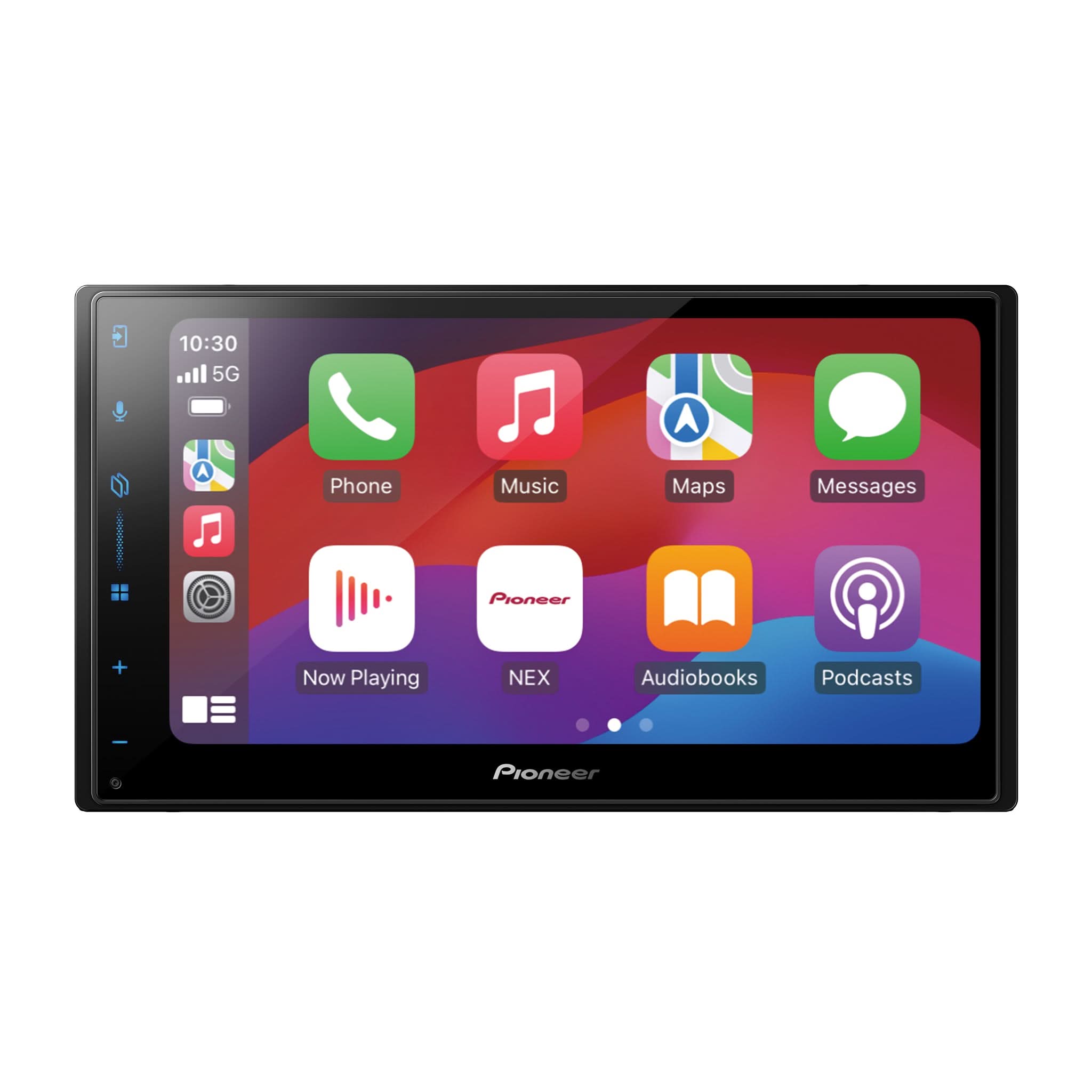
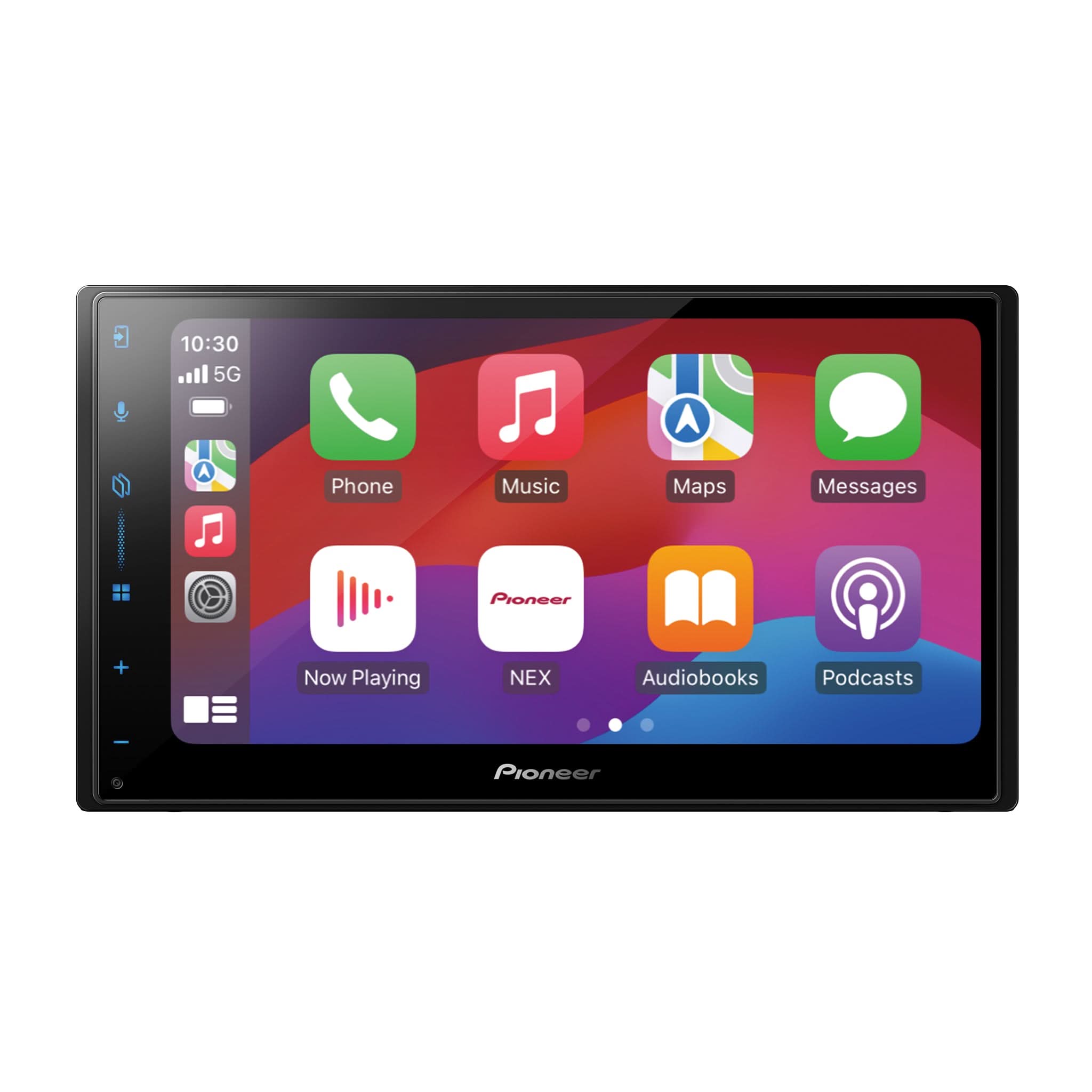
Images shown are for demonstration purposes only.