




How to Use Amazon Alexa™ with Pioneer® Receivers

Tech Tip: Amazon Alexa™ Voice Control with Pioneer® Receivers
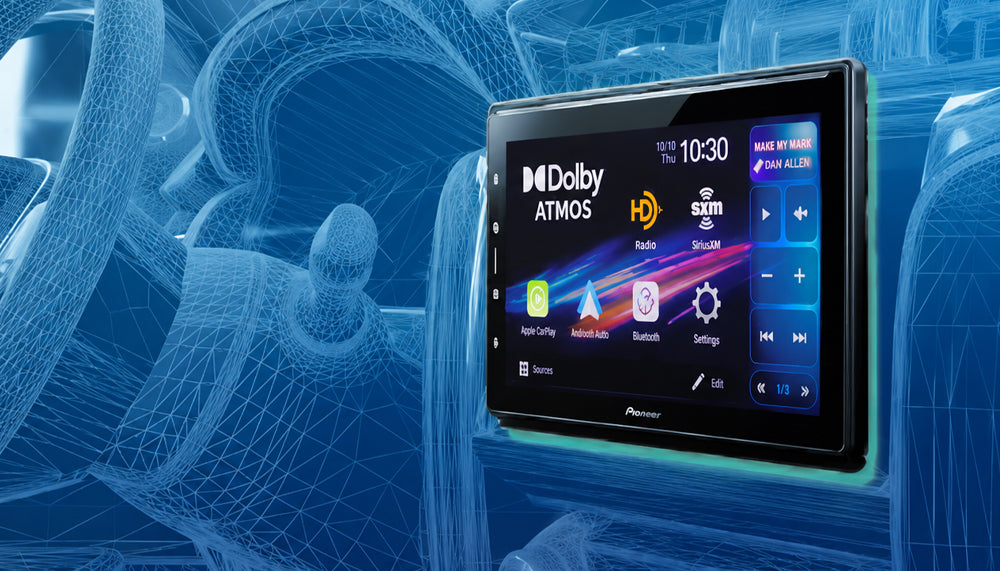
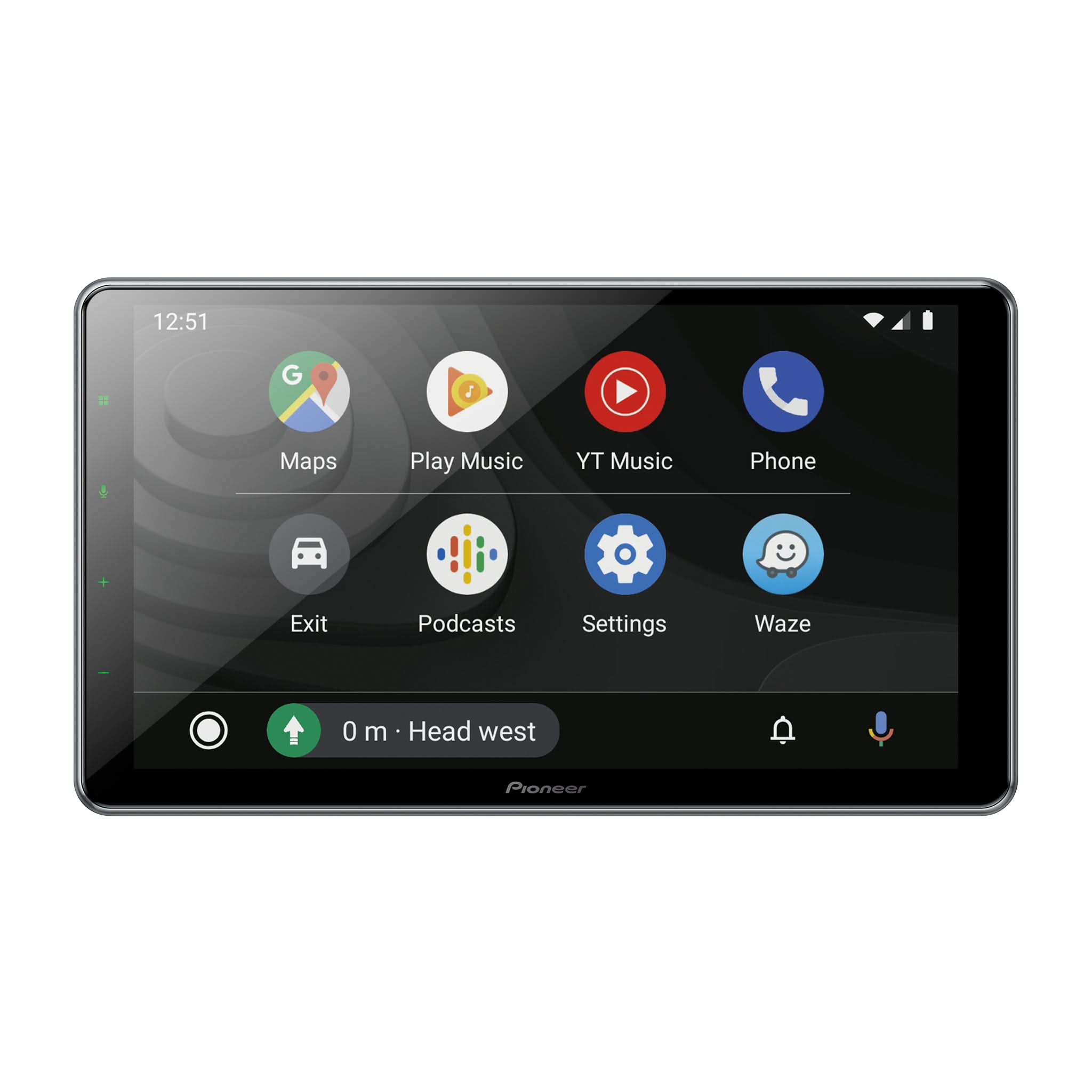
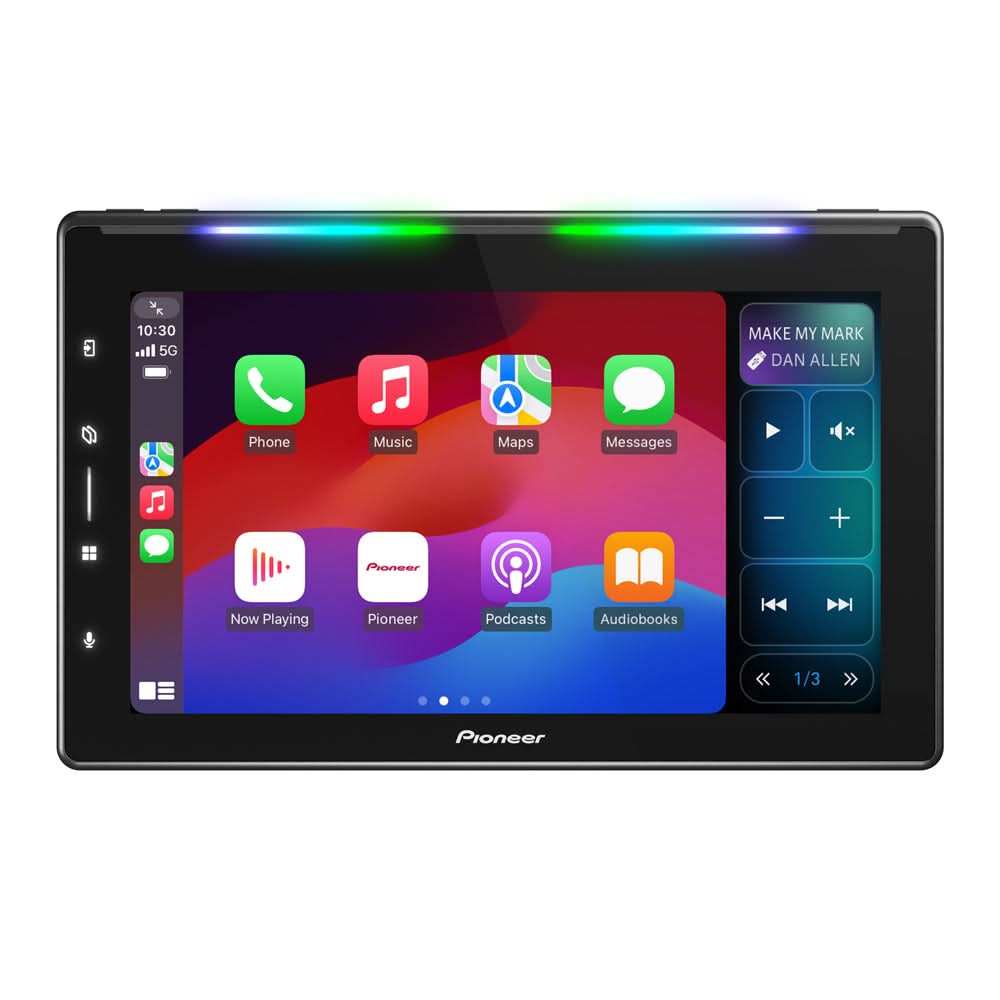
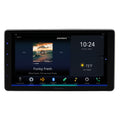
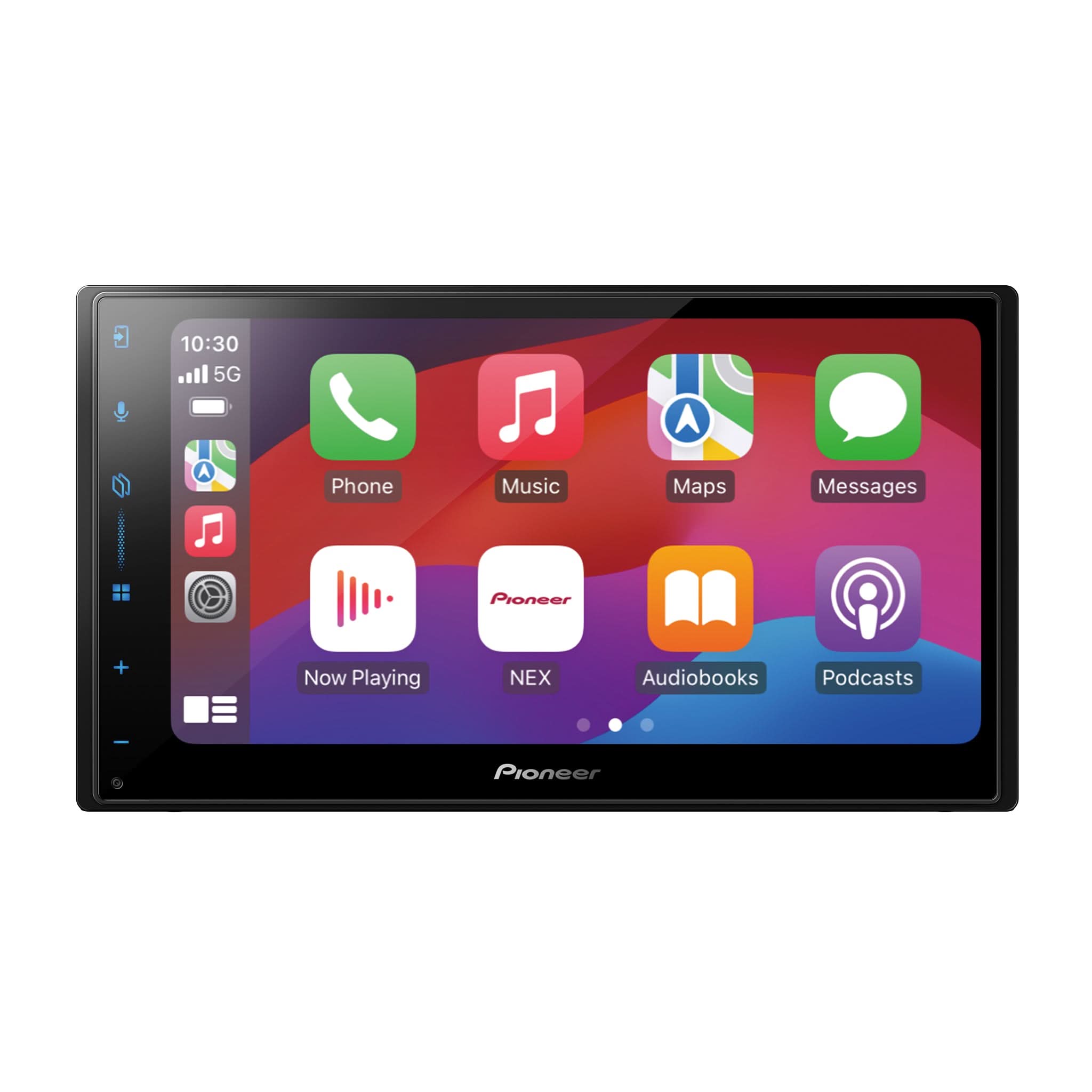
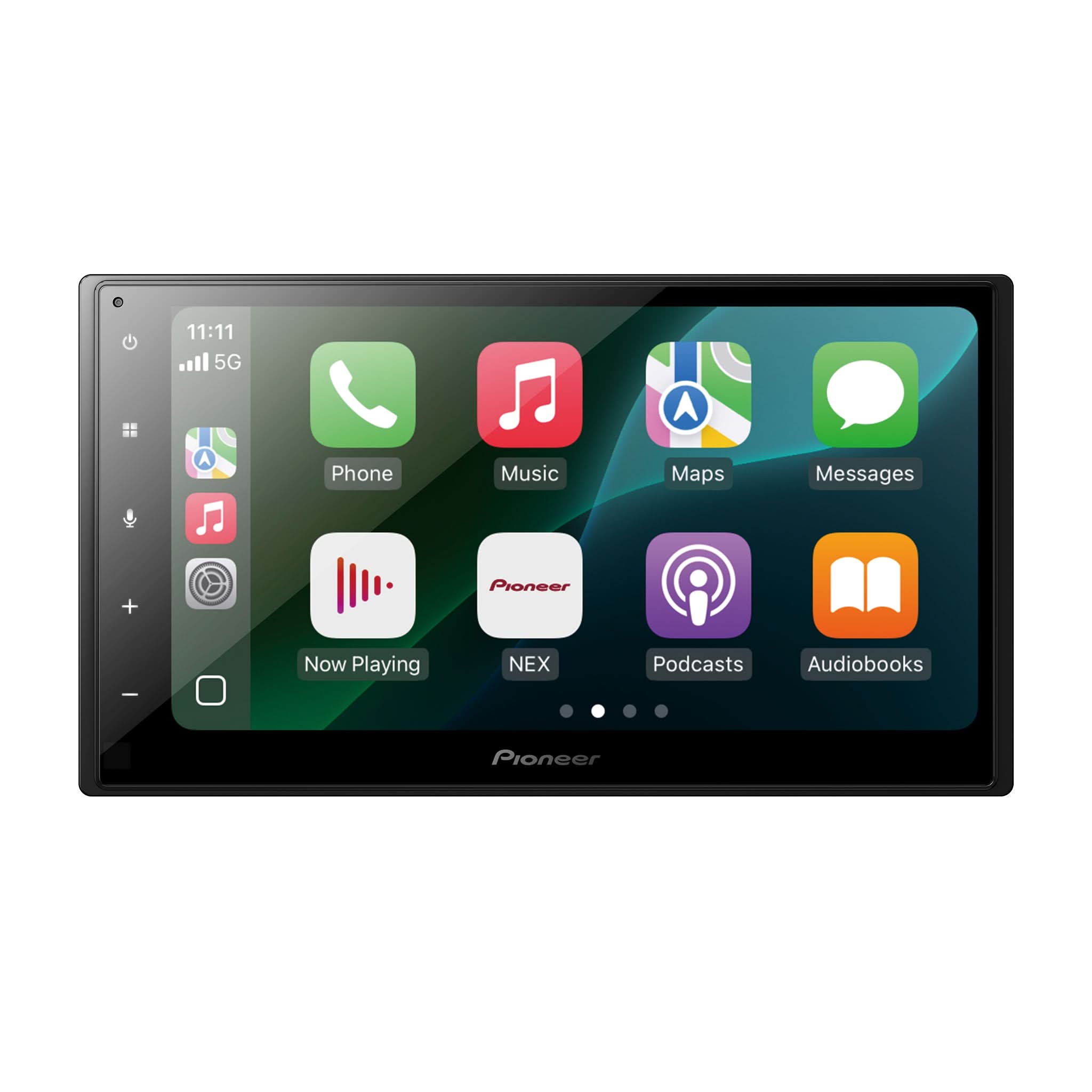
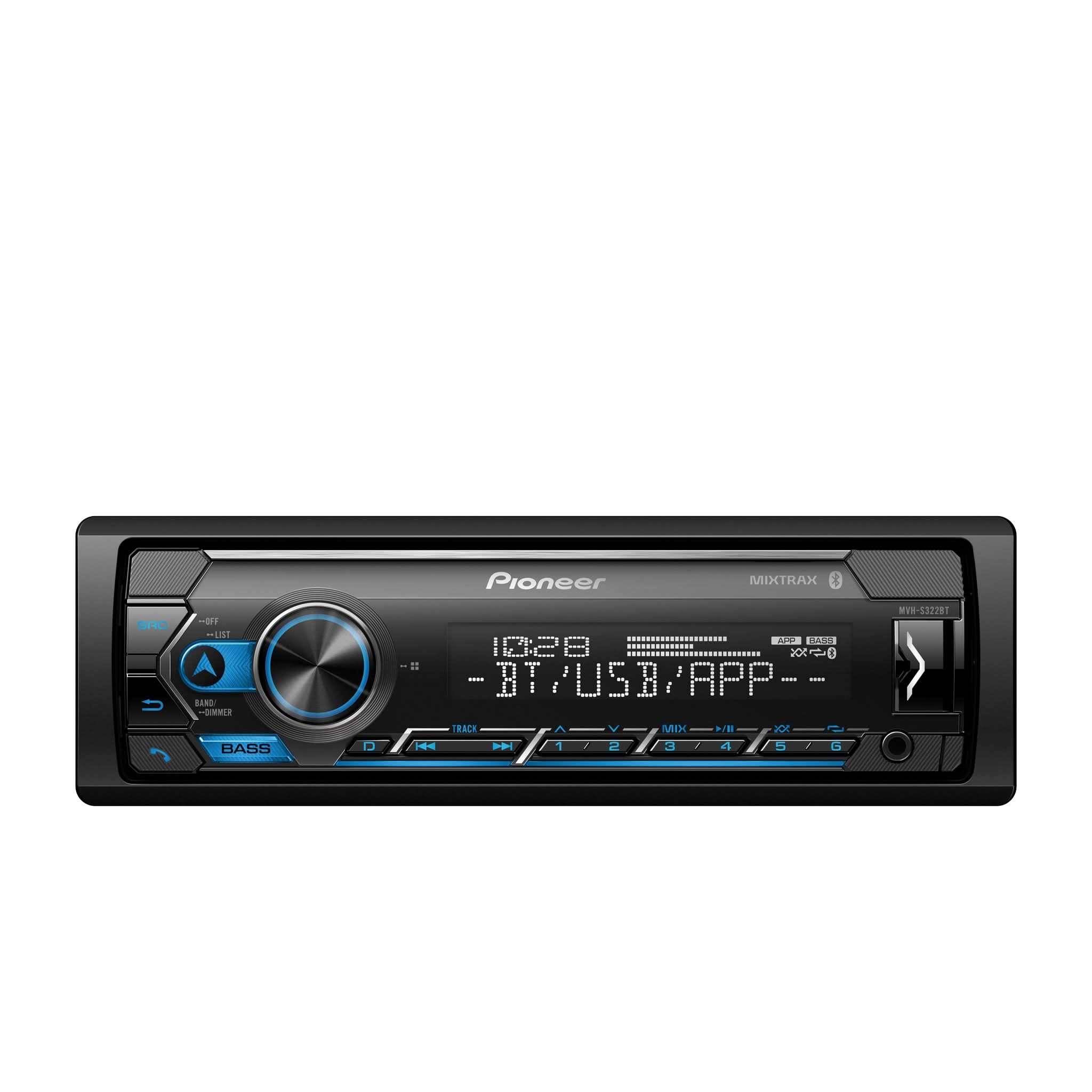
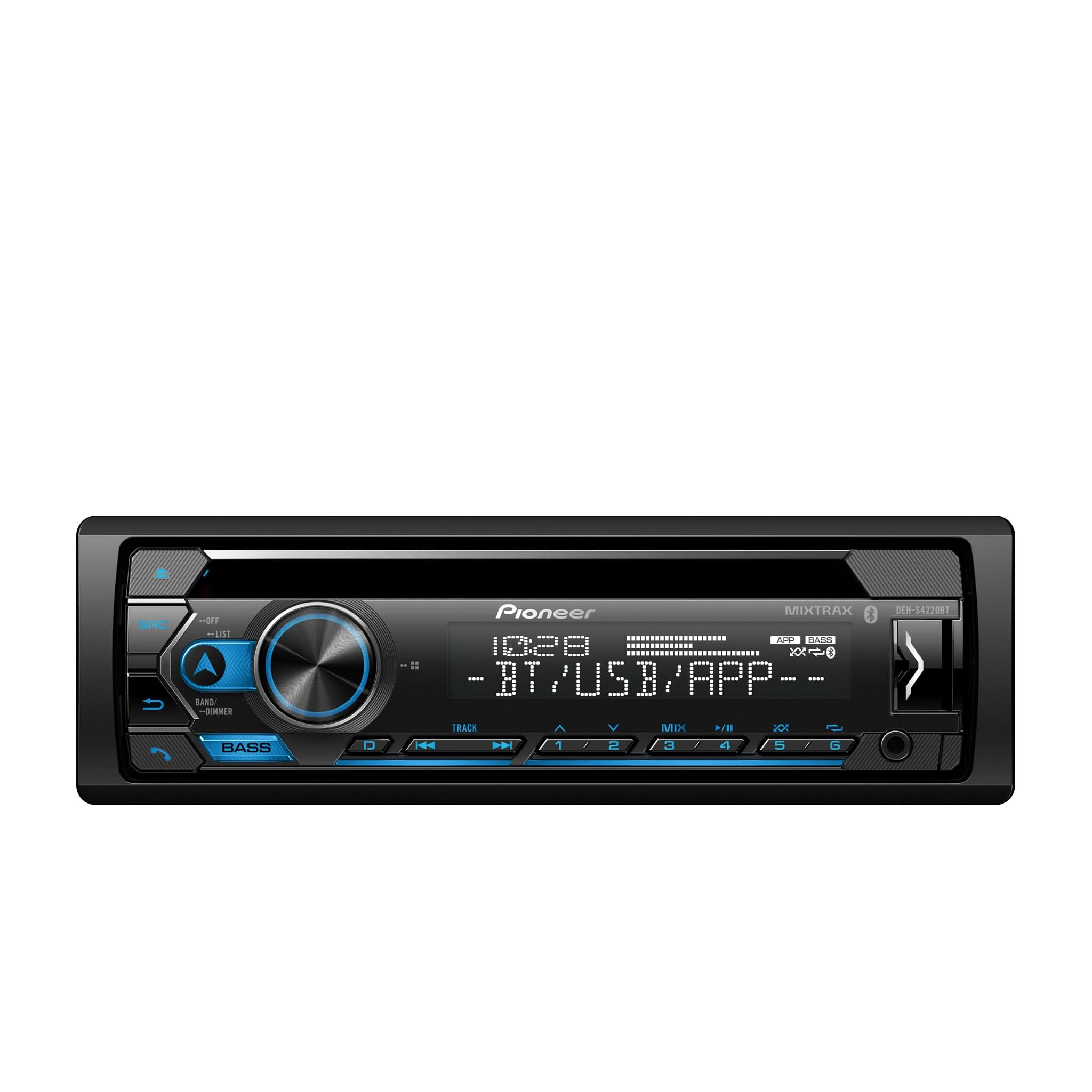
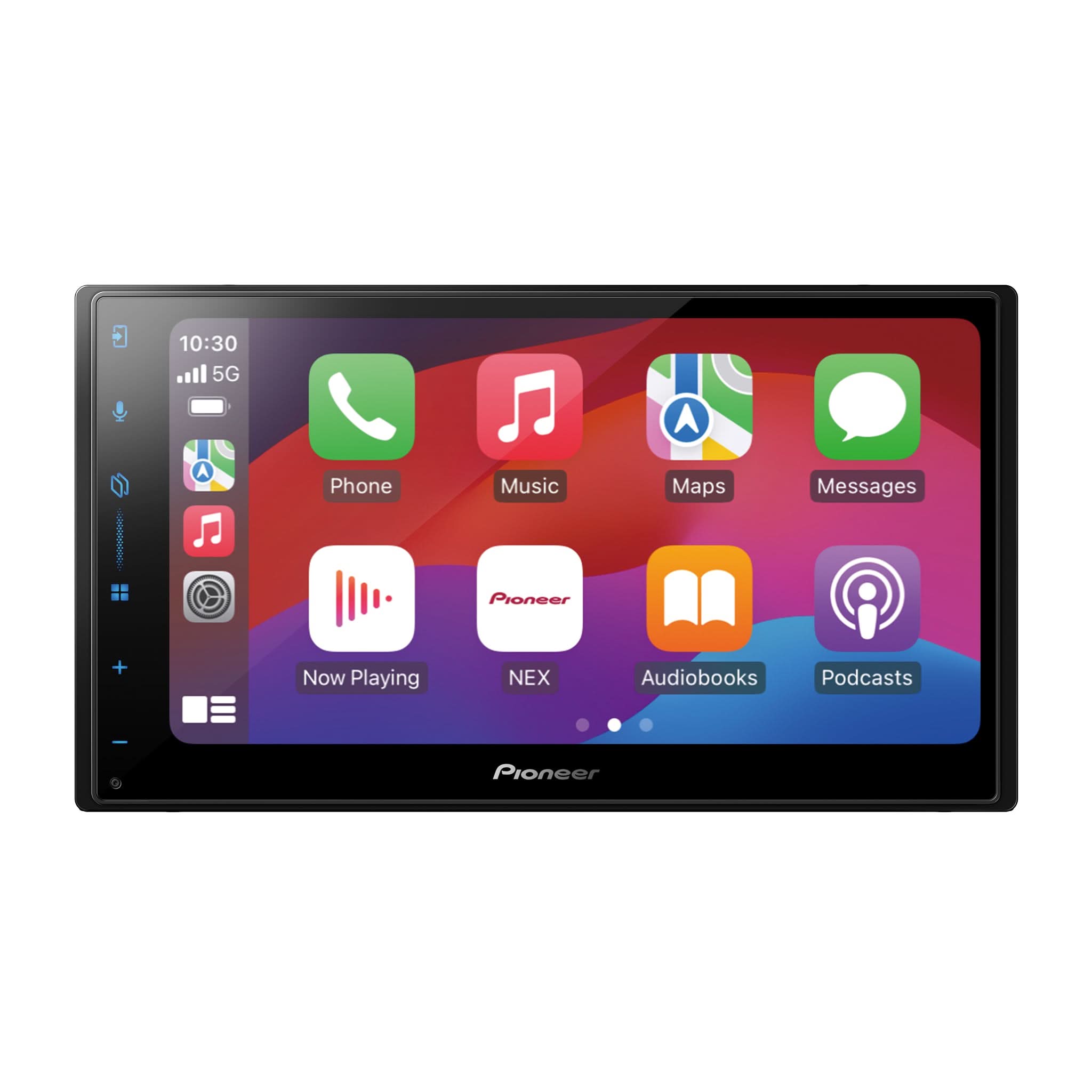
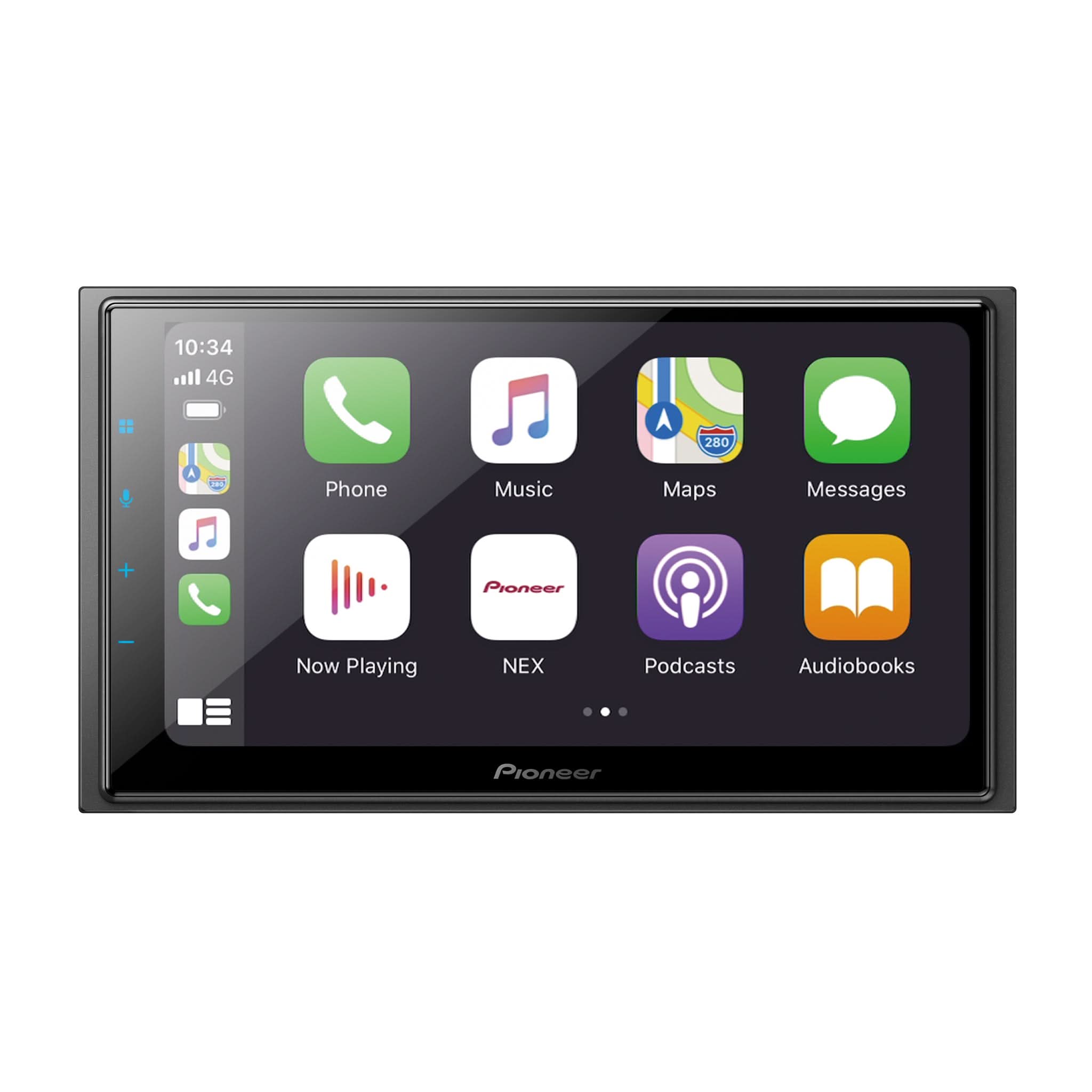
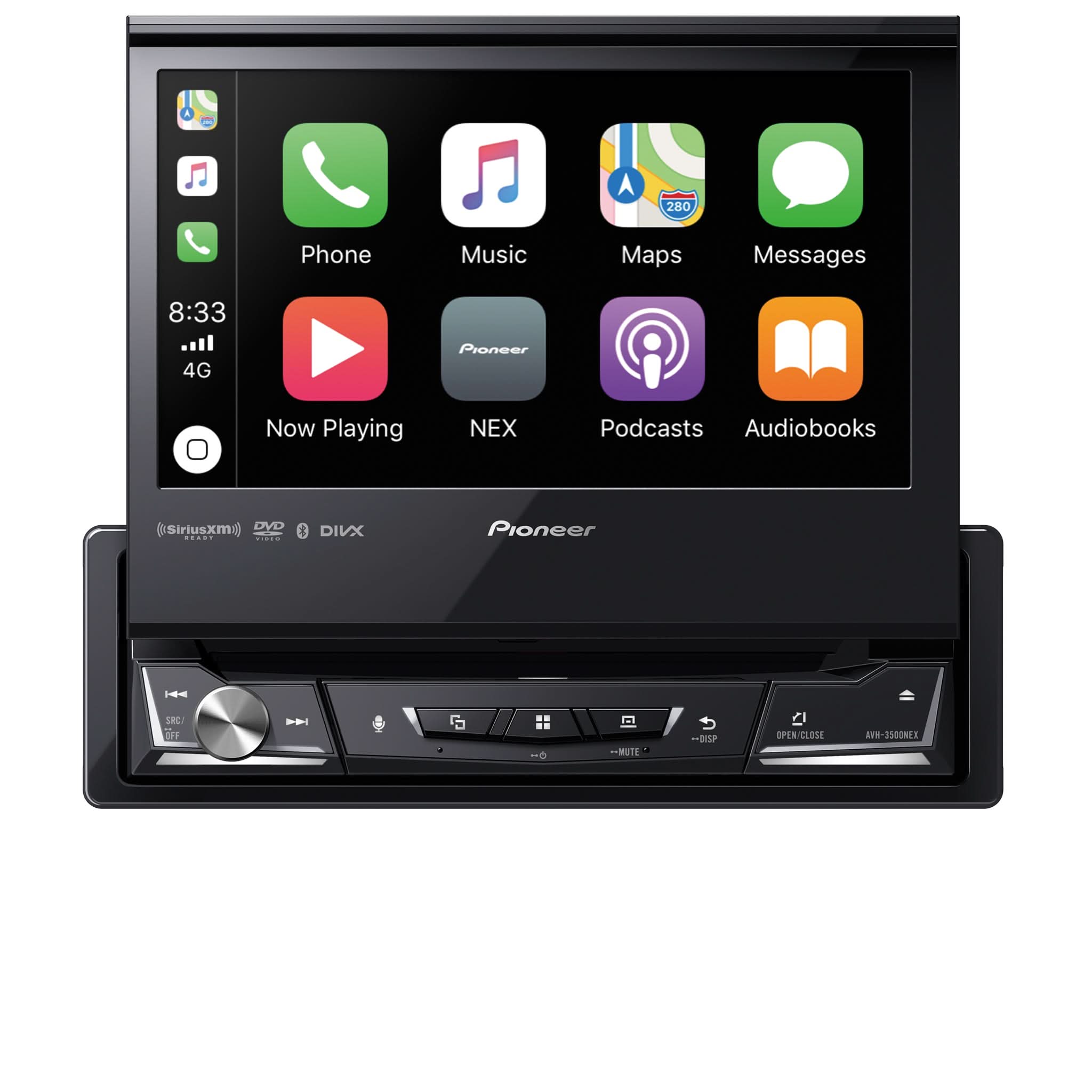
Amazon Alexa™ brings powerful voice control to compatible Pioneer® receivers — including NEX in-dash multimedia units, Vozsis App-compatible models, and Smart Sync App-compatible radios.
Depending on the receiver, Alexa is available three ways:
- Alexa Built-In
- Alexa Built-in when paired with Pioneer Vozsis App
- Alexa Built-in when paired with Pioneer Smart Sync App
Because Alexa is cloud-based, it continually improves with new skills and features.
1) Alexa Built-In

Compatible Models
DMH-W4600NEX, DMH-W4660NEX, DMH-WC5700NEX, DMH-WC6600NEX, DMH-WT7600NEX, DMH-WT8600NEX, DMH-WT76NEX, DMH-WT86NEX
Apps Needed
Amazon Alexa app + Amazon Account (required)
Setup Steps
- Update Receiver Firmware
- On your phone:
- Install the Amazon Alexa app
- Sign in with your Amazon account
- Turn on your Mobile Hotspot / Personal Hotspot
- On the receiver:
- Go to Settings → Communication Settings → Wi-Fi Settings (Hotspot)
- Set Wi-Fi to ON
- Select Hotspot Setting
- Tap the magnifying glass to search for available hotspots
- Select your phone and enter the password
- Review and accept the Internet Communication Service Terms of Use (4 pages)
- ⚠️ Press NEXT on each page (do NOT press OK until the last page)
- On page 4, check I Accept and Do Not Show, then press OK
- Return to the source screen and tap the Alexa icon
- Follow the on-screen prompts, then scan the QR code with your phone to complete linking with the Alexa app
- Grant microphone, contacts, and notification permissions when asked
- Alexa is now ready — you can say “Alexa” (hands-free) or tap the Alexa icon
Connection Notes
- Requires Wi-Fi® connection through smartphone hotspot or in-vehicle Wi-Fi®
- Bluetooth optional (calls and streaming)
Voice Control
- Hands-free with wake word “Alexa”
2) Alexa Built-in when paired with Pioneer Vozsis App 

Compatible Models
DMH-130BT, DMH-1500NEX, DMH-2000NEX, DMH-240EX, DMH-241EX, DMH-2600NEX, DMH-2660NEX, DMH-C2500NEX, DMH-C2550NEX, DMH-C5500NEX, DMH-W2700NEX, DMH-W2770NEX, DMH-W3000NEX, DMH-W3050NEX, DMH-T450EX, DMH-WT5000NEX, DMH-WT6000NEX, DMH-WT8000NEX, AVH-1500NEX, AVH-1550NEX, AVH-240EX, AVH-241EX, AVH-2500NEX, AVH-2550NEX, AVH-3500NEX, AVH-W4500NEX, AVH-521EX, AVIC-W6500NEX, AVIC-W6600NEX, AVIC-W8500NEX, AVIC-W8600NEX
Apps Needed
Pioneer Vozsis with Alexa app + Weblink Host + Amazon Alexa app + Amazon Account (required)
Setup Steps
- Update Receiver Firmware
- Install Apps – Vozsis with Alexa + Weblink Host + Amazon Alexa
- Connect smartphone via USB
- Pair smartphone to receiver via Bluetooth® (optional)
- Open Vozsis app → log into Amazon account
- Grant microphone, contacts, and notification access
- On receiver, tap Weblink icon → select Vozsis → tap microphone to speak to Alexa
- Test with an Alexa command
Connection Notes
- USB connection mandatory
- Bluetooth optional (calls/streaming)
Voice Control
- Tap-to-talk only
3) Alexa Built-in when paired with Pioneer Smart Sync App

Compatible Models
- FH: FH-S722BS, FH-S720BS, FH-S52BT, FH-S520BT
- DEH: DEH-S7200BHS, DEH-S6220BS, DEH-S6200BS, DEH-S5200BT, DEH-S4220BT, DEH-S4200BT, DEH-S6100BS, DEH-S6120BS, DEH-S5100BT, DEH-S5120BT, DEH-S4100BT, DEH-S4120BT, DEH-S31BT
- MVH: MVH-S720BHS, MVH-S622BS, MVH-S620BS, MVH-S522BS, MVH-S420BT, MVH-S322BT, MVH-S320BT, MVH-S310BT, MVH-S512BS, MVH-S312BT, MVH-MS512BS, MVH-MS310BT
- MXT: MXT-S3166BT, MXT-MS316BT, MXT-S3266BT
- SPH: SPH-10BT
Apps Needed
Pioneer Smart Sync app + Amazon Alexa app + Amazon Account (required)
Setup Steps
- Update Receiver Firmware
- Install Apps – Pioneer Smart Sync + Amazon Alexa
- Set Receiver App Control
- Go to System Settings → App Control
- Select Bluetooth (BT) for wireless Smart Sync
- Select USB (Wired) for wired Smart Sync (more reliable, allows charging)
- Pair Smartphone to Receiver via Bluetooth® (if BT selected)
- Open Smart Sync app → log into Amazon account
- Grant microphone, contacts, and notification access
- In Smart Sync app → go to Settings → Voice → select “Amazon Alexa.”
- Adds Alexa voice recognition
- The Alexa icon appears on the Smart Sync home button
- Tap Alexa icon in Smart Sync to speak
- Test with an Alexa command
Connection Notes
- Choose Bluetooth or USB wired connection
- Wired option preferred for reliability and charging
Voice Control
- Tap-to-talk only
Alexa Integration – Quick Comparison
Built-In
- Models: DMH-W4600NEX, DMH-W4660NEX, DMH-WC5700NEX, DMH-WC6600NEX, DMH-WT7600NEX, DMH-WT8600NEX, DMH-WT76NEX, DMH-WT86NEX
- Apps Needed: Amazon Alexa app + Amazon Account (required)
- Connection: Wi-Fi mandatory (BT optional)
- Voice Control: Hands-free with wake word
Alexa Built-in when paired with Pioneer Vozsis App
- Models: DMH-130BT, DMH-1500NEX, DMH-2000NEX, DMH-240EX, DMH-241EX, DMH-2600NEX, DMH-2660NEX, DMH-C2500NEX, DMH-C2550NEX, DMH-C5500NEX, DMH-W2700NEX, DMH-W2770NEX, DMH-W3000NEX, DMH-W3050NEX, DMH-T450EX, DMH-WT5000NEX, DMH-WT6000NEX, DMH-WT8000NEX, AVH-1500NEX, AVH-1550NEX, AVH-240EX, AVH-241EX, AVH-2500NEX, AVH-2550NEX, AVH-3500NEX, AVH-W4500NEX, AVH-521EX, AVIC-W6500NEX, AVIC-W6600NEX, AVIC-W8500NEX, AVIC-W8600NEX
- Apps Needed: Vozsis + Weblink Host + Amazon Alexa app + Amazon Account (required)
- Connection: USB required, BT optional
- Voice Control: Tap-to-talk only
Alexa Built-in when paired with Pioneer Smart Sync App
- Models: FH-S722BS, FH-S720BS, FH-S52BT, FH-S520BT, DEH-S7200BHS, DEH-S6220BS, DEH-S6200BS, DEH-S5200BT, DEH-S4220BT, DEH-S4200BT, DEH-S6100BS, DEH-S6120BS, DEH-S5100BT, DEH-S5120BT, DEH-S4100BT, DEH-S4120BT, DEH-S31BT, MVH-S720BHS, MVH-S622BS, MVH-S620BS, MVH-S522BS, MVH-S420BT, MVH-S322BT, MVH-S320BT, MVH-S310BT, MVH-S512BS, MVH-S312BT, MVH-MS512BS, MVH-MS310BT, MXT-S3166BT, MXT-MS316BT, MXT-S3266BT, SPH-10BT
- Apps Needed: Smart Sync + Amazon Alexa app + Amazon Account (required)
- Connection: Choose BT (wireless) or USB (wired). Wired is more reliable, allows charging
- Voice Control: Tap-to-talk only
Advantages of Each Alexa Integration
Built-In
- True hands-free experience with wake word “Alexa”
- Best option for customers wanting seamless voice control without touching the screen
- Uses Wi-Fi for fastest response and expanded cloud features
Alexa Built-in when paired with Pioneer Vozsis App
- Works with a wide range of compatible receivers
- USB connection ensures stability while using Alexa
- Great option for users who want Alexa but don’t need wake word control
Alexa Built-in when paired with Pioneer Smart Sync App
- Available on entry and mid-level receivers (FH, DEH, MVH, MXT, SPH)
- Flexible connection: Bluetooth or USB wired (wired adds reliability + charging)
- Adds Alexa access directly inside the Smart Sync app with one tap
Trademark Notice
Amazon, Alexa, and all related marks are trademarks of Amazon.com, Inc. or its affiliates.
Pioneer, Pioneer NEX, and Pioneer Smart Sync are registered trademarks of Pioneer Corporation.
Weblink is a registered trademark of Abalta Technologies, Inc.
Wi-Fi and the Wi-Fi Certified logo are registered trademarks of the Wi-Fi Alliance.
Bluetooth is a registered trademark of Bluetooth SIG, Inc.