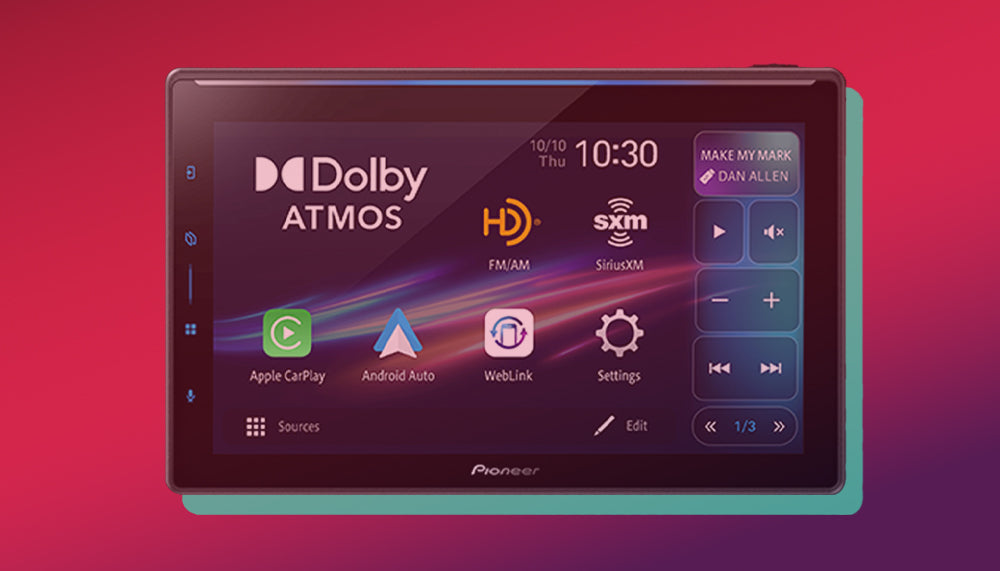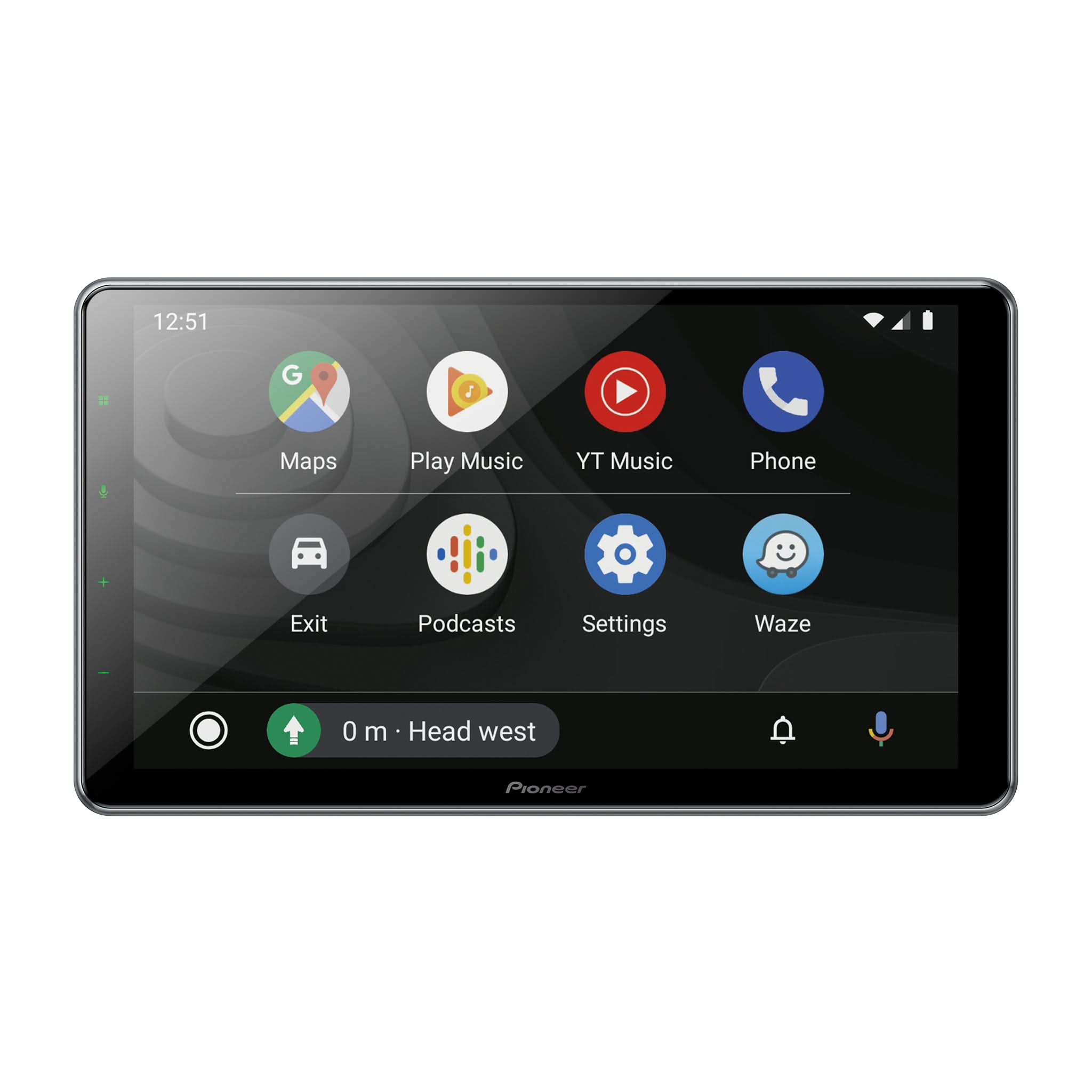
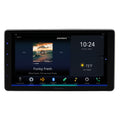


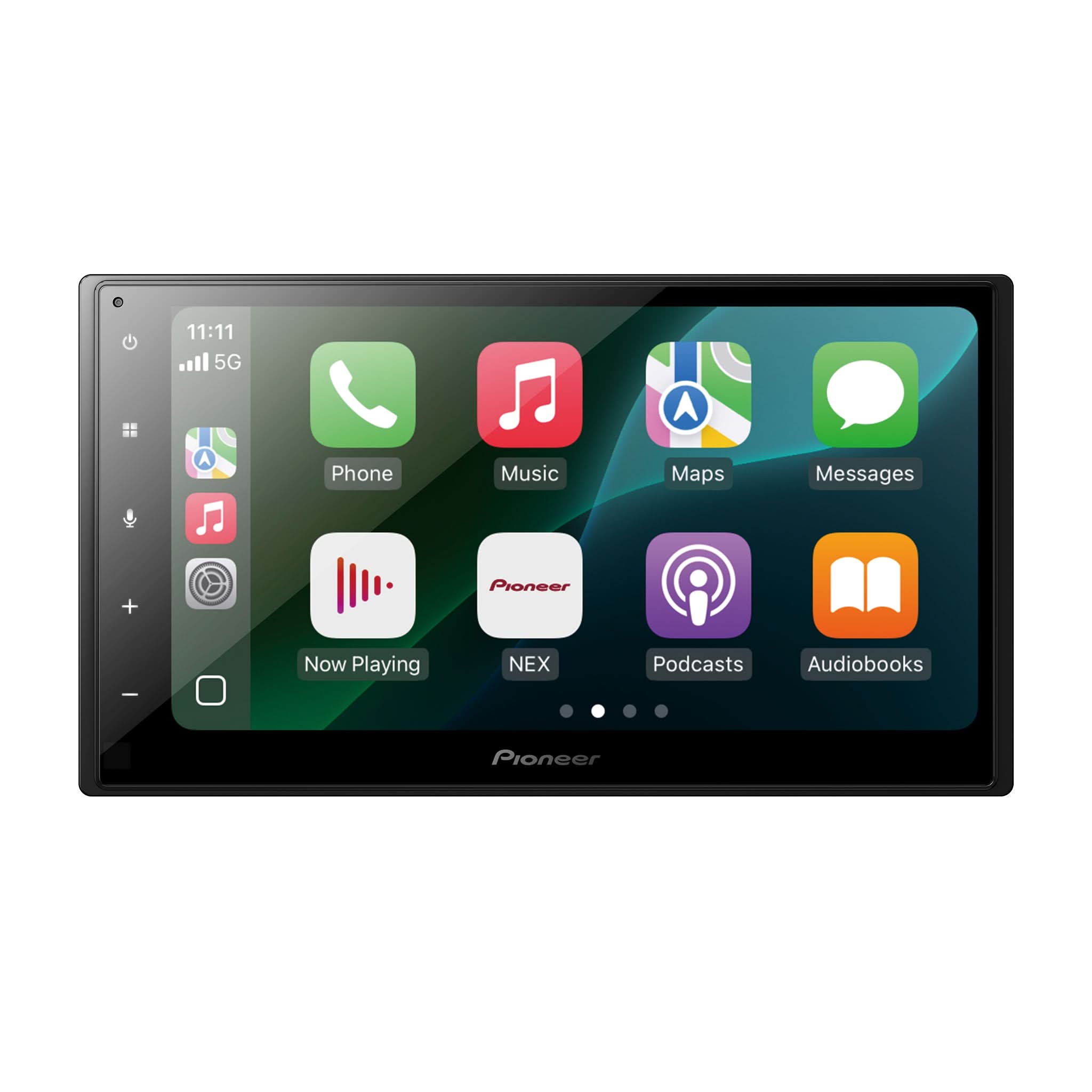
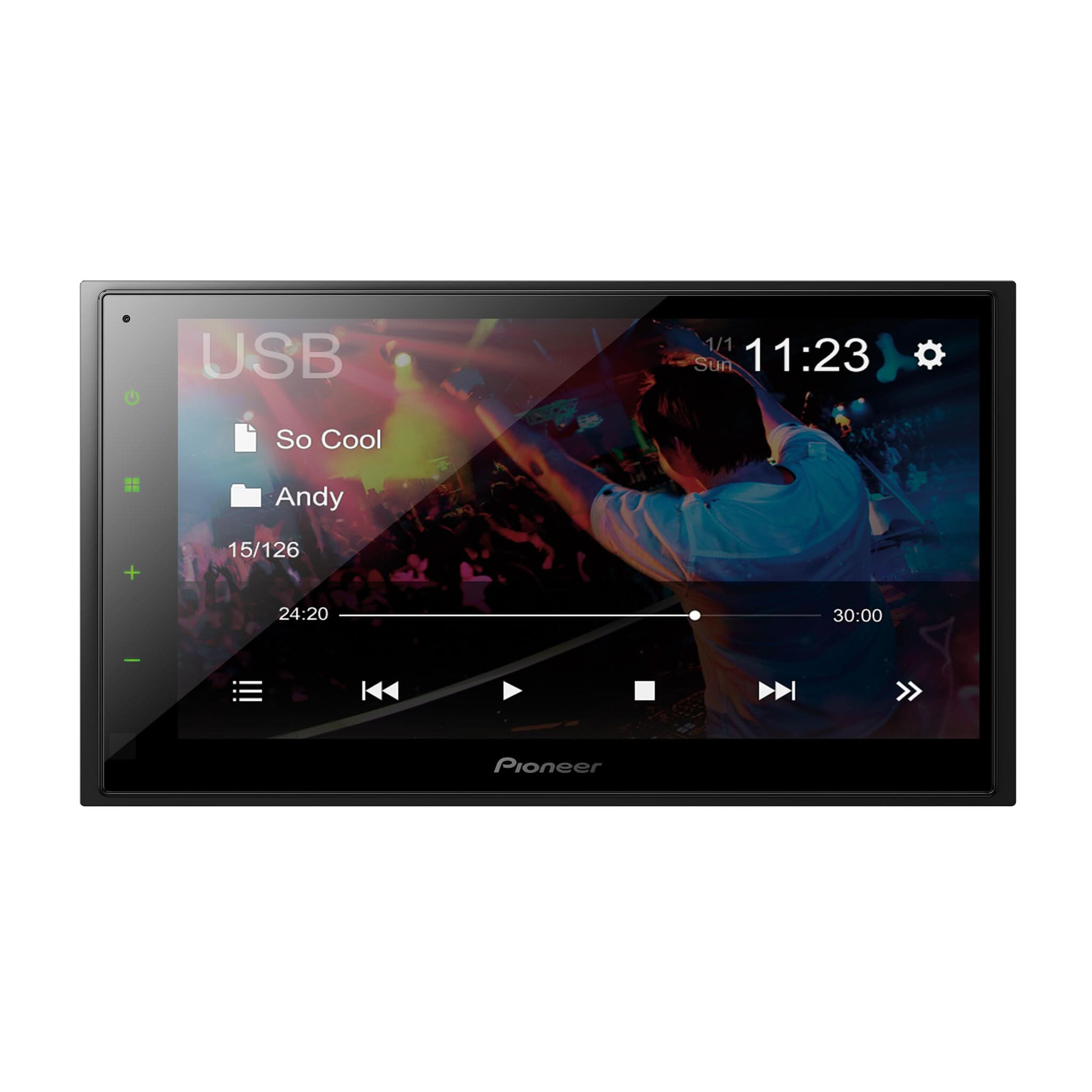
Pioneer SPHERA Firmware Version 1.02 Update Announcement
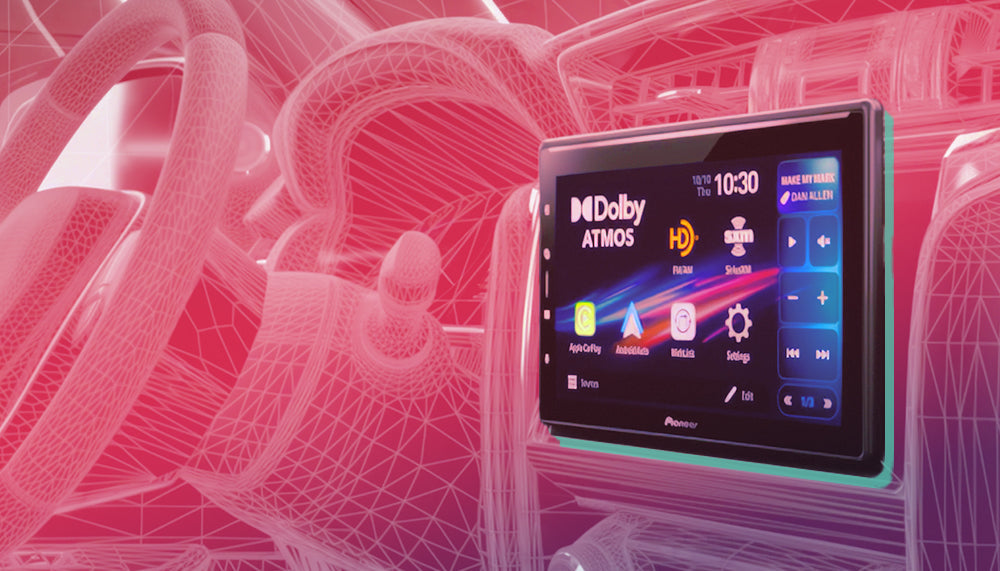
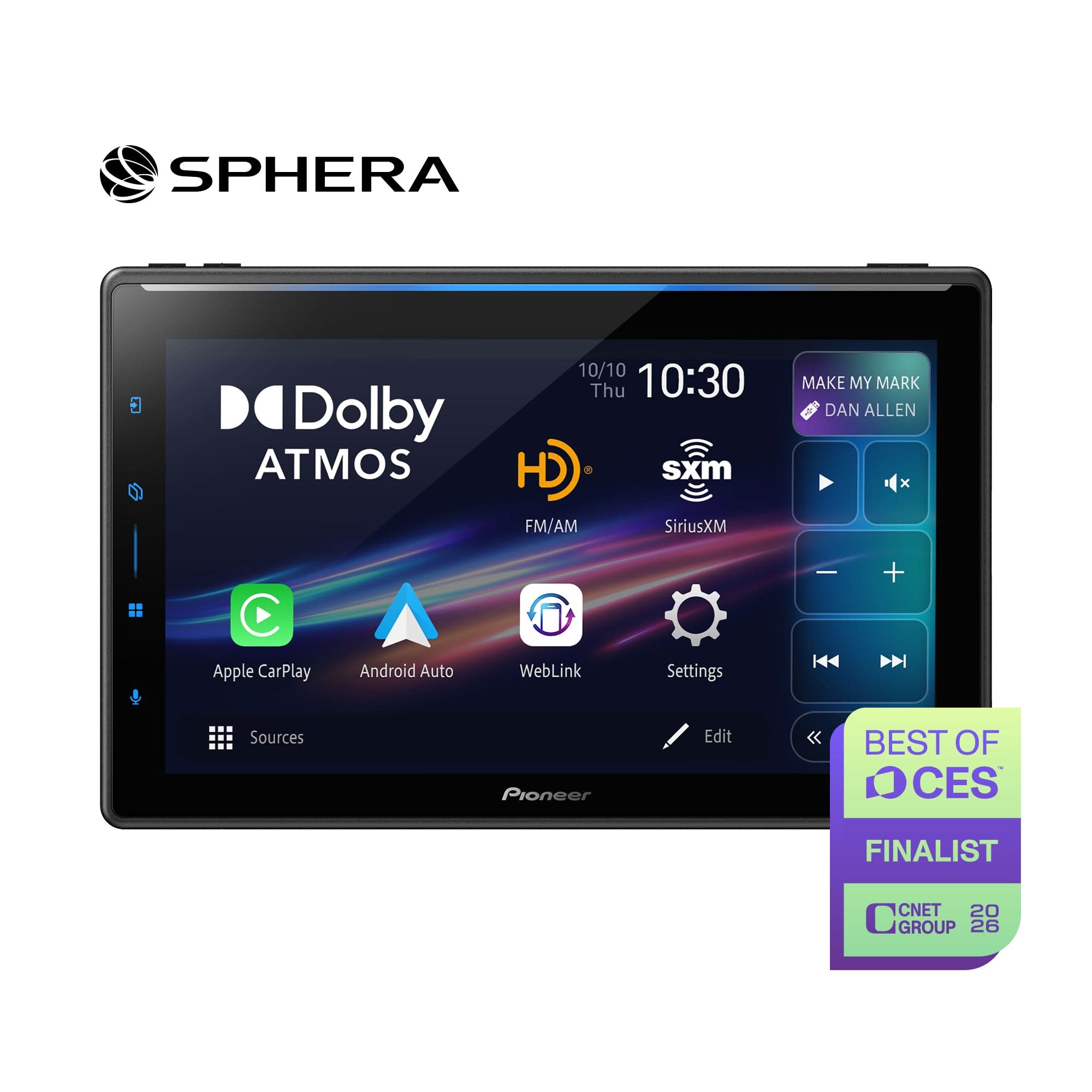
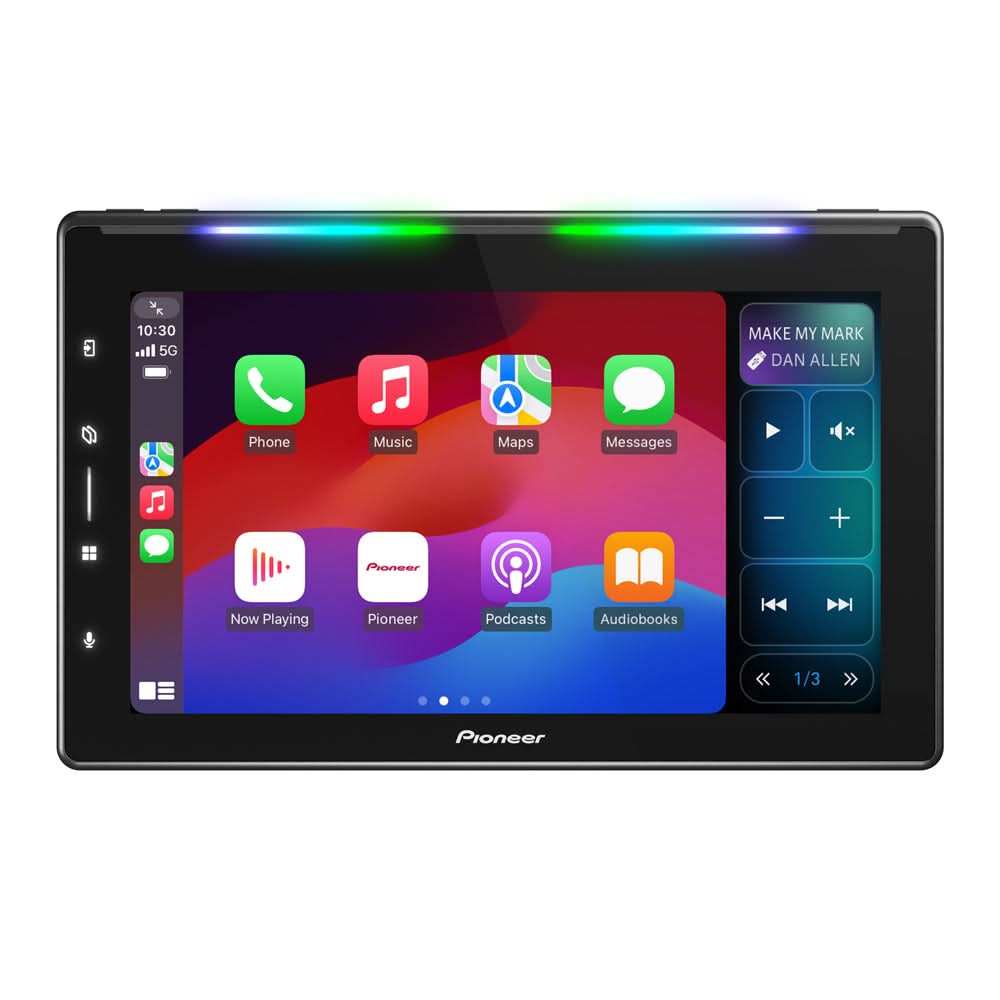
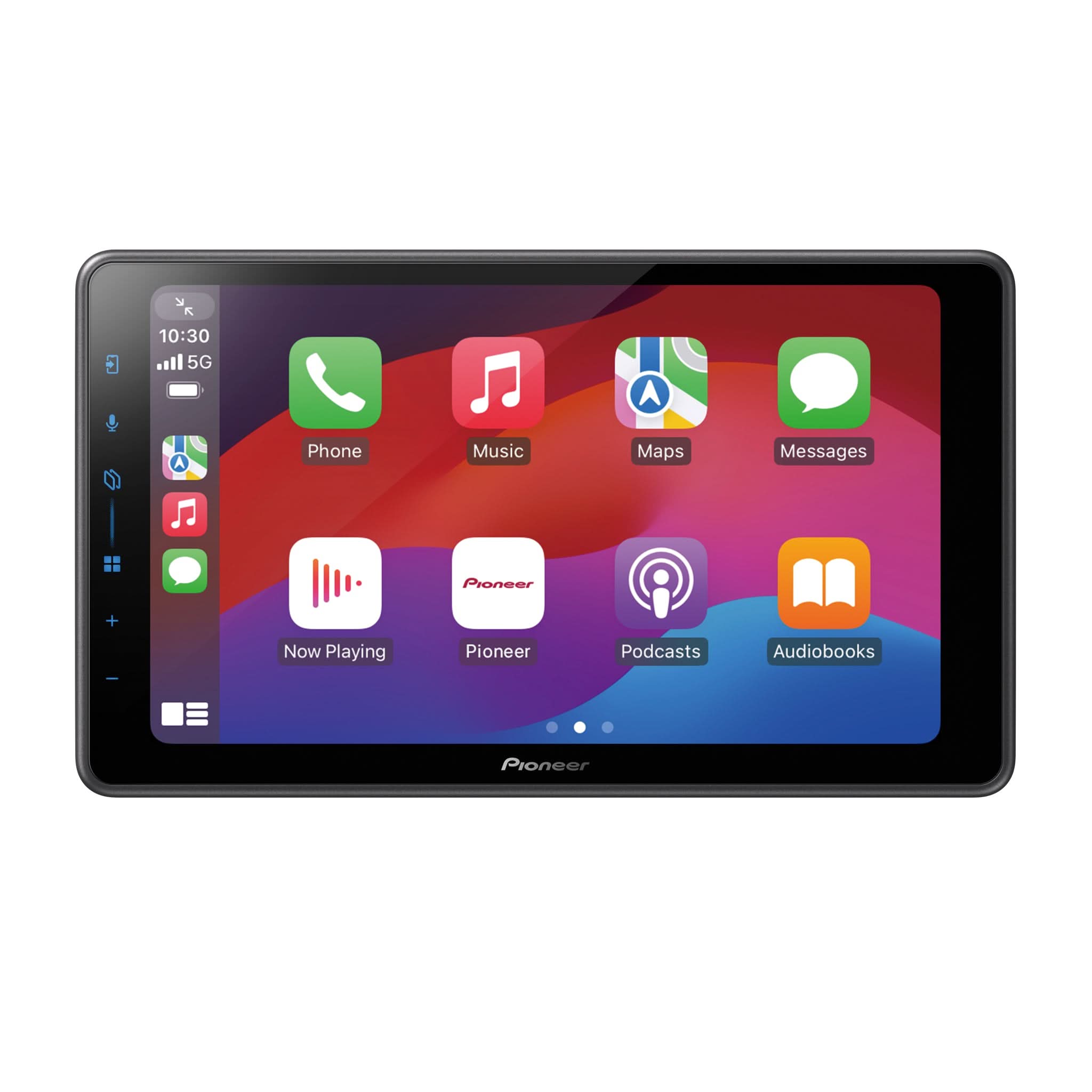
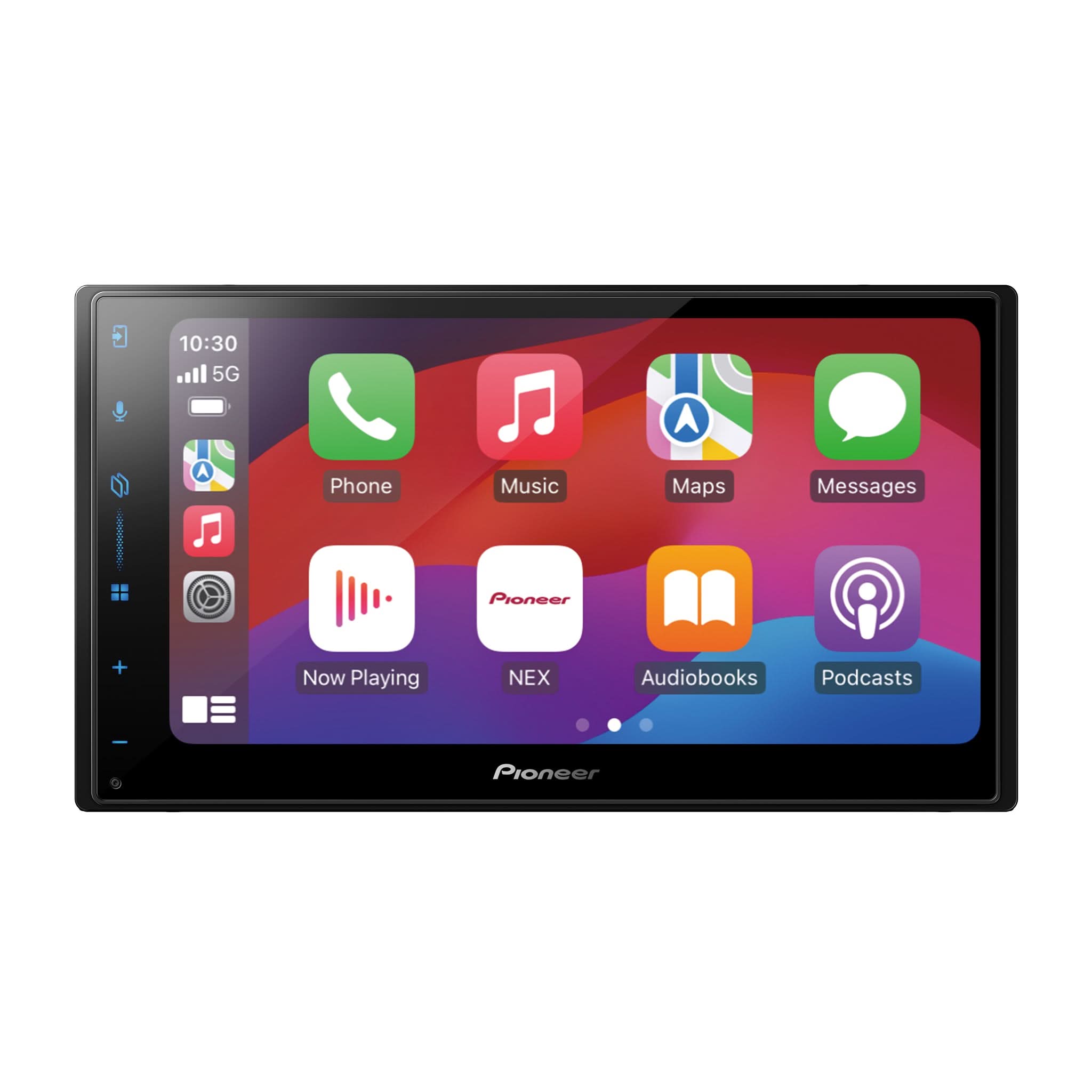
DMH-WT8000NEX Multimedia Receiver
Firmware Update Announcement
Pioneer has released firmware version 1.02 for the Pioneer SPHERA DMH-WT8000NEX multimedia receiver. This update improves overall system stability and performance and is recommended for all current DMH-WT8000NEX users.
This firmware update applies only to Pioneer DMH-WT8000NEX multimedia receivers sold in the United States and Canada.
Installation of this firmware on any other product may cause the update process to fail and could potentially result in irreversible damage to the receiver.
Firmware Information
Compatible Model:
- DMH-WT8000NEX
Current Firmware:
- Earlier than Version 1.02
Latest Firmware:
- Version 1.02
Firmware File:
- DMH-WT8000NEX_UC.avh found in the "Update" folder
Estimated Update Time
Estimated firmware installation time:
- Approximately 3 minutes
Additional reboot time:
- Approximately 1 minute
Do not operate the vehicle or interact with the receiver until the update and reboot process are fully completed.
Before You Begin
The following items are required before starting the firmware update:
- Pioneer DMH-WT8000NEX receiver
- USB flash drive
- 512MB or larger
- FAT32 or NTFS formatted
- Blank / no additional files stored on drive
Important Safety Information
WARNING
Install this update only while the vehicle is safely parked in a well-ventilated outdoor area with the engine running to maintain battery voltage. Never perform firmware updates inside an enclosed garage or confined space.
Firmware Update Precautions
- Do NOT turn vehicle ignition OFF during update
- Do NOT remove USB flash drive during update
- Do NOT press buttons or touch the screen during update
- Vehicle must remain parked with parking brake engaged
- Disconnect external mobile devices before updating
- Firmware updates may restore audio, network, and user preference settings back to factory default values
Important
PART 1 — Verify Current Firmware Version
Step 1
From the Home Screen select:
- Settings

Step 2
Select:
- Tools - System settings

Step 3
Scroll down and select:
- System Information

Step 4
Select:
- Firmware Information

Step 5
Verify: Model Name by scrolling down
- Model Name = DMH-WT8000NEX
- Firmware Version
If the firmware version is lower than Version 1.02, proceed with the update.

PART 2 — Download Firmware Files
Step 1
Visit the Pioneer USA Support website:
Step 2
Search for:
- DMH-WT8000NEX
Download:
- Firmware Version 1.02
Step 3
Extract the downloaded ZIP file.
The extracted firmware file should appear as:
DMH-WT8000NEX_UC.avh
Located inside:
- Update Folder
Step 4
Copy the complete “Update” folder directly onto the blank USB flash drive.
Important:
- Do not rename files or folders
- Keep firmware file inside the “Update” folder
- Do not place additional files on the USB flash drive
PART 3 — Install Firmware Version 1.02
Step 1
Start the vehicle and allow the receiver to fully boot.
Step 2
Set the source to:
- Source OFF

Step 3
Insert the prepared USB flash drive into the receiver USB port.
Step 4
Open:
- Settings

Step 5
Select:
- Firmware Update
Step 6
When prompted:
- Select YES
The firmware installation process will begin.
Step 7
Allow the firmware update process to complete.
During update:
- Do not drive vehicle
- Do not power off receiver
- Do not disconnect USB flash drive
- Do not reset system
Estimated installation time:
- Approximately 3 minutes
Step 8
Once update is complete:
- Remove USB flash drive
- Receiver will automatically reboot
The display may temporarily go black during reboot. Do not press any buttons until the Home Screen fully returns.
PART 4 — Confirm Firmware Installation
Repeat the firmware version verification procedure:
Settings → System → System Information → Firmware Information
Verify:
- Firmware Version = 1.02
- Model Name = DMH-WT8000NEX
Optional OTA Wireless Firmware Updates Using PxLink
The DMH-WT8000NEX also supports wireless firmware updates using the Pioneer PxLink companion app.
For best results:
- Disable active Wireless Apple CarPlay® or Android Auto™ sessions before launching PxLink
- Maintain stable Bluetooth® and Wi-Fi connection during update
- Keep vehicle running during update process

Additional Notes
After firmware installation, reconfirm:
- Audio settings
- Time Alignment
- EQ adjustments
- Bluetooth® pairings
- Wireless Apple CarPlay® operation
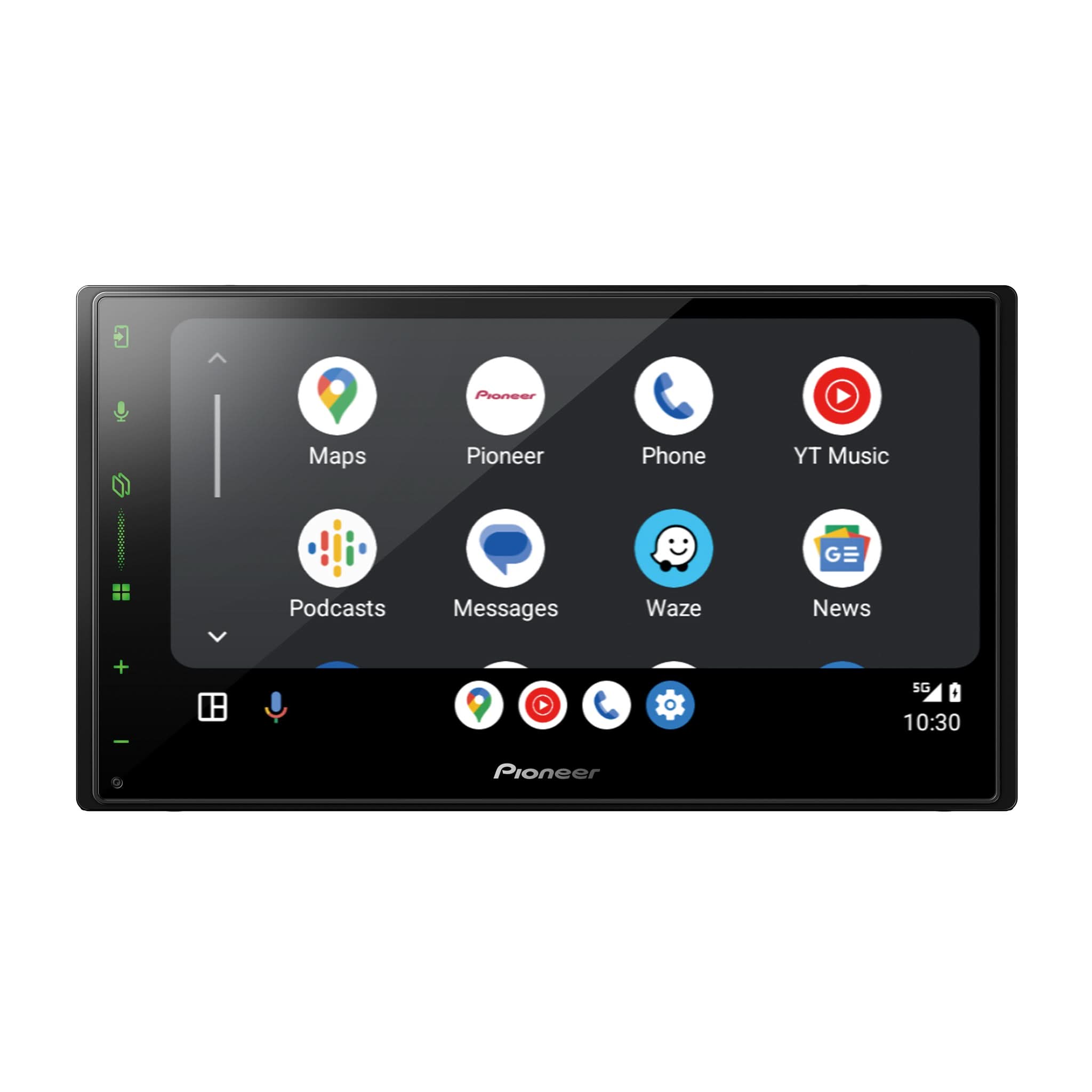
- Android Auto™ operation
Need Assistance?
Phone Support:
1-800-421-1404
Hours:
Monday–Friday
7:30 AM–11:30 AM and 12:30 PM–4:00 PM Pacific Time
Online Support:
Pioneer Support Contact Page
Trademark Information
Pioneer and SPHERA are trademarks of Pioneer Corporation.
Apple CarPlay® is a registered trademark of Apple Inc.
Android Auto™ is a trademark of Google LLC.
Bluetooth® is a registered trademark of Bluetooth SIG, Inc.
PxLink™ is a trademark of Pioneer Corporation.