




Importance of Proper Parking Brake Wire Connection on Pioneer AV Receivers

Overview
All Pioneer AV receivers are designed with integrated safety logic to help reduce driver distraction and support safe vehicle operation. One of the most critical installation steps is the parking brake wire connection.
An incorrect or incomplete parking brake connection can result in restricted menus, disabled video playback, or warning messages that may be mistaken for a wiring or product issue.
Pioneer does not promote or support distracted driving, nor does Pioneer endorse viewing video content or configuring system settings while the vehicle is in motion.
Tested Platform & Scope
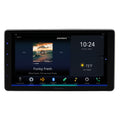
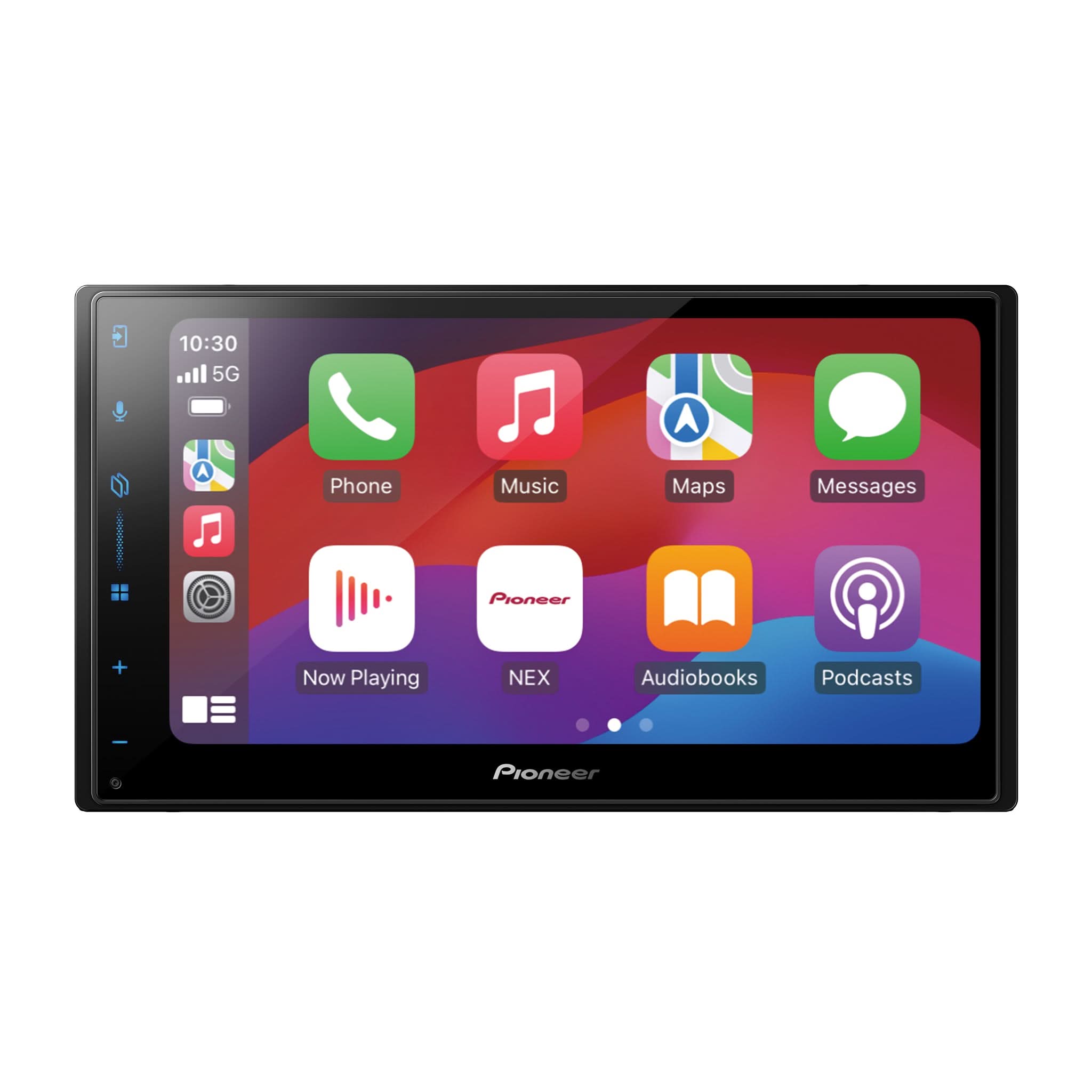
The behavior described below was observed when using a Pioneer DMH-WT6000NEX with the GPS antenna connected and running firmware version 1.60.
This model is used as an example to illustrate how the parking brake safety interlock operates on GPS-equipped Pioneer AV receivers, including initial startup behavior, GPS calibration, and motion-based enforcement.
Actual screen layouts and system information pages may vary by model; however, the parking brake interlock logic and safety behavior are consistent across GPS-equipped Pioneer AV receivers.
Parking Brake Safety Interlock – Confirmed Operation
Initial Power-Up / First Use
When the receiver is first installed and powered on:
-
If the green parking brake wire is grounded, video playback may initially operate (such as when installed on a store demonstration board).
-
At this stage, GPS positioning and 3D calibration have not fully initialized.
-
This condition is temporary and should not be considered normal driving behavior.
After GPS Positioning & 3D Calibration Initializes
After driving approximately one mile, once GPS reception and 3D calibration initialize:
-
The parking brake safety interlock becomes fully active
-
Motion-based safety enforcement begins automatically
Vehicle in Motion (Above ~6 mph)
If the vehicle exceeds approximately 6 mph, with or without the parking brake applied:
-
Video playback immediately stops
-
A parking brake warning banner is displayed
-
Video and certain system or menu functions become unavailable
Video playback is permitted only when the vehicle is stopped and the parking brake is applied.

Connection Status – Parking Brake Verification (Model-Dependent)
On the DMH-WT6000NEX, the Connection Status screen displays the parking brake state:
-
Parking Brake ON → Brake applied, valid ground detected
-
Parking Brake OFF → Brake not applied
This screen allows installers to quickly confirm proper parking brake circuit connection after installation.


Important:
Not all Pioneer AV receivers display parking brake status in the Connection Status screen. On models without this indicator, proper operation must be verified using menu behavior and video playback response.
Bluetooth Menu Behavior
Bluetooth pairing and Bluetooth settings are part of the safety-controlled user interface.
-
Parking Brake OFF – Bluetooth menu options are greyed out and unavailable
-
Parking Brake ON – Bluetooth menu options become active and selectable
The vehicle must be stopped with the parking brake applied before Bluetooth pairing or device management can be performed. This behavior helps reduce distraction during phone setup.
Apple CarPlay™ / Android Auto™ Setup Note
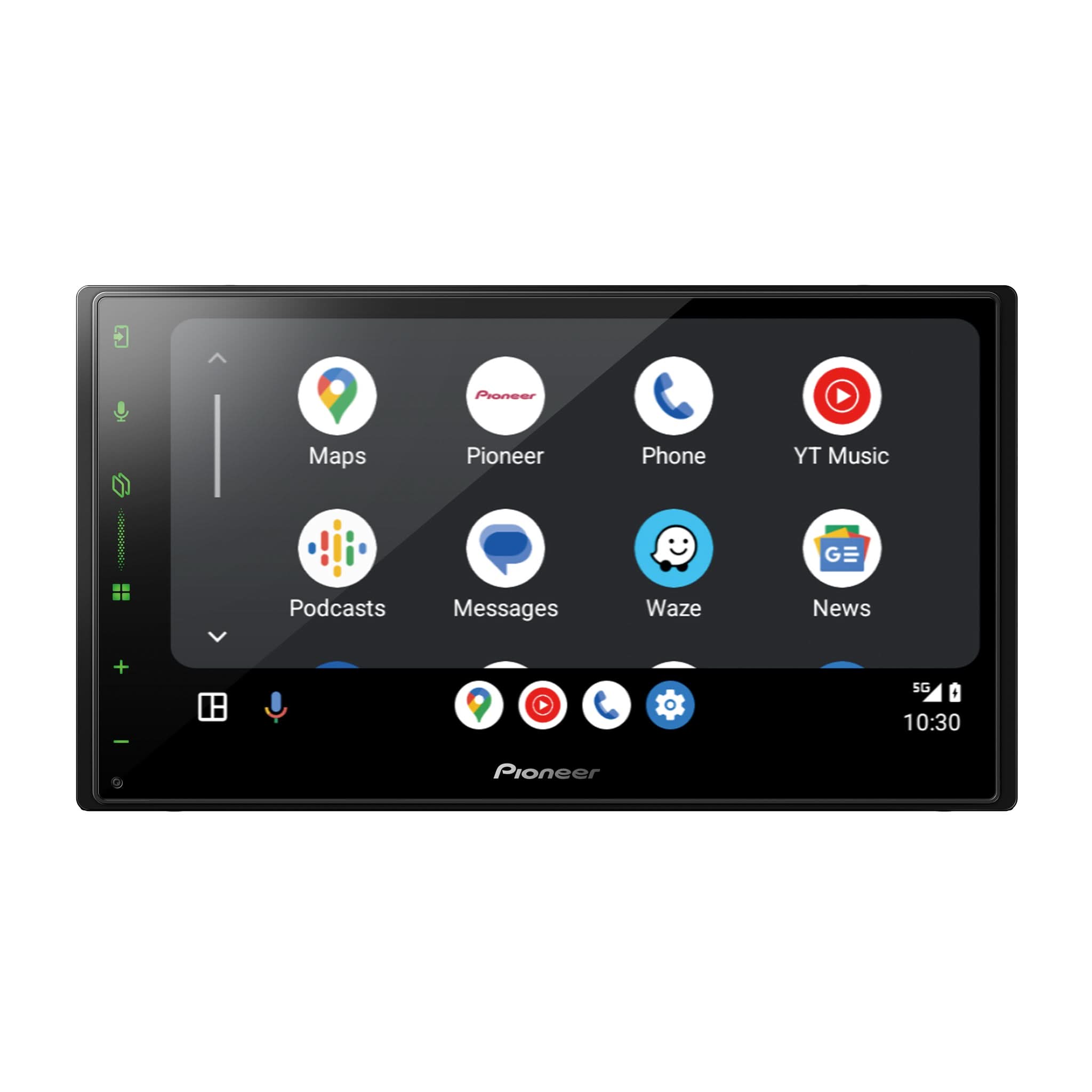
Initial Apple CarPlay™ and Android Auto™ setup may require access to Bluetooth and system menus that are controlled by the parking brake interlock. For this reason, phone pairing and first-time configuration should be completed while the vehicle is stopped and the parking brake is applied.
This design helps promote safe, non-distractive driving.
Why Proper Parking Brake Wiring Matters
Correctly wiring the parking brake input:
-
Ensures the receiver operates as engineered
-
Prevents unnecessary service returns and customer complaints
-
Allows accurate verification of system operation
-
Helps installers explain expected safety behavior to customers
-
Maintains compliance with safety expectations and regional regulations
Important Safety Notice
Pioneer designs its products to support safe and responsible vehicle operation.
Video playback, Bluetooth pairing, and system configuration are intended for use only when the vehicle is stopped and safely parked.
Always follow:
-
Local and regional traffic laws
-
Vehicle manufacturer guidelines
-
Pioneer installation and operation instructions
Trademark Notice
Apple CarPlay™ is a trademark of Apple Inc., registered in the U.S. and other countries.
Android Auto™ is a trademark of Google LLC.
The Bluetooth® word mark and logos are registered trademarks owned by Bluetooth SIG, Inc., and any use of such marks by Pioneer is under license.
Other trademarks, logos, and trade names referenced herein are the property of their respective owners.