

Avoid Wiring Conflicts with Third-Party T-Harnesses on Pioneer AV Receivers


Important Notice for Installers
When using third-party interface modules or quick-connect T-harness adapters - especially those made for Pioneer AV receivers—incorrect wiring can cause major audio malfunctions. Always verify wire functions and compatibility before installation.
Overview Example
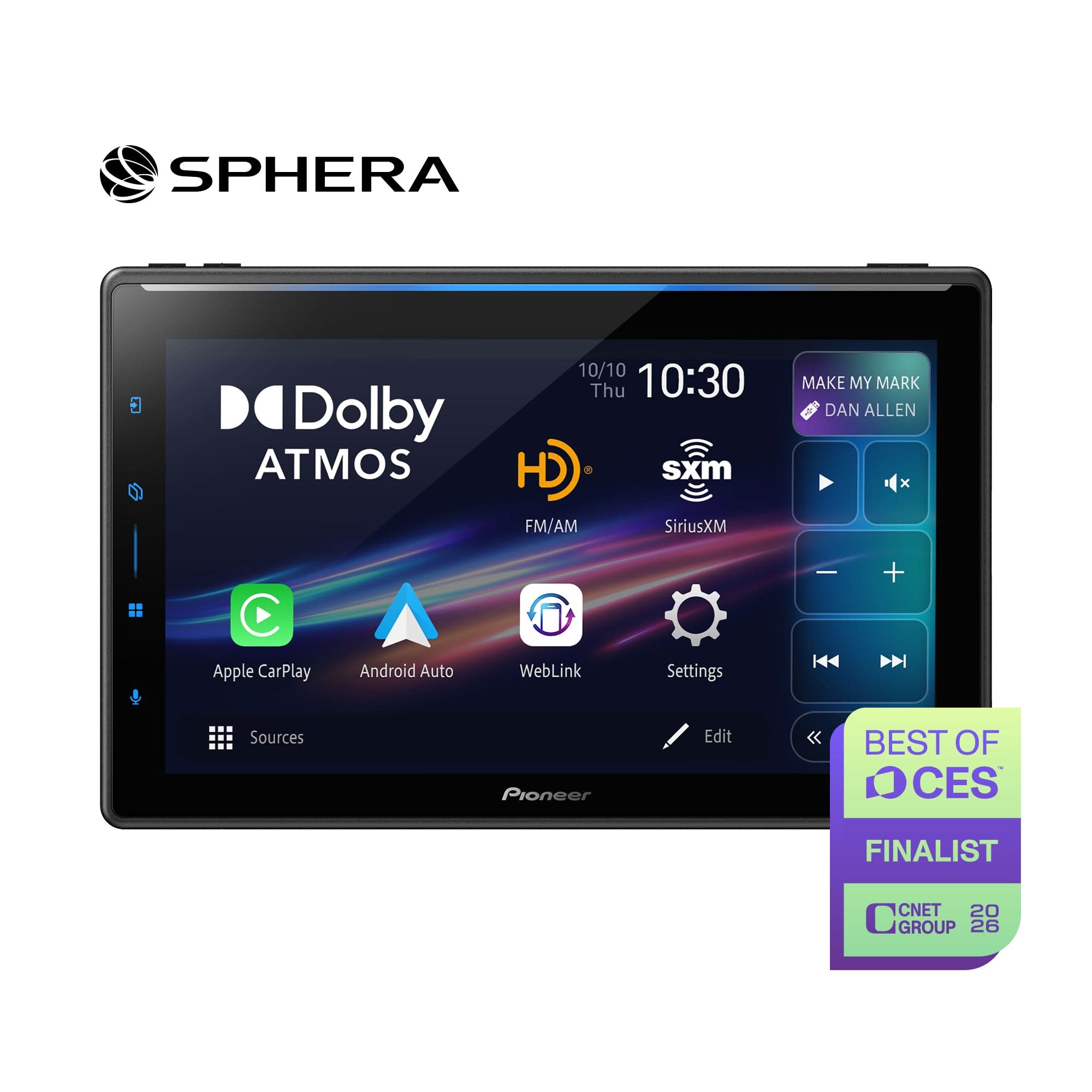
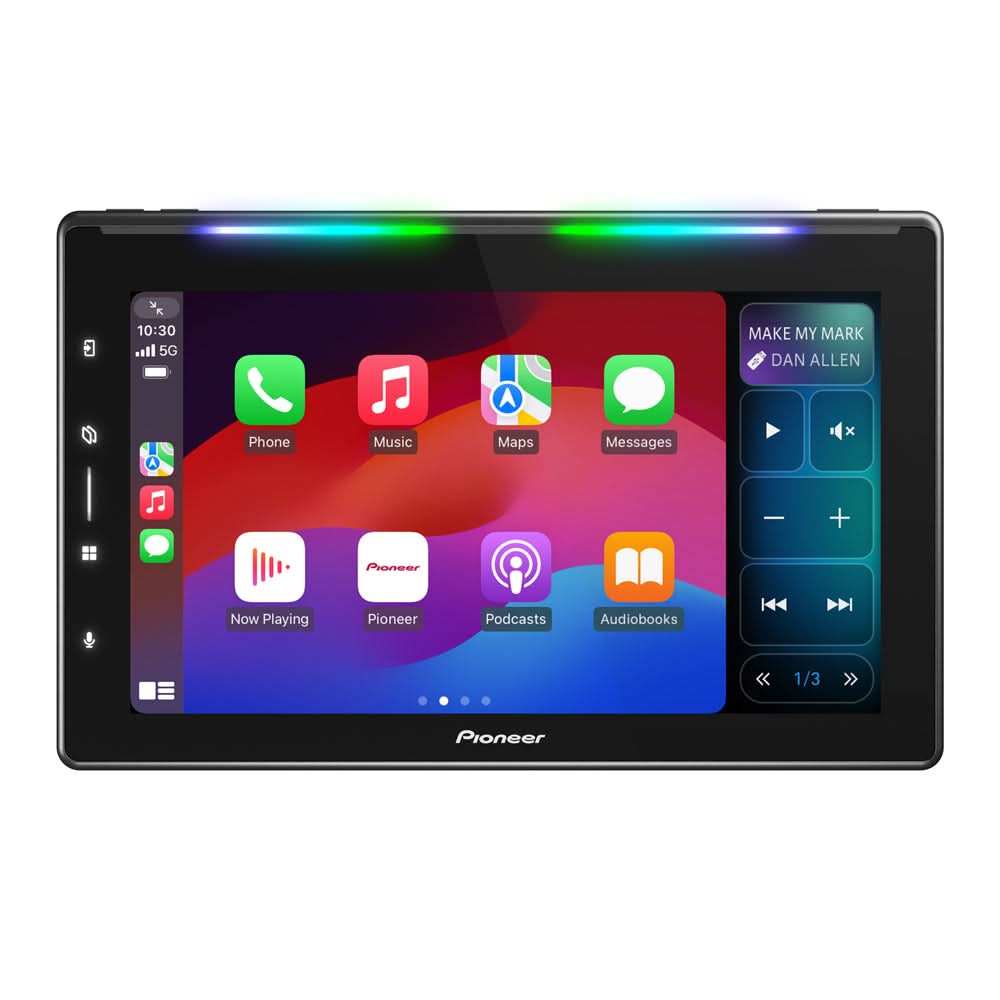
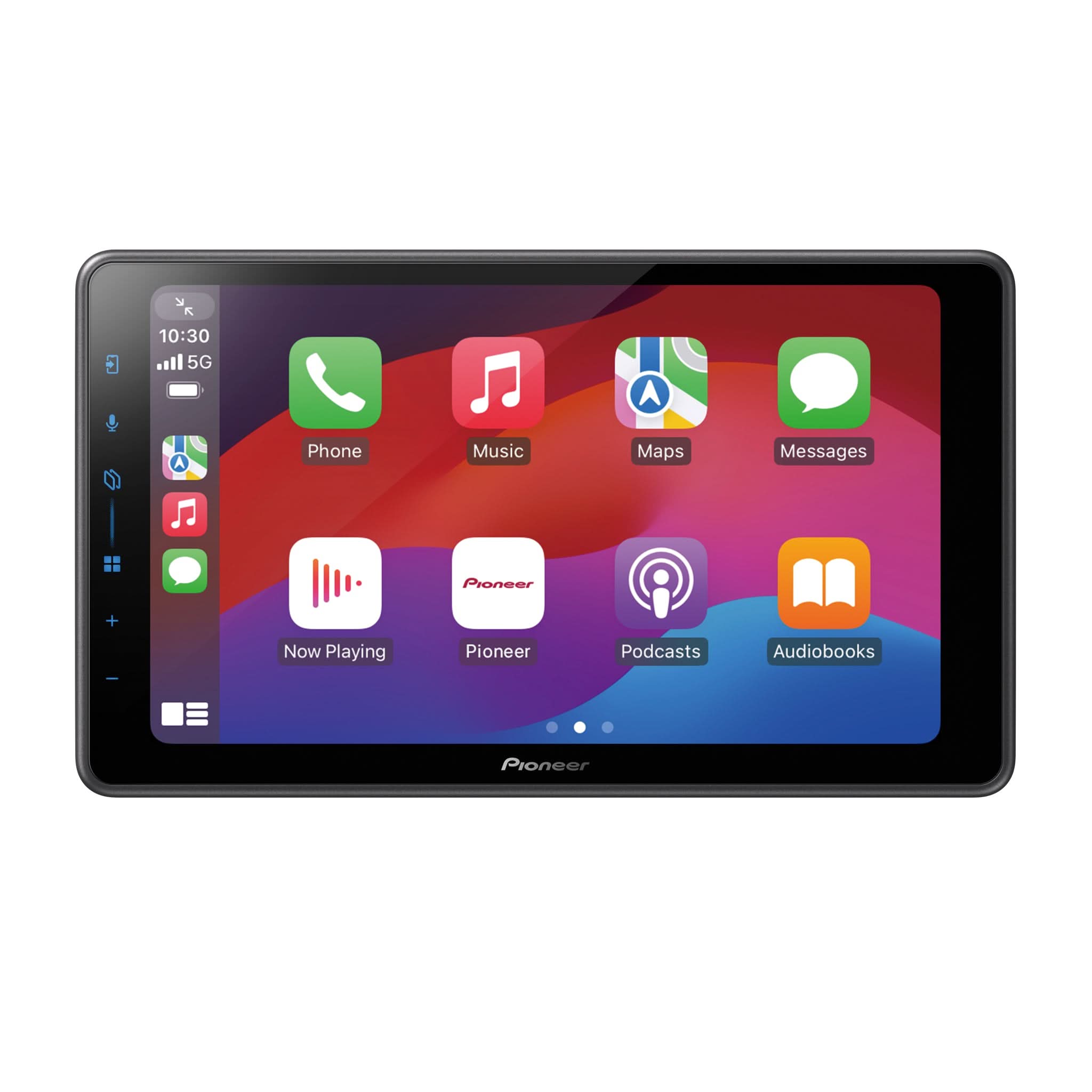
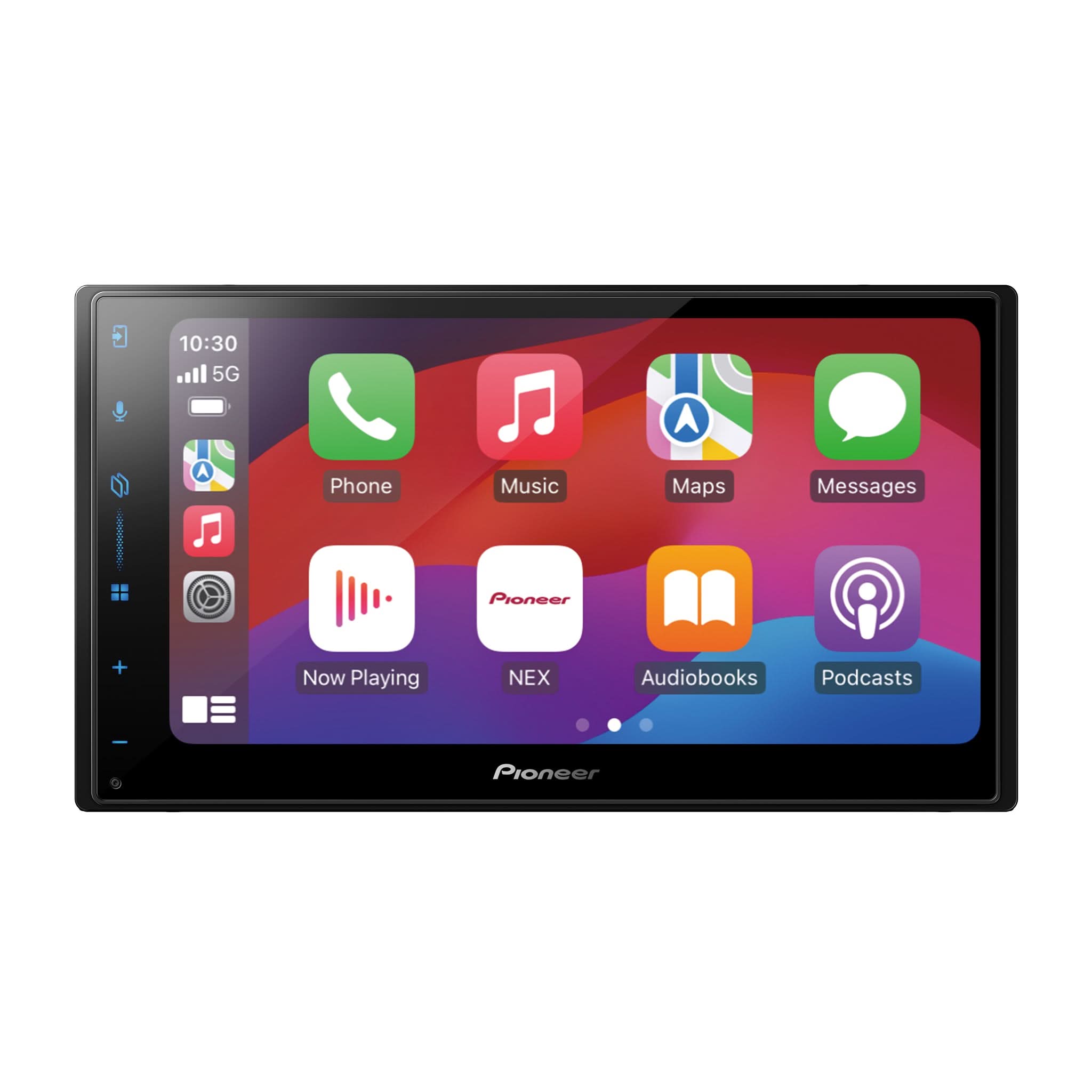
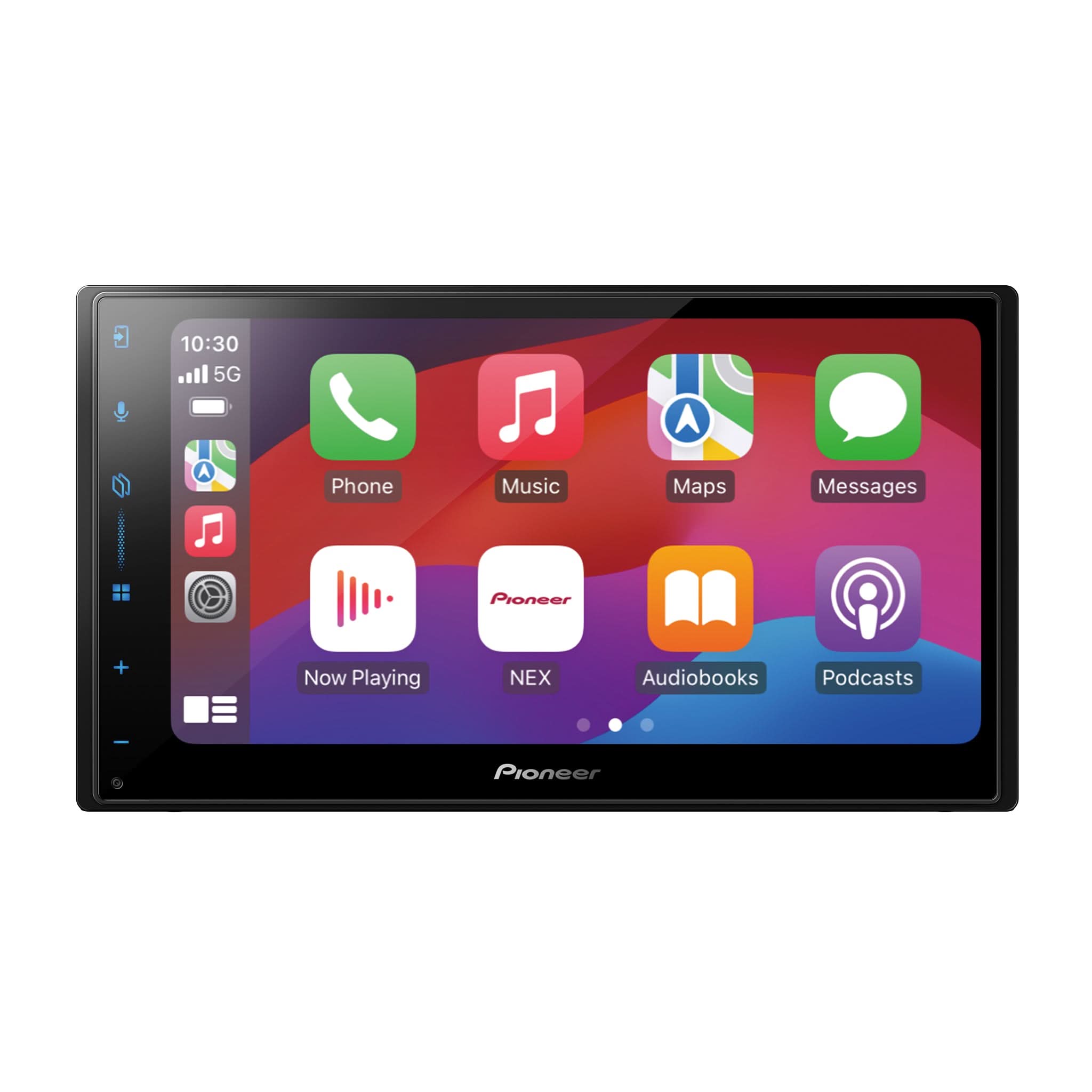
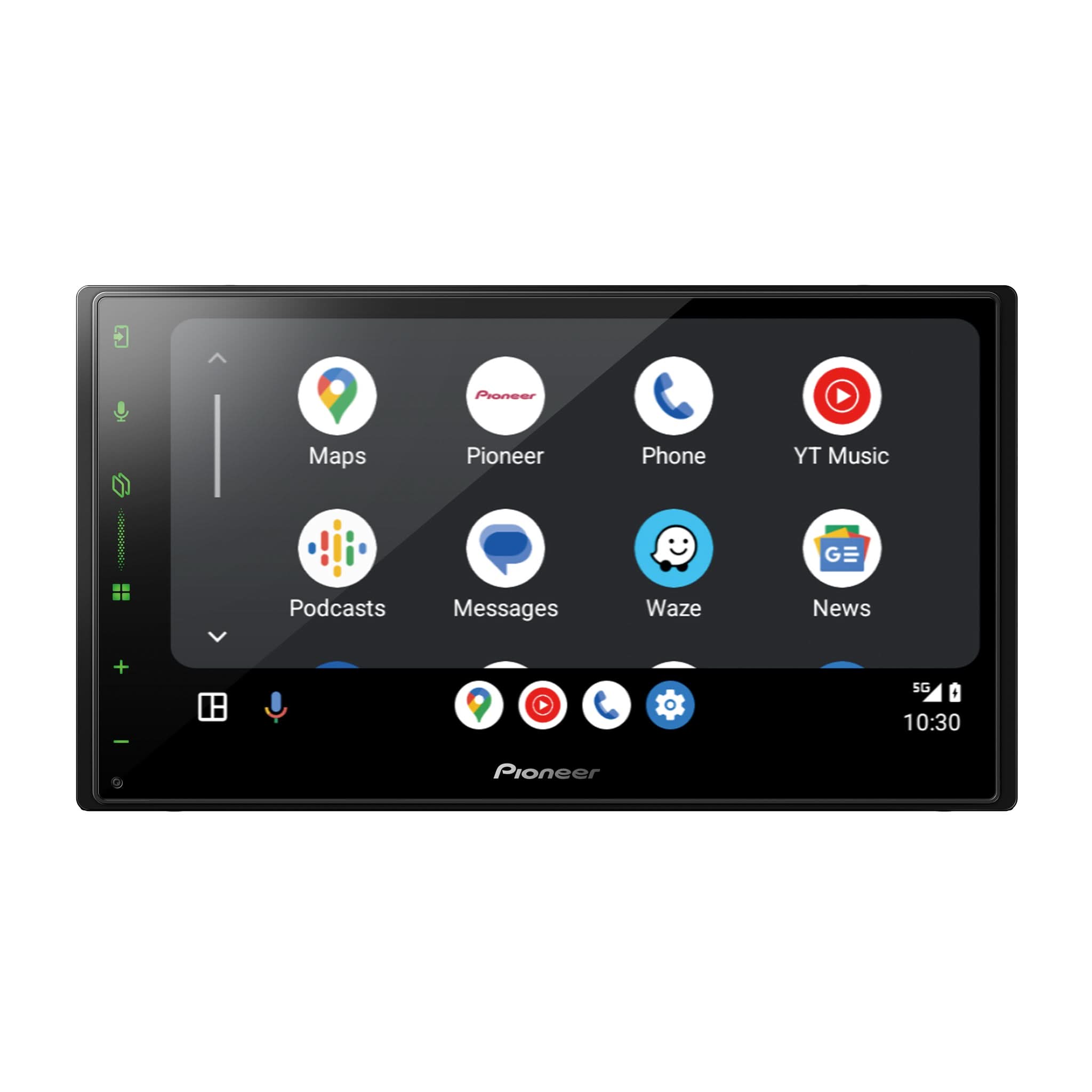
When installing Pioneer NEX or EX series AV receivers using an ADS Maestro Interface module *(a product of iDatalink™) ADS-MRR, ADS-MRR2, ADS-MSR with a compatible vehicle-specific iDatalink T-harness and iDatalink ACC-HU-PIO1 quick-connect adapter, do not connect the pink Vehicle Speed Signal (VSS) wire to the Yellow/Black Cell Phone Mute circuit of the radio models shown below. This wiring error causes major audio malfunctions. The iDatalink ACC-HU-PIO1 quick-connect adapter harness will replace the original wiring harness that came with your Pioneer radio.
Affected Pioneer Models
|
Model |
Maestro Compatible |
Cell Mute Wire |
|
AVH-1300NEX |
✅ |
✅ |
|
AVH-1330NEX |
✅ |
✅ |
|
AVH-1400NEX |
✅ |
✅ |
|
AVH-1440NEX |
✅ |
✅ |
|
AVH-1550NEX |
✅ |
✅ |
|
AVH-2330NEX |
✅ |
✅ |
|
AVH-2440NEX |
✅ |
✅ |
|
AVH-2500NEX |
✅ |
✅ |
|
AVH-2550NEX |
✅ |
✅ |
|
AVH-4000NEX |
✅ |
✅ |
|
AVH-4100NEX |
✅ |
✅ |
|
AVH-4200NEX |
✅ |
✅ |
|
AVH-4201NEX |
✅ |
✅ |
|
AVH-500EX |
✅ |
✅ |
|
AVH-501EX |
✅ |
✅ |
|
AVH-600EX |
✅ |
✅ |
|
AVH-601EX |
✅ |
✅ |
|
DMH-1500NEX |
✅ |
✅ |
|
MVH-2300NEX |
✅ |
✅ |
|
MVH-2400NEX |
✅ |
✅ |
|
MVH-AV251BT |
✅ |
✅ |
Problem Summary
Connecting the VSS (Pink) wire to the Mute (Yellow/Black) wire causes:
- Intermittent ATT (mute) activation
- Random volume or EQ changes (EQ icon flickers when driving)
- Loss of audio setting while driving (Greyed out audio settings)
Why This Happens
|
Wire |
Intended Signal |
Function |
|
Yellow/Black |
Ground trigger |
Mutes audio (external trigger) |
|
Pink (VSS) |
5–12V pulse |
Sends speed data |
Feeding voltage pulses into a ground-triggered mute circuit causes the radio to misinterpret speed signals as mute commands.
Correct Installation
The above Pioneer AV receivers do not support a pink VSS wire connection (Vehicle Speed Signal).
If using the iDatalink ACC-HU-PIO1 quick-connect adapter harness:
- Cut and securely cap the pink VSS wire found in that harness
- Ensure it is NOT connected to the Yellow/Black Cell Mute wire (Pin #10)
Once capped off, the VSS wire should remain unused.

Important Note on Pin #10 Functionality – Pioneer Power Harnesses
Pin #10 on the Pioneer supplied 16-pin power harness can serve different functions depending on the harness configuration:
-
Left Harness (Pink Wire)
• Function: Vehicle Speed Sense (VSS) Input
• Label: CAR SPEED SIGNAL INPUT
• Signal Type: 5–12V pulse input
• Use Case: For GPS Antenna-equipped units or systems requiring VSS data. -
Right Harness (Yellow/Black Wire)
• Function: Cell Phone Mute Trigger
• Label: MUTE
• Signal Type: Ground trigger input
• Use Case: Mutes audio when triggered by a hands-free or telematics system.
Troubleshooting Tip
Symptoms of Incorrect Wiring:
- Audio cuts out and the ATT icon flickers while driving
- EQ icon flickers randomly while in motion
Solution:
Check the Yellow/Black wire location, pin #10. If it shows voltage while the vehicle is in motion, it's likely connected to the pink VSS wire. Disconnect the pink wire immediately to prevent further issues.
Final Reminder
The Yellow/Black wire is a mute trigger (ground), not a VSS input.
Feeding voltage into it will cause erratic audio behavior.
Always isolate and cap the pink VSS wire if unused on the Pioneer AV receivers listed above.
* “ADS Maestro is a trademarked product of Automotive Data Solutions Inc. (iDatalink™).”