


How to Find Model Number
Locating the model number of your device is essential for troubleshooting, support, and identifying compatible accessories. Whether you need it for warranty purposes or just to learn more about your device, finding the model number is straightforward. Here's how you can easily find it.
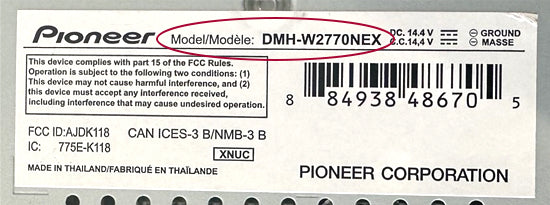
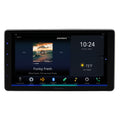
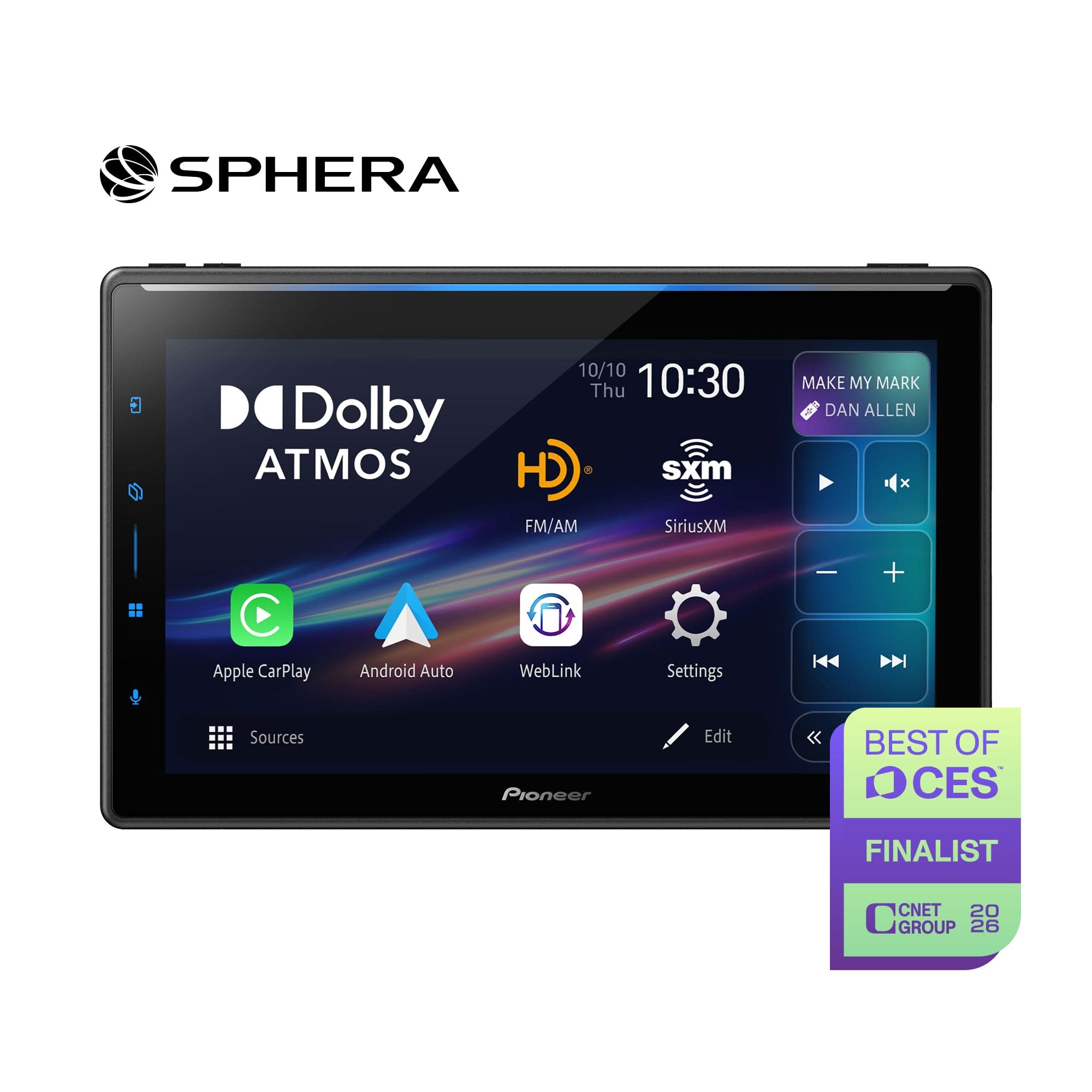
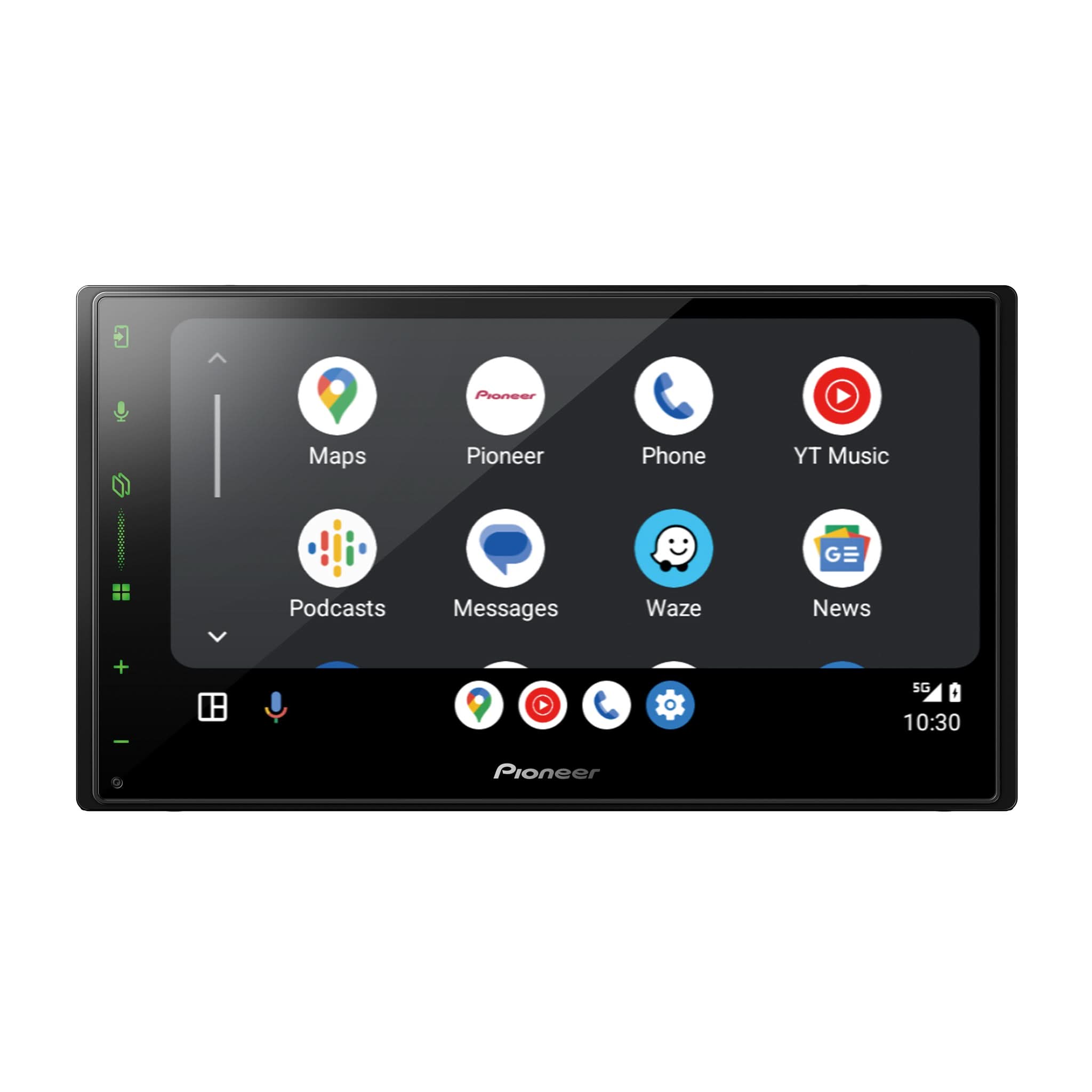
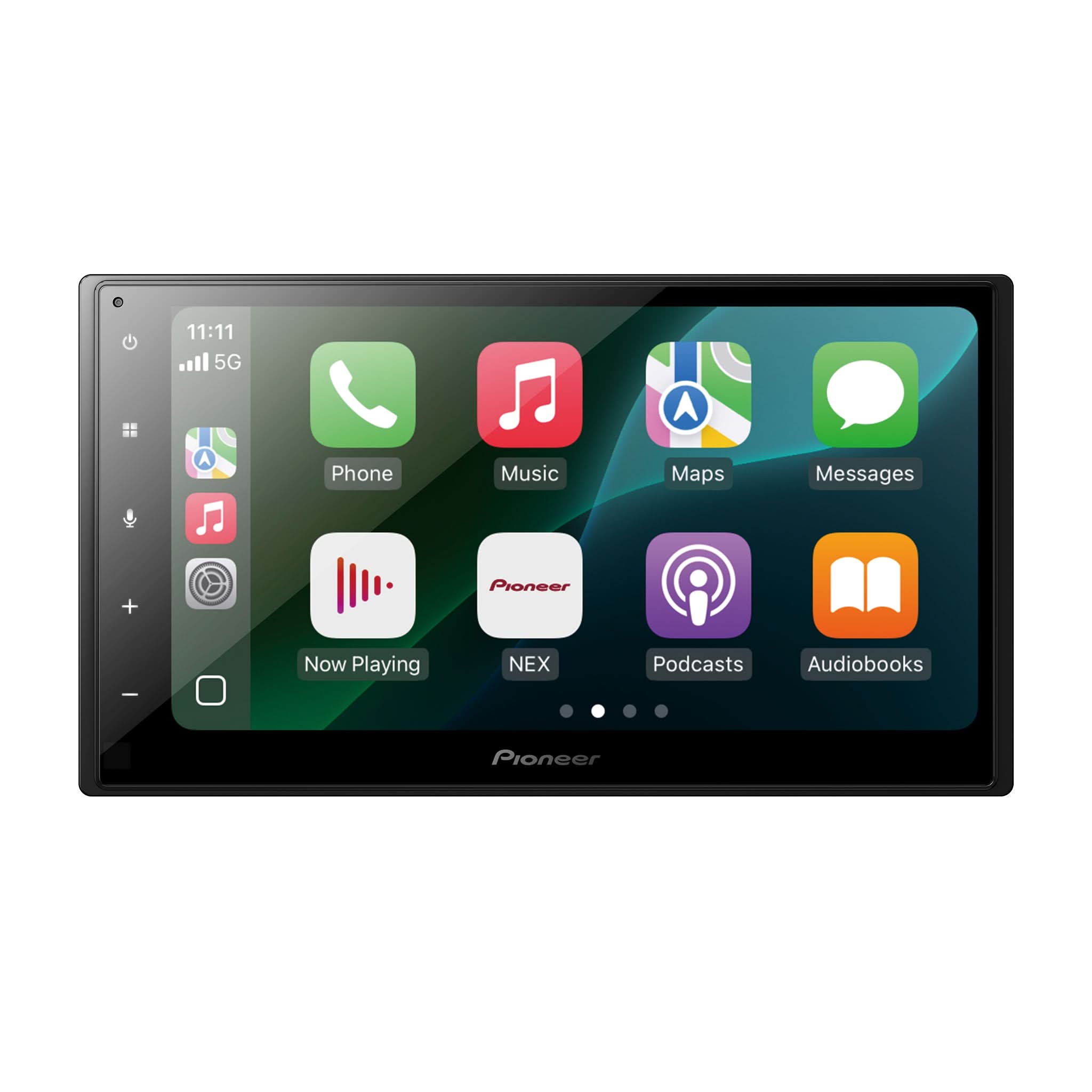
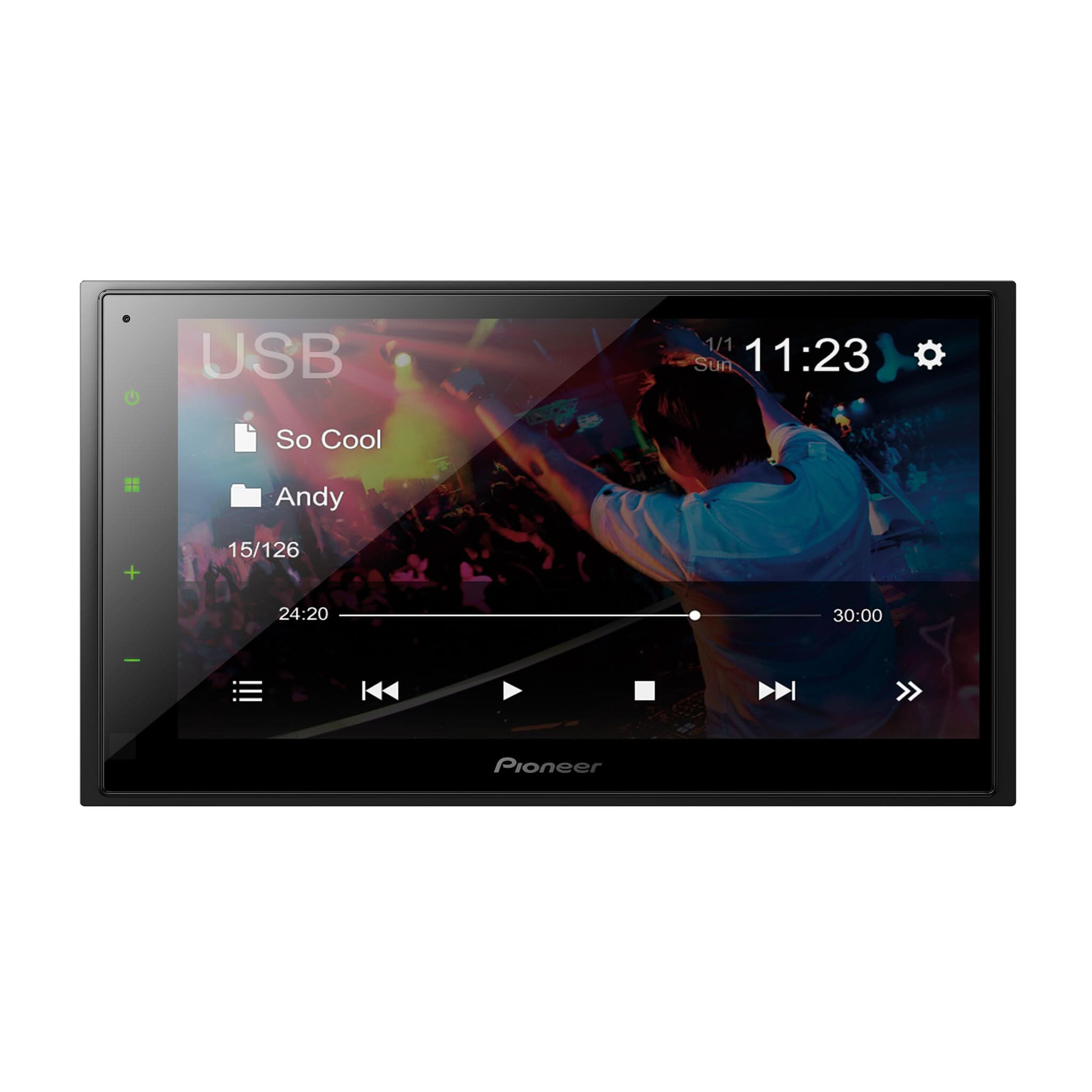
RECEIVERS
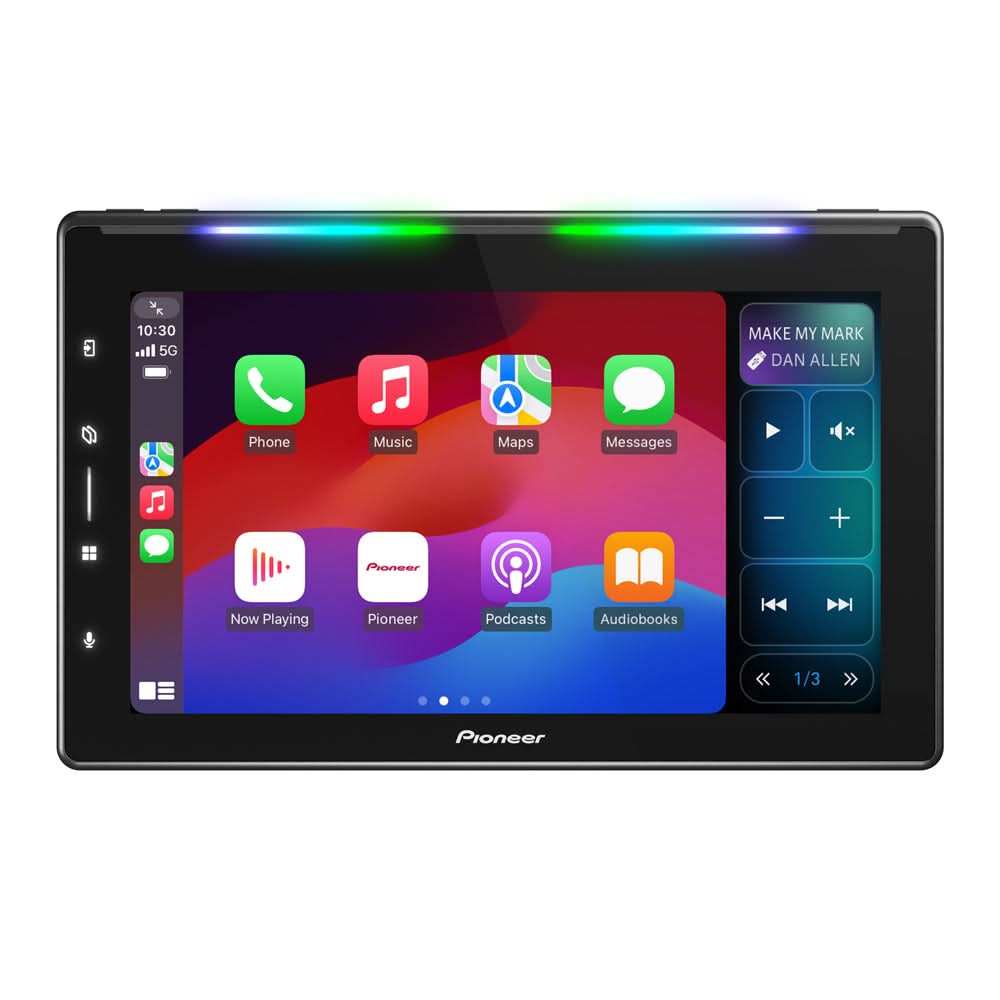
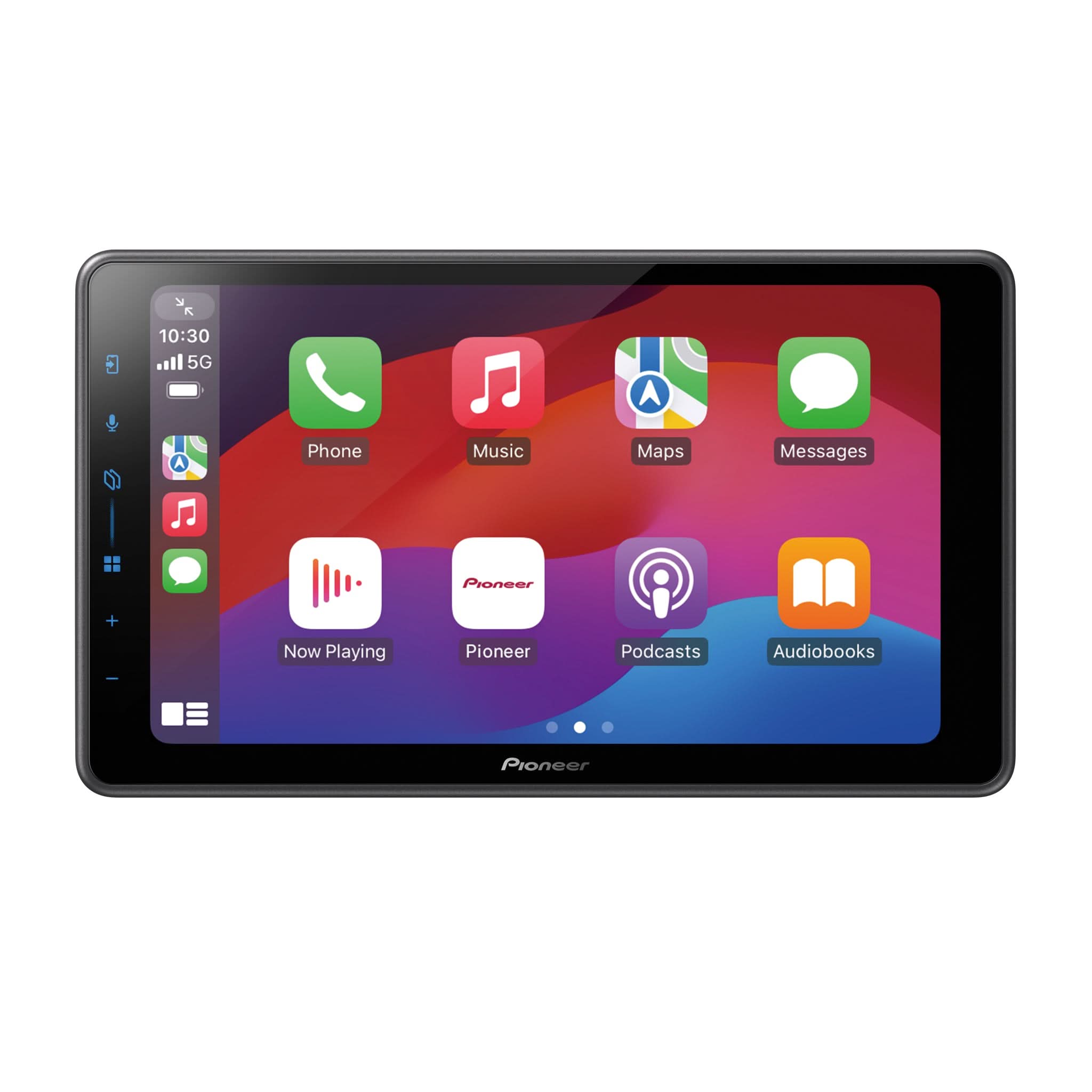
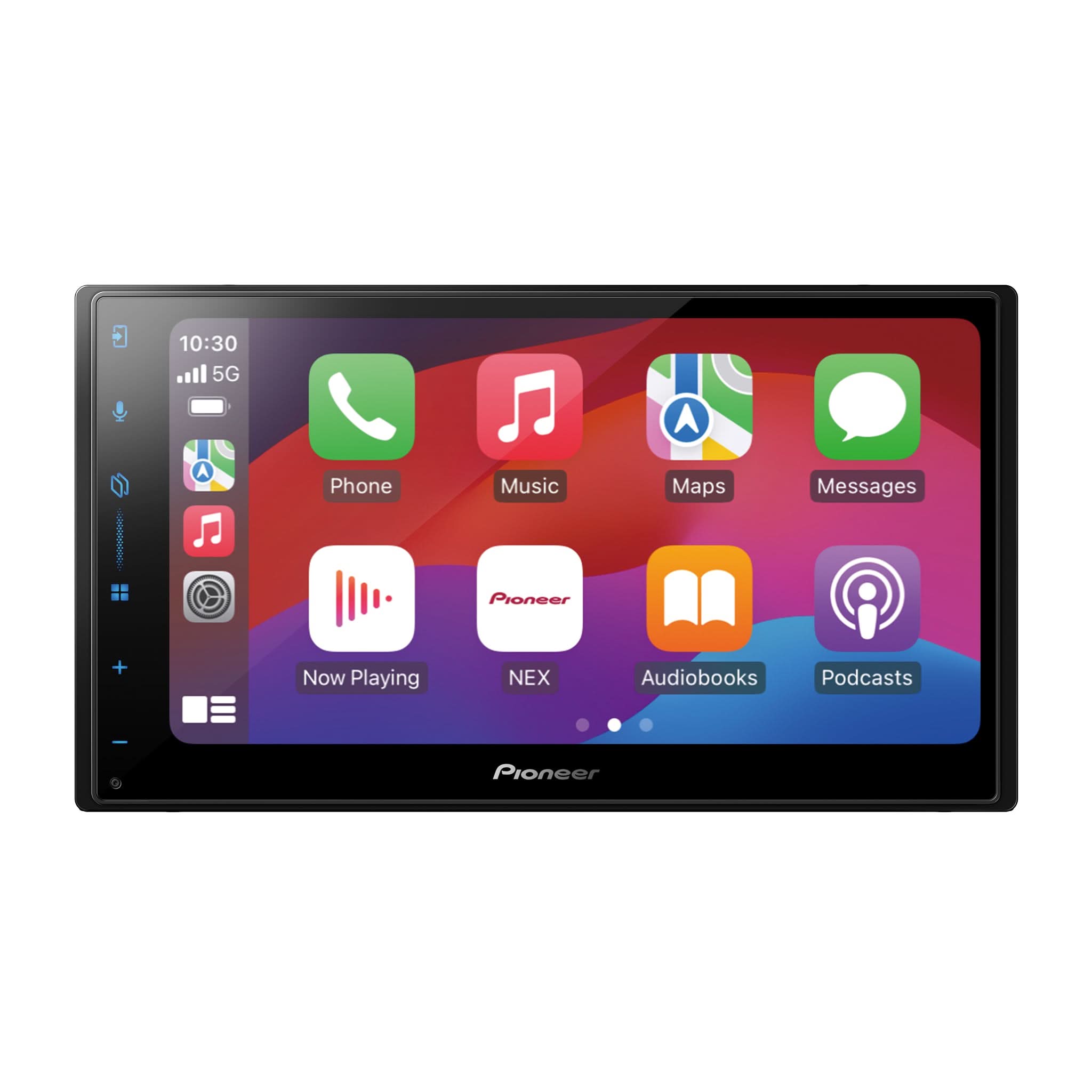
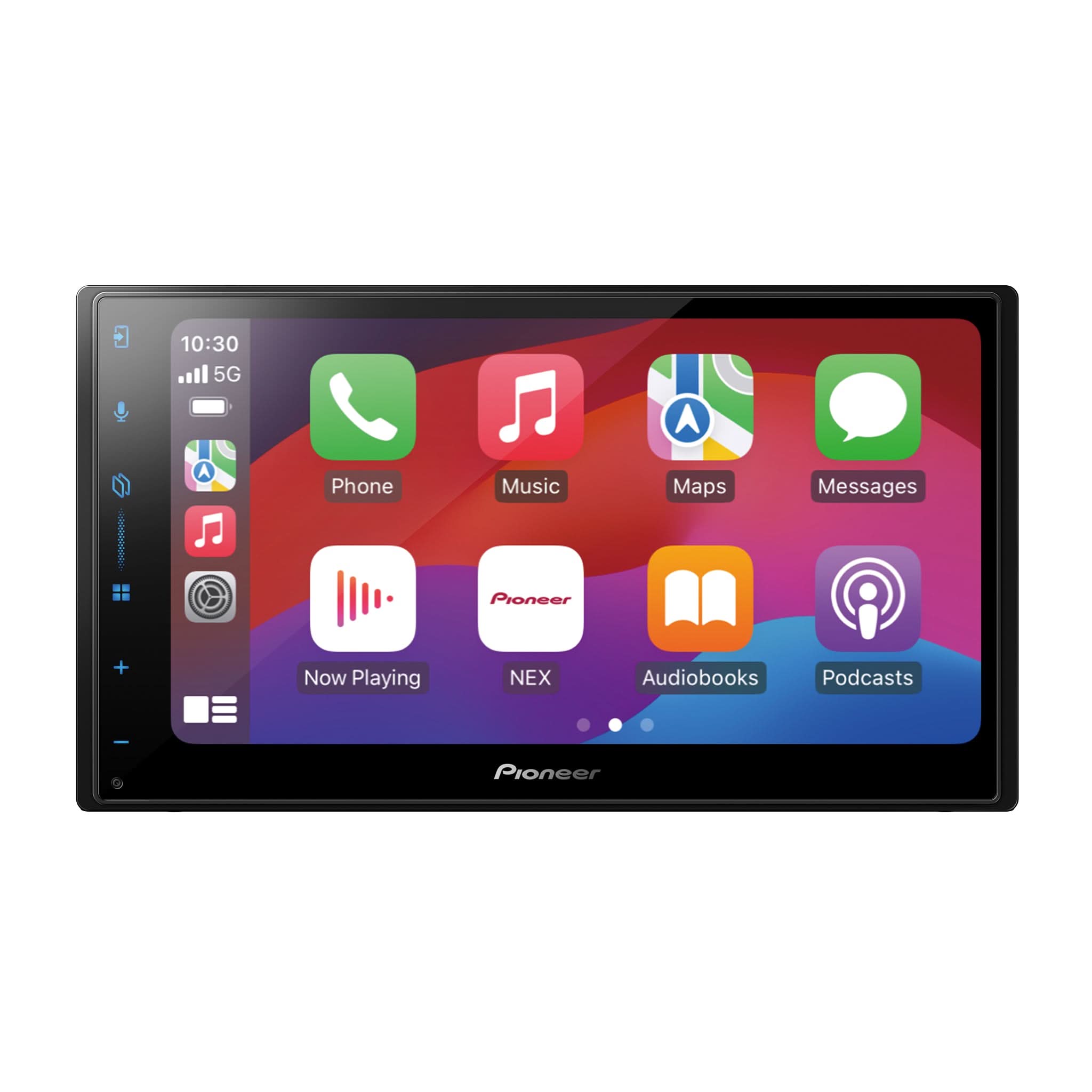
(e.g. DEH, DMH, AVH, AVIC, or MVH).
- Check the Product Surface: The model number is located on the back or top of the product.
- Bluetooth History: If your device has Bluetooth, check your Bluetooth history on your phone for the model number.
- Purchase Receipt: Look for the model number on your purchase receipt.
- Original Packaging: The model number is also on the box the unit came in.
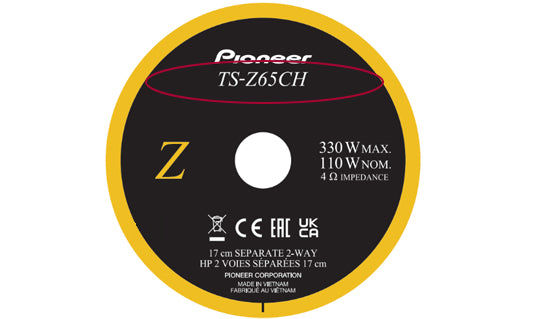
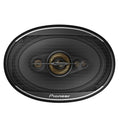
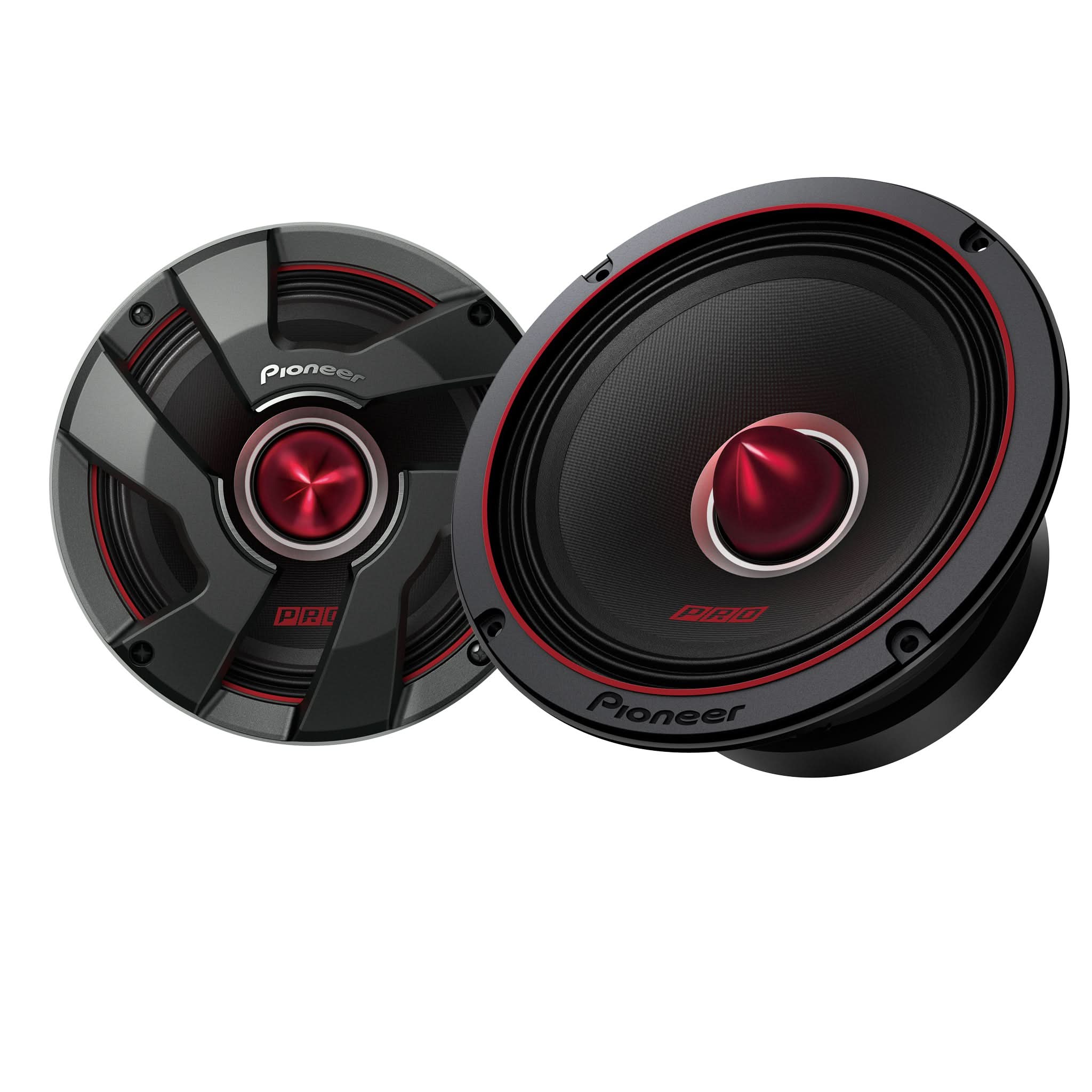
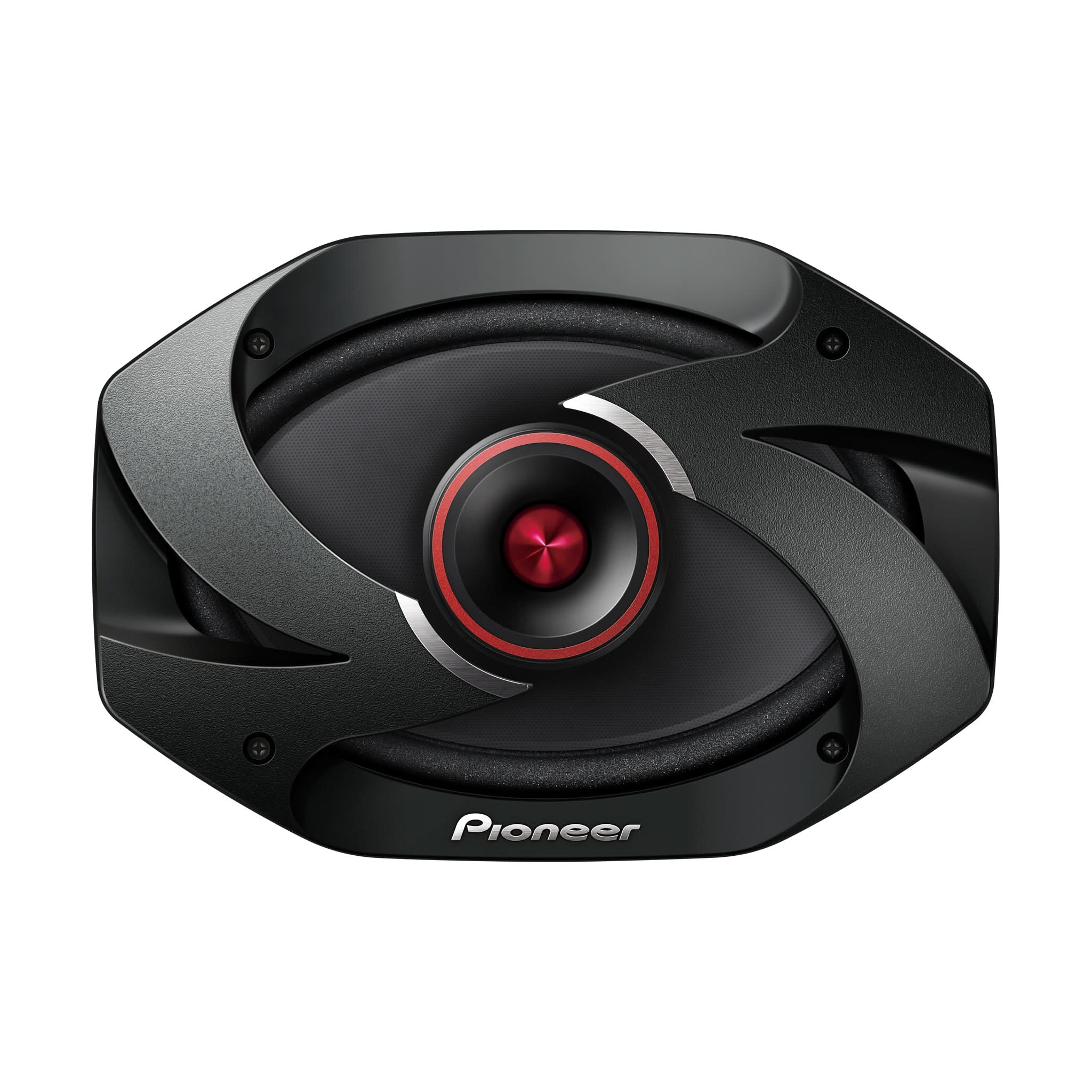
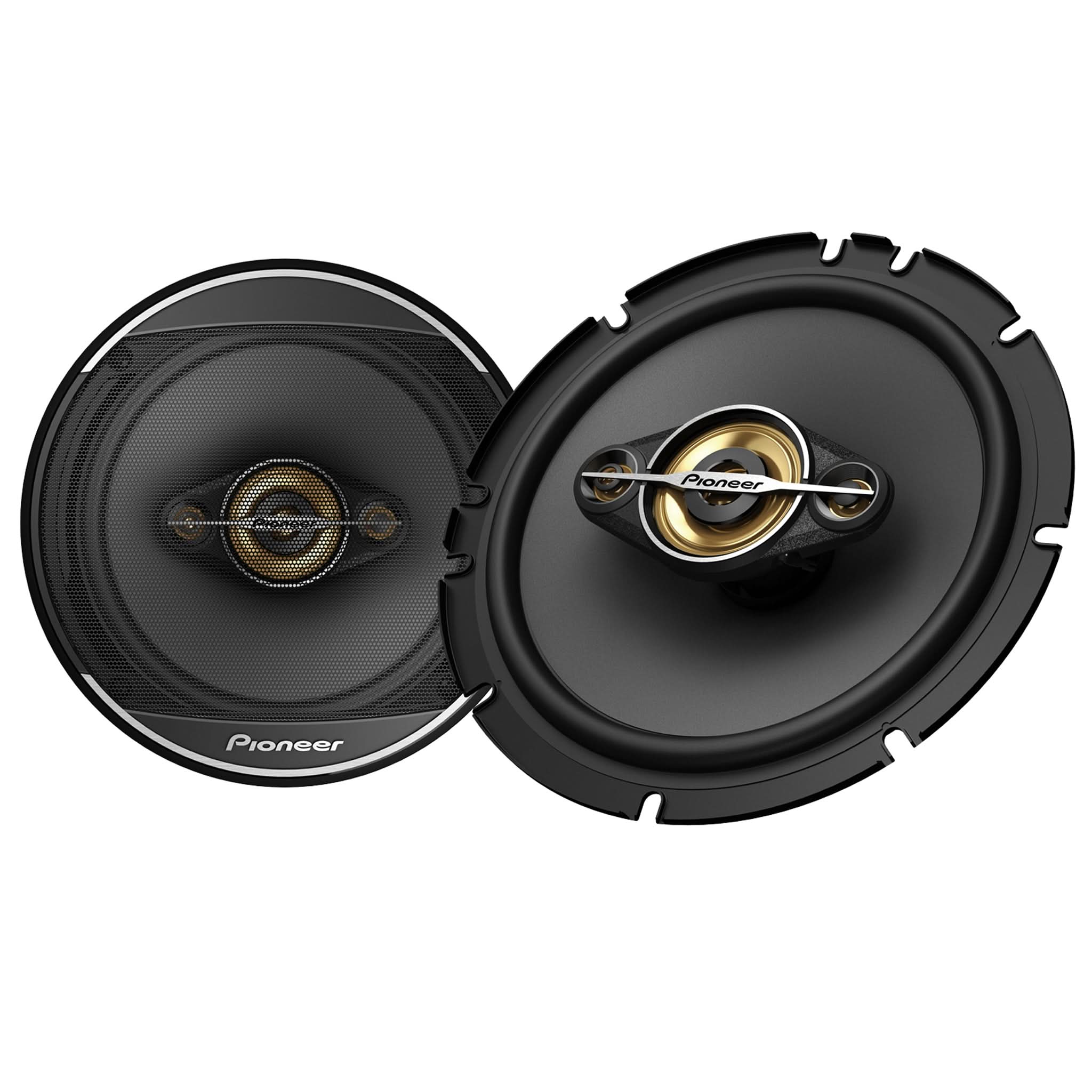
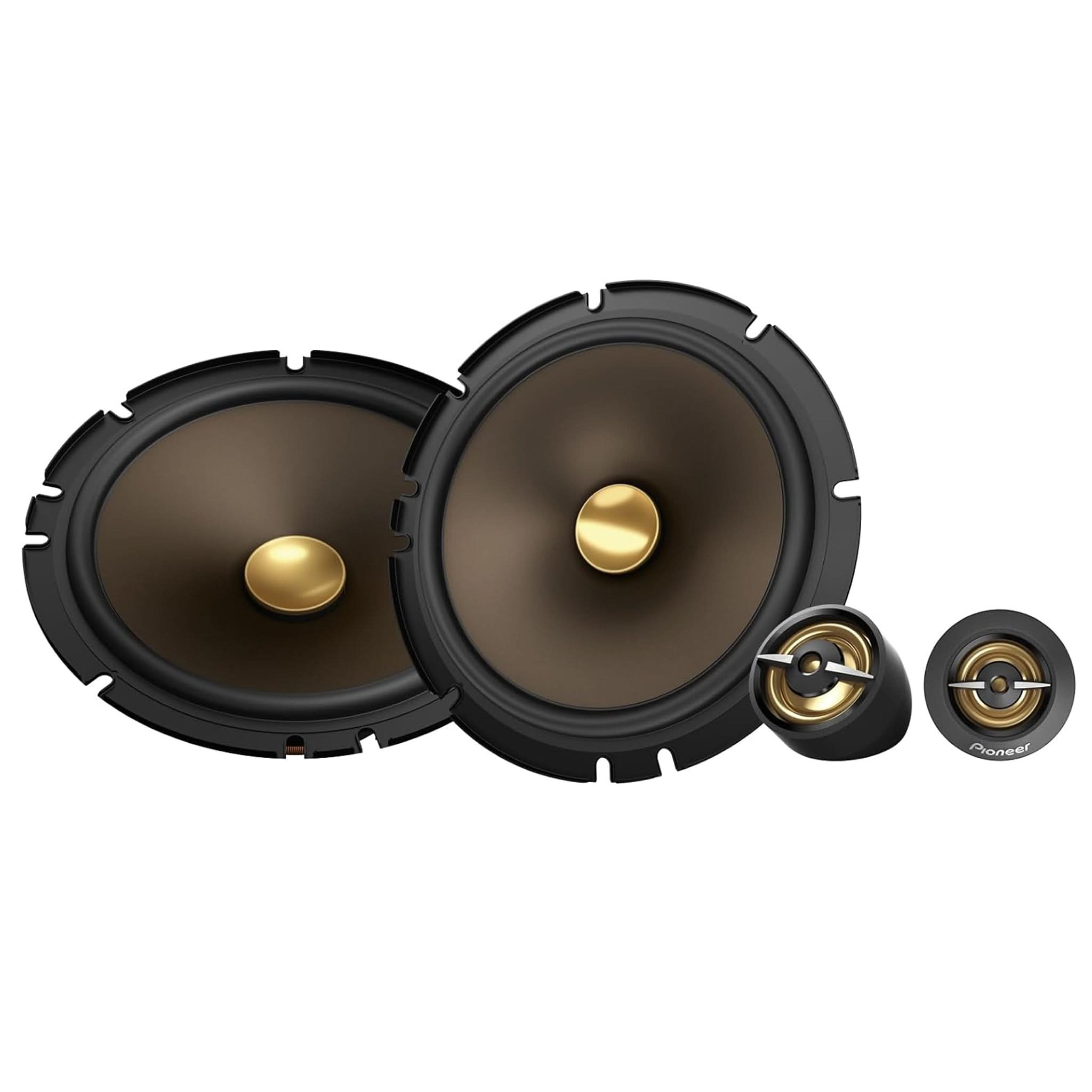
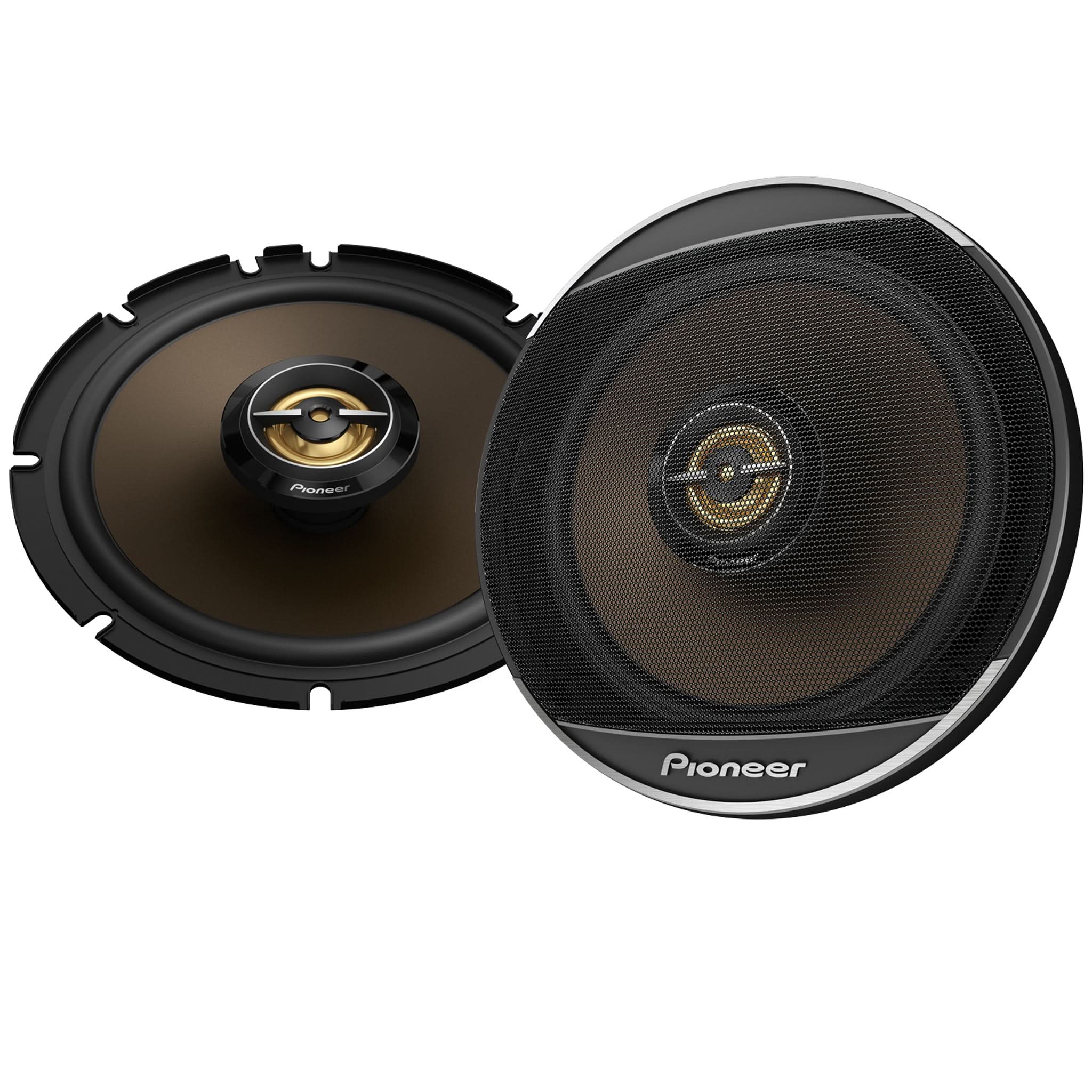
SPEAKERS
(e.g., TS).
- Back of the Speaker: Check the back of the speaker for the model number
- Purchase Receipt: Look for the model number on your purchase receipt.
- Original Packaging: Find the model number on the box the unit came in.
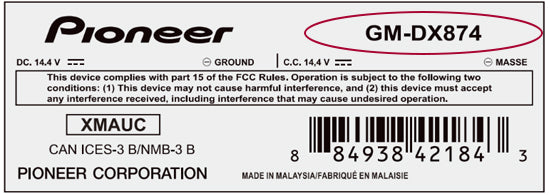
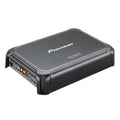
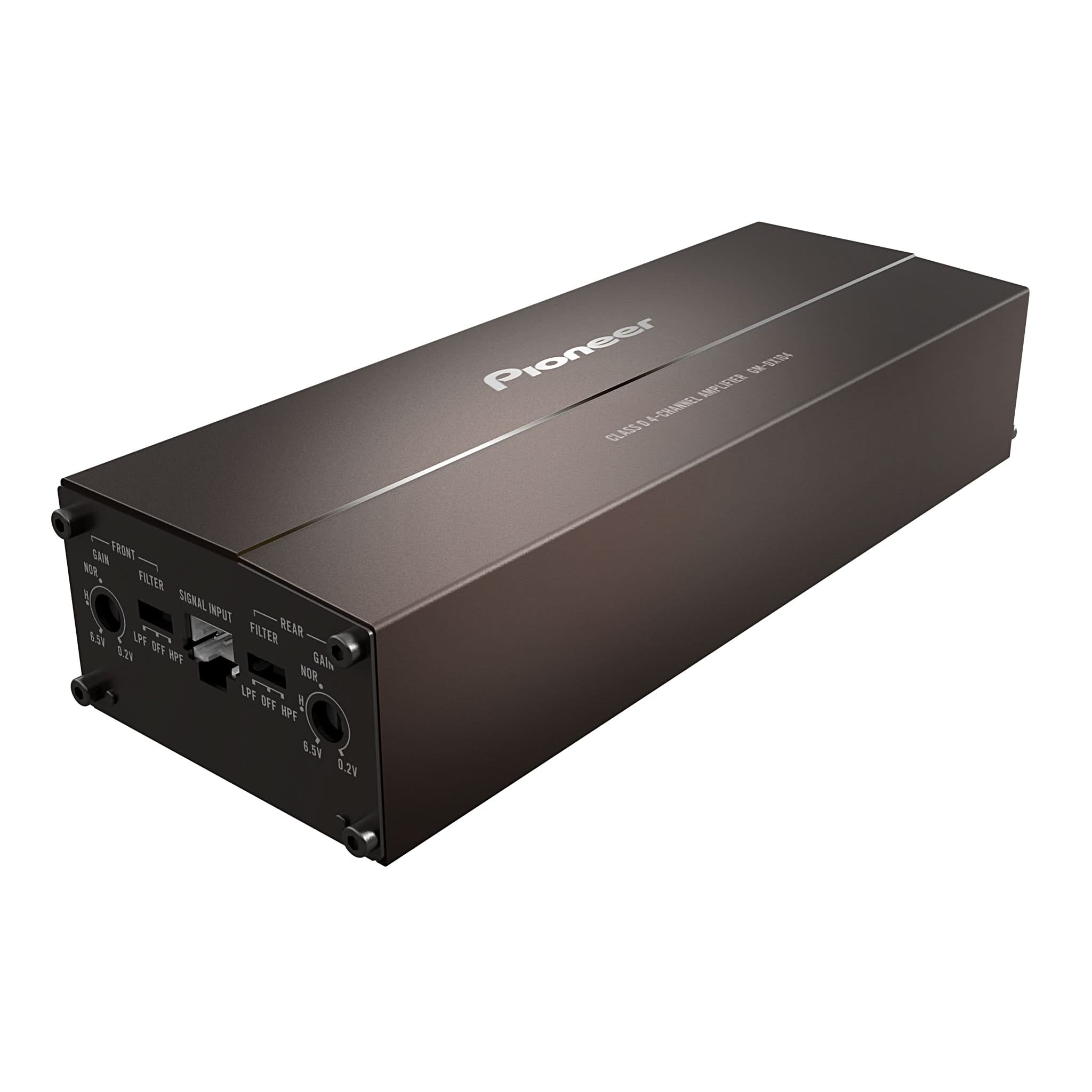
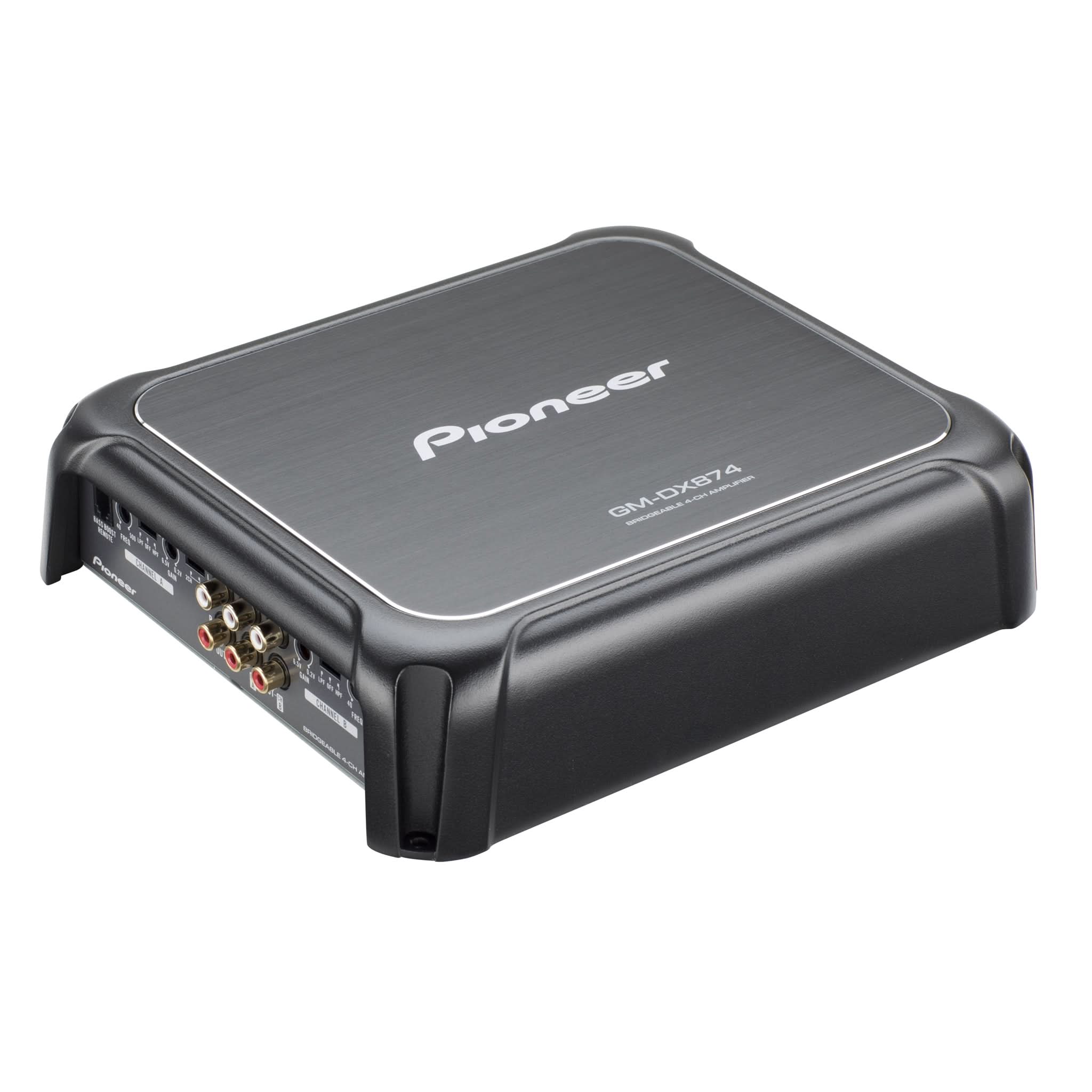
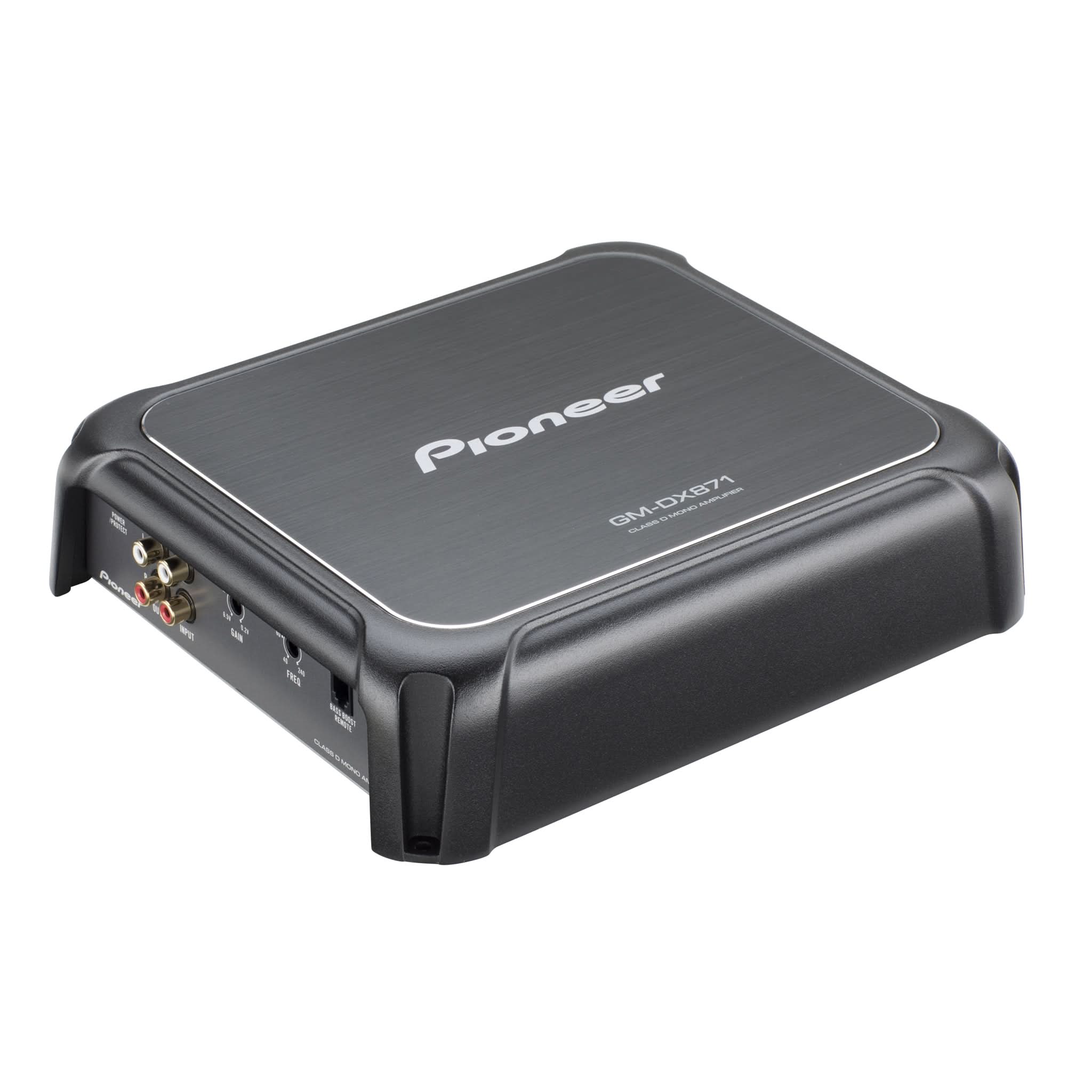
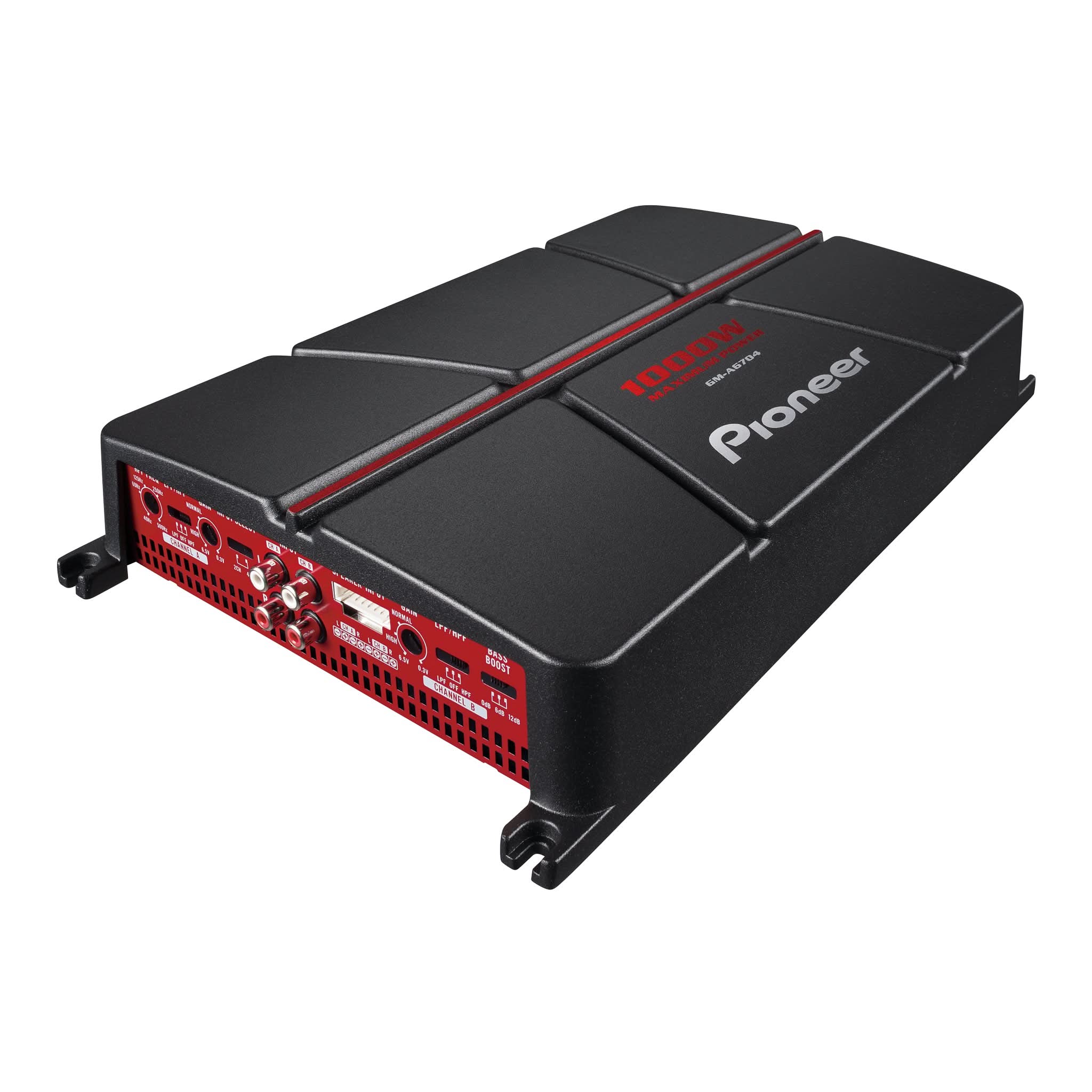
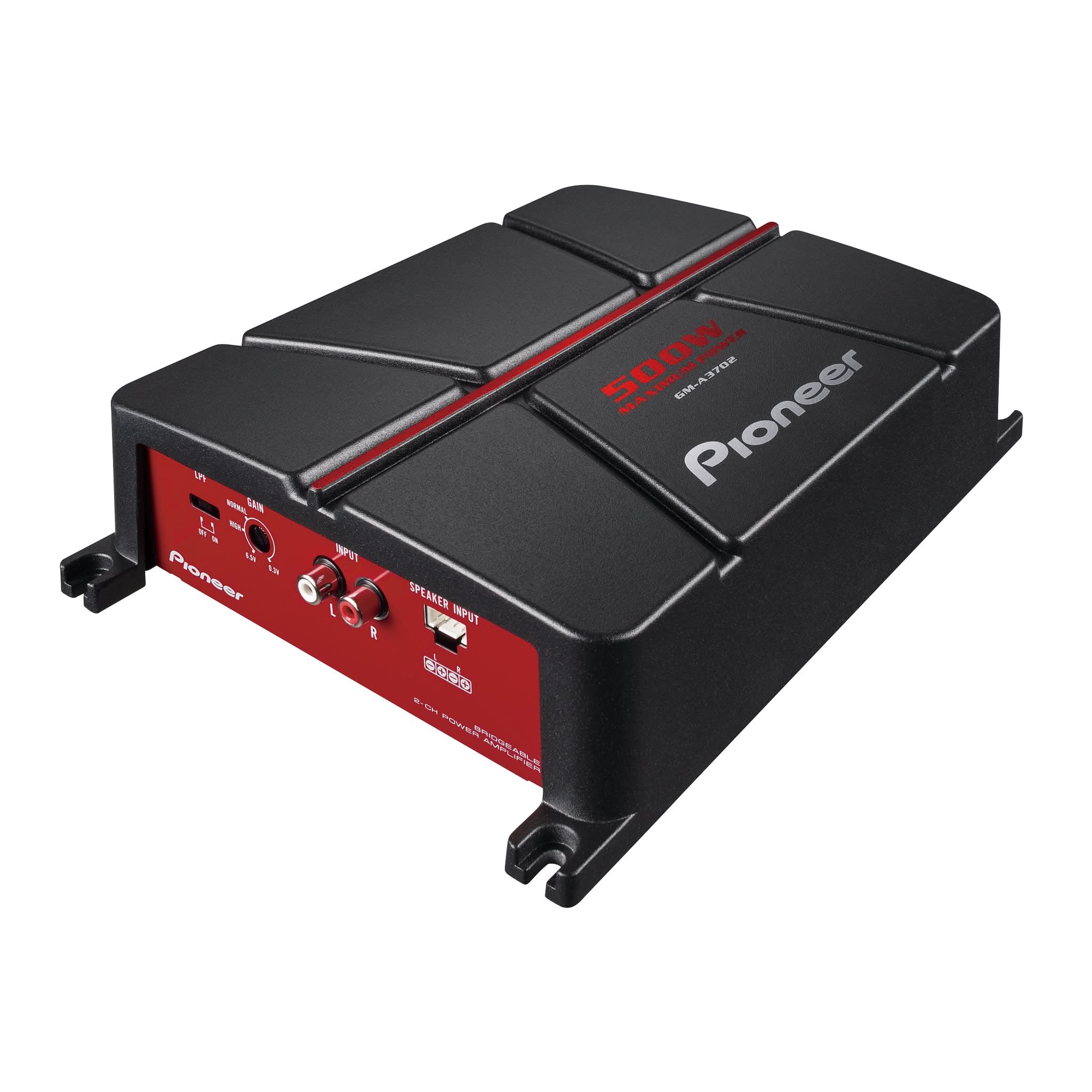
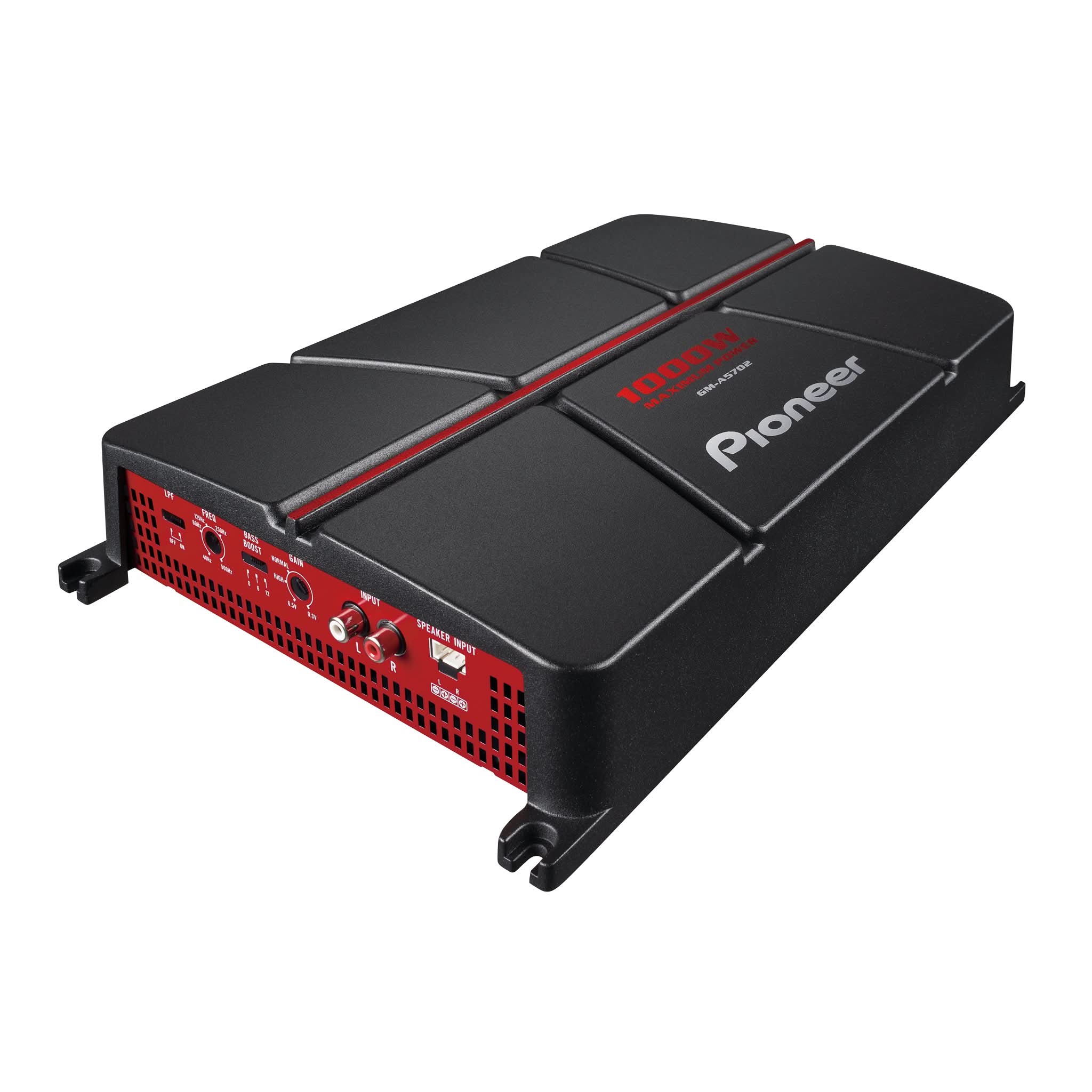
AMPLIFIERS
(e.g., GM-D).
- Back of the Amplifier: Check the back of the amplifier for the model number.
- Purchase Receipt: Look for the model number on your purchase receipt.
- Original Packaging: Find the model number on the box the unit came in
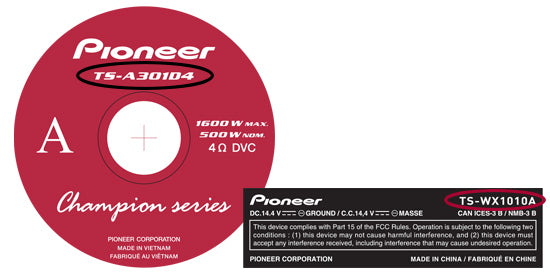
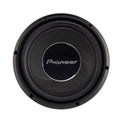
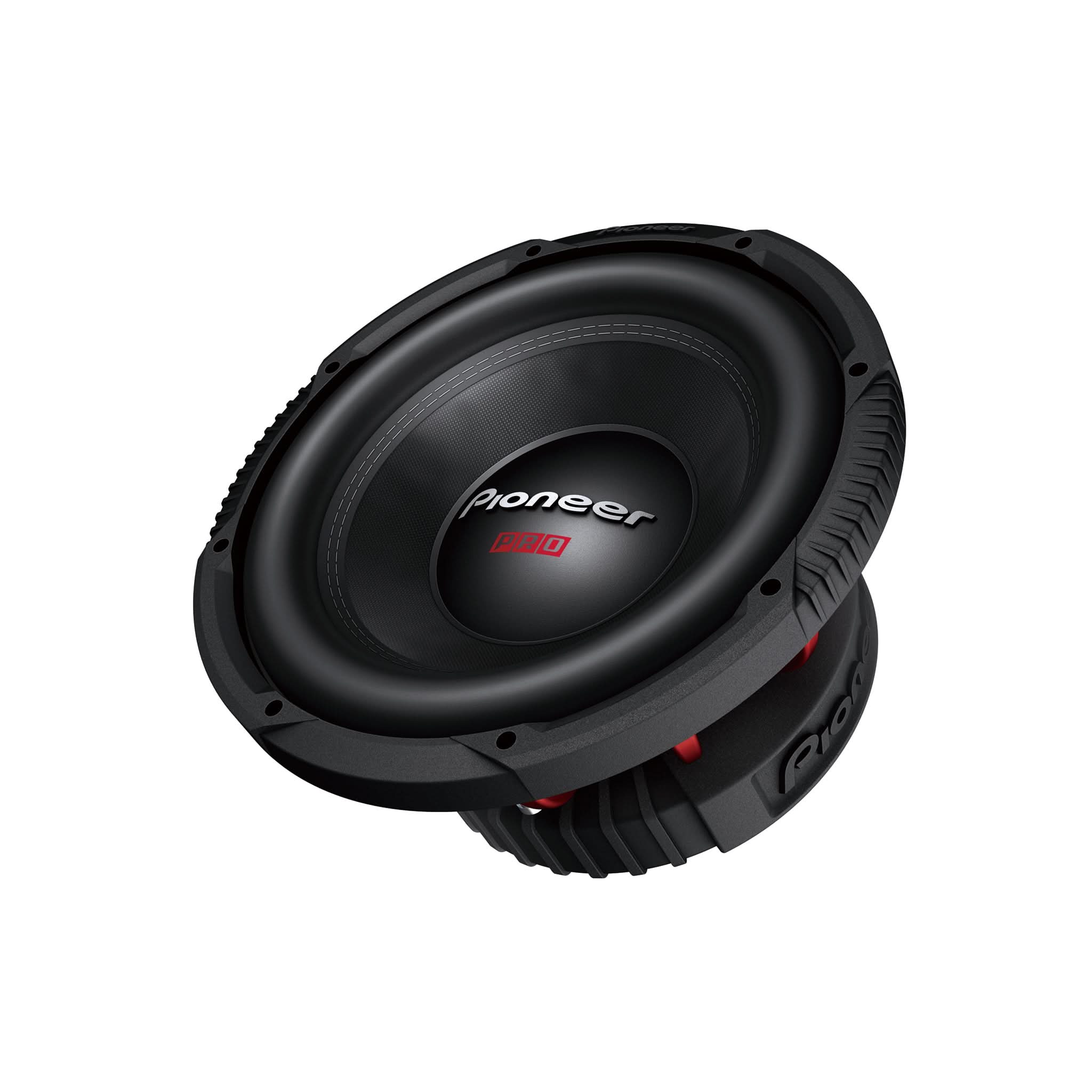
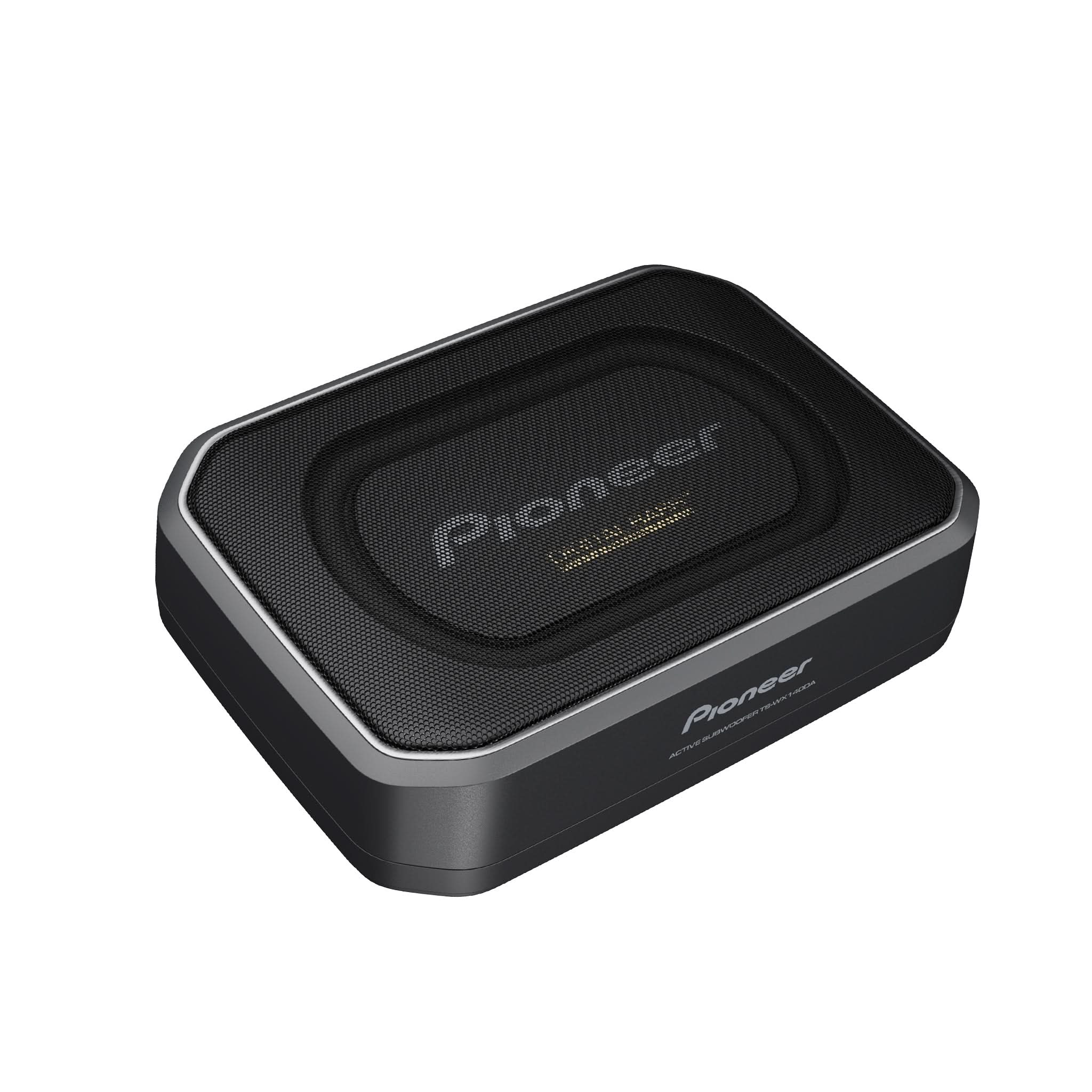
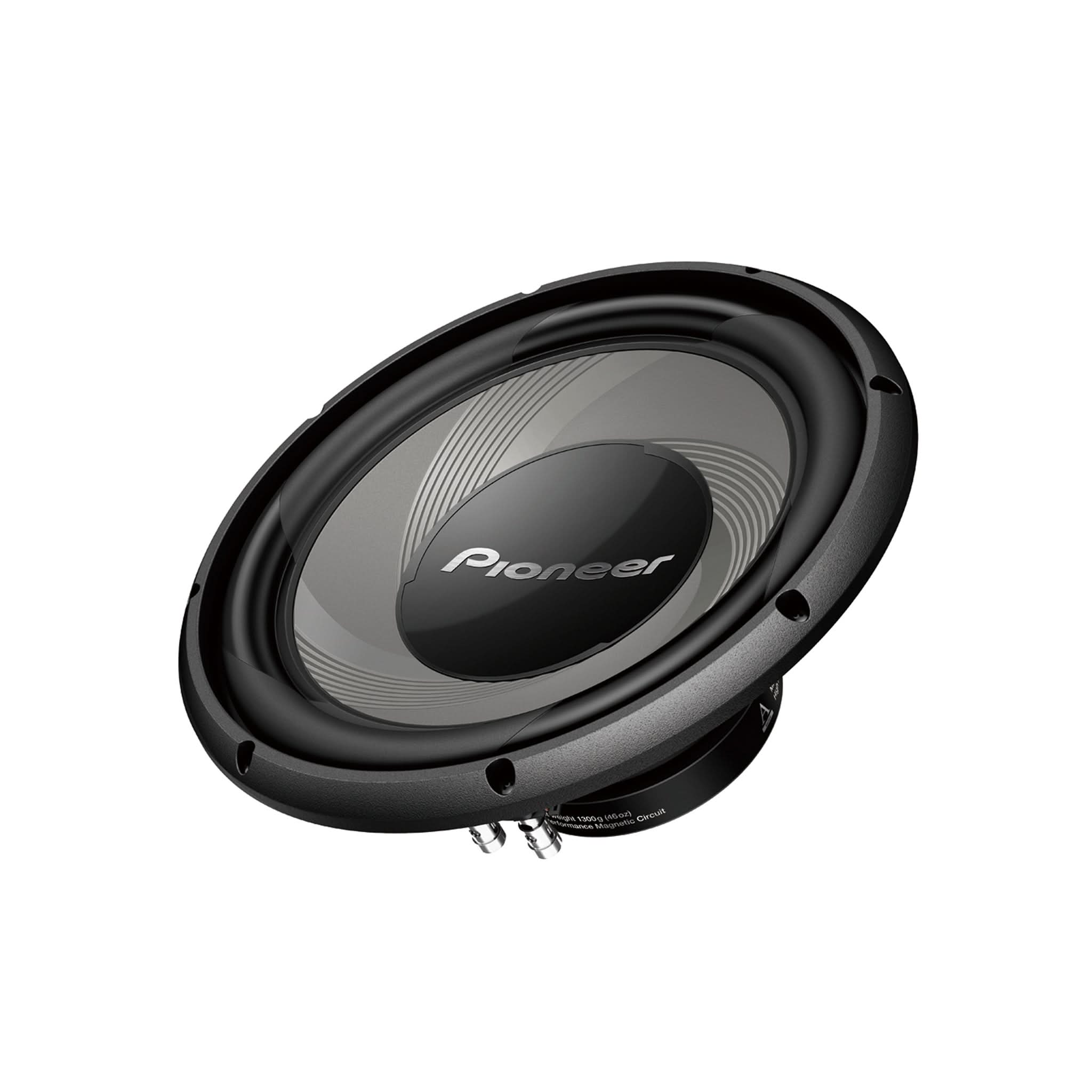
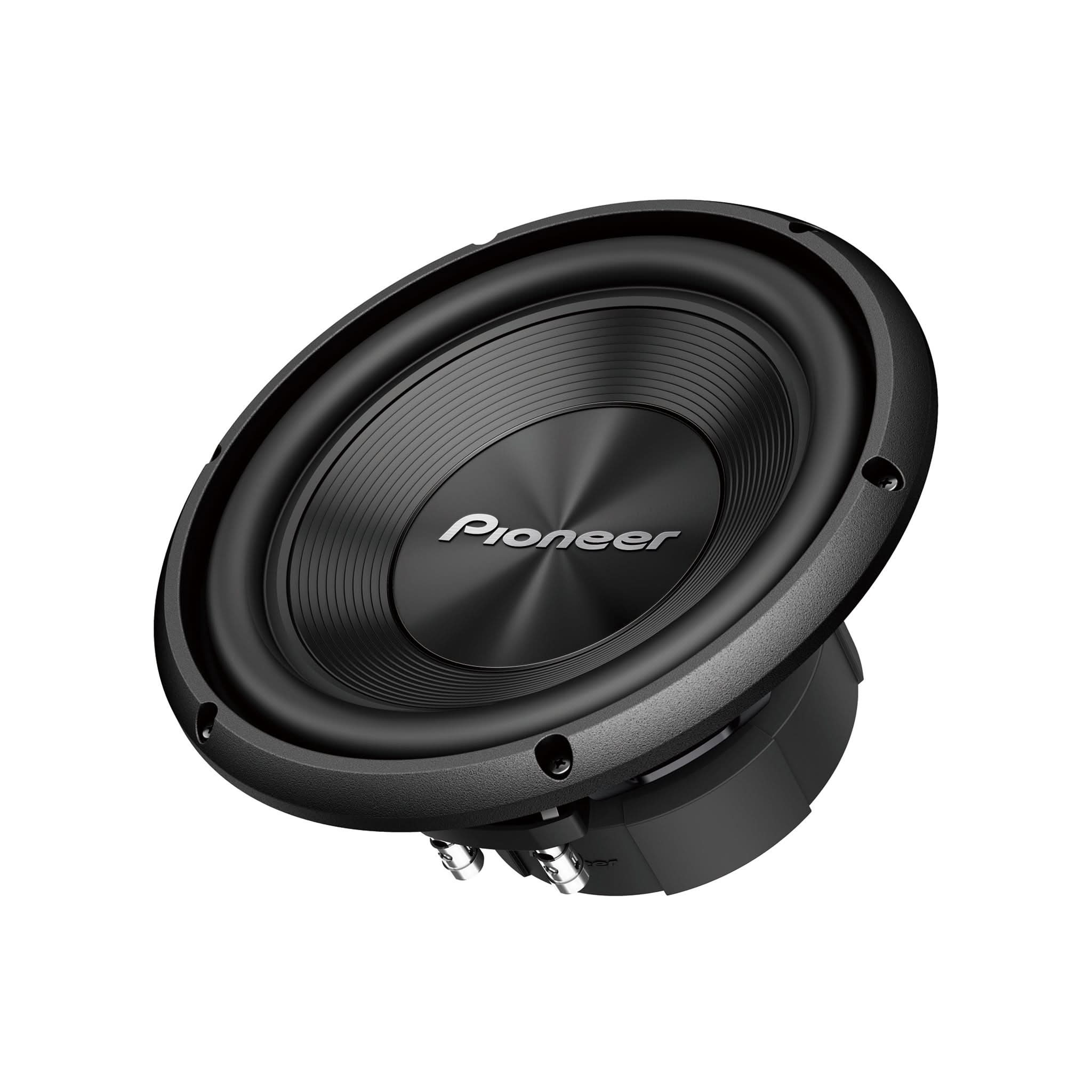
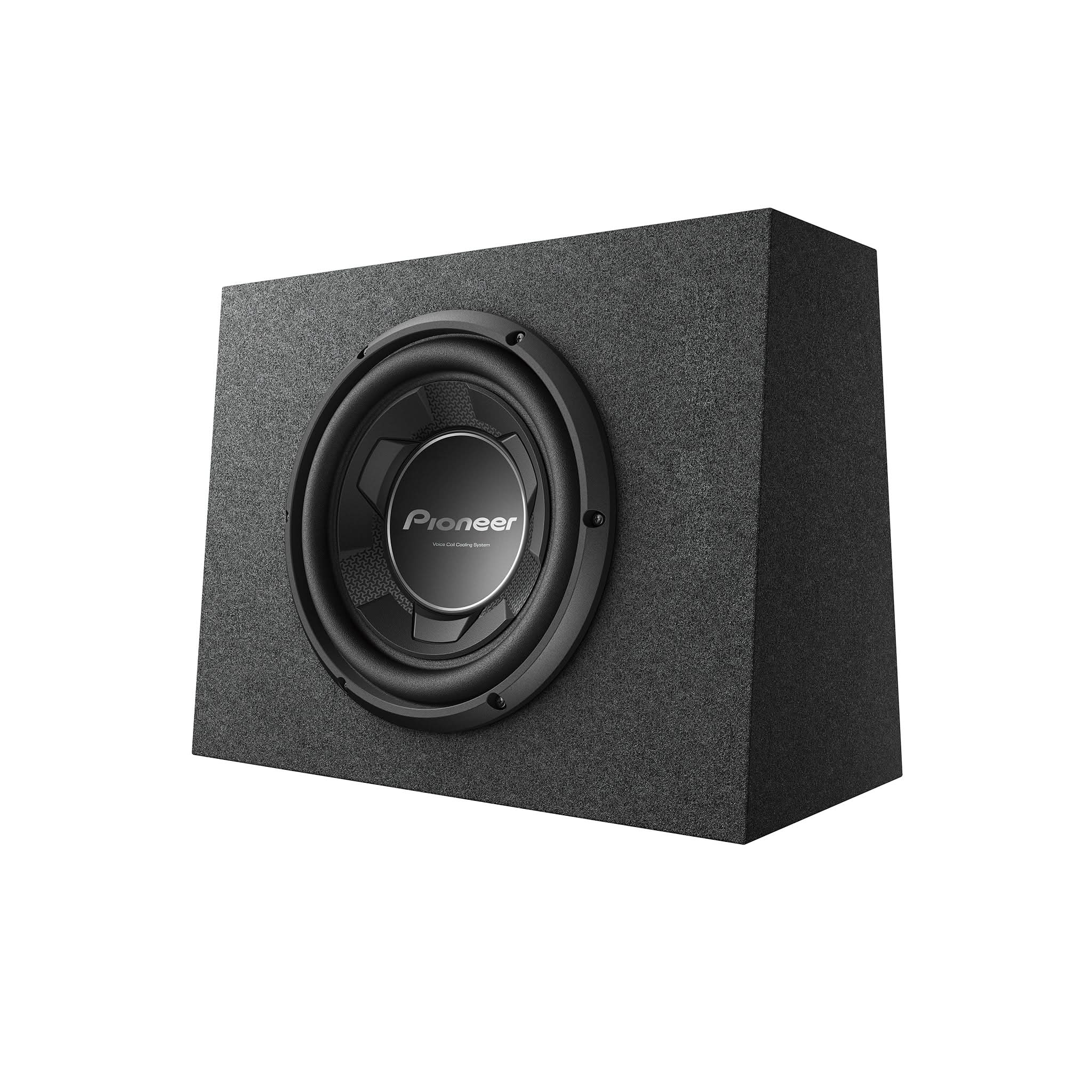
SUBWOOFERS
(e.g., TS).
- Back of the Subwoofer: Check the back of the subwoofer for the model number.
- Purchase Receipt: Look for the model number on your purchase receipt.
- Original Packaging: Find the model number on the box the unit came in.
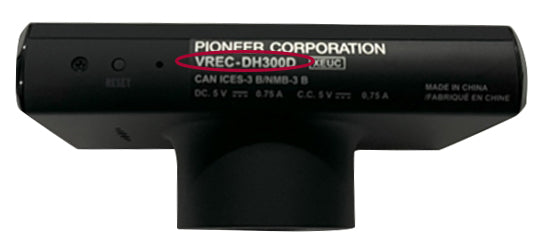
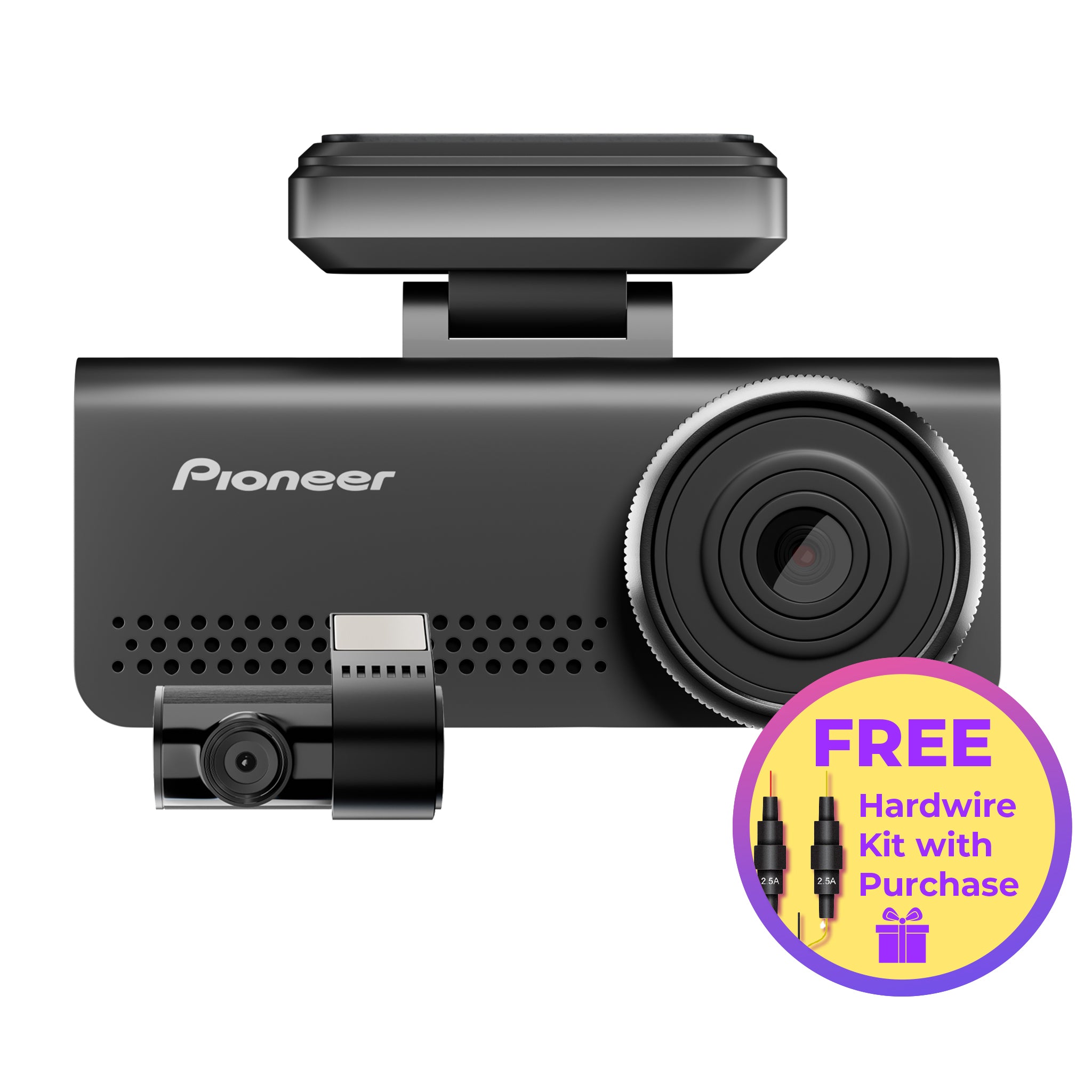
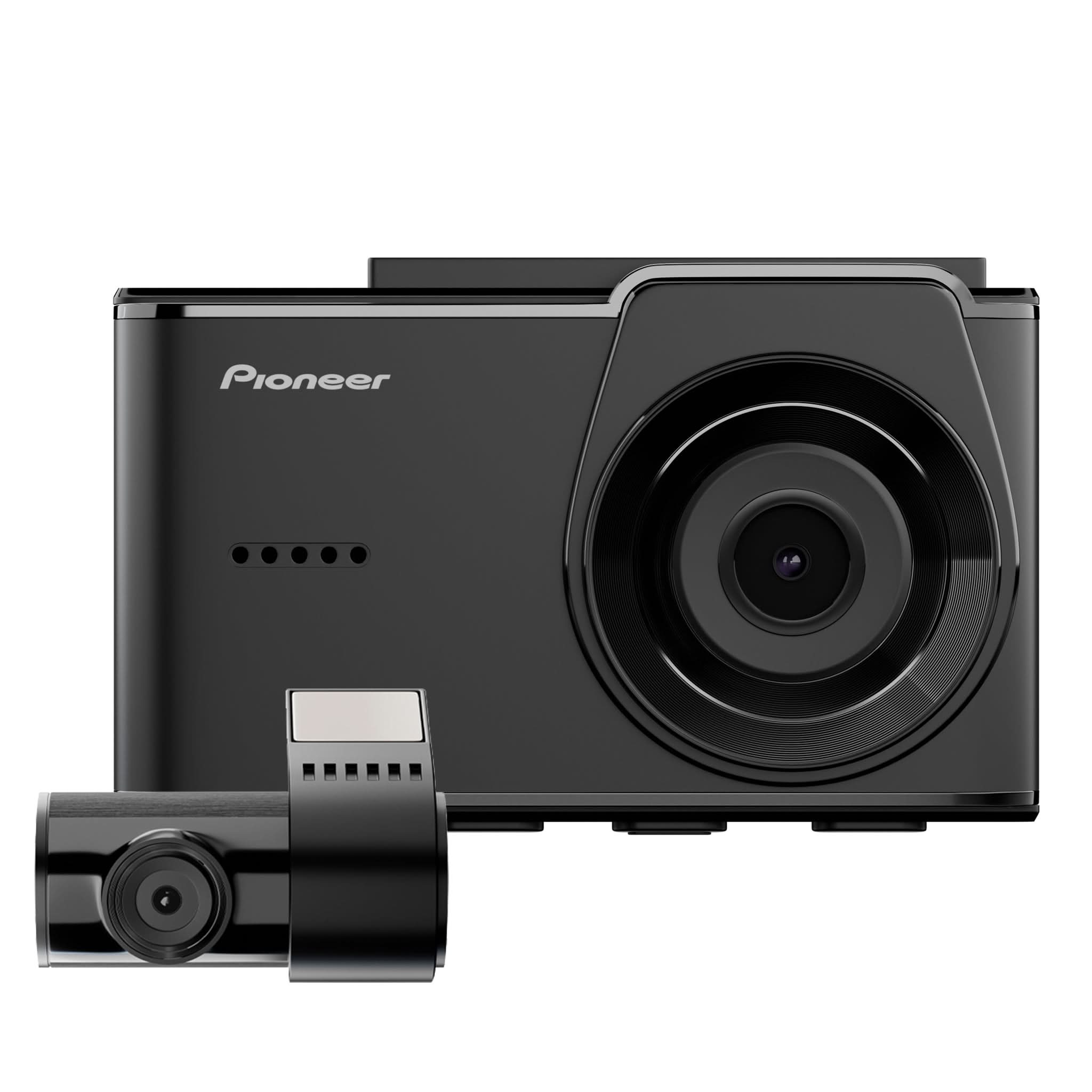
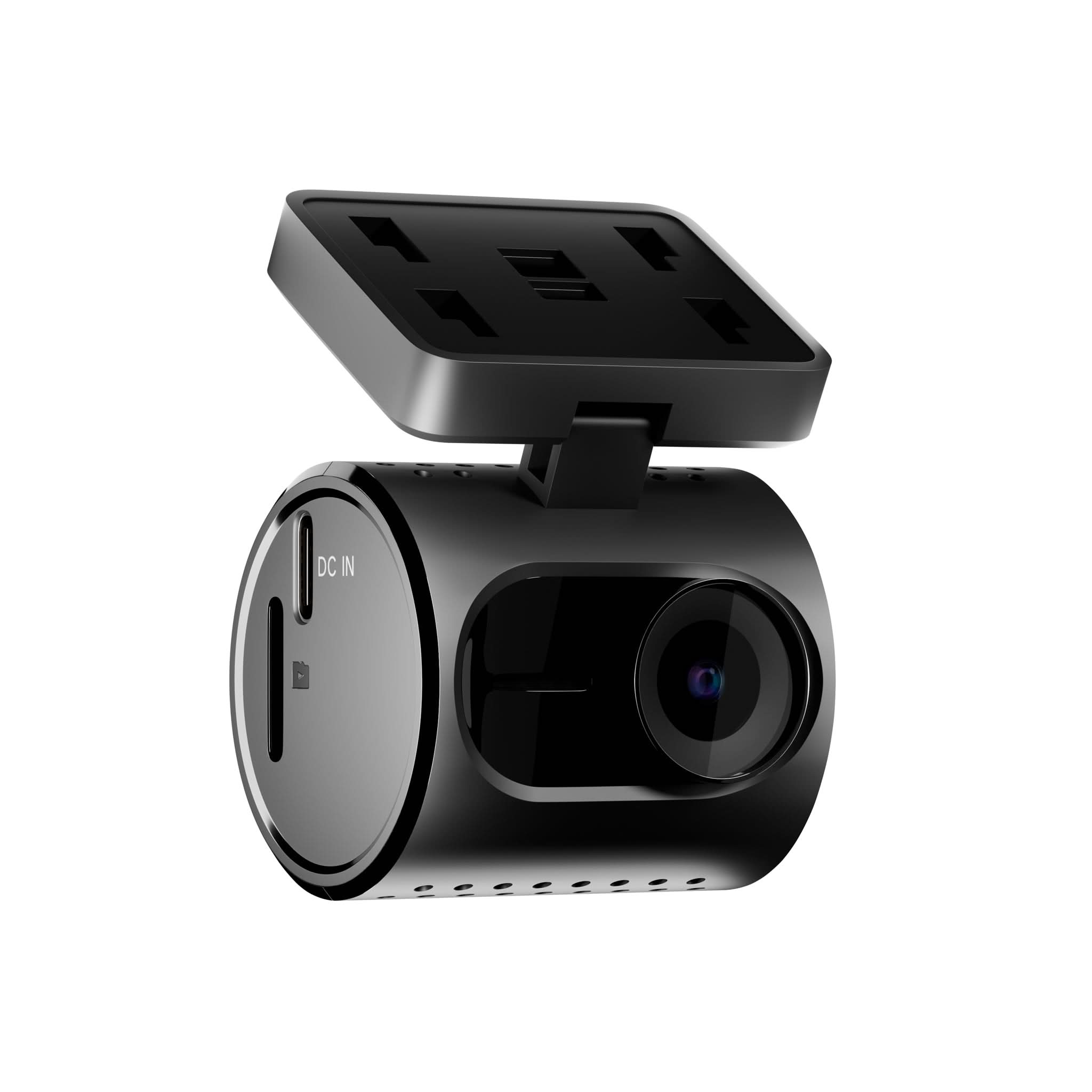
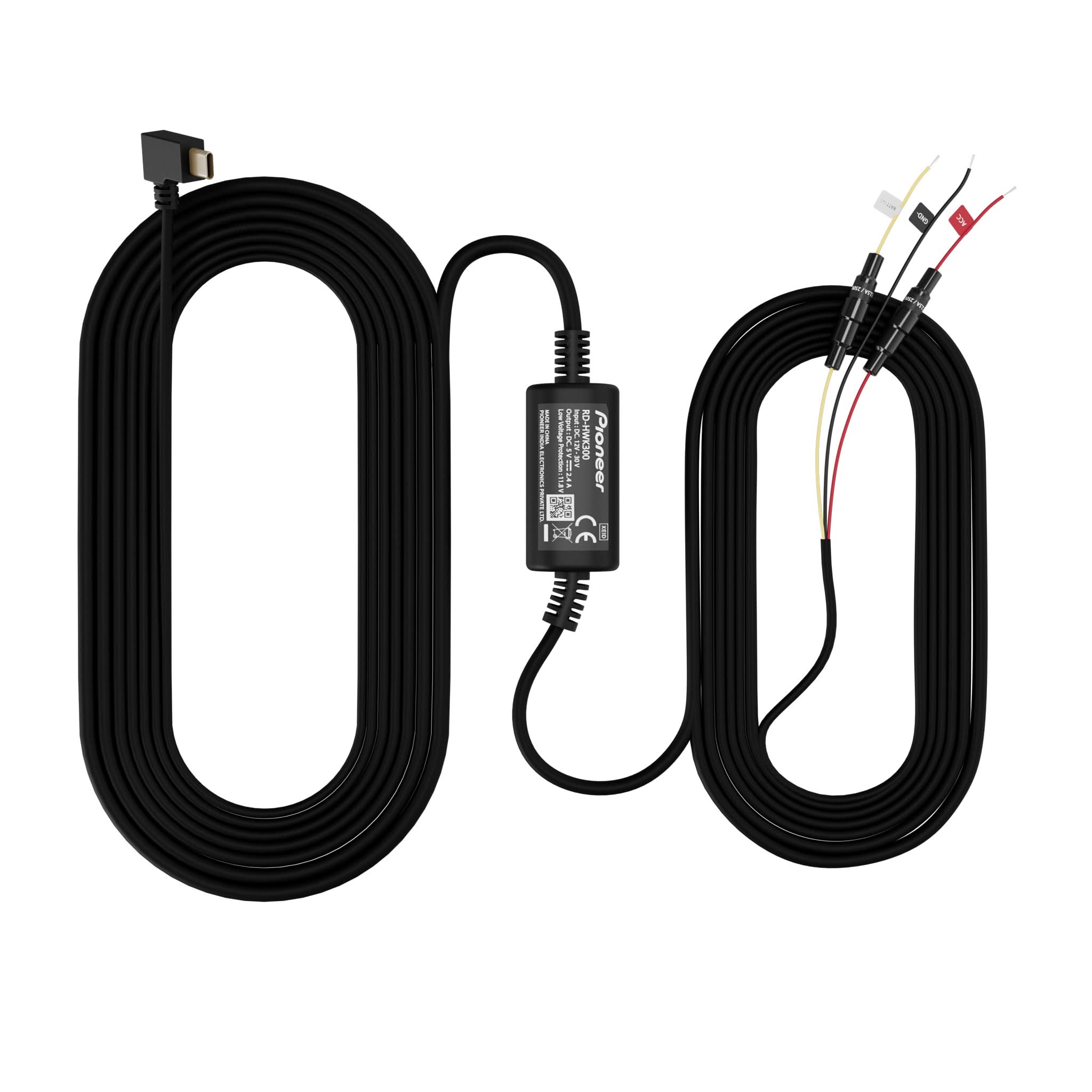
SAFETY & SECURITY (DASHCAMS)
(e.g. VREC)
- Back of the Camera: Check the back of the dash camera for the model number.
- Purchase Receipt: Look for the model number on your purchase receipt.
- Original Packaging: Find the model number on the box the unit came in.
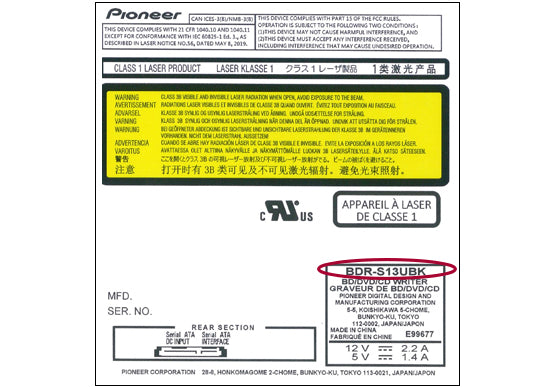
OPTICAL DRIVES
(e.g., BD-R).
- Back or Bottom of the Optical Drive: Check the back or bottom of the optical drive for the model number.
- Purchase Receipt: Look for the model number on your purchase receipt.
- Original Packaging: Find the model number on the box the unit came in.
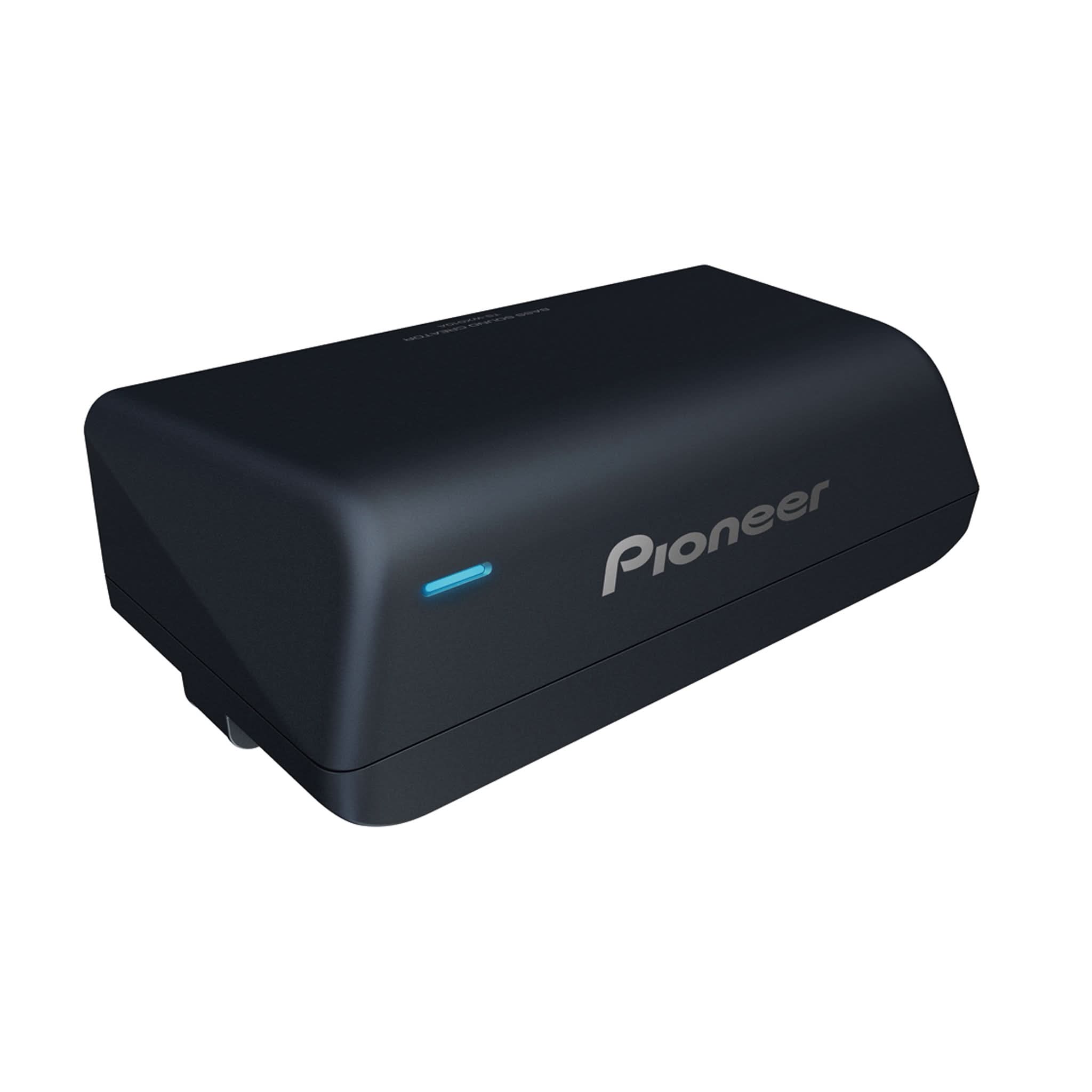
ACCESSORIES
- Attached to the Product: Check for the model number attached to the accessory.
- Purchase Receipt: Look for the model number on your purchase receipt.
- Original Packaging: Find the model number on the package the unit came in.
We're here to help you.
Your one-stop resource for installers, dealers, support, and warranty assistance.

Installation
Find professional installers near you to ensure your Pioneer products are set up perfectly for optimal performance.

Dealers
Discover authorized dealers offering the latest Pioneer products, trusted expertise, and exceptional service.

Support
Have questions? Access comprehensive resources and personalized help to get the most out of your Pioneer experience.

Warranty Assistance
Protect your investment with our warranty services, designed to give you peace of mind and reliable coverage.