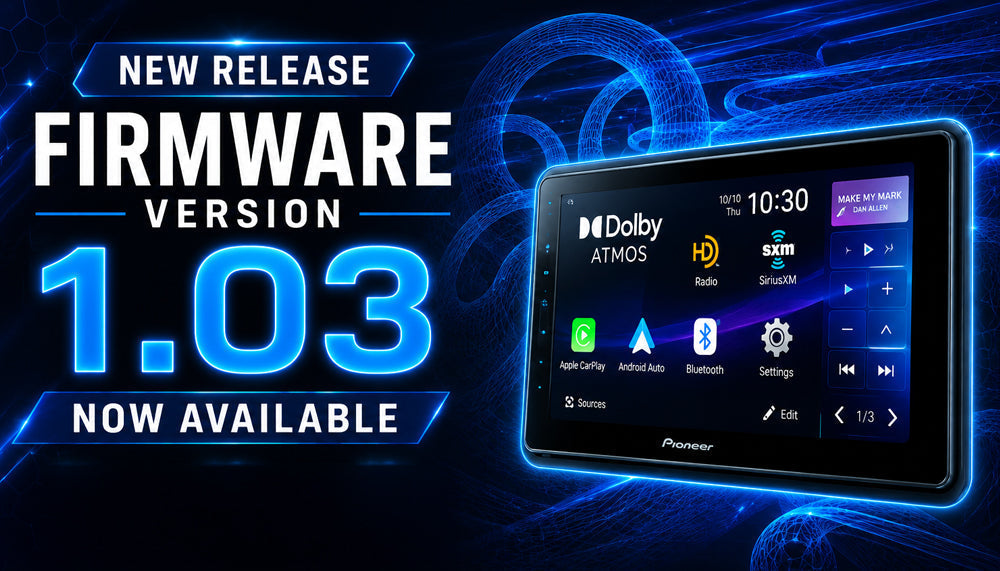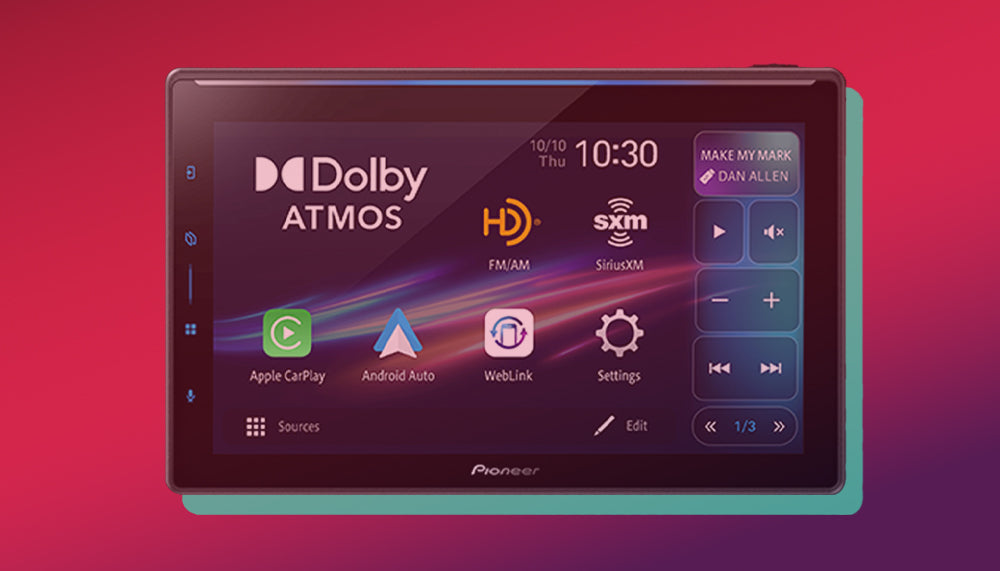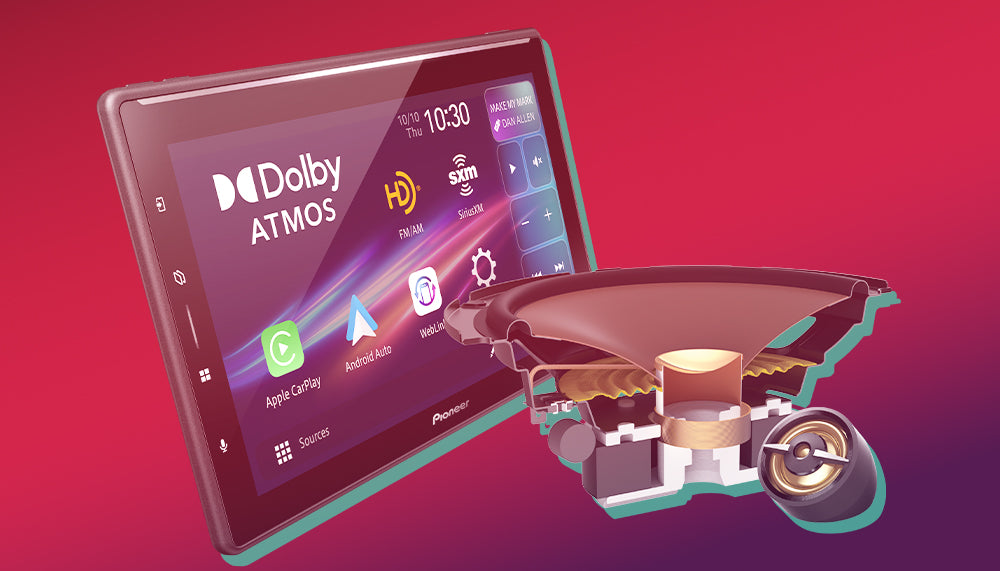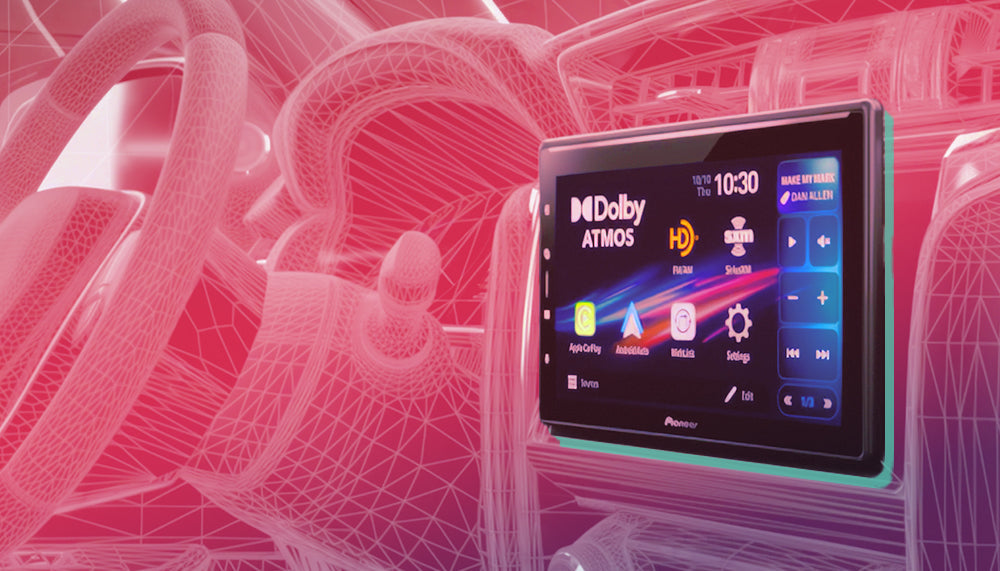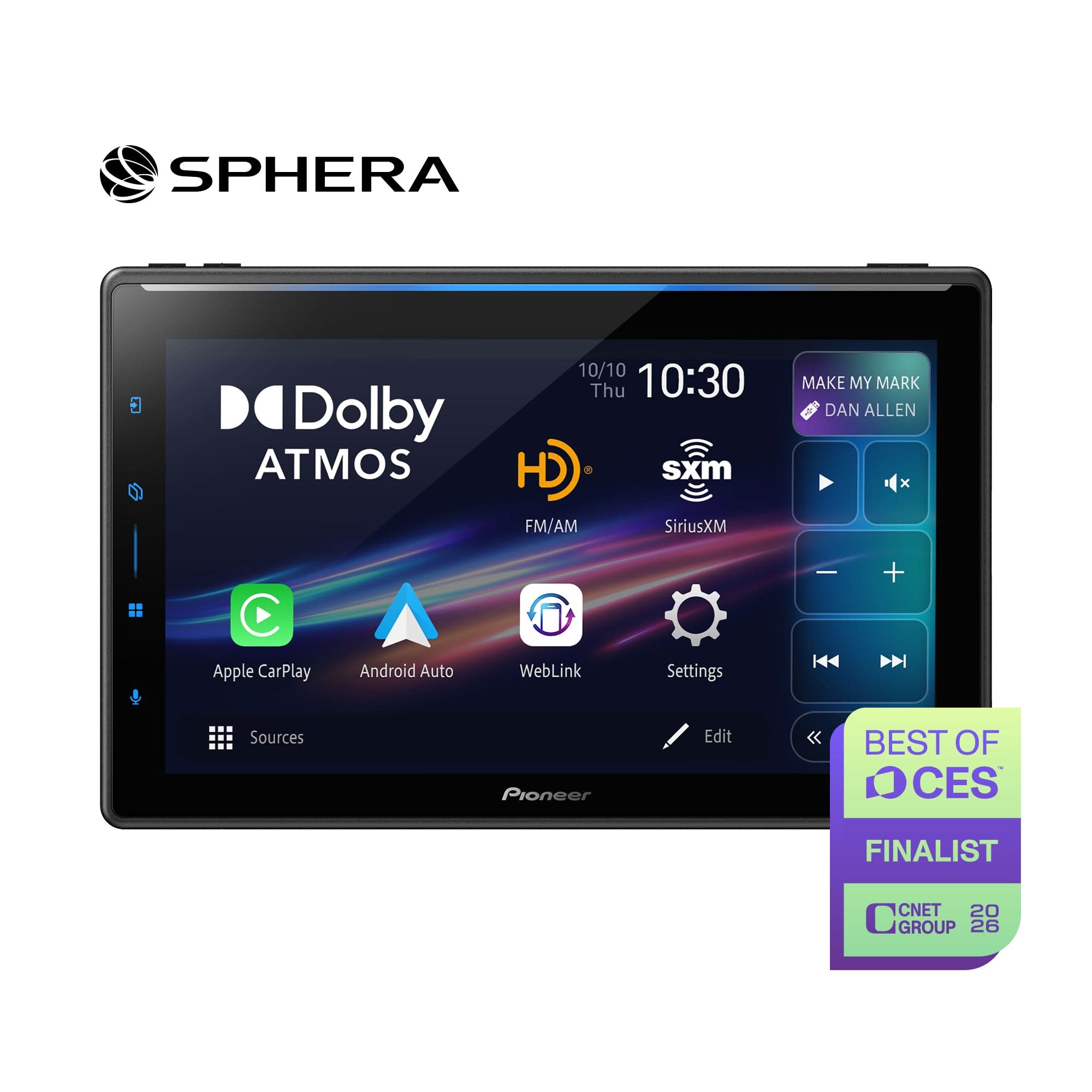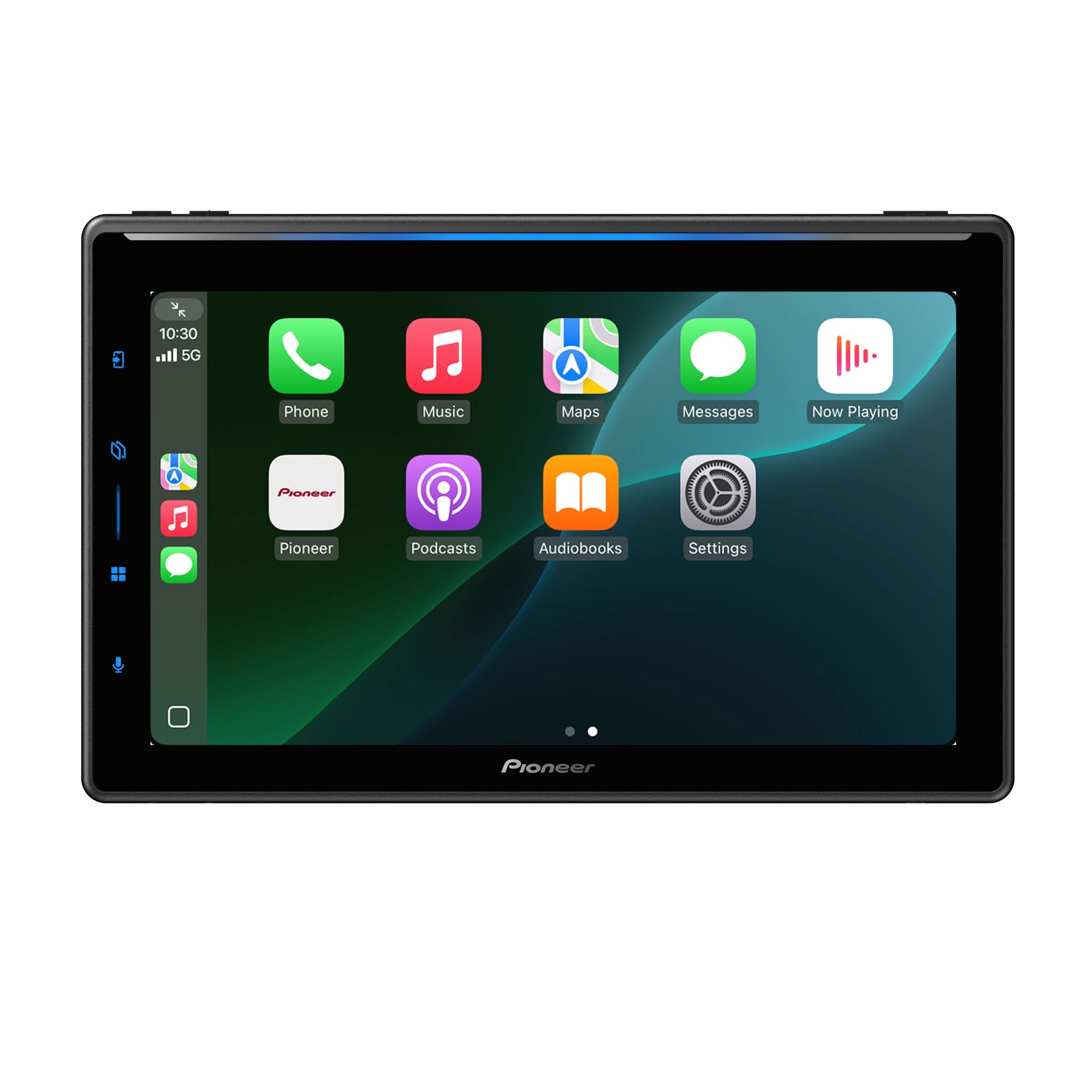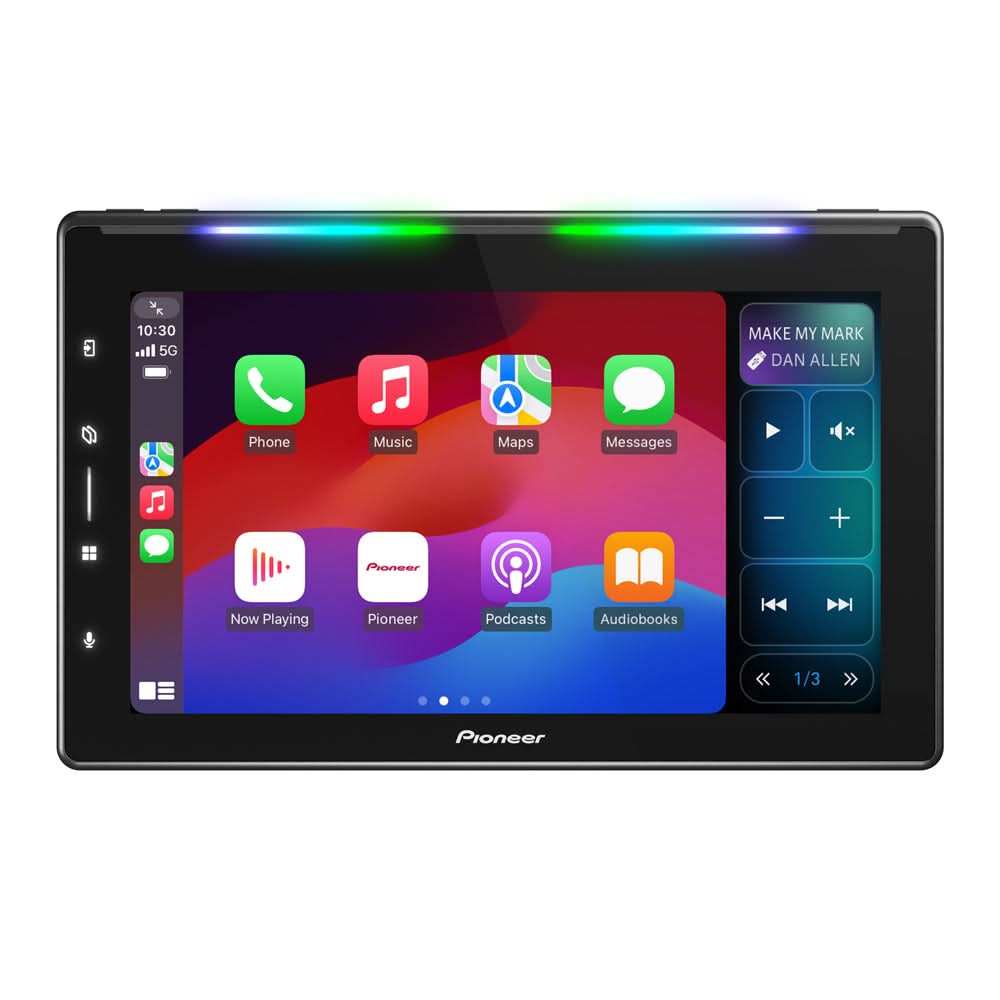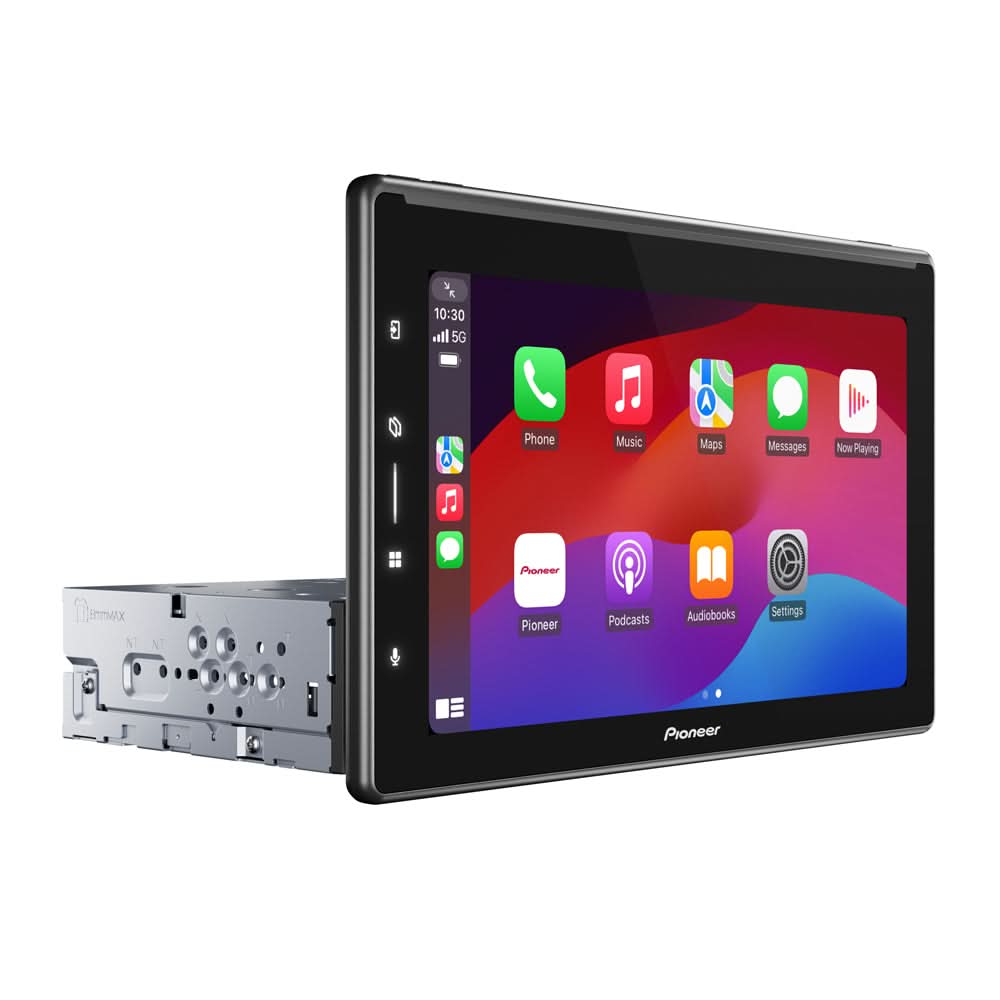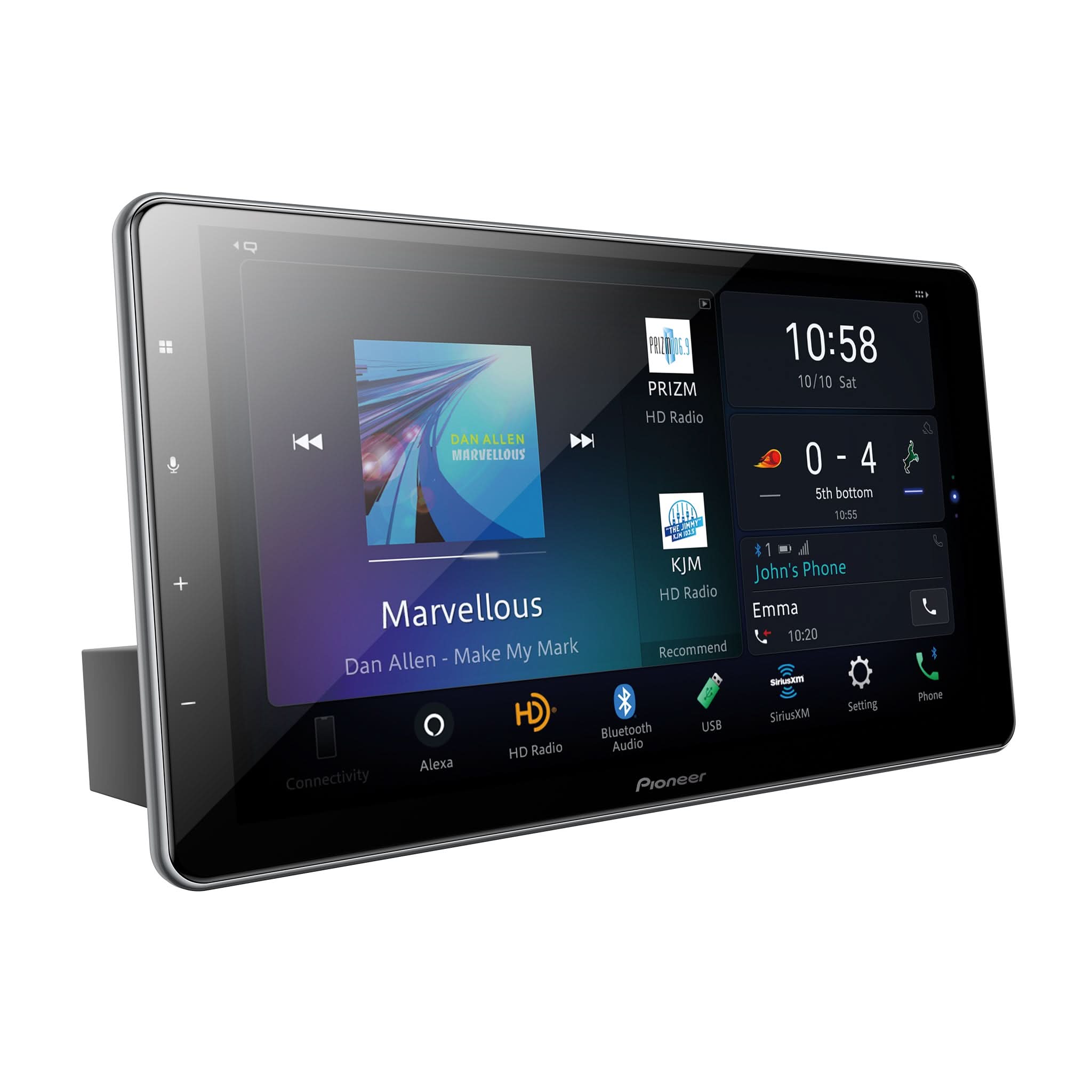

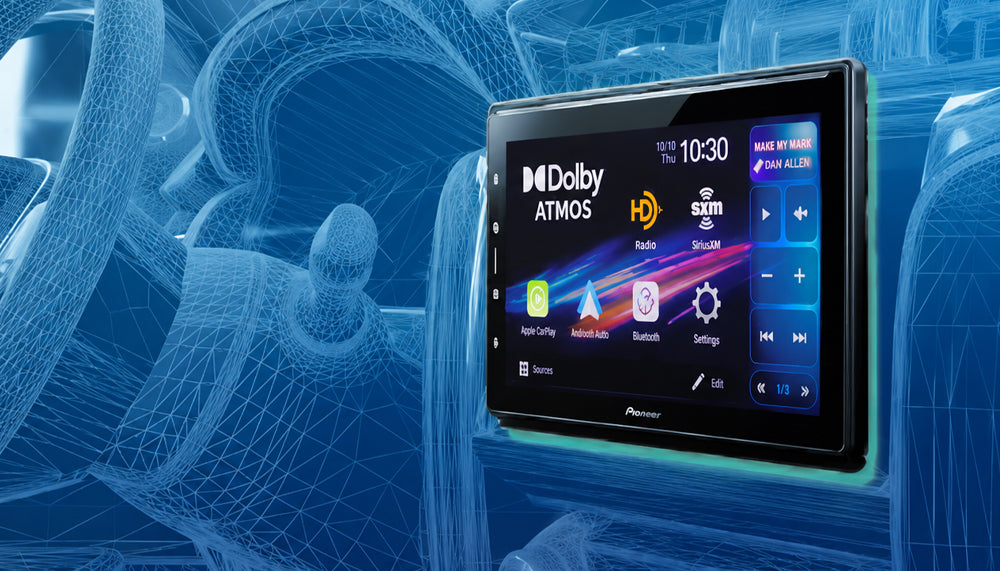
Firmware Version 1.03 Now Available for Pioneer SPHERA DMH-WT8000NEX
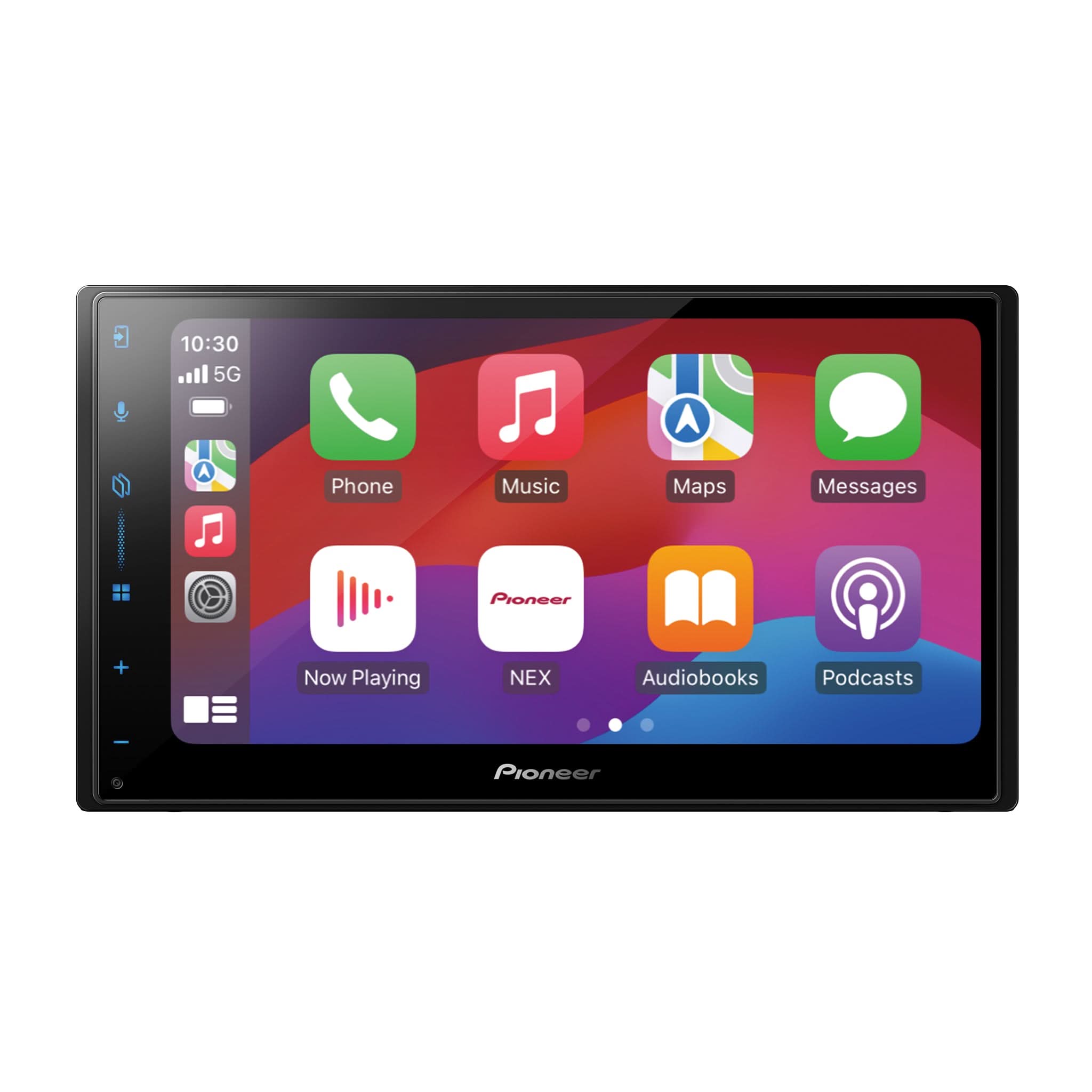
Pioneer has released Firmware Version 1.03 for the SPHERA DMH-WT8000NEX multimedia receiver. This Tech Tip announces the latest firmware release and provides step-by-step USB update instructions, PxLink OTA update recommendations, important safety precautions, and best practices to help ensure a successful firmware installation.
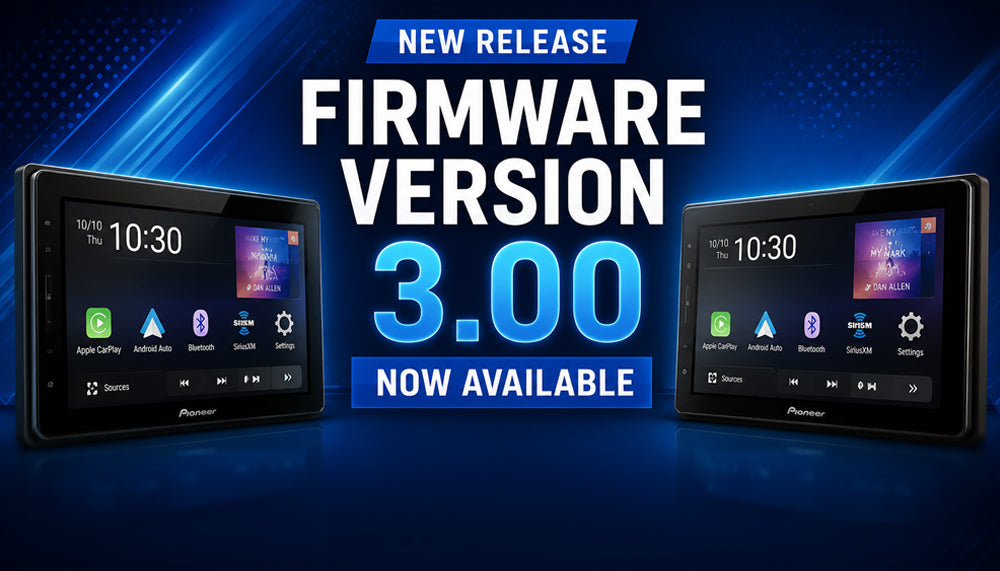
Firmware Version 3.00 Now Available for Pioneer DMH-WT6000NEX & DMH-WT5000NEX
Pioneer has released Firmware Version 3.00 for the DMH-WT6000NEX and DMH-WT5000NEX multimedia receivers. This Tech Tip announces the latest firmware release and provides step-by-step USB update instructions, PxLink OTA update recommendations, important safety precautions, and best practices to help ensure a successful firmware installation.
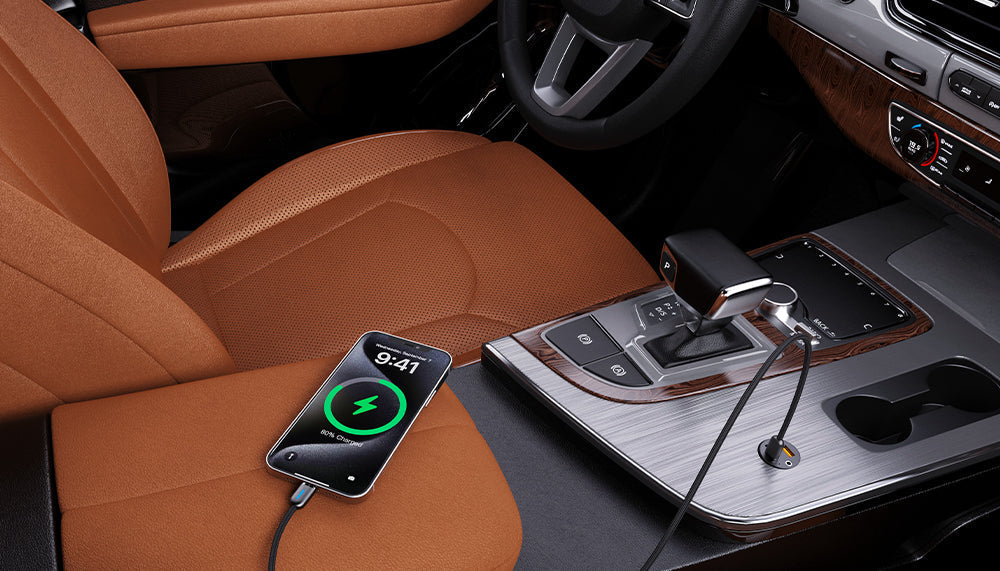
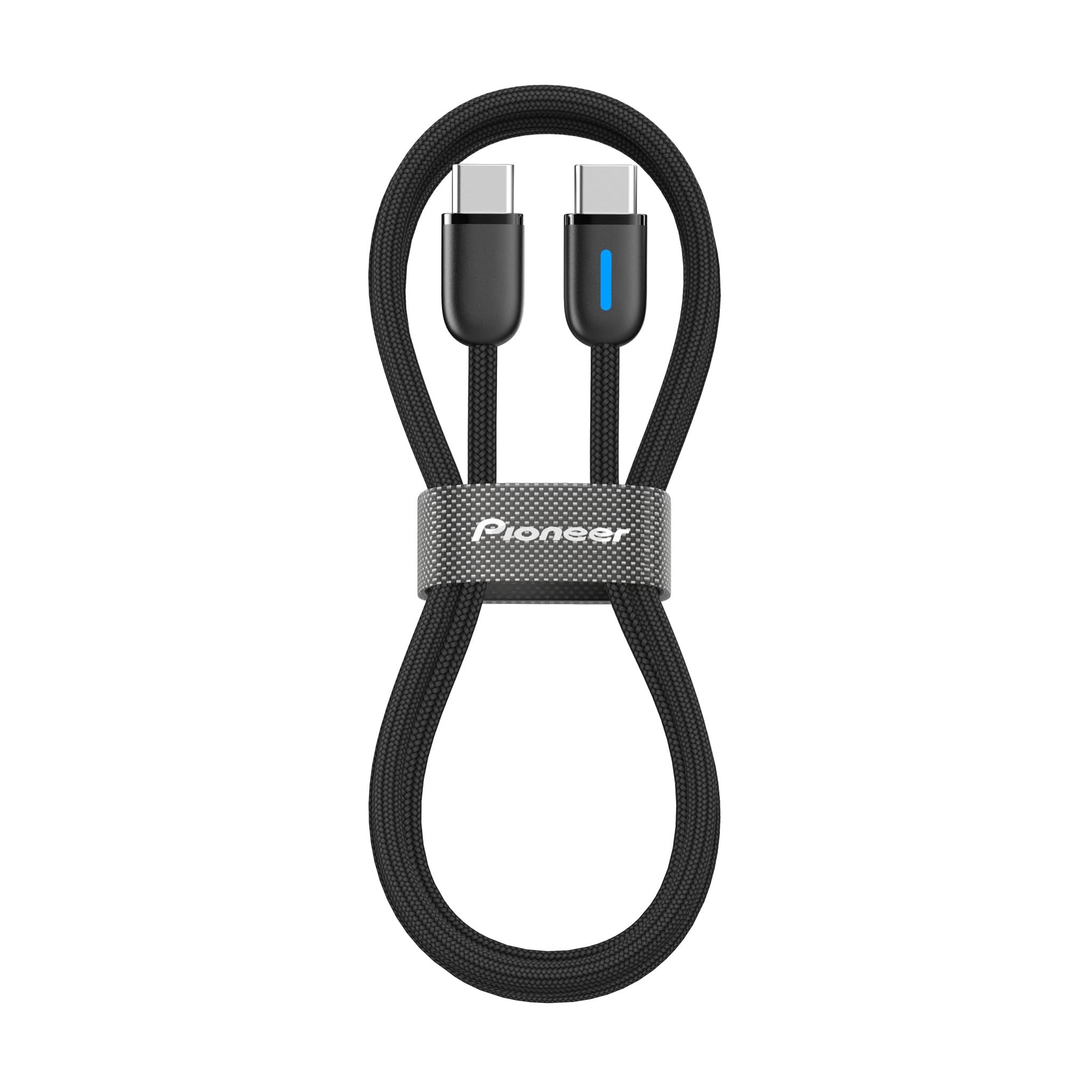
USB CABLES – NO, THEY ARE NOT ALL THE SAME!
Deciding which type of USB® cable to use will mainly depend on the smartphone you want to connect it with. One of the typical corollaries of USB cables you use is fast charging. However, there is no standardized standard in this area. Smartphone manufacturers have developed their own technology to meet the growing demand for fast charging, which, among other things, has made it difficult to adapt to the recent USB 3.1® and more recent USB versions.
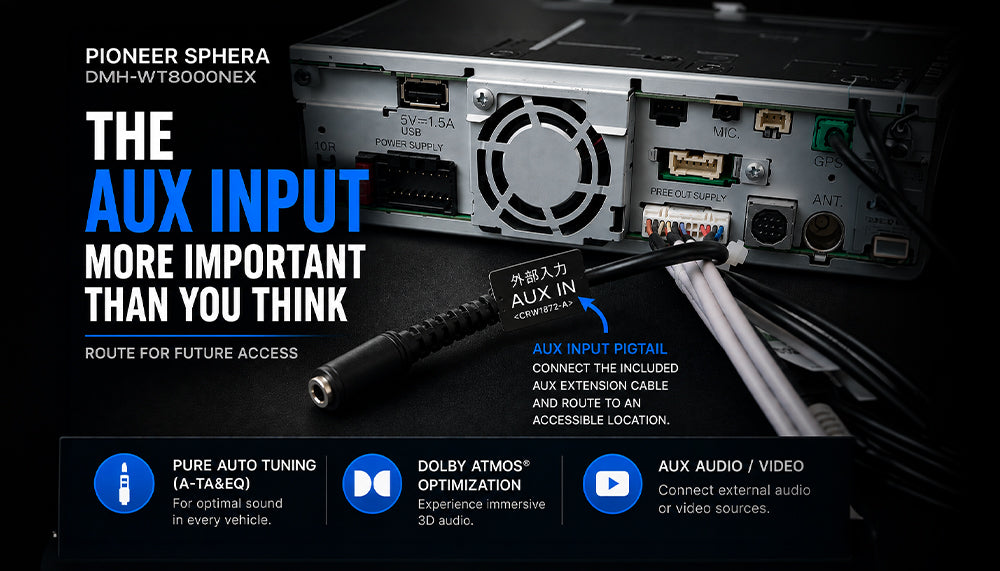
The SPHERA AUX Input: More Important Than You Think
The AUX Input on the Pioneer SPHERA DMH-WT8000NEX is much more than a conventional audio connection. In addition to supporting audio and video sources, it plays a critical role in Pioneer Auto Tuning (A-TA&EQ), Dolby Atmos® optimization, and future system recalibration. Learn why retaining access to the AUX Input extension cable is an important part of every SPHERA installation.
SPHERA Frequently Asked Questions
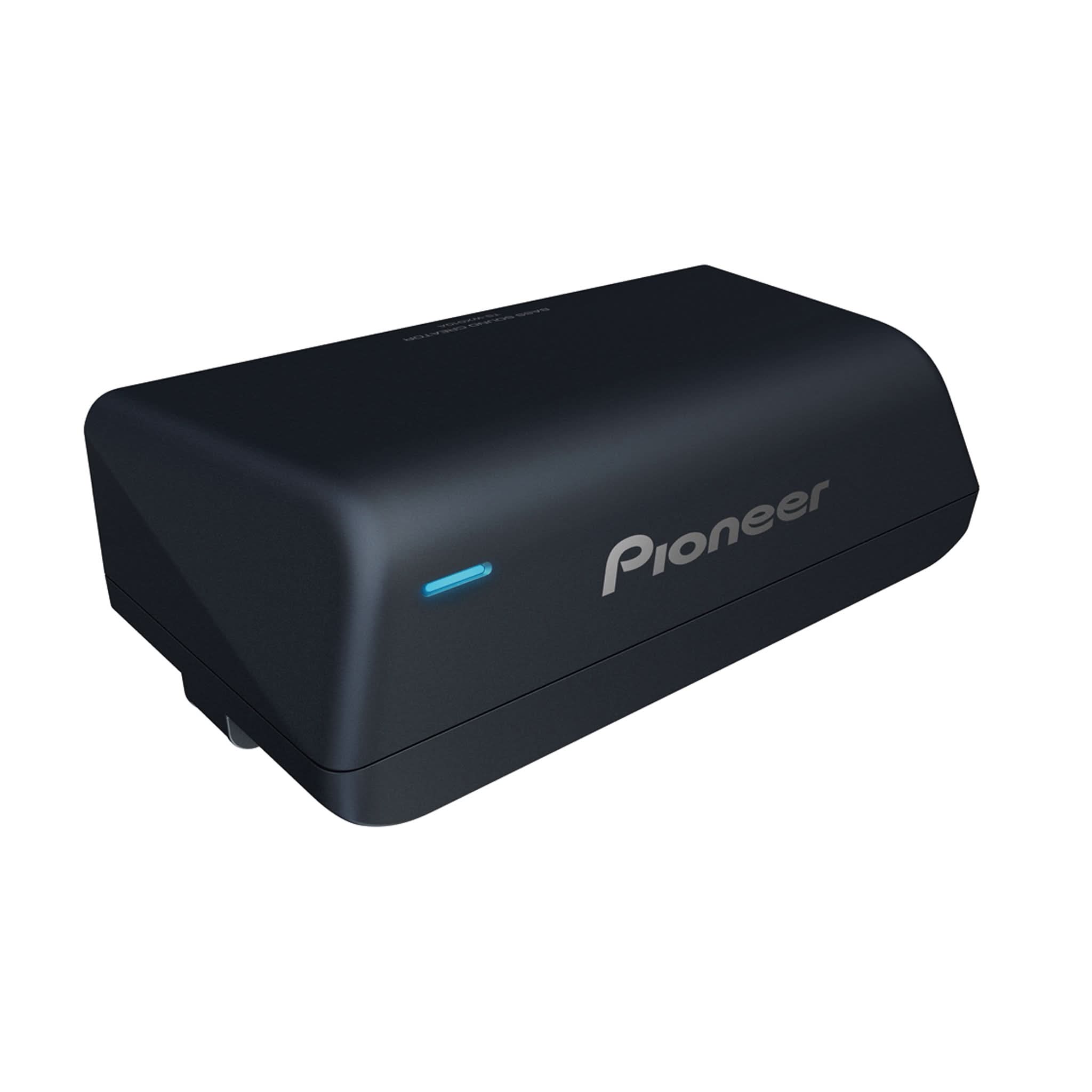
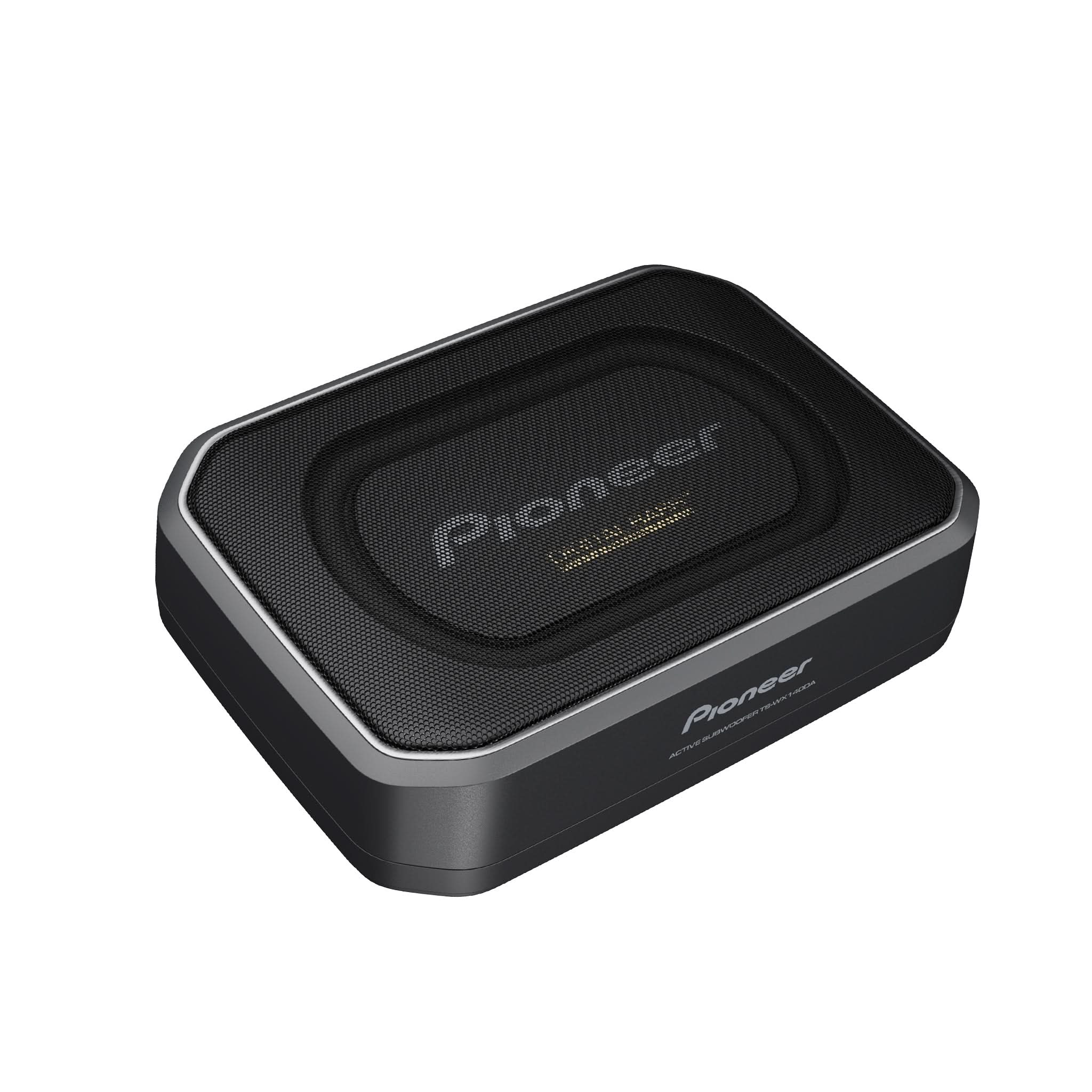
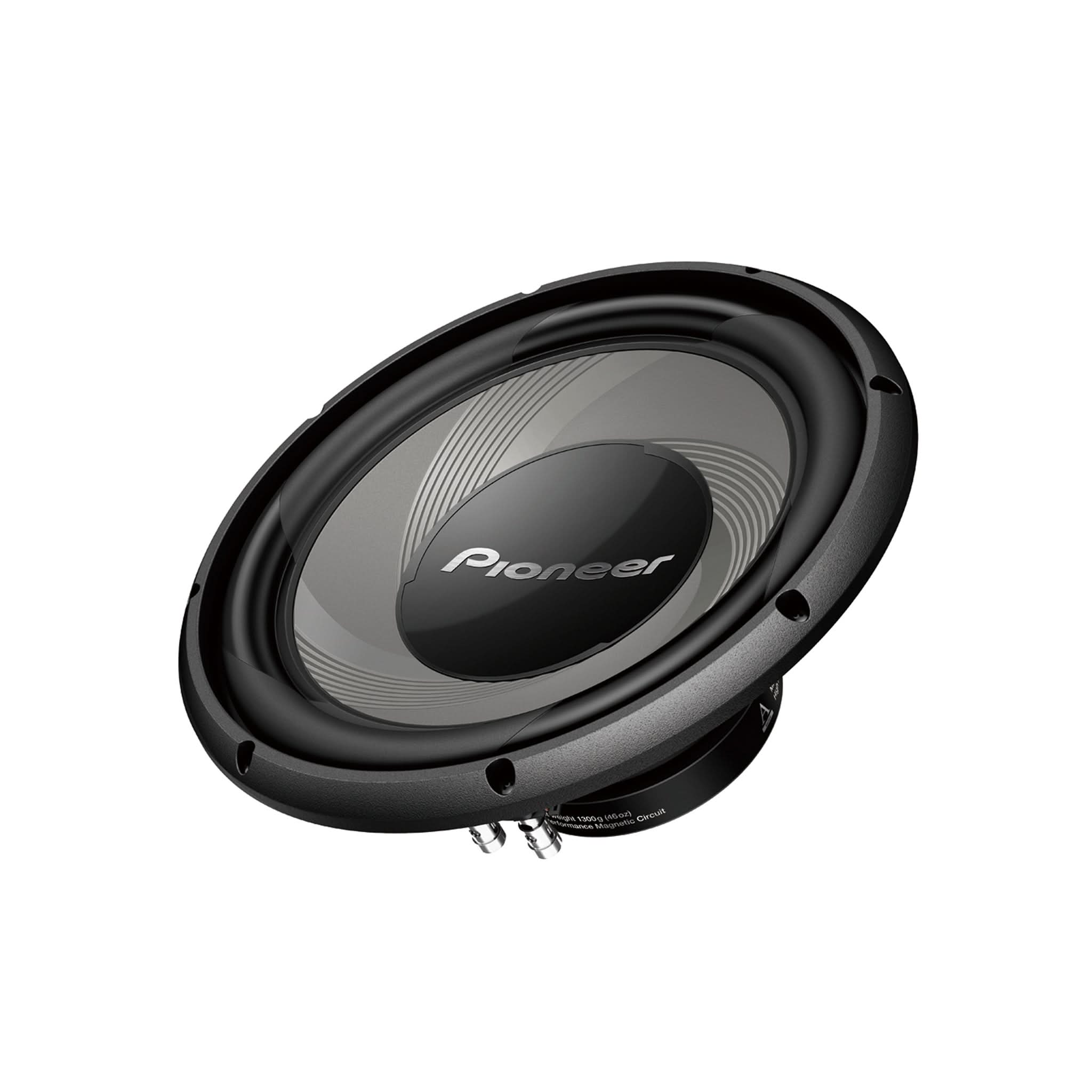
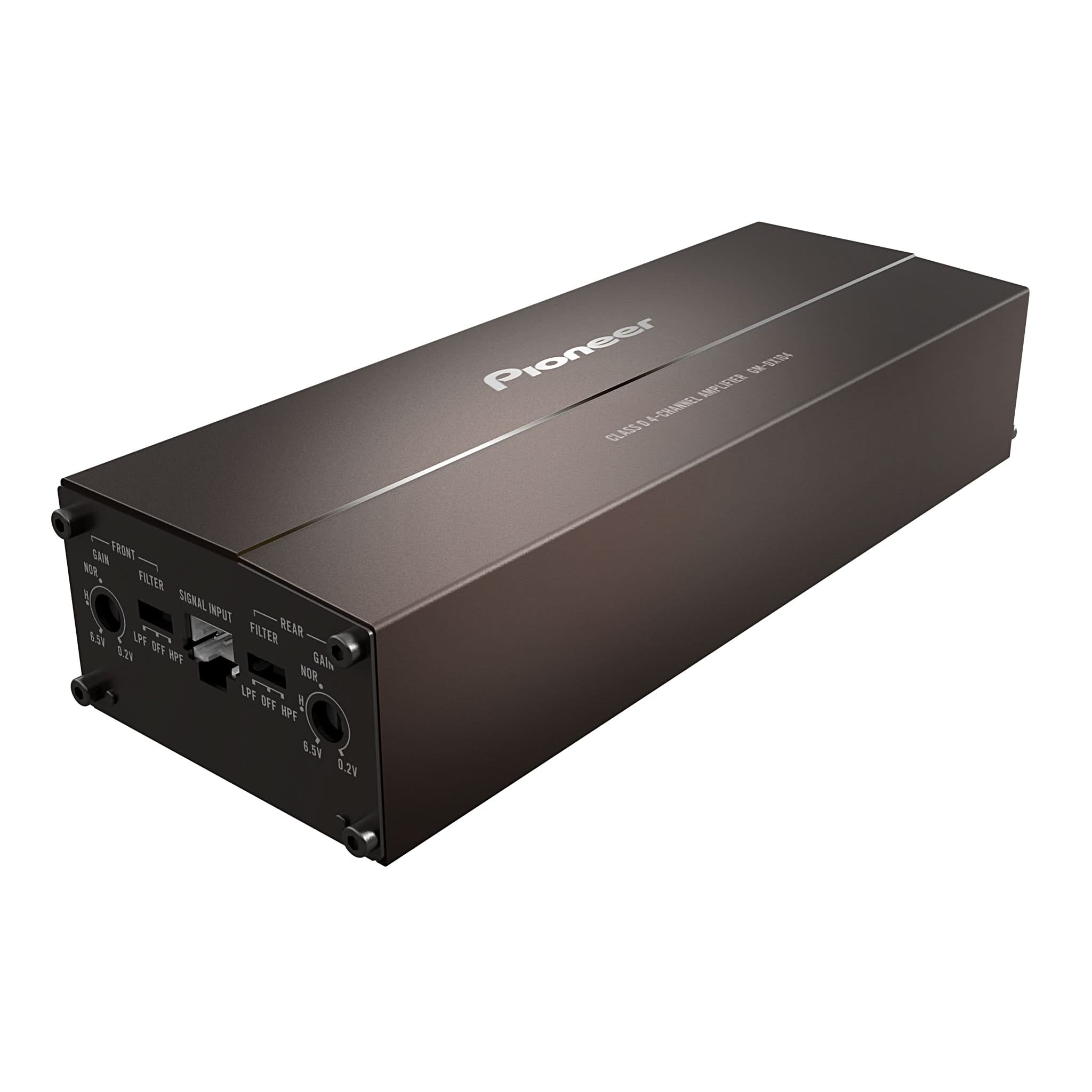
THE BEST PICK FOR A GREAT SOUND IN YOUR CAR, ESPECIALLY IF YOU HAVE A PIONEER SPHERA UNIT!
Pioneer SPHERA Firmware Version 1.02 Update Announcement
Pioneer has released firmware version 1.02 for the SPHERA DMH-WT8000NEX multimedia receiver. This Tech Tip provides detailed USB firmware update instructions, important installation precautions, firmware verification procedures, and optional PxLink wireless update information for compatible U.S. and Canadian models.