Android Auto Head Units
Filter
Android Auto Head Units
32 products
-
Sort by
No products match with the vehicle selected















Android Auto Head Unit FAQs
What Is Android Auto and How Does It Work?
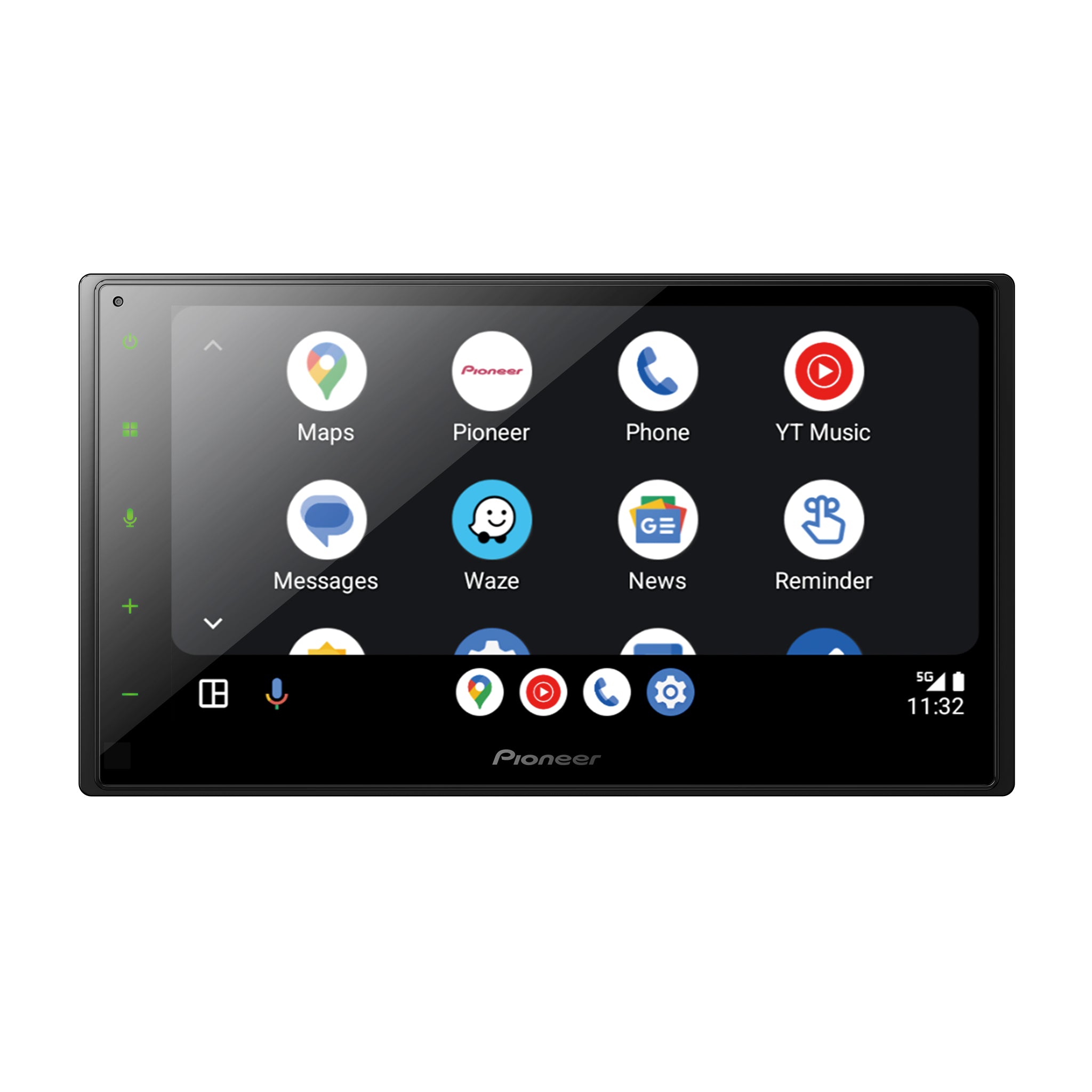
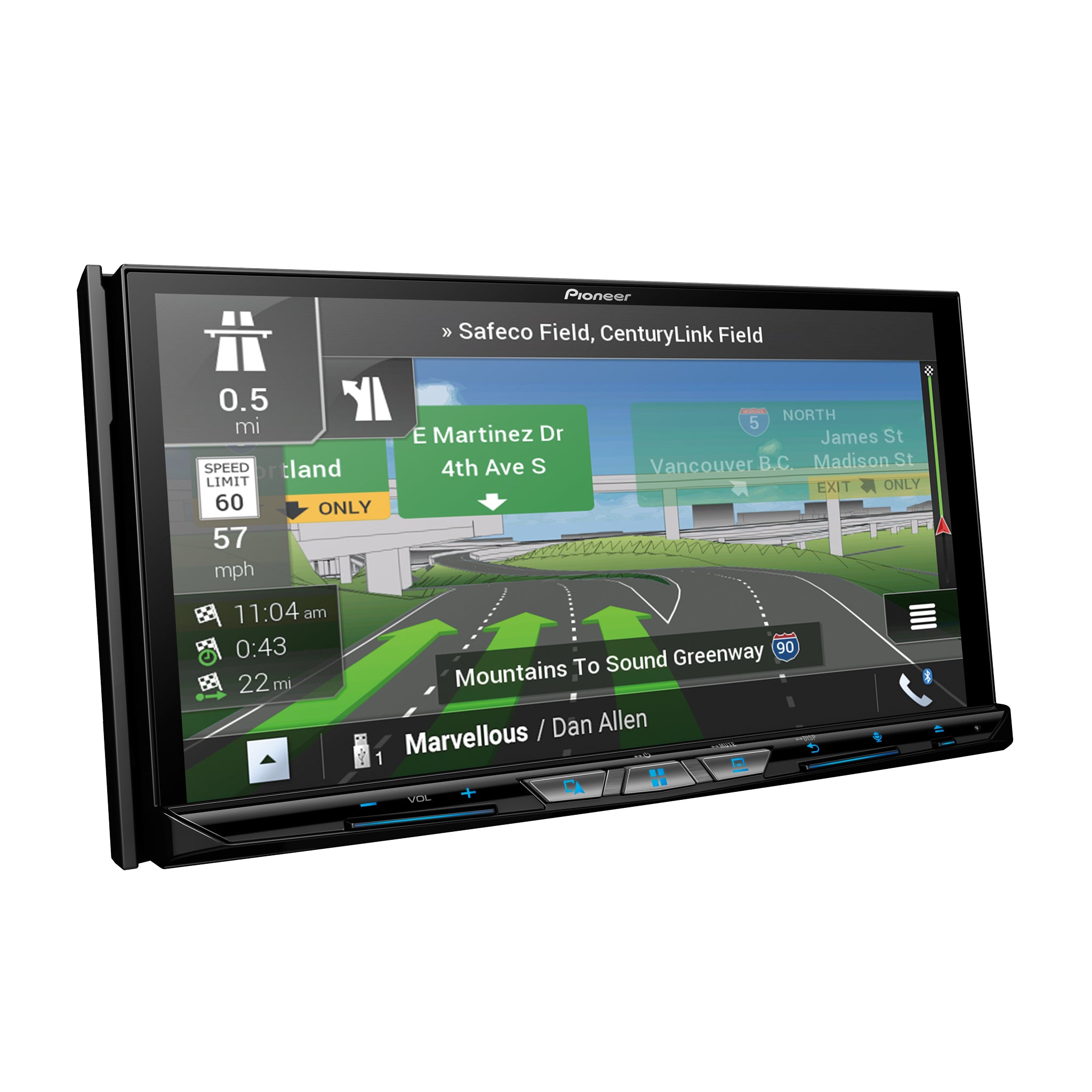
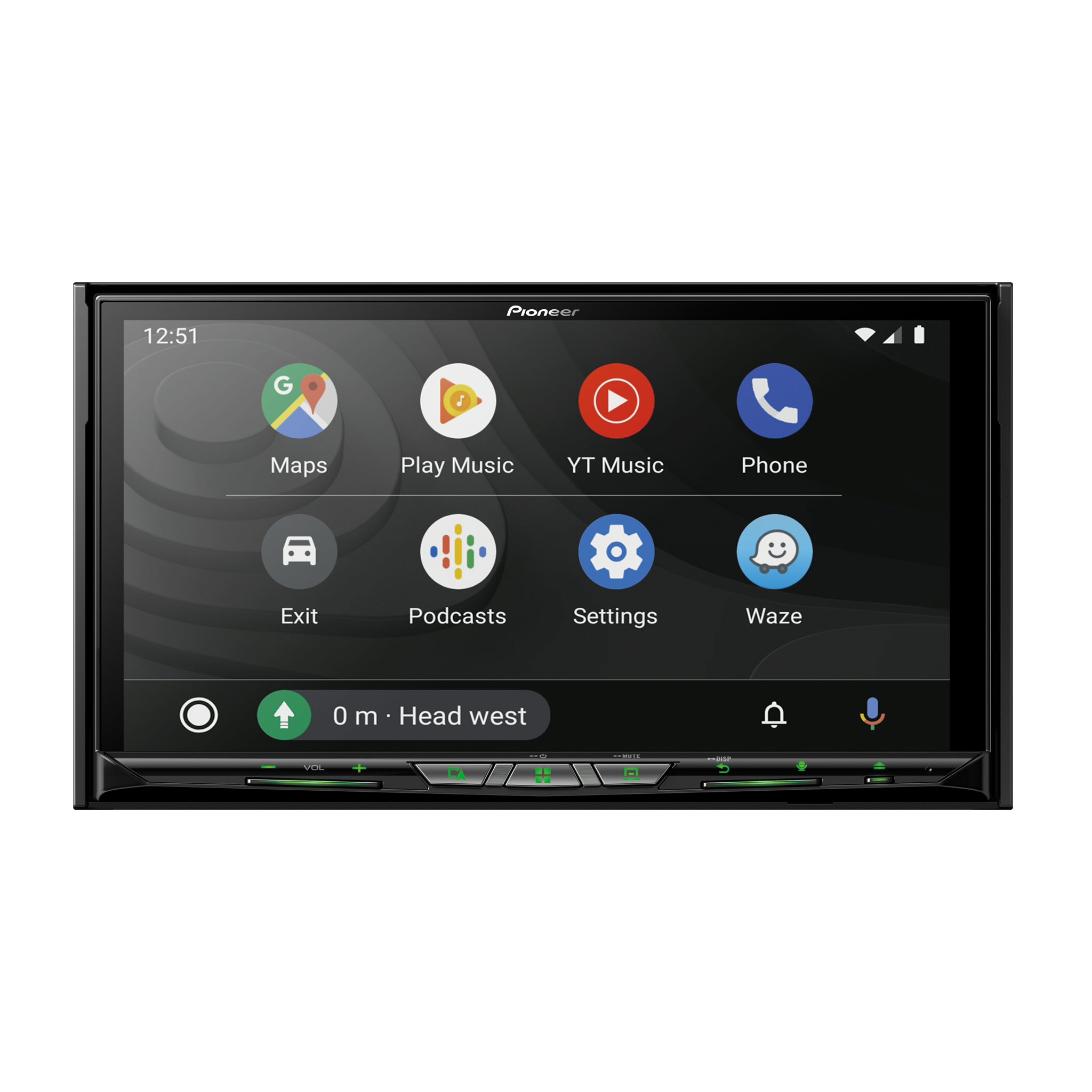
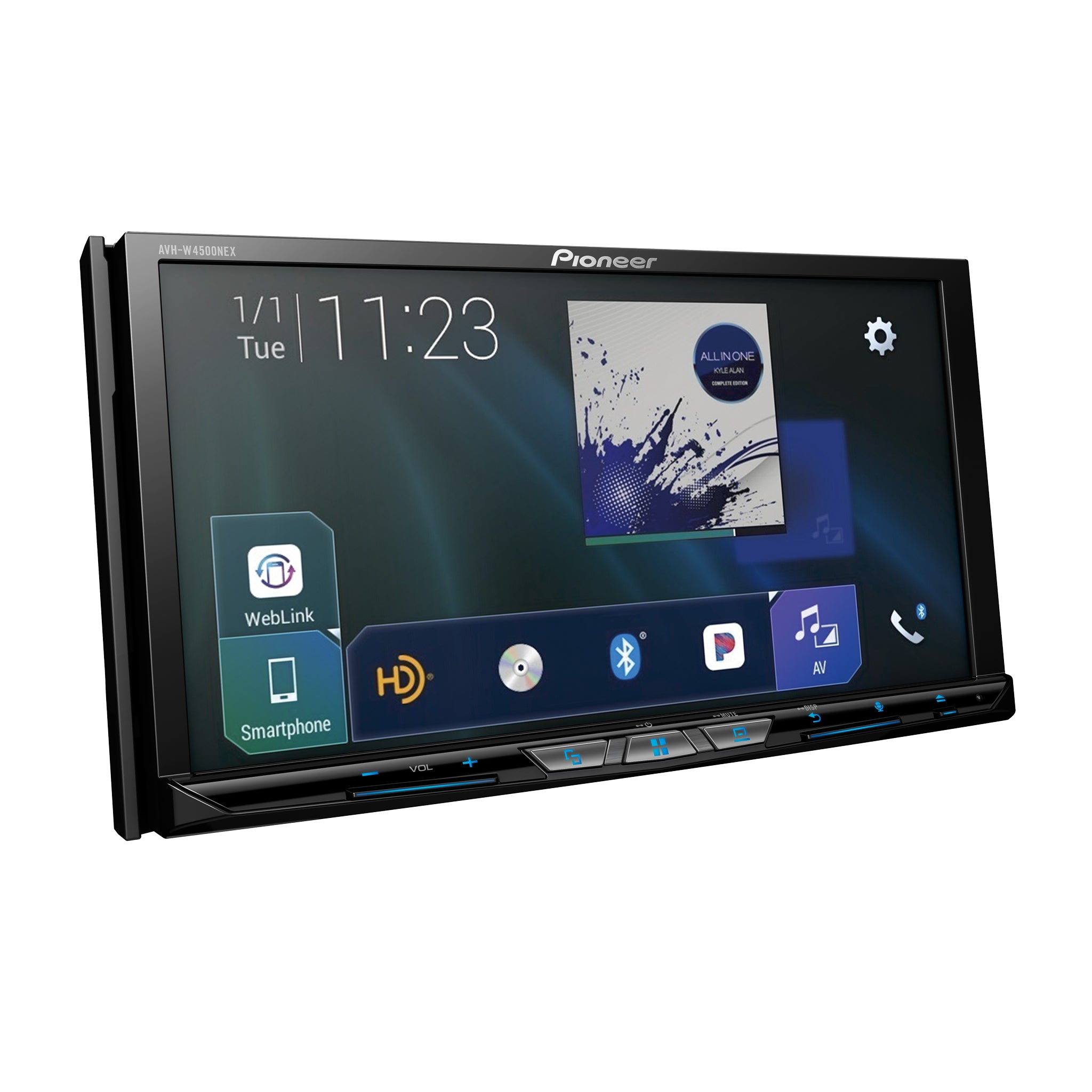
The system acts as a bridge between your phone and the car. You connect using a USB cable or a wireless signal. The car screen then displays a custom interface. This layout shows Google Maps, your phone contacts, and music players. You interact with the screen using touch or physical buttons. Your phone does the heavy lifting while the dash shows the information.
What Are the Benefits of an Aftermarket Android Auto Head Unit?
Many factory systems lack advanced features. An aftermarket android auto head unit provides a better screen and clearer audio. These units often have superior glass displays. They respond to touch faster than older car radios. You can also add hardware like subwoofers or front-facing cameras. Upgrading gives you the latest technology without buying a new vehicle.
What Is the Difference Between Android Auto and a Standard Android Head Unit?
A standard android head unit is a standalone tablet. It runs its own apps and needs its own internet connection. Android Auto is different. It is a mirroring service. It uses the data and processing power of your phone. This setup is safer for drivers. It uses a specific design that limits complex menus. Your personal data stays on your phone.
Is My Phone Compatible with a Pioneer Android Auto Car Stereo?
Most phones from the last several years work perfectly. You need a device with Android 8.0 or a newer version. High-quality cables are necessary for a stable link. Wireless connections require a phone that supports 5GHz Wi-Fi. You can check your software version in your phone settings menu.
Do I Need a Wired or Wireless Android Auto Radio?
Wired units are a great choice for reliability. They keep your battery full during long commutes. Wireless units offer speed. The system starts up as soon as you enter the car. You do not have to take your phone out of your bag. Both versions offer the same core features and app support.
Which Pioneer Android Auto Head Unit Will Fit My Car?
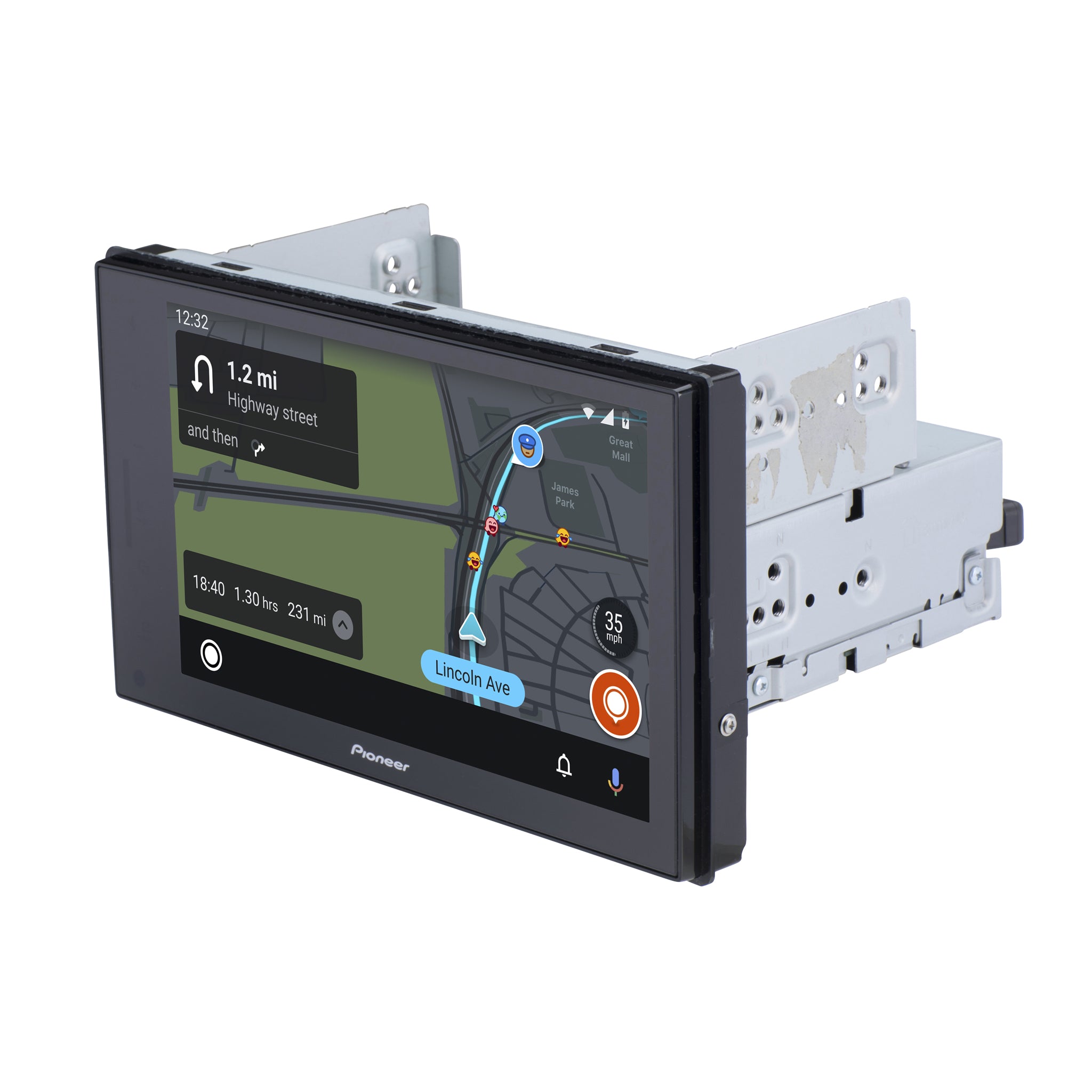
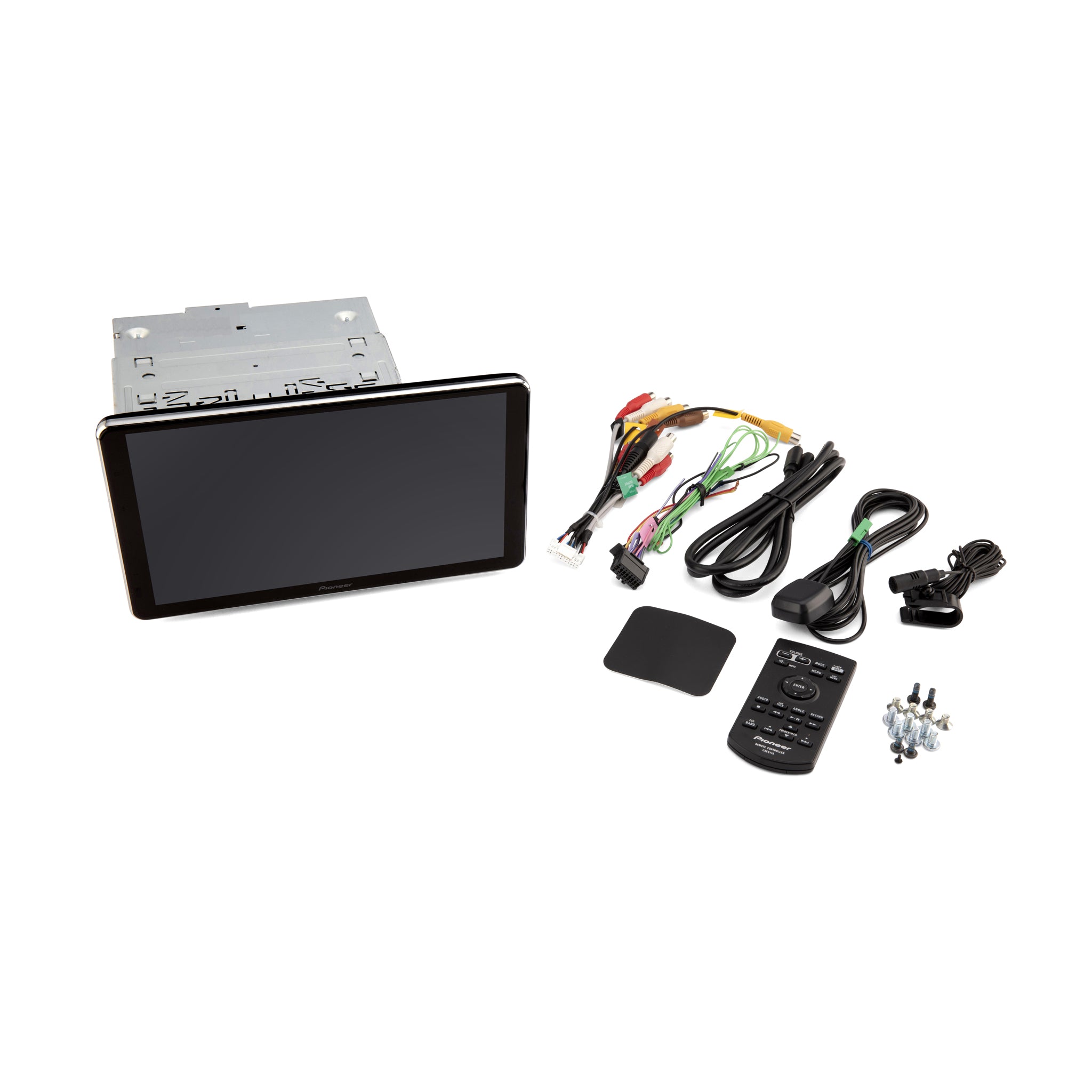
Cars use two main sizes for radios. These are called Single-DIN and Double-DIN. Most modern vehicles have space for a Double-DIN unit. Some Pioneer models feature floating screens. These screens fit in smaller slots but provide a large display. Use a fitment guide to match your specific vehicle make and year.
What Apps Can I Use with Android Auto?
Navigation apps like Google Maps and Waze are standard. Music apps such as Spotify and Tidal work well. You can also use communication tools like WhatsApp. These apps must be on your phone first. Only apps approved for driving will appear on the car screen.
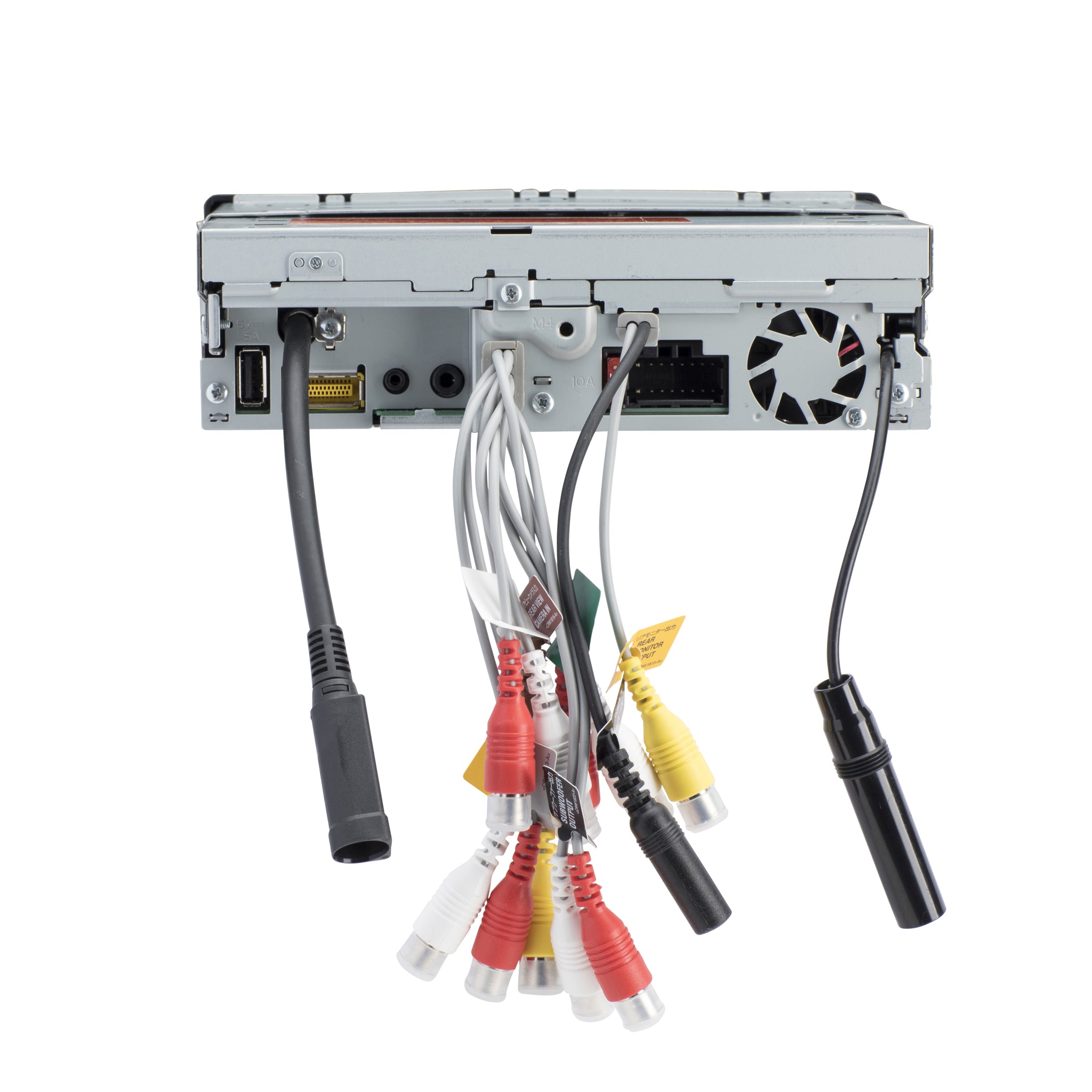
How Is an Aftermarket Android Radio Installed?
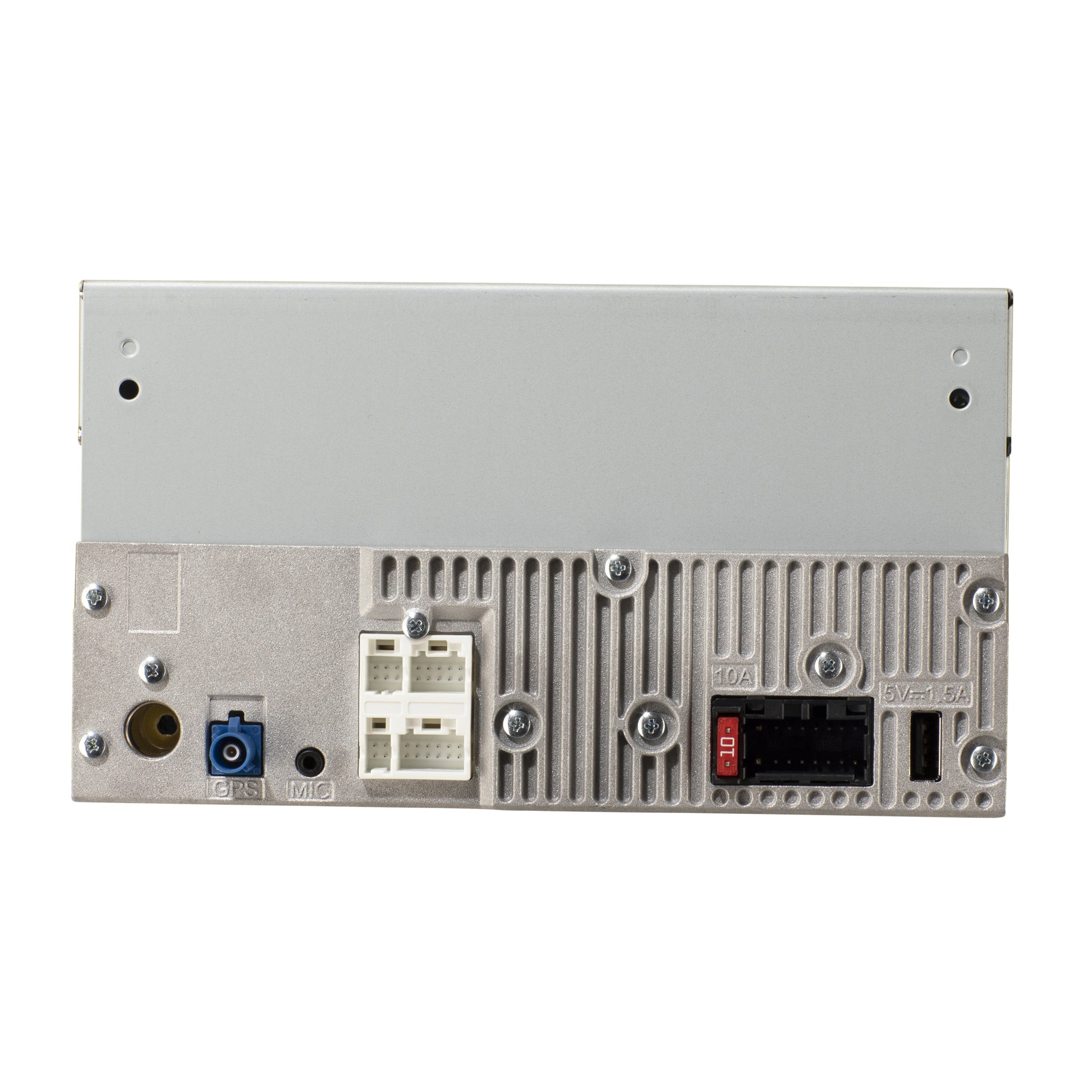
Installation requires removing the old radio. You use a wiring harness to connect the new unit to the car power. A dash kit ensures the new radio sits flush. Professional installers can hide the wires for a clean look. They also connect the microphone for voice calls.