





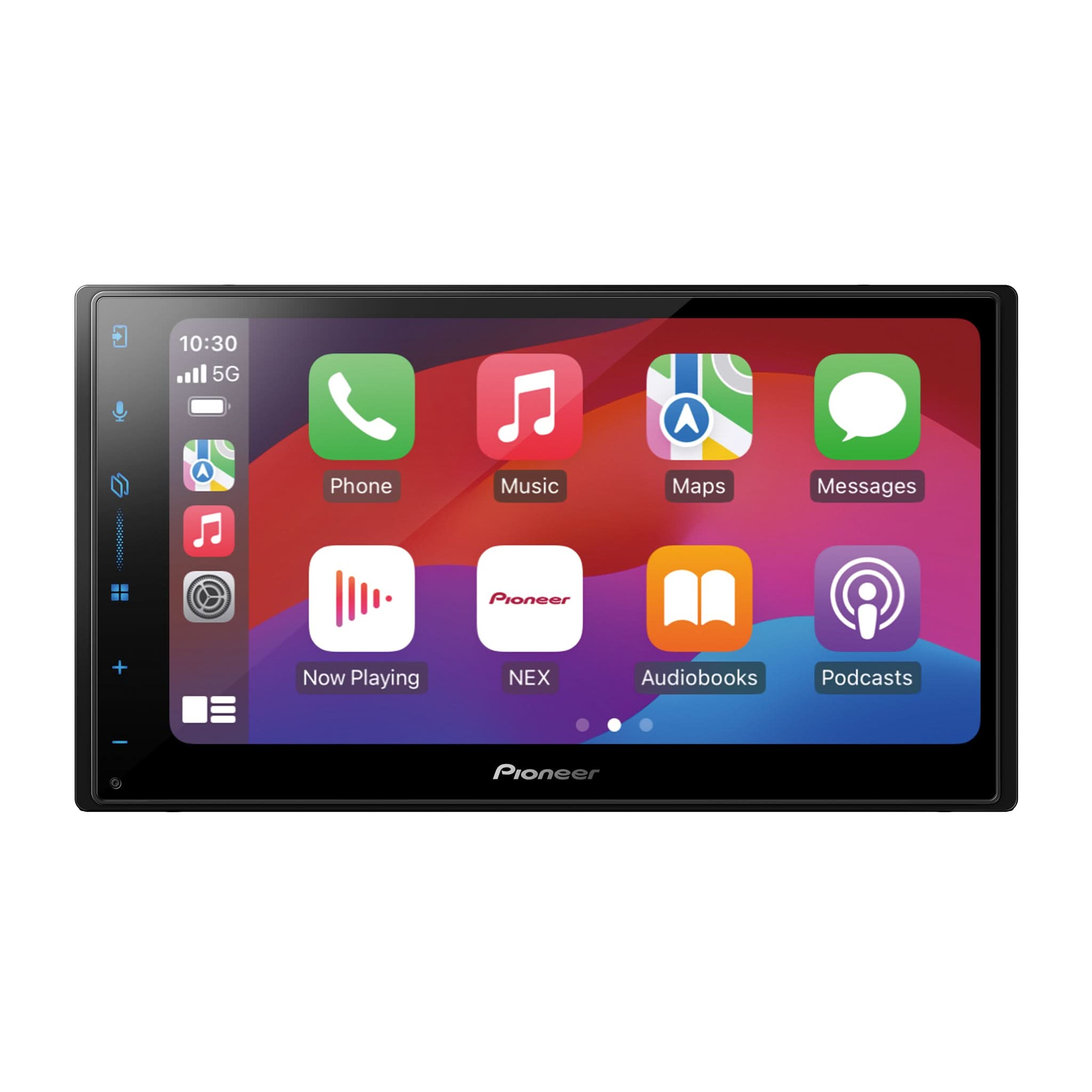
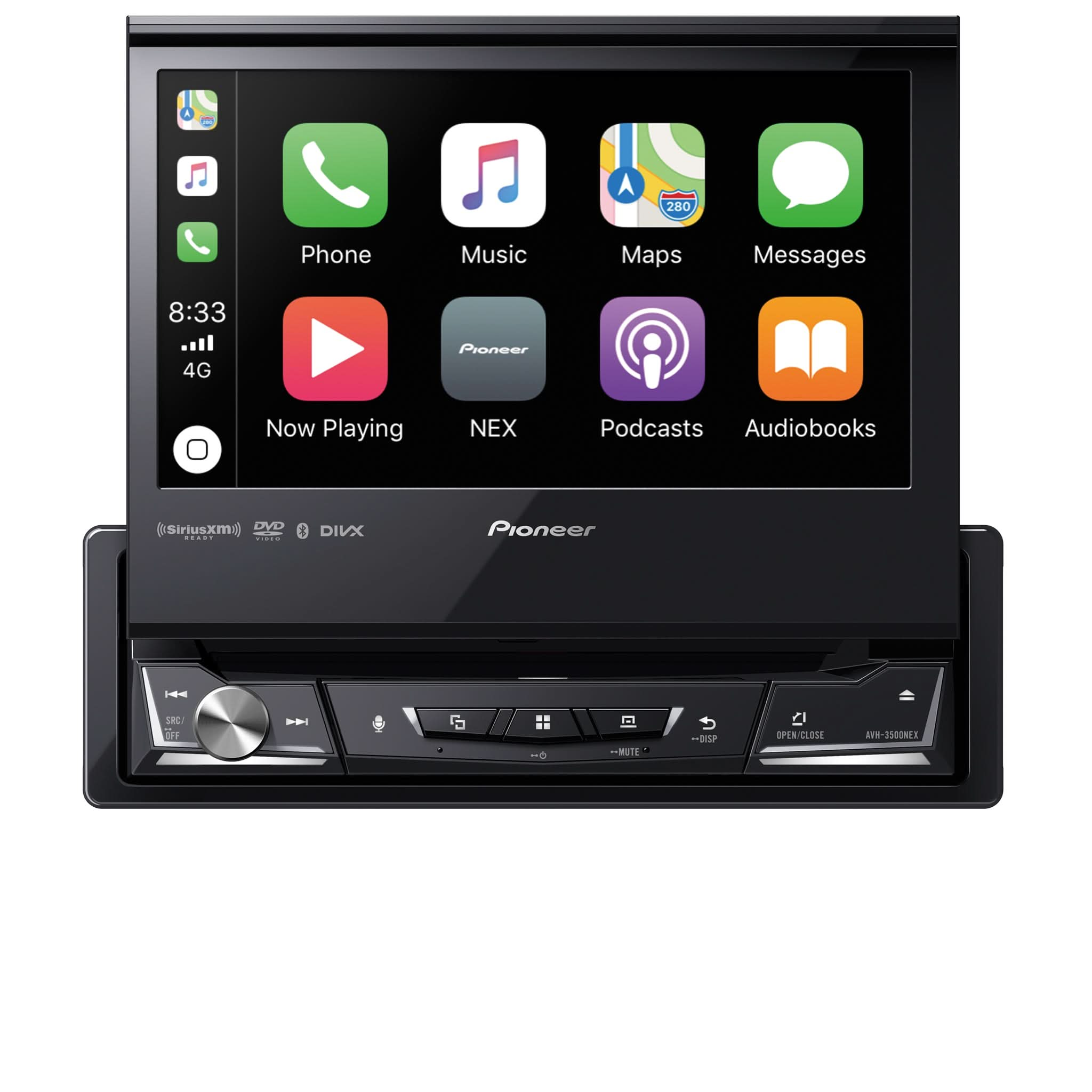
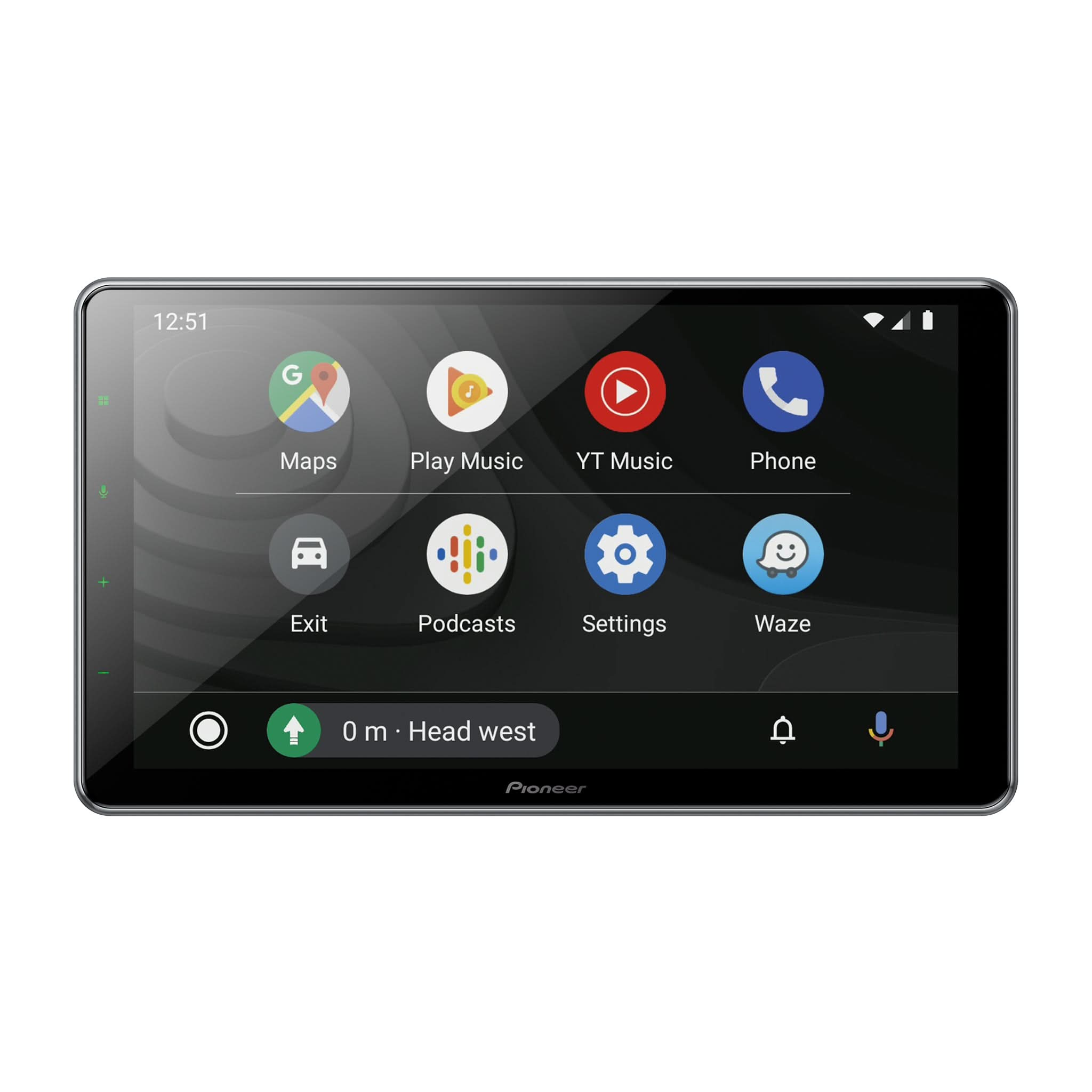
Apple CarPlay Head Units
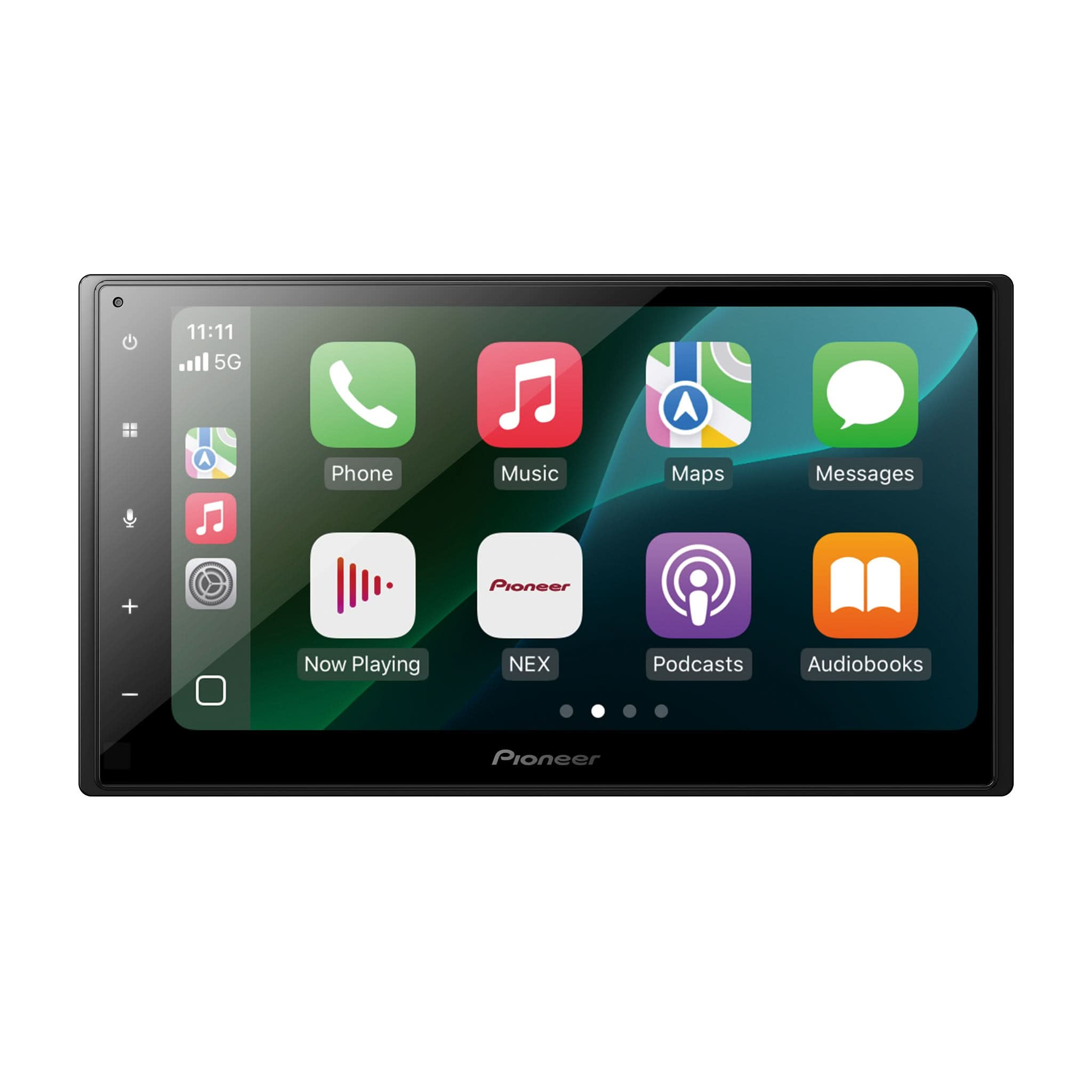
 Sold out





Apple CarPlay Head Unit FAQs
What Is Apple CarPlay and How Does It Work?
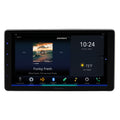
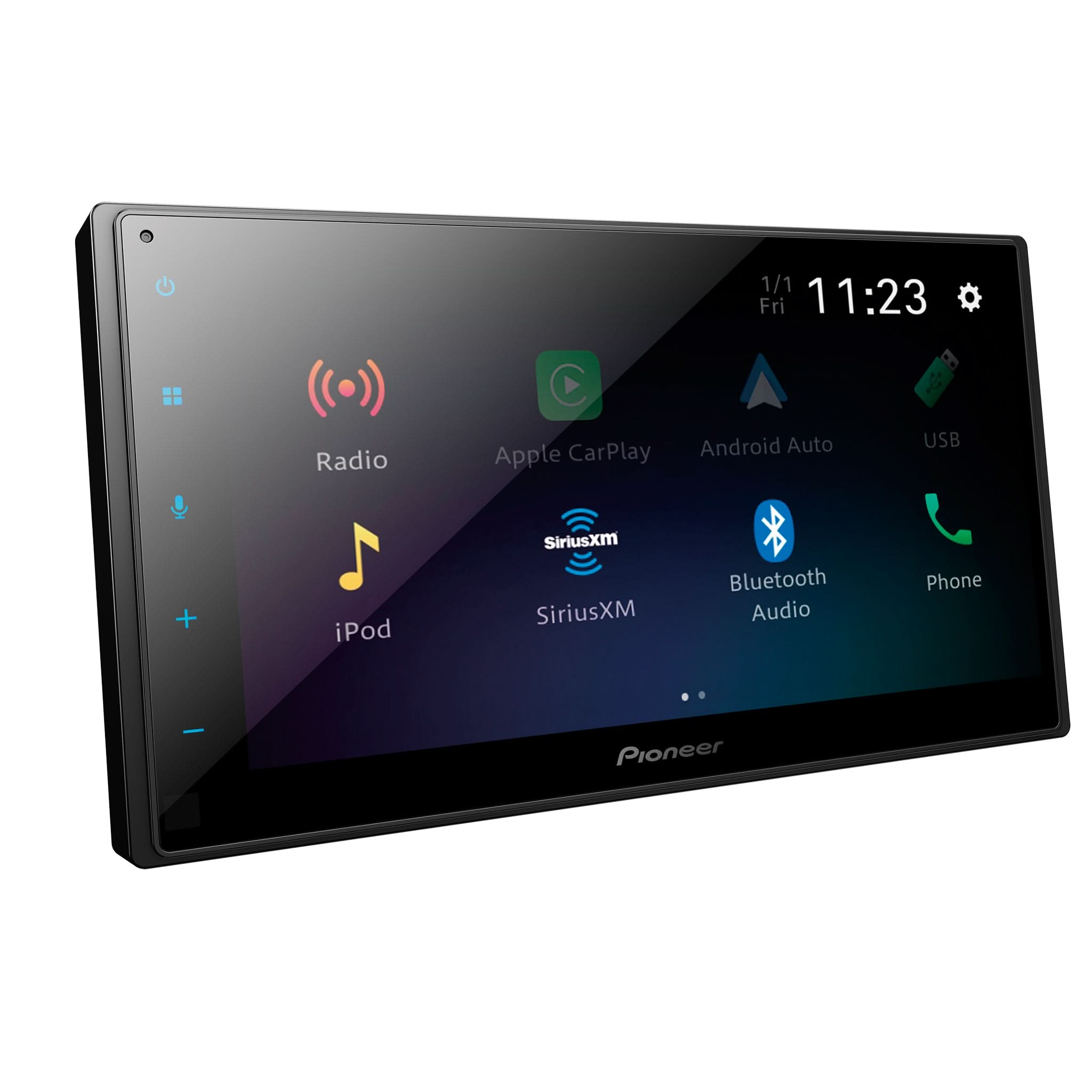
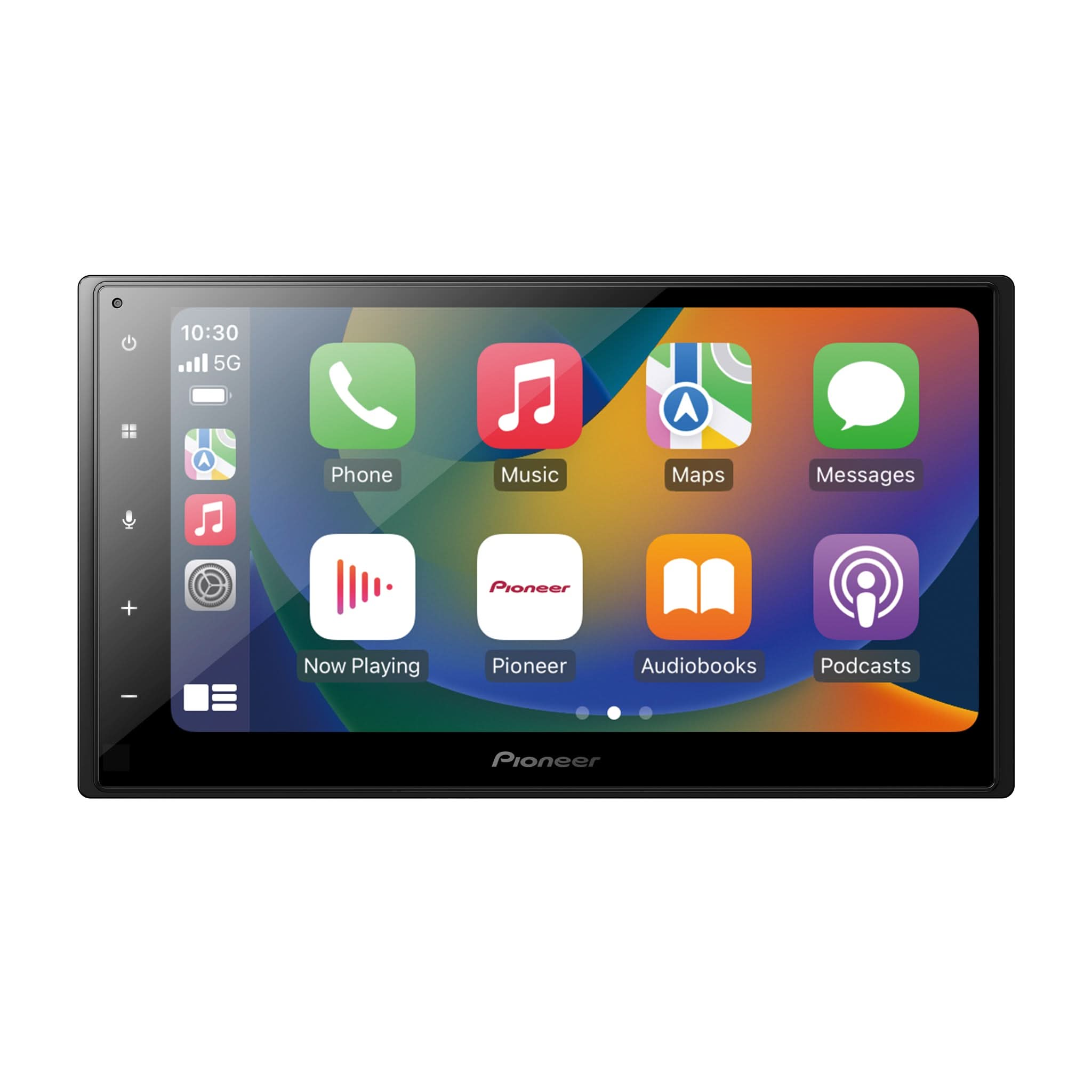
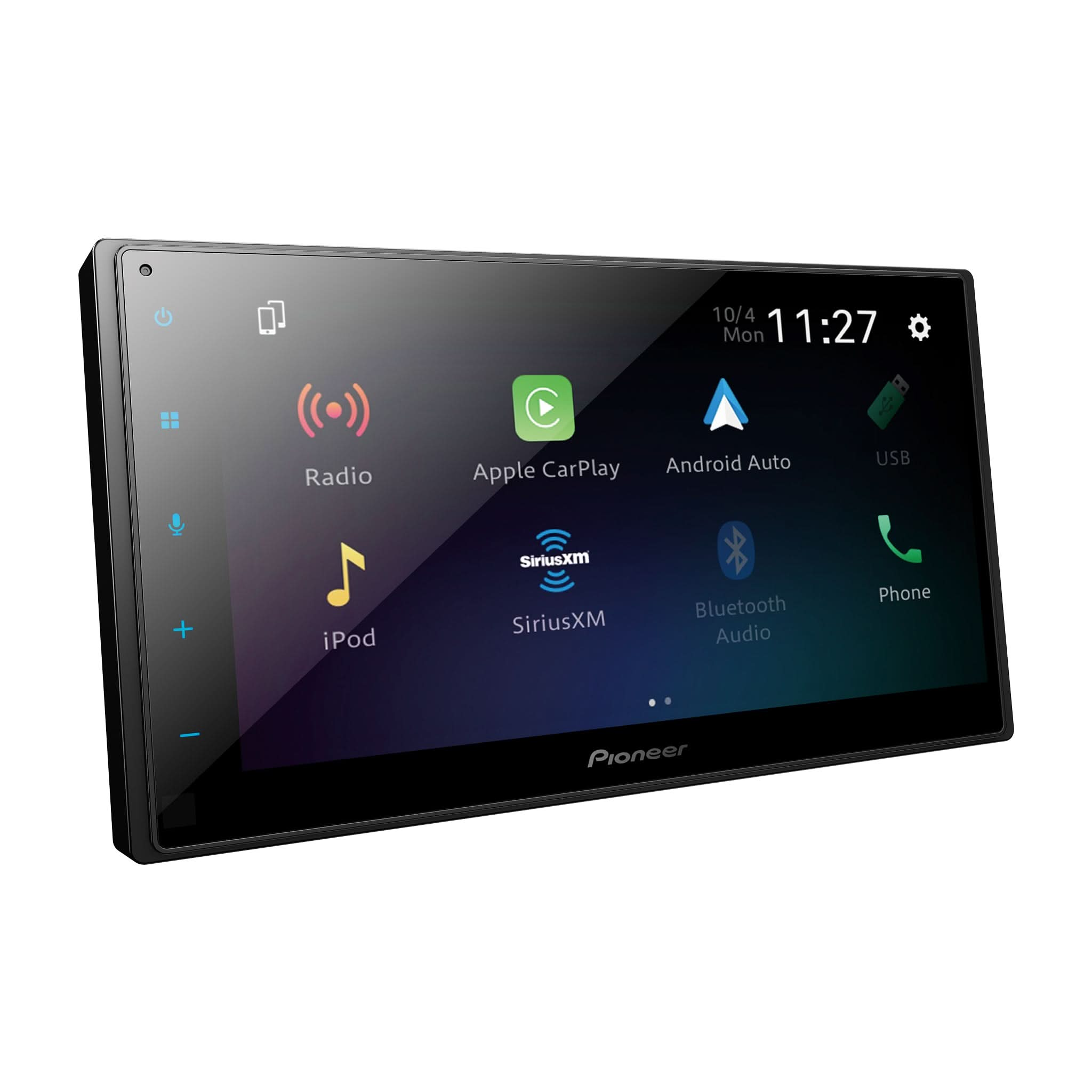
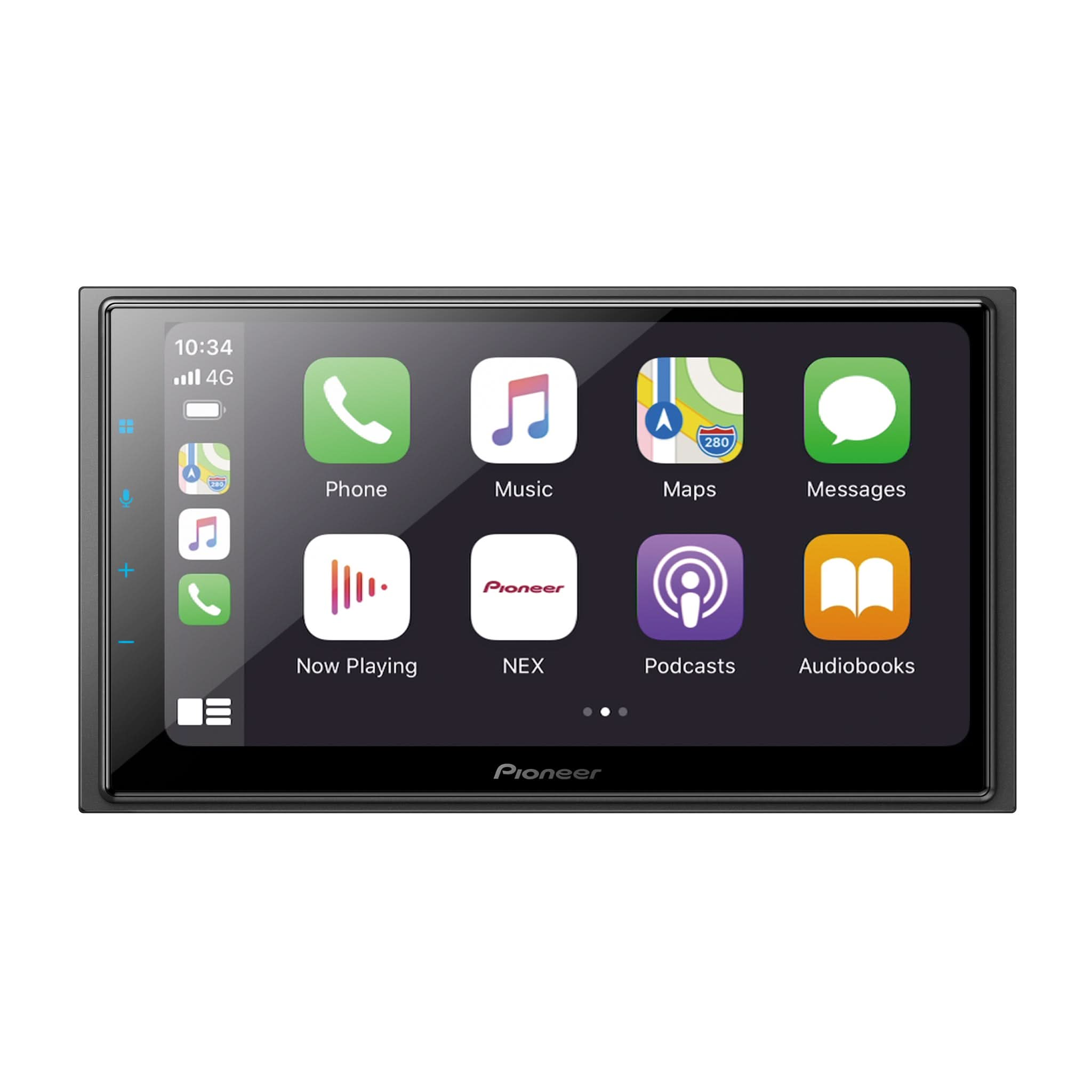
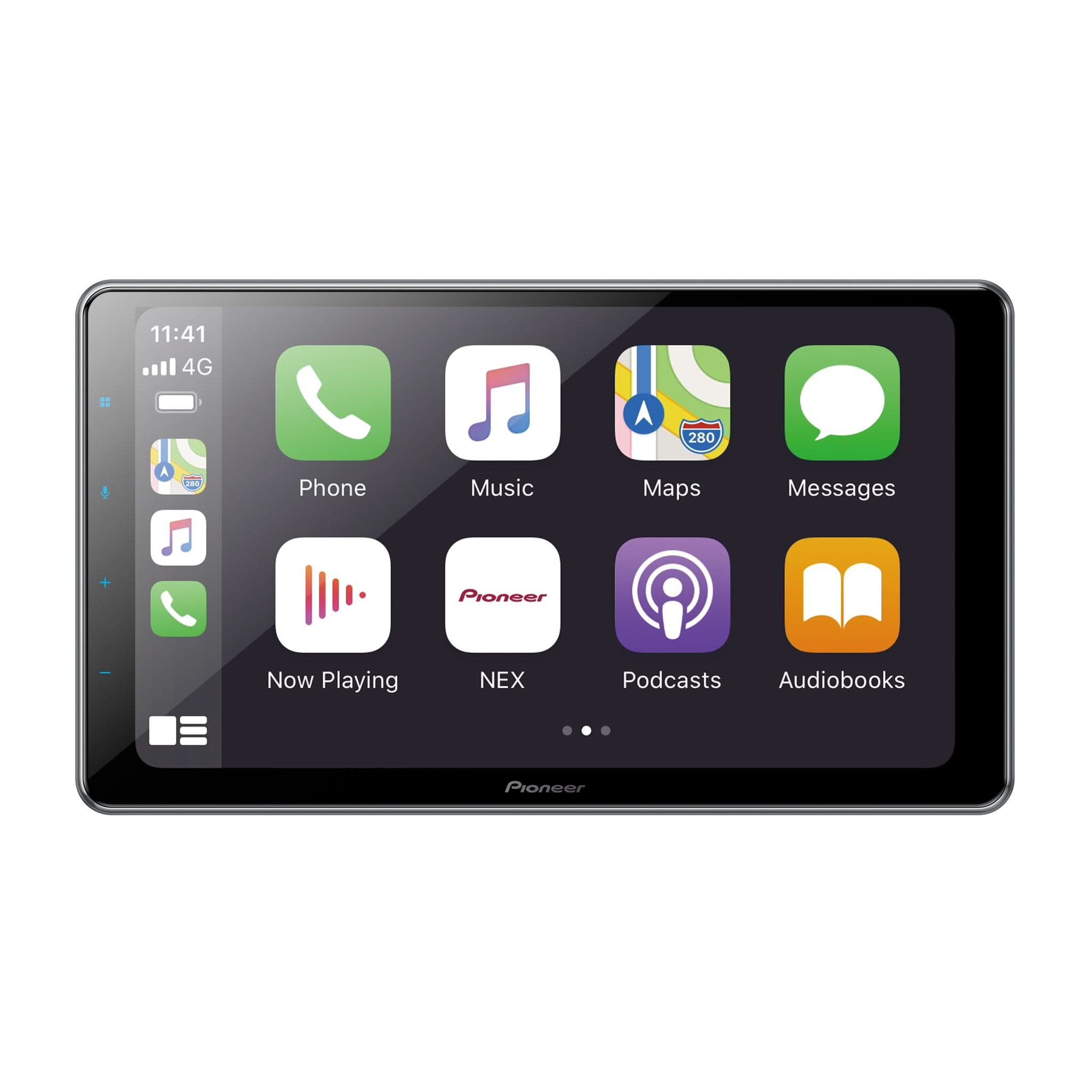
Apple CarPlay mirrors your iPhone's interface directly onto your car's radio screen. Once you connect your device, either with a cable or wirelessly, your favorite apps will immediately appear on the display. It routes audio through your car speakers and uses the built-in microphone so you can talk to Siri. This allows you to give real-time voice commands and have your assistant handle everything seamlessly.
What Are the Benefits of an Apple CarPlay Stereo?
The biggest benefit of an Apple CarPlay stereo is safer driving, as it prevents you from looking down at a small phone screen. Instead, you can clearly see maps and live traffic updates right on your dash. The simple interface reduces distractions by letting you keep your hands on the wheel while the system reads your texts aloud and lets you dictate replies. Plus, it keeps all your music perfectly organized and easy to access.
What Is the Difference Between a Factory and an Aftermarket Apple CarPlay Head Unit?
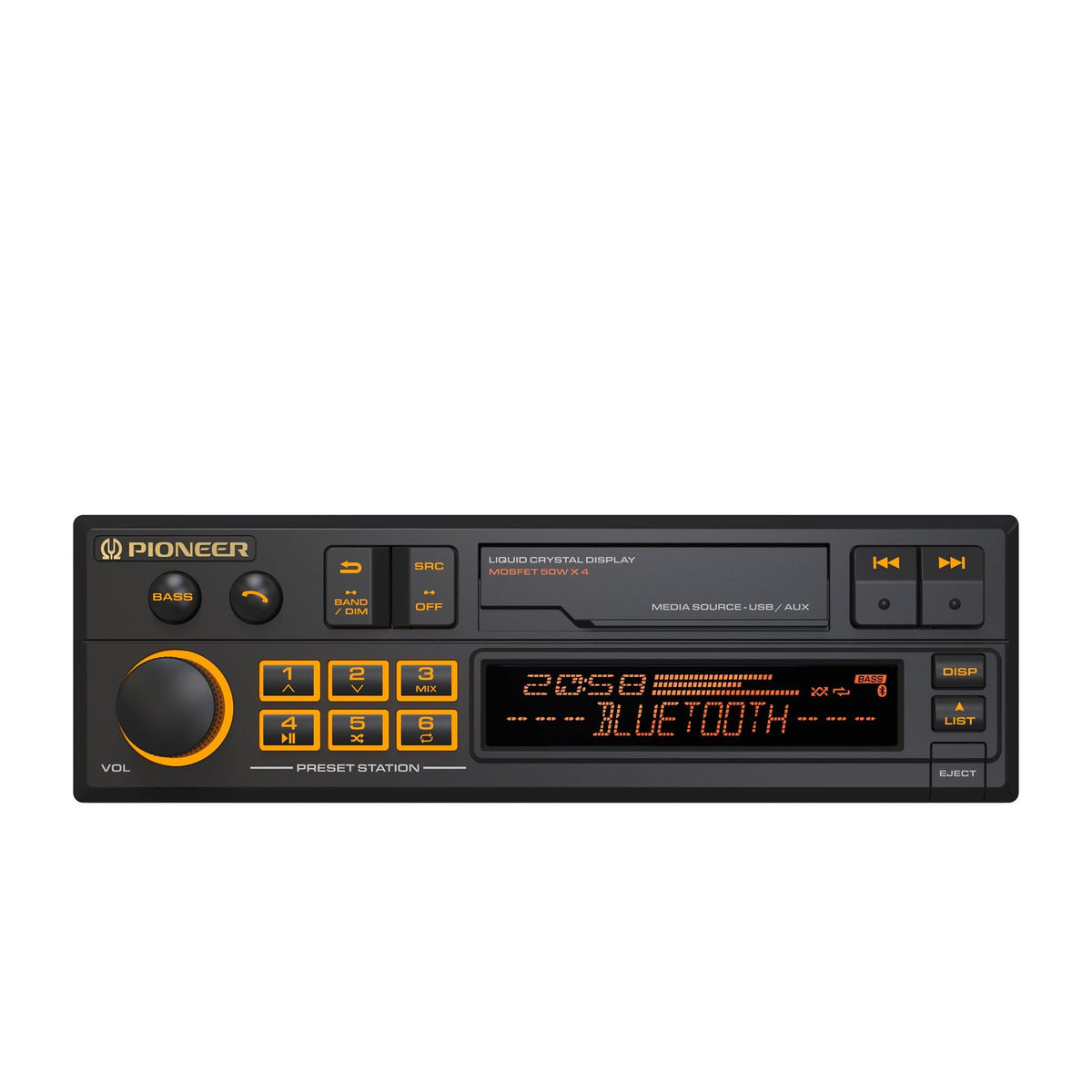
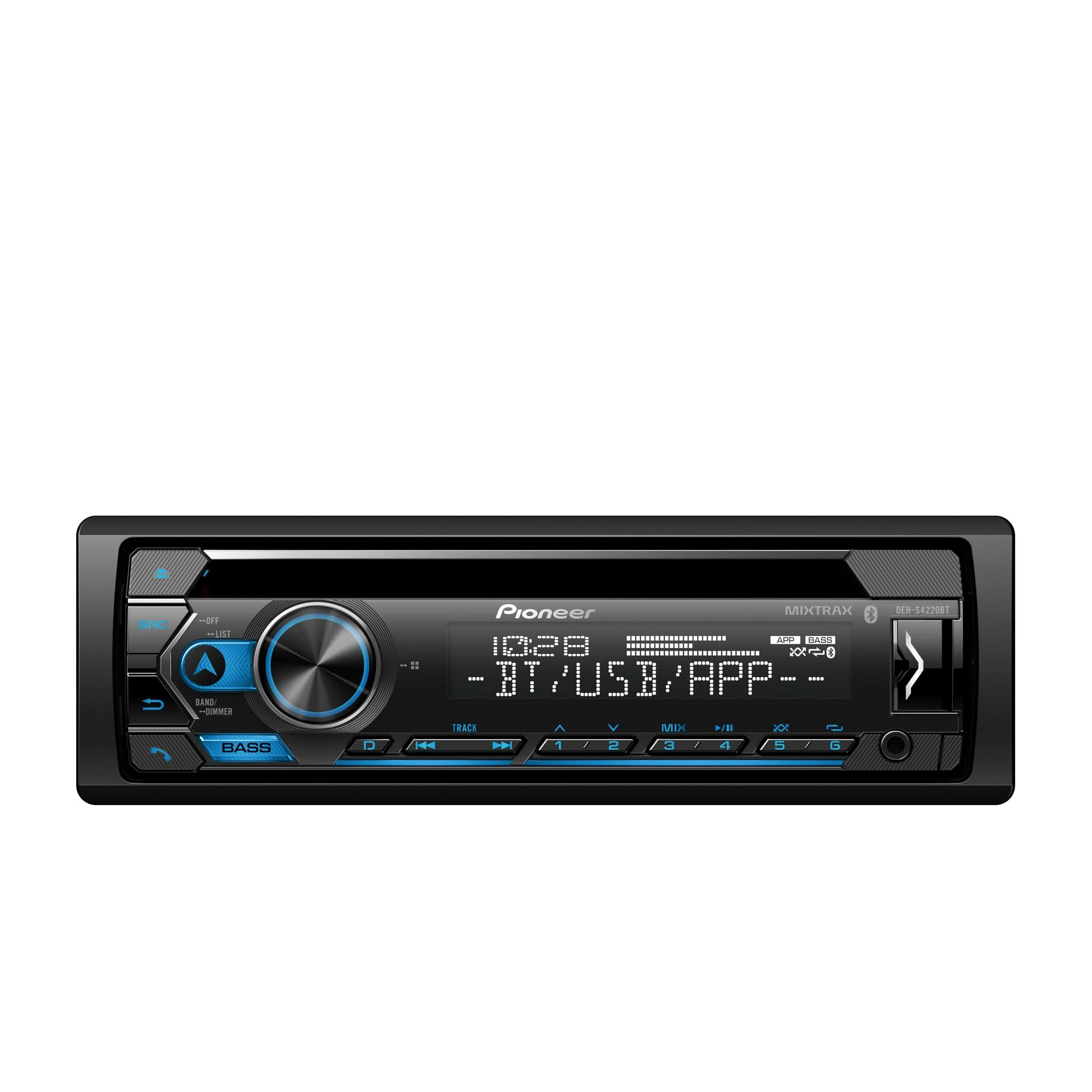
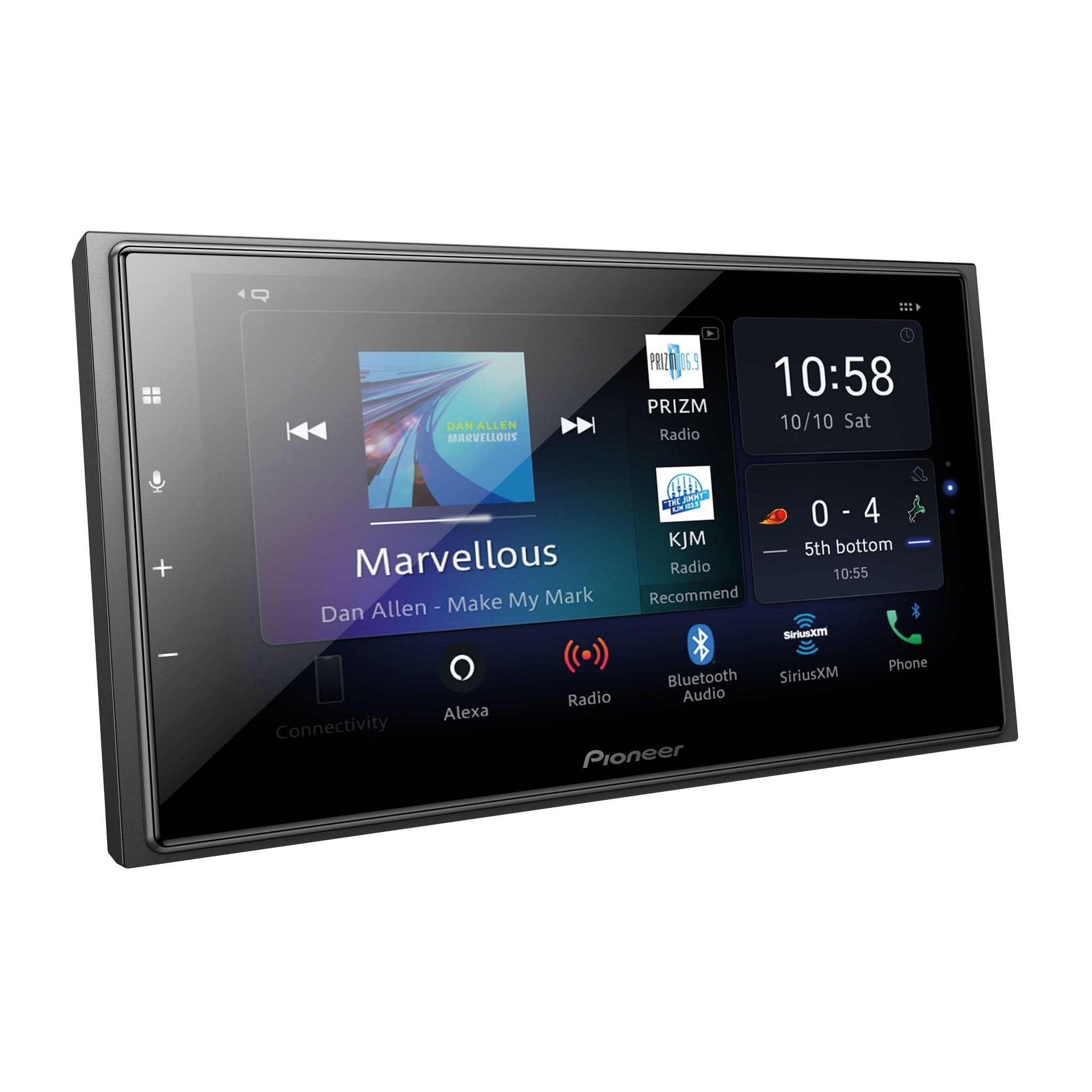
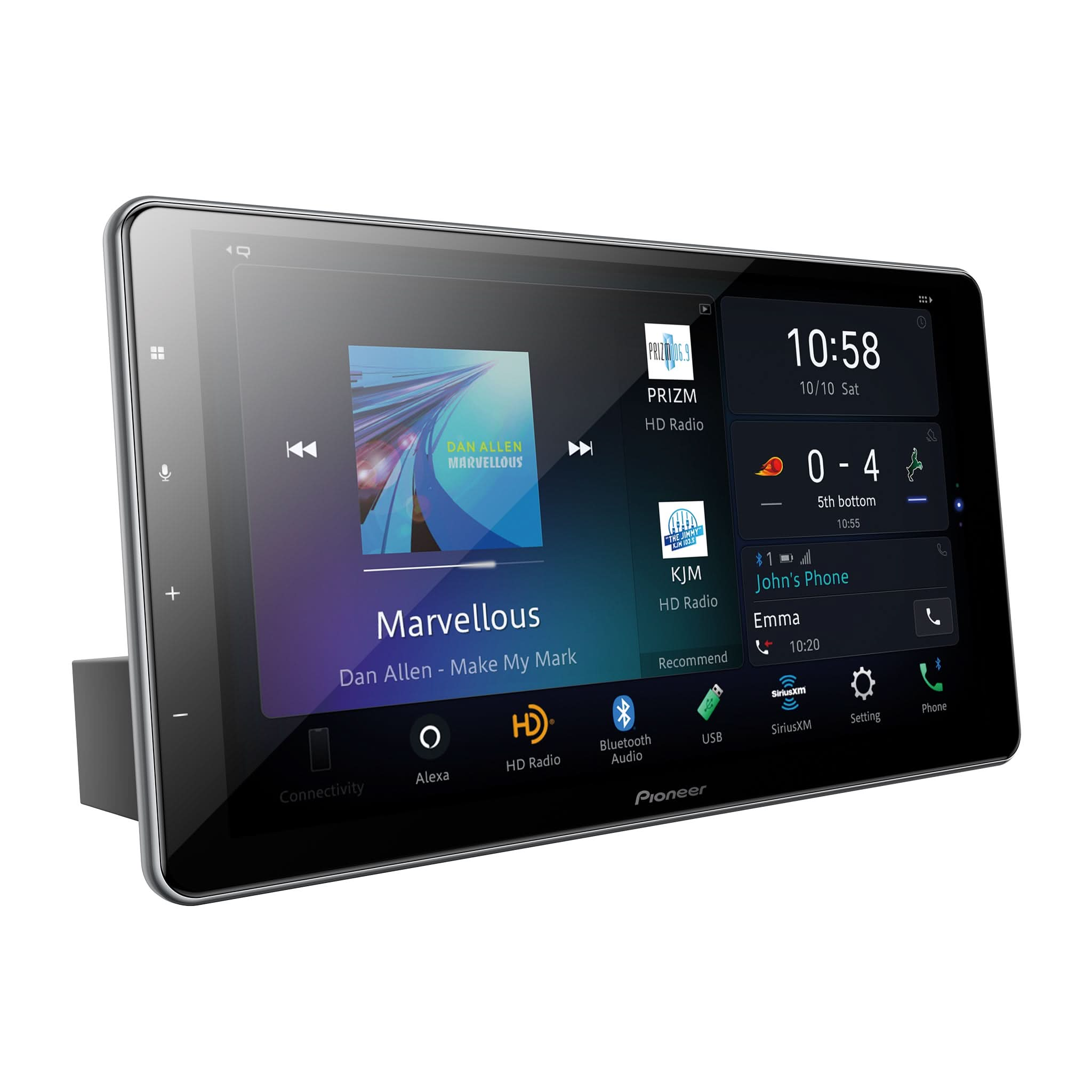
A factory unit comes pre-installed by the dealer, but it often lacks advanced features. In contrast, an aftermarket Apple CarPlay head unit provides significantly more power and better sound quality, with the flexibility to add extra speakers or a rearview camera. Brands like Pioneer use high-quality components to offer greater customization and overall value, making your older car feel brand new again.
Do I Need a Wired or Wireless Apple CarPlay Radio?
Both options work excellently, so the best choice depends on your daily driving habits. A wired Apple CarPlay radio connects via a USB port, offering a highly stable signal while conveniently charging your phone, which makes it ideal for long drives. A wireless unit uses Wi-Fi and Bluetooth to connect automatically when you turn the key, allowing you to keep your phone in your pocket. This is perfect for running quick errands or short trips.
Which Pioneer Apple CarPlay Head Unit Will Fit My Car?
Pioneer offers a variety of sizes to fit almost any modern vehicle. You just need to check your car's dash opening: some use a smaller, rectangular "single DIN" slot, while others require a larger, square "double DIN" size. You can easily match the dimensions listed on our product pages to find the perfect fit for your specific vehicle.
What Apps Can I Use with Apple CarPlay?
CarPlay supports many of your favorite apps directly on the display. For navigation, you can use Apple Maps, Google Maps, or Waze for live traffic alerts. For entertainment, it seamlessly integrates with Spotify, Pandora, Audible, and Apple Podcasts. To keep you safe on the road, the system is designed to only display driving-appropriate apps, meaning video and gaming apps are disabled while the vehicle is in motion.
Is My iPhone Compatible with an Apple CarPlay Stereo?
Almost all modern Apple devices are compatible, provided you have an iPhone 5 or newer. To get started, make sure your phone is running the latest software and that Siri is enabled in your settings. Because CarPlay runs off your device, it automatically stays current with new features whenever you update your iOS. Just be sure to use an official Apple cable for the best and most reliable connection.
How Do I Install a Pioneer Apple CarPlay Radio?
While some enthusiasts tackle the installation at home, many prefer to take their vehicle to a professional shop to ensure everything works perfectly. If you do it yourself, you will need a few specific tools, a custom dash kit for your vehicle's make and model, and a wiring harness to connect the new radio to your car's power supply. Visit our store today to find the right Pioneer Apple CarPlay radio and all the accessories you need for your setup.