





Android Auto Head Units
 Sold out
Android Auto FAQs
What Is Android Auto and How Does It Work?
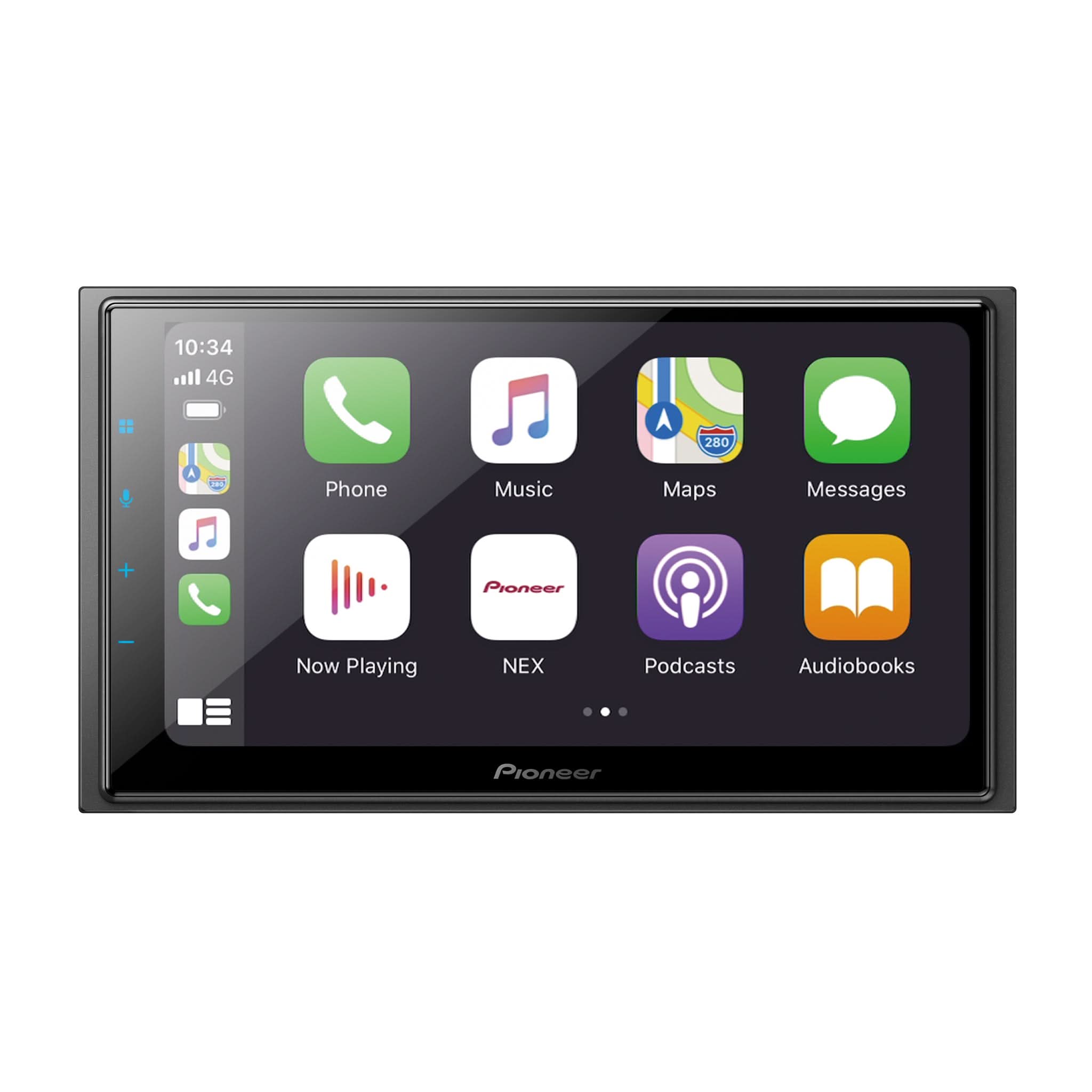
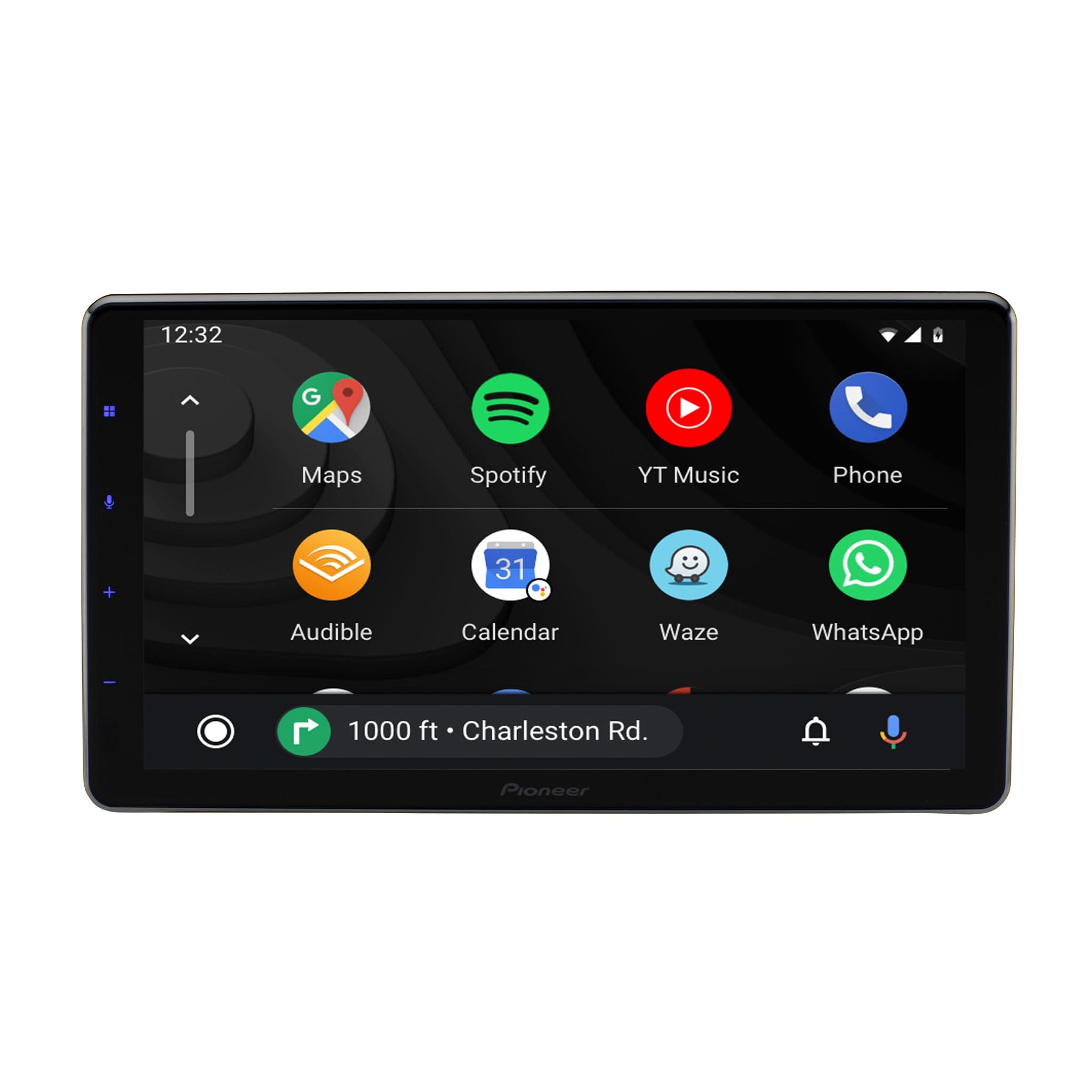
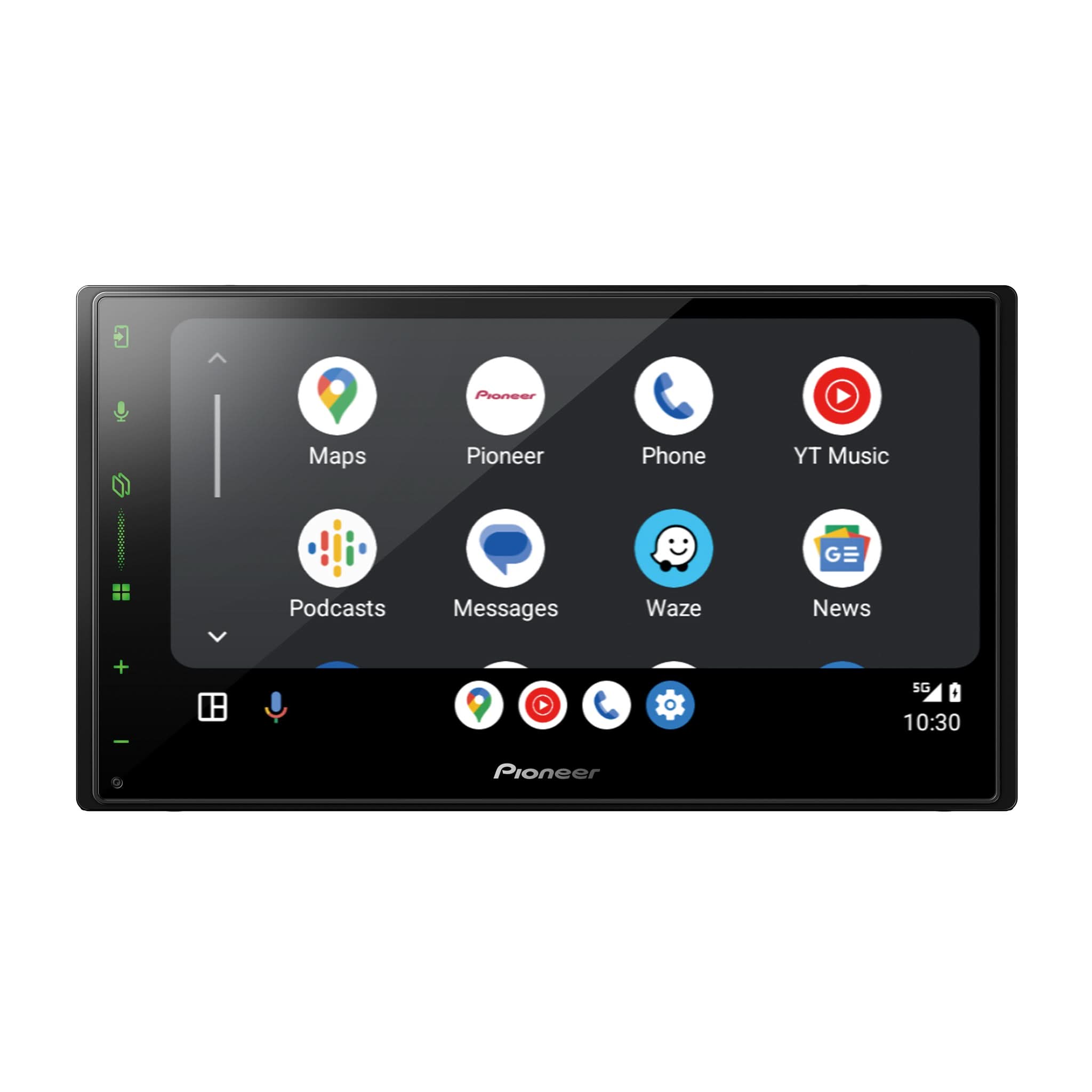
Android Auto acts as a seamless bridge between your smartphone and your car. Once you connect using a USB cable or a wireless signal, the car screen displays a customized, driver-friendly interface. This layout clearly shows essentials like Google Maps, your phone contacts, and your preferred music players. You can interact with the screen using touch controls or physical buttons, while your phone does all the heavy processing behind the scenes.
What Are the Benefits of an Aftermarket Android Auto Head Unit?
Since many factory systems lack advanced features, upgrading to an aftermarket Android Auto head unit provides a significantly better screen and much clearer audio. These units often feature superior glass displays that respond to touch much faster than older car radios. Upgrading also gives you the flexibility to add extra hardware like subwoofers or front-facing cameras, allowing you to enjoy the latest technology without buying a brand new vehicle.
What Is the Difference Between Android Auto and a Standard Android Head Unit?
A standard Android head unit is essentially a standalone tablet built into your dash that runs its own apps and requires an independent internet connection. Android Auto is a mirroring service that utilizes the data and processing power of your existing smartphone. This setup is much safer for drivers because it features a streamlined design that limits complex menus, all while keeping your personal data securely on your phone.
Is My Phone Compatible with a Pioneer Android Auto Car Stereo?
Most smartphones from the last several years work perfectly, provided your device is running Android 8.0 or a newer version. If you are plugging in, high-quality cables are necessary to maintain a stable link. For wireless connections, your phone must support 5GHz Wi-Fi. You can easily check your current software version in your phone's settings menu to ensure full compatibility.
Do I Need a Wired or Wireless Android Auto Radio?
Both versions offer the exact same core features and app support, so the right choice depends on your routine. Wired units are an excellent choice for reliability because they keep your battery fully charged during long commutes. Alternatively, wireless units offer maximum convenience. The system boots up as soon as you enter the car, meaning you never even have to take your phone out of your bag or pocket.
Which Pioneer Android Auto Head Unit Will Fit My Car?
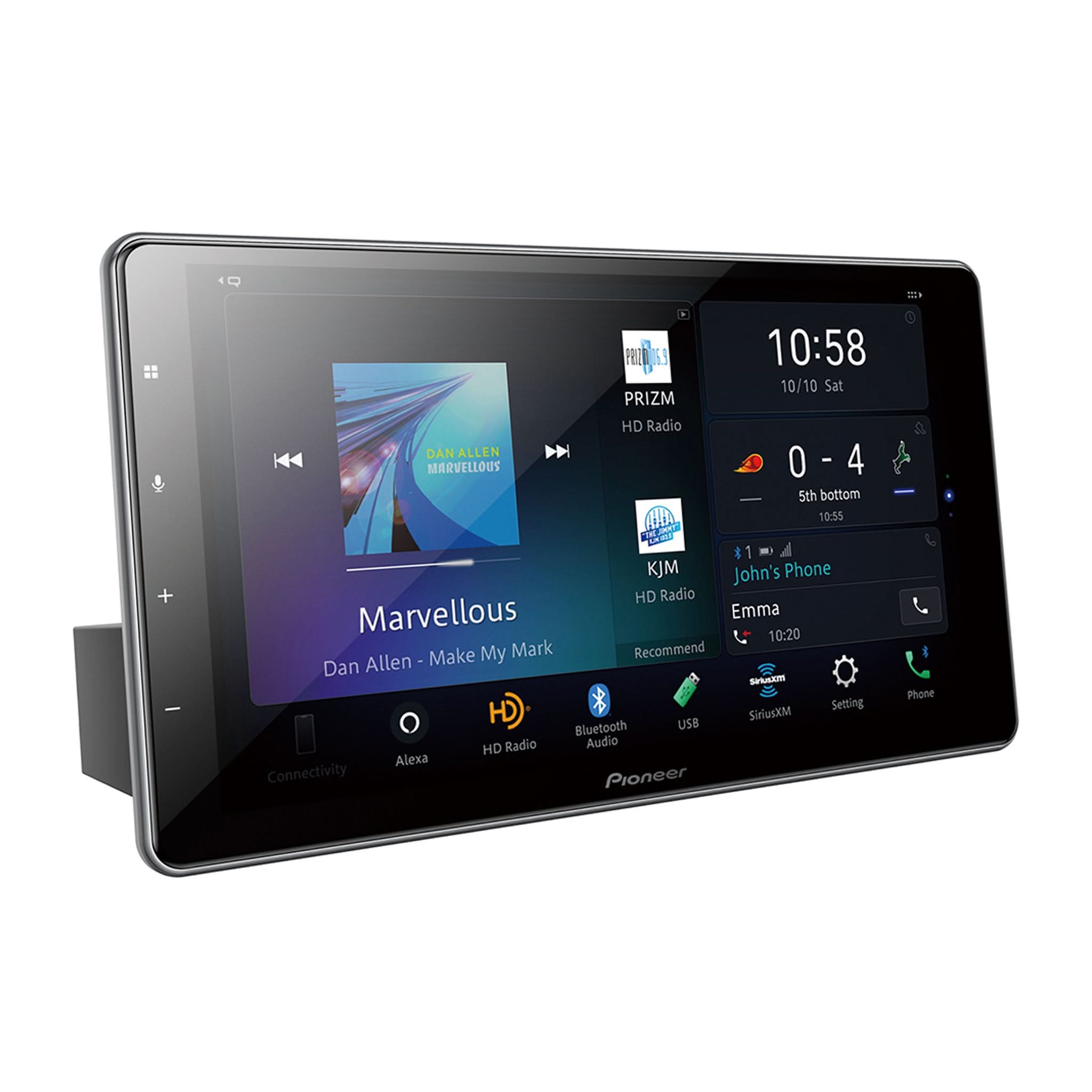
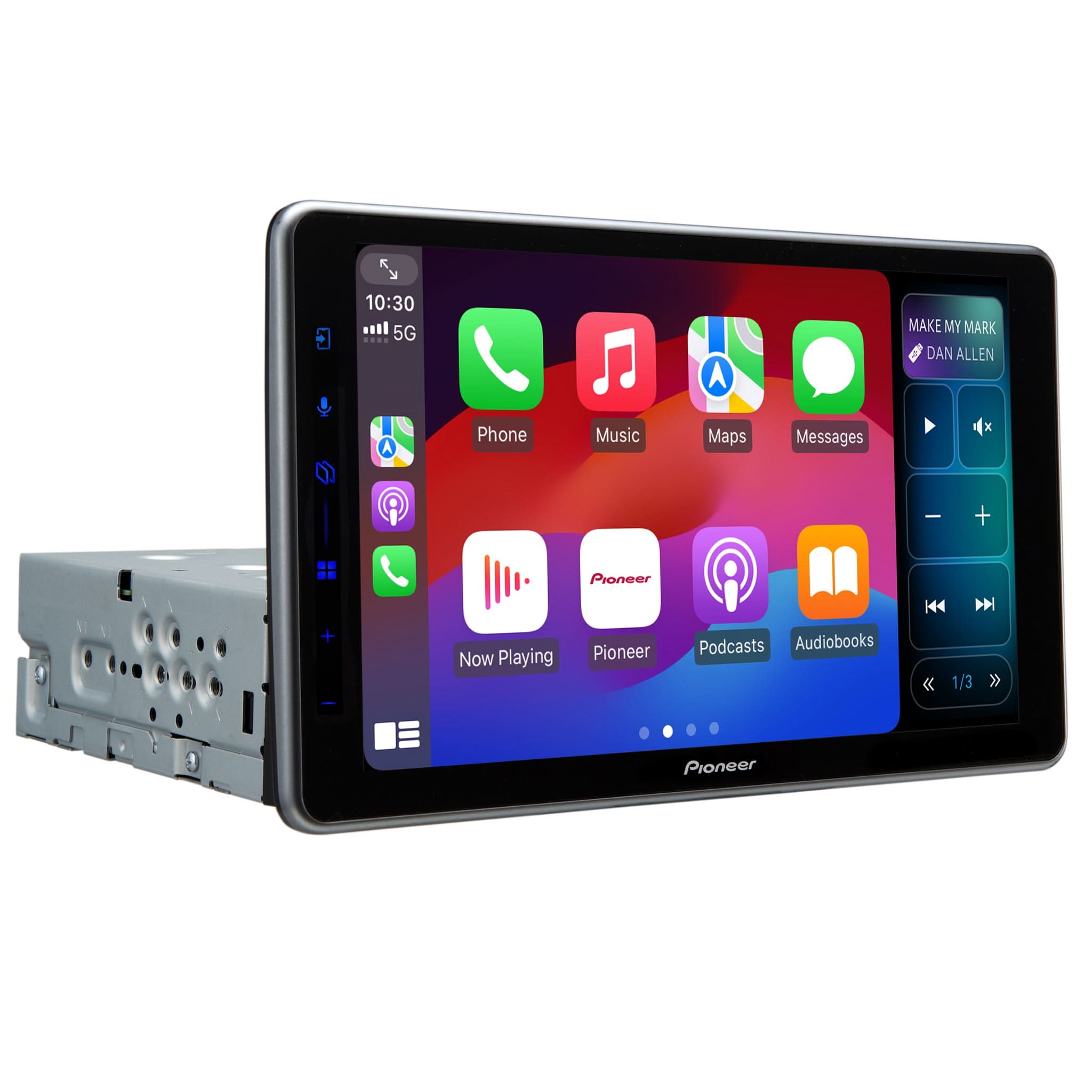
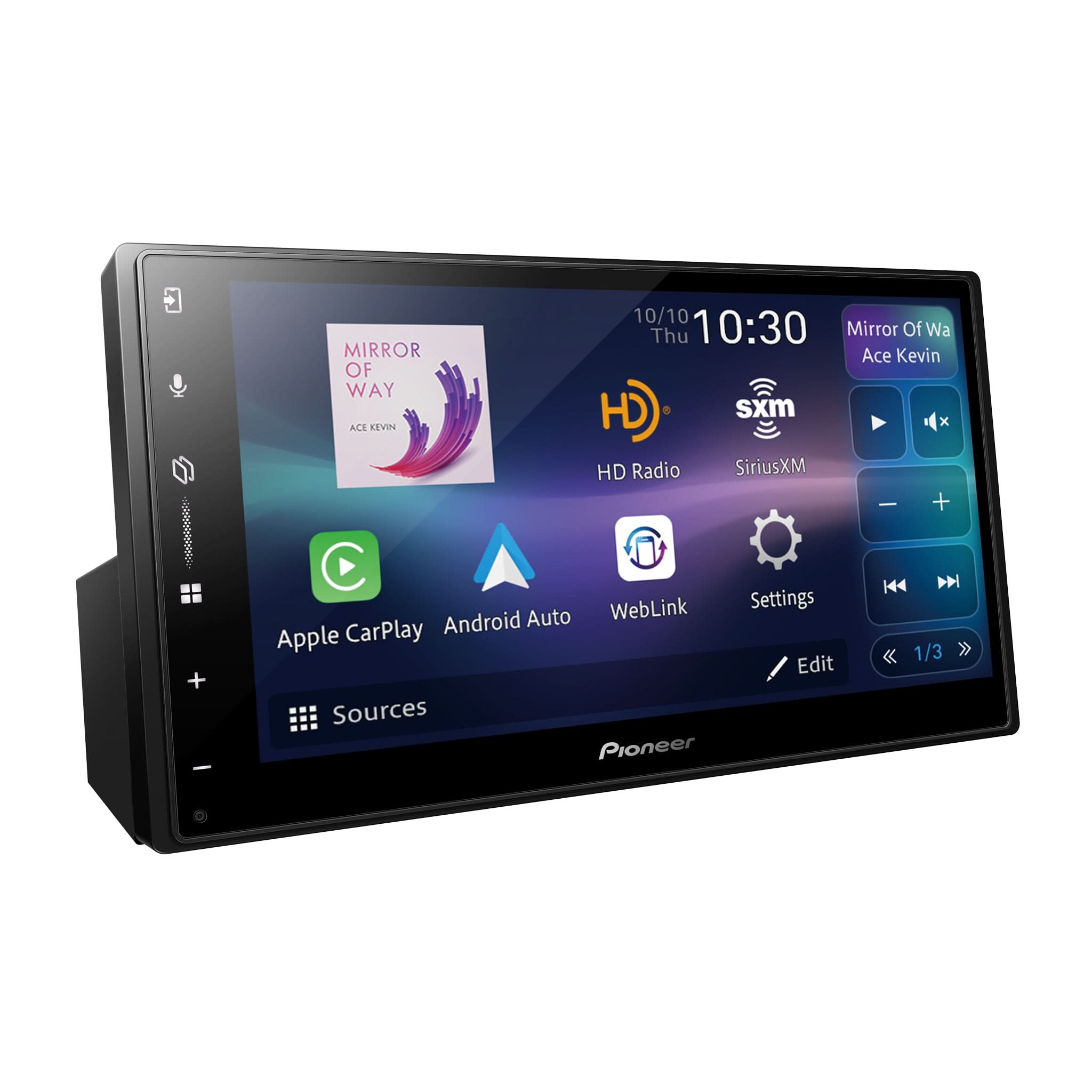
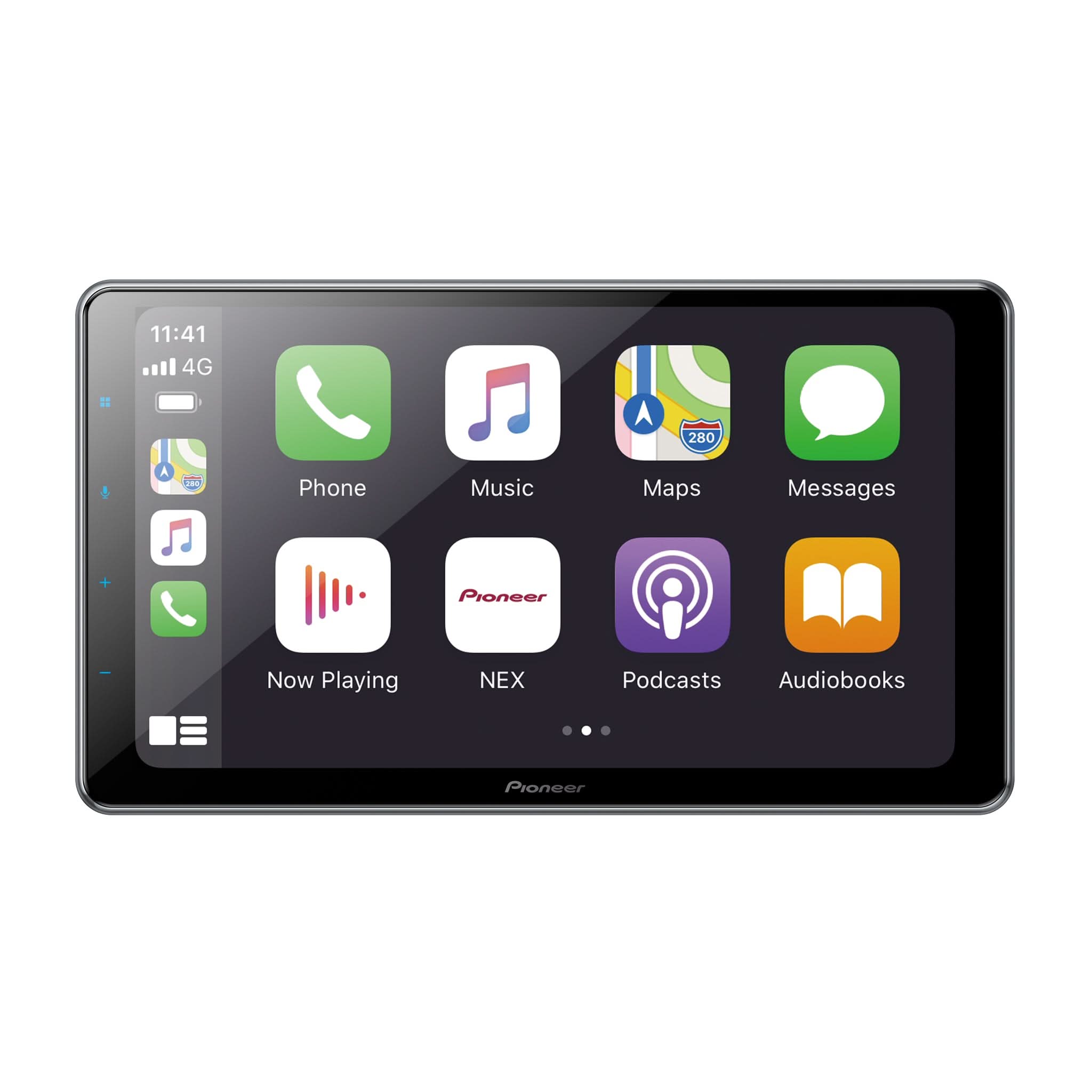
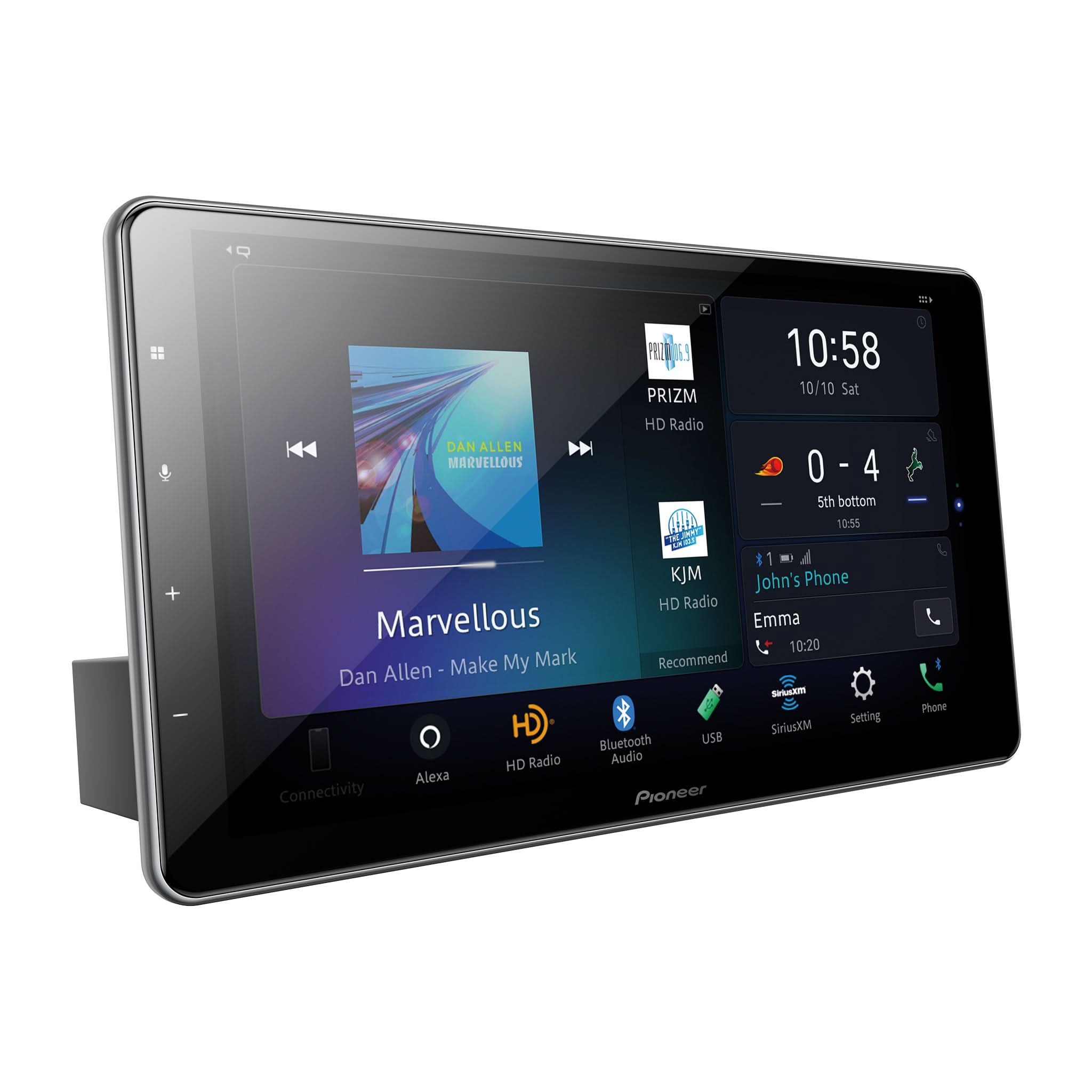
Cars typically use one of two main radio sizes: the smaller Single-DIN or the larger Double-DIN. While most modern vehicles have the space for a Double-DIN unit, some Pioneer models feature innovative floating screens. These models can fit into smaller slots while still providing a massive, easy-to-read display. We recommend using a specific vehicle fitment guide to perfectly match the right unit to your car's make and year.
What Apps Can I Use with Android Auto?
Android Auto supports a wide variety of apps that are already installed on your smartphone. Standard navigation tools like Google Maps and Waze are readily available, alongside popular music apps such as Spotify and Tidal. You can even use hands-free communication tools like WhatsApp. To ensure your safety on the road, the system will only display apps that have been officially approved for use while driving.
How Is an Aftermarket Android Radio Installed?
Installing a new aftermarket unit involves removing your old radio and using a specific wiring harness to connect the new system to your car's power supply. You will also need a custom dash kit to ensure the new radio sits perfectly flush in the center console. Because of this, many people choose professional installers to completely hide the wires for a clean look and properly route the external microphone for clear voice calls.